Invite-only beta Luneday is open to invited hosts while we finish building. Ask for an invite

← All help

Sign in to Luneday

No password needed: we email you a link.

Steps

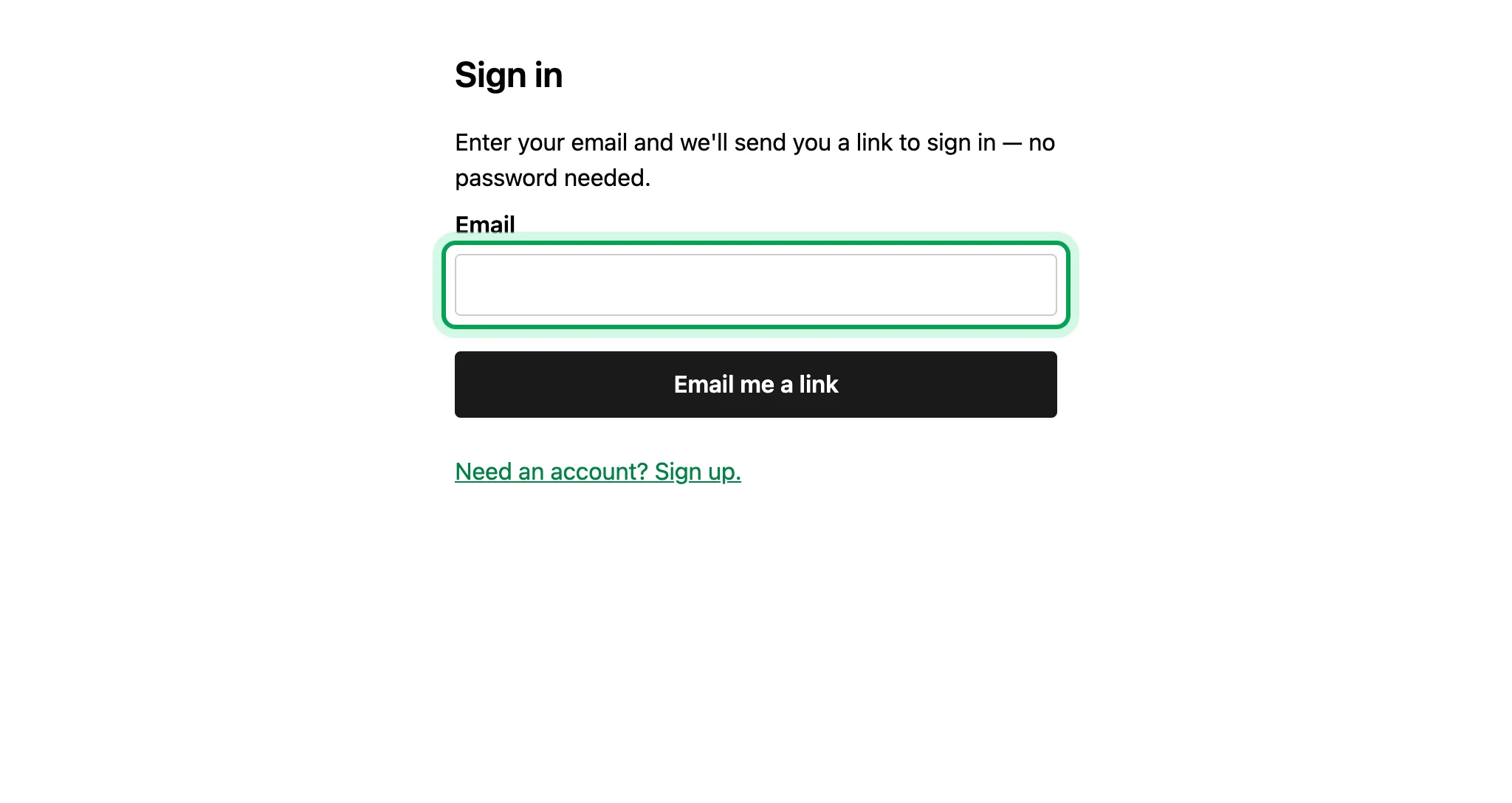
  1. Go to luneday.com/login.

    The Sign in page, with an empty Email box and an Email me a link button.
  2. Type the email you signed up with.

    The empty Email box, ringed.
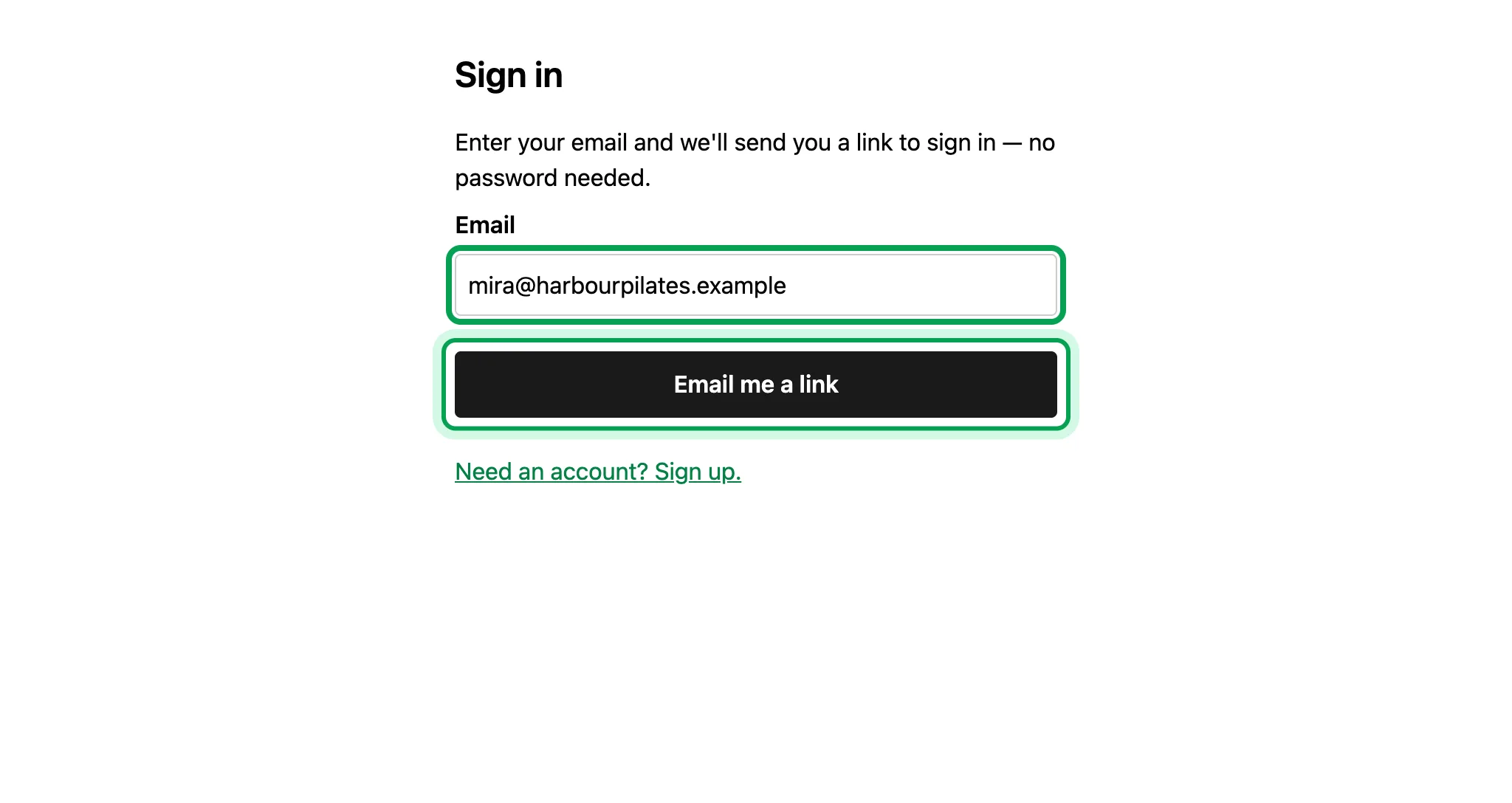
  3. Choose Email me a link.

    The email filled in as mira@harbourpilates.example, with Email me a link ringed.
  4. Luneday sends a sign-in link to your inbox. Open it on the same device.
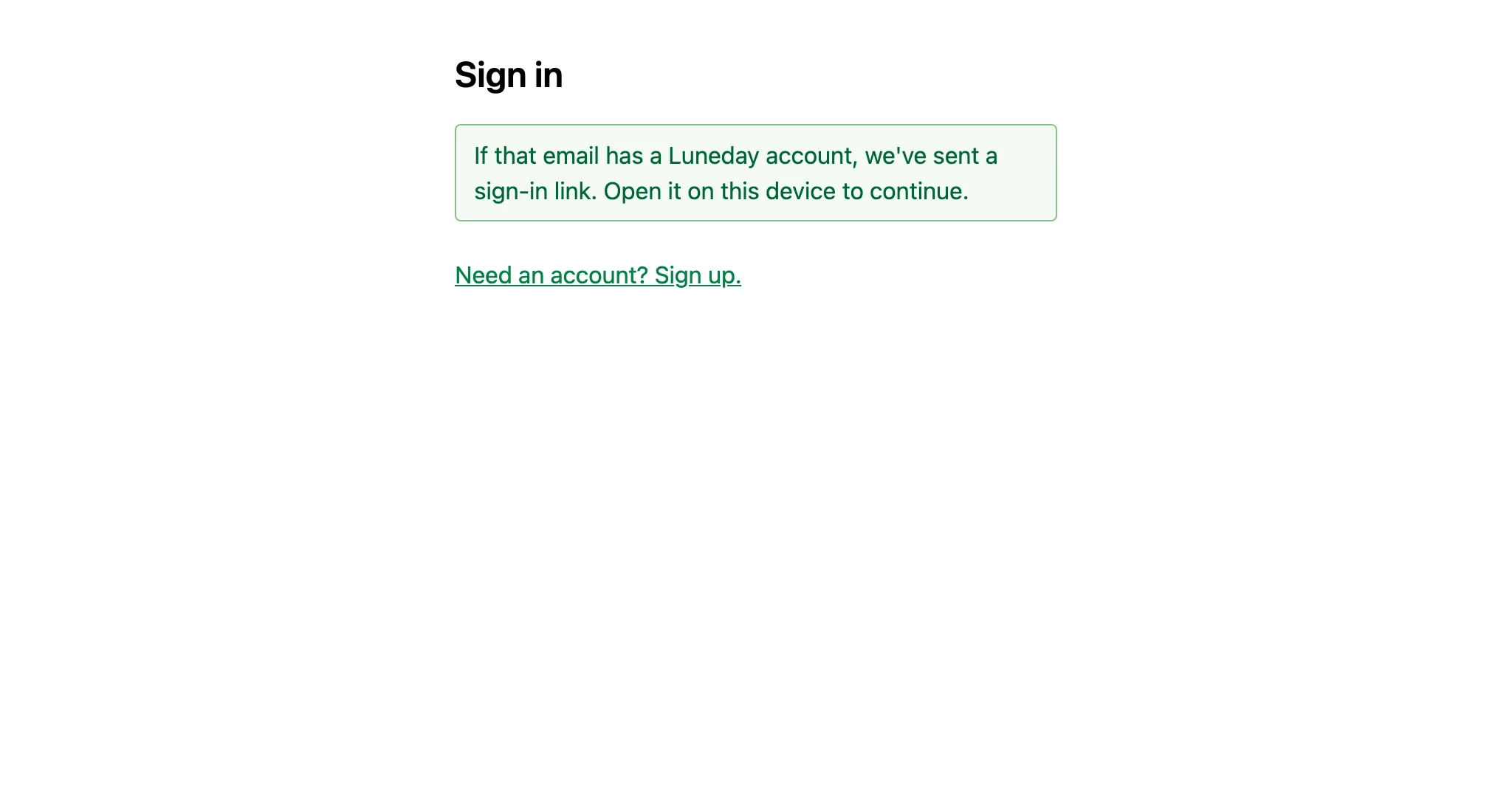
    The Sign in page, confirming that a sign-in link was sent.
  5. Open the email from Luneday. The link in it works once, and expires after 5 minutes.

    The sign-in email from Luneday, with a Sign in to Luneday button.
  6. Choose Sign in to Luneday.

    The sign-in email, with Sign in to Luneday ringed.
  7. You are signed in, on your organisation home.
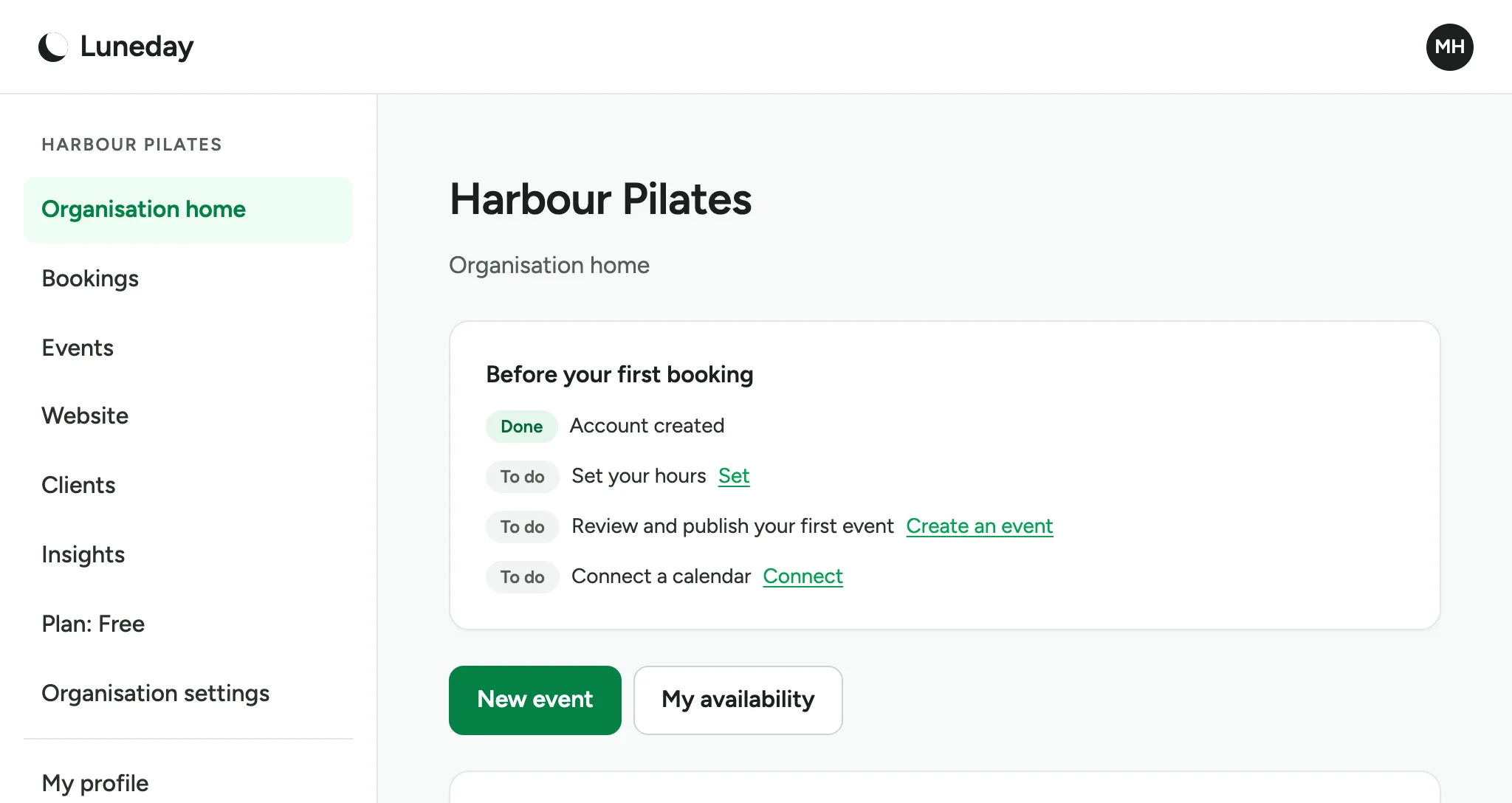
    The organisation home for Harbour Pilates, with the sidebar and the Before your first booking list.

Updated 15 November 2026.

Related: Set your hours · Set up your first event and publish your page

Still stuck? Email hello@luneday.com.