Set up your first event and publish your page
From sign-up to a page people can book.
Steps
Tell us about your business. Luneday uses it to set up your booking page and your first event.
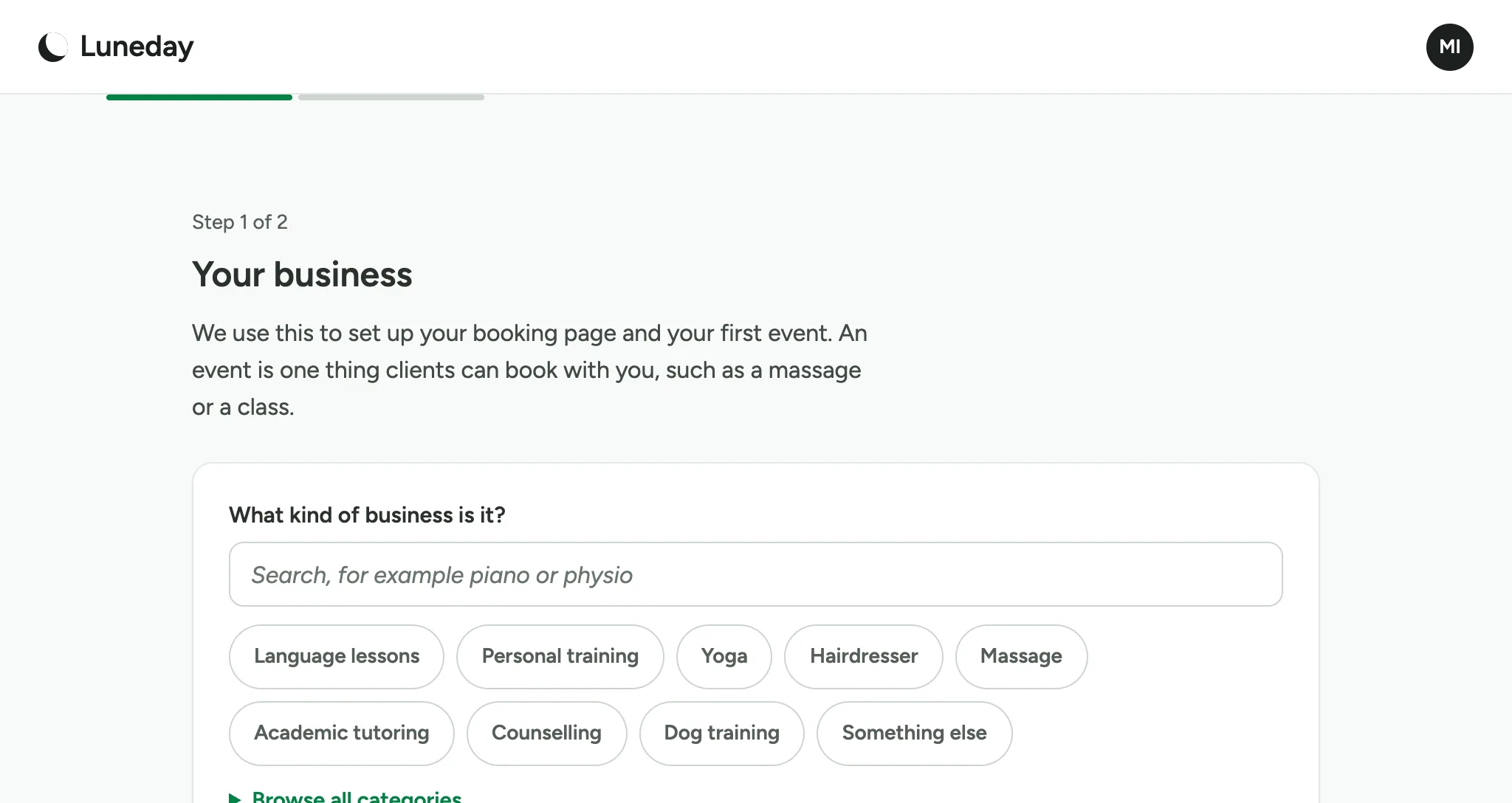
Search for what you do, such as Pilates.
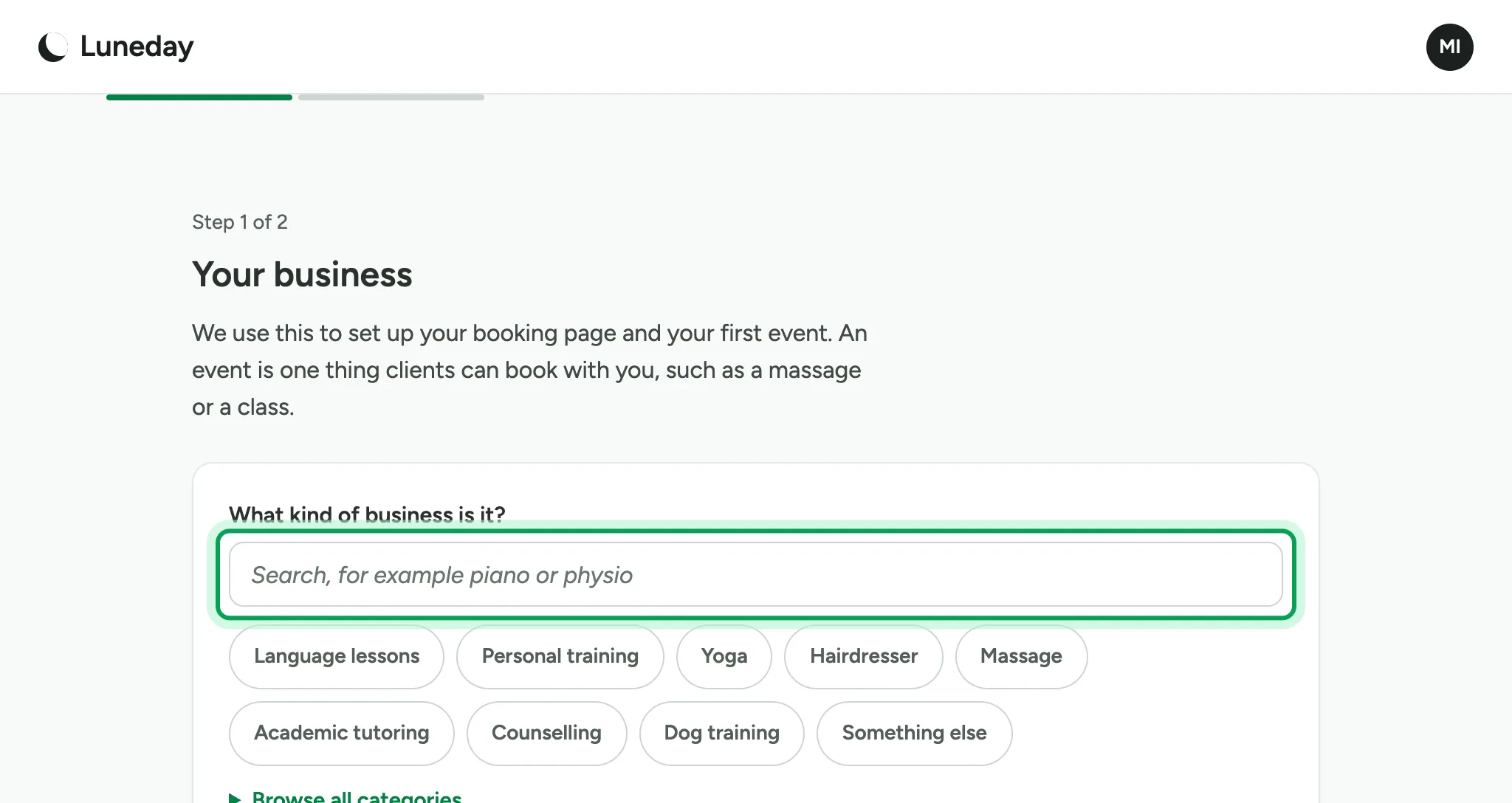
Choose it from the list.
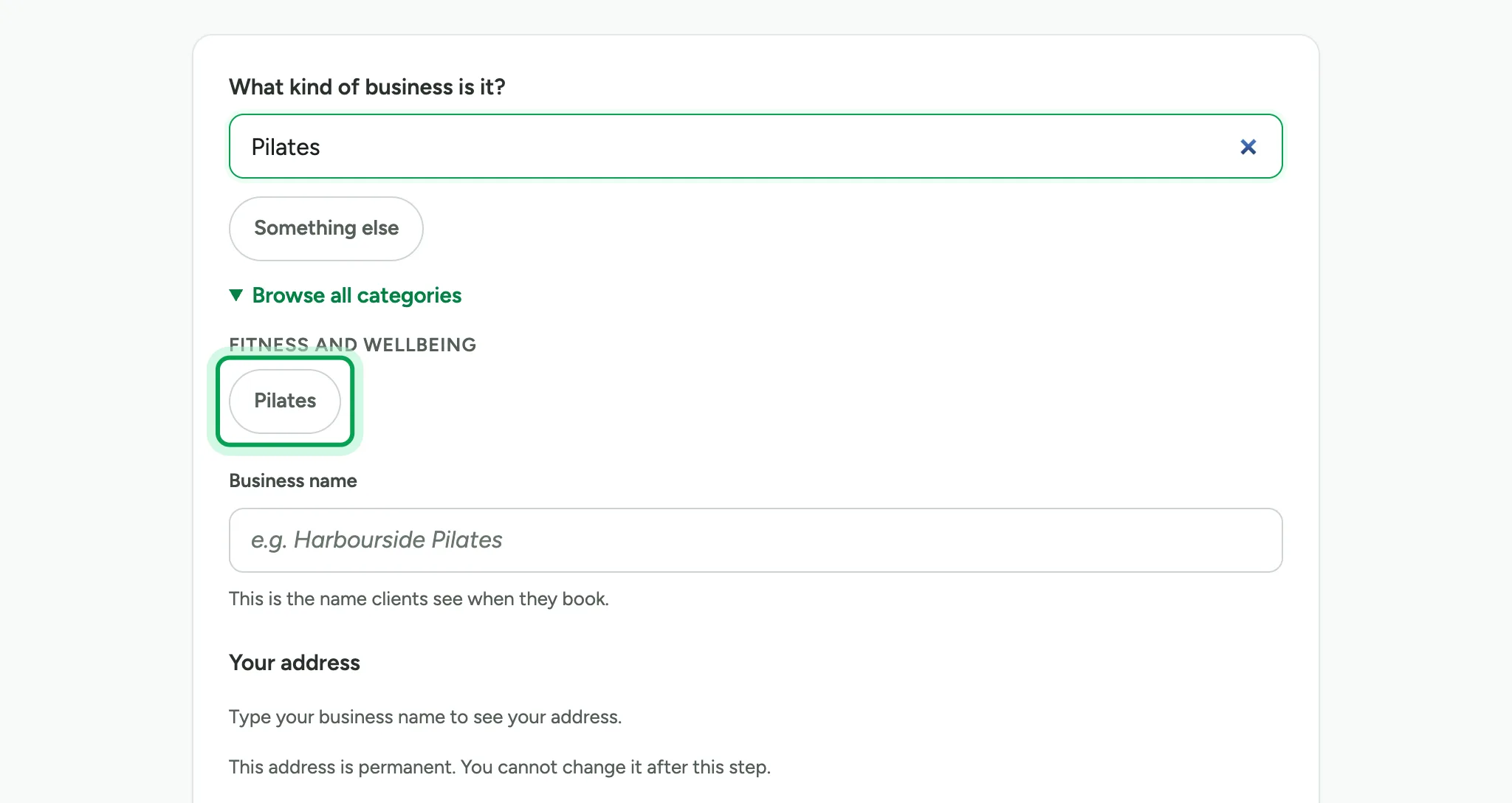
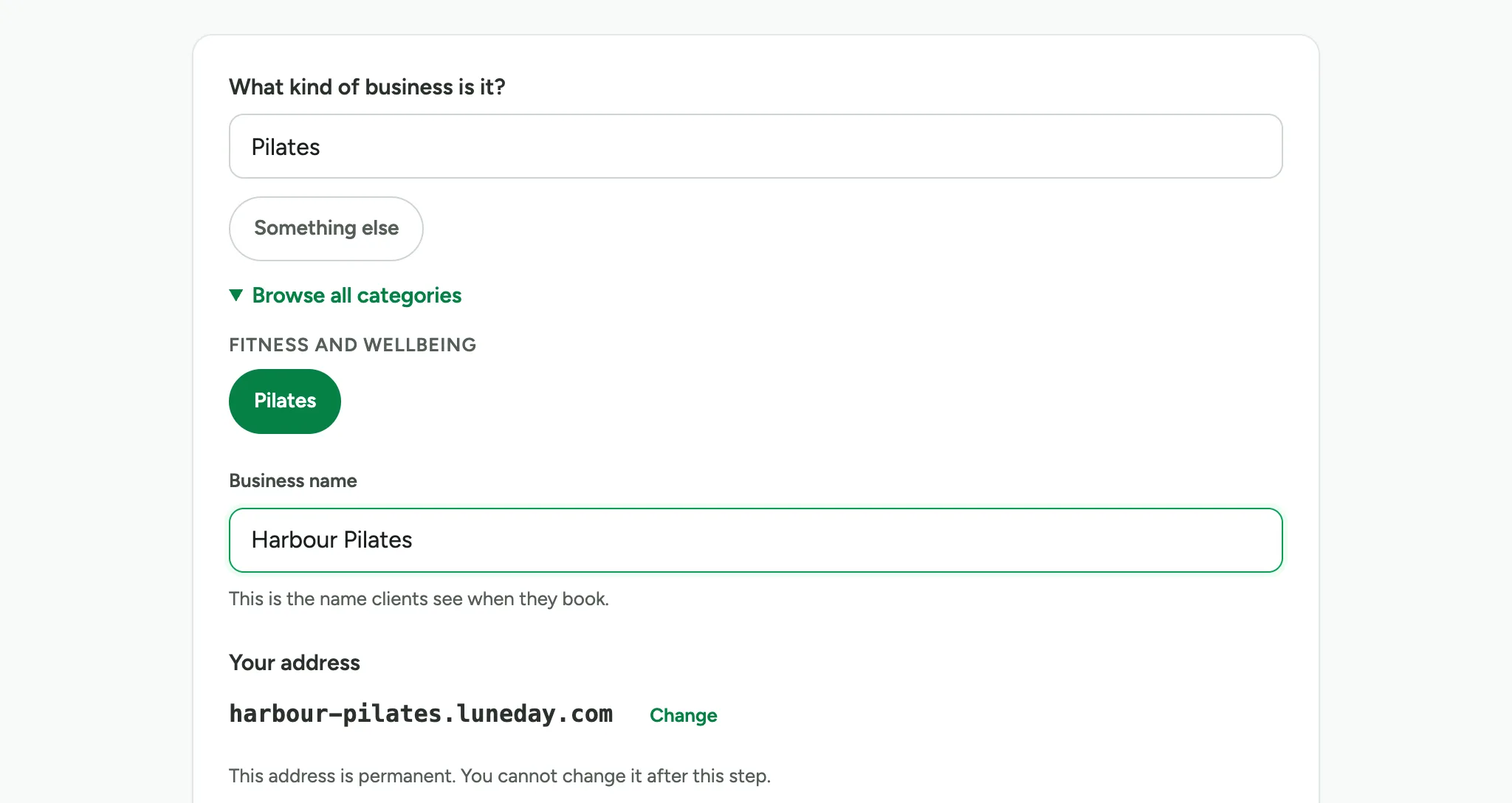
Type your business name. People see this name when they book.
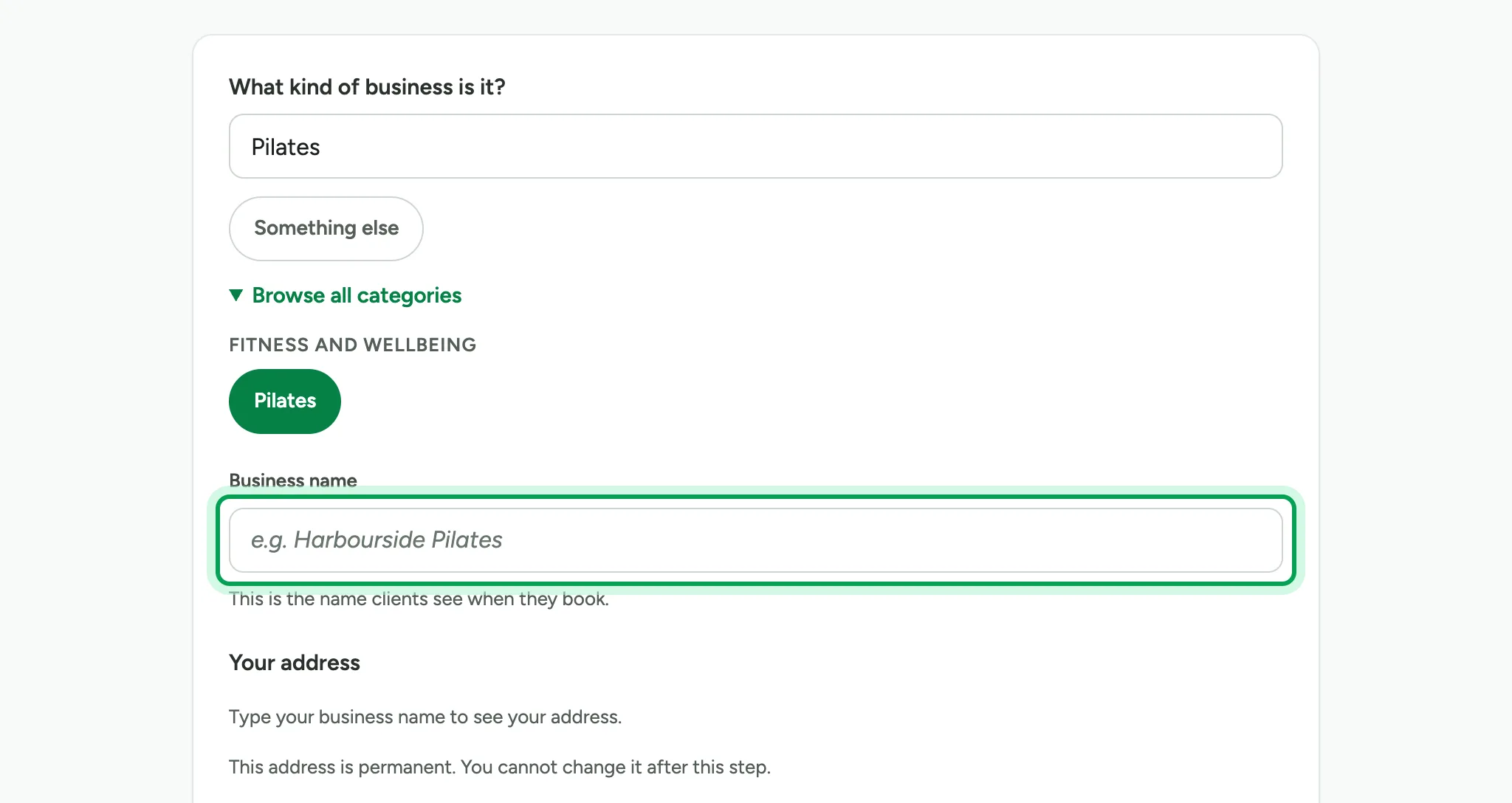
Check the web address made from your name. You cannot change it later.
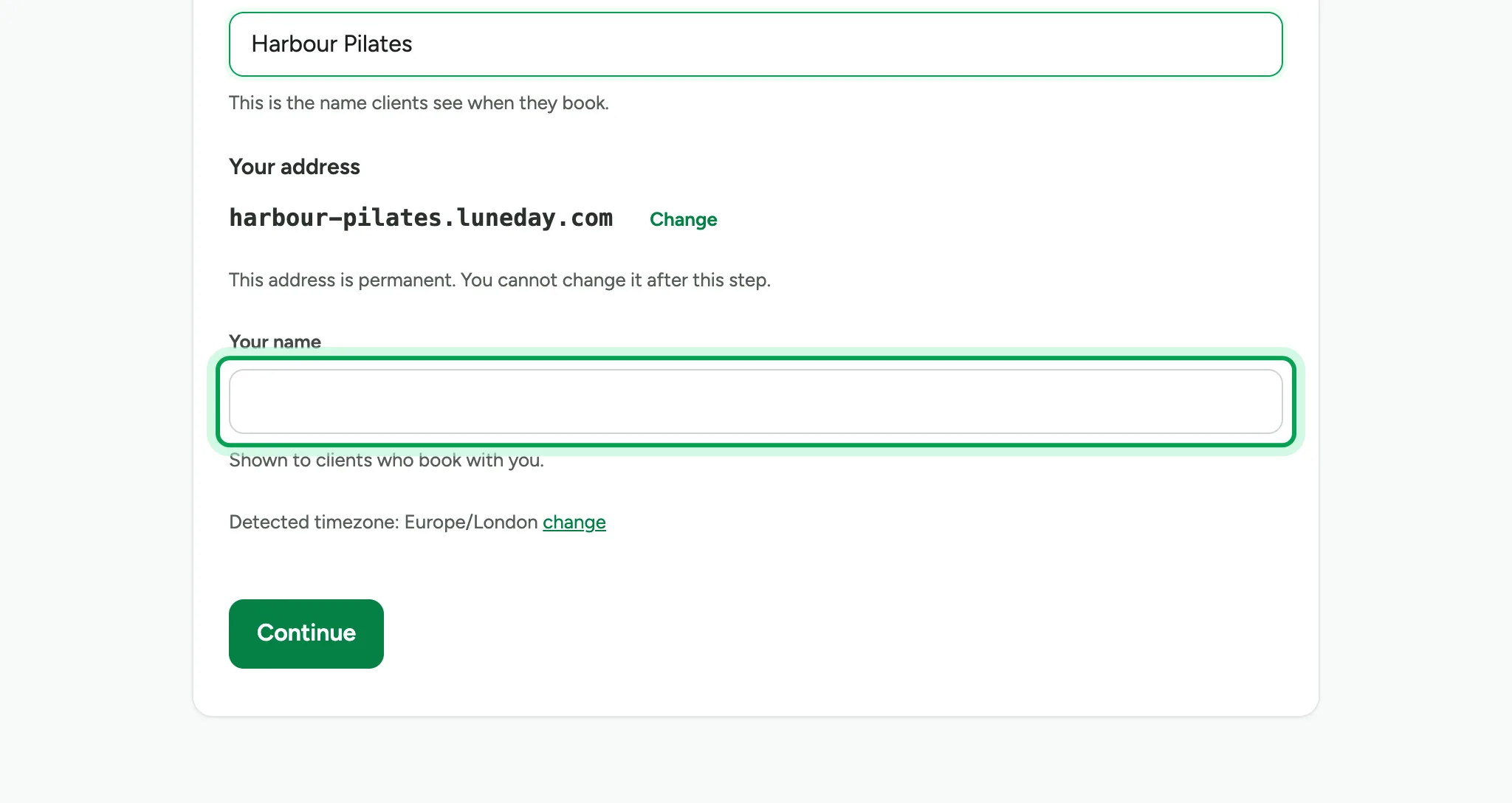
Add your own name. People who book with you see it.
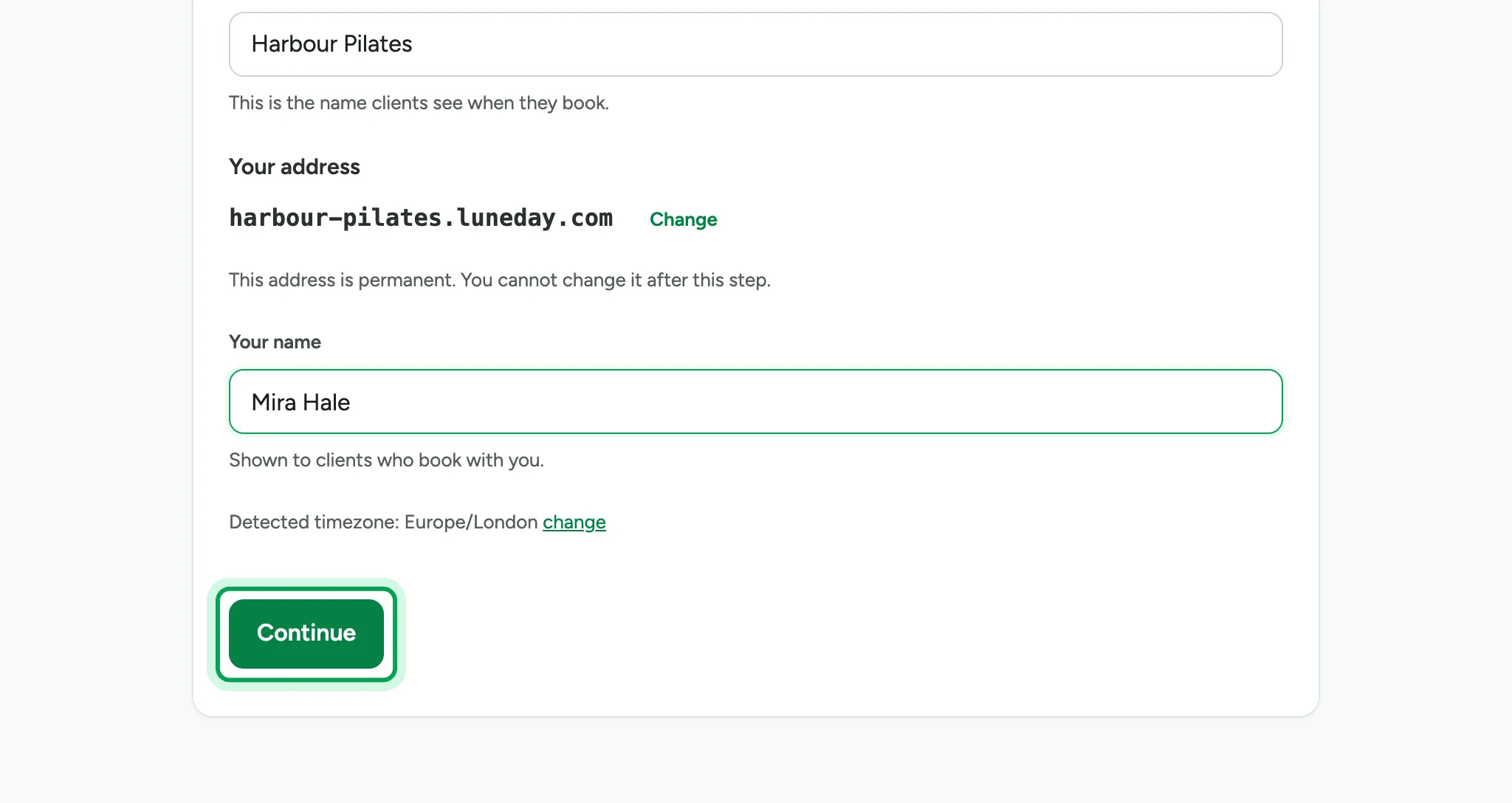
Choose Continue.
Set your hours. Luneday suggests typical hours for what you do, and you can change them at any time.
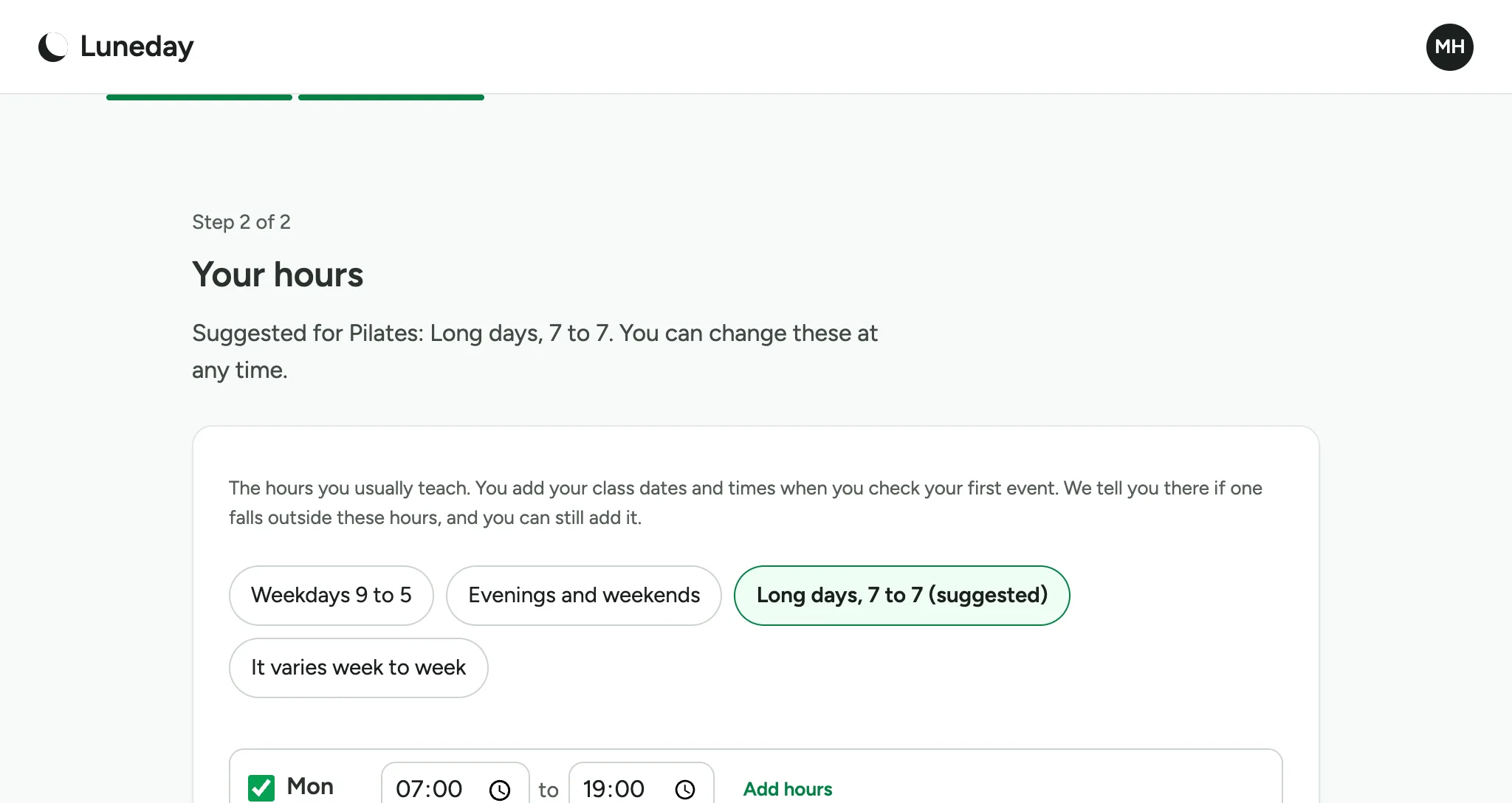
Choose Continue. Luneday saves your hours and creates a draft of your first event.
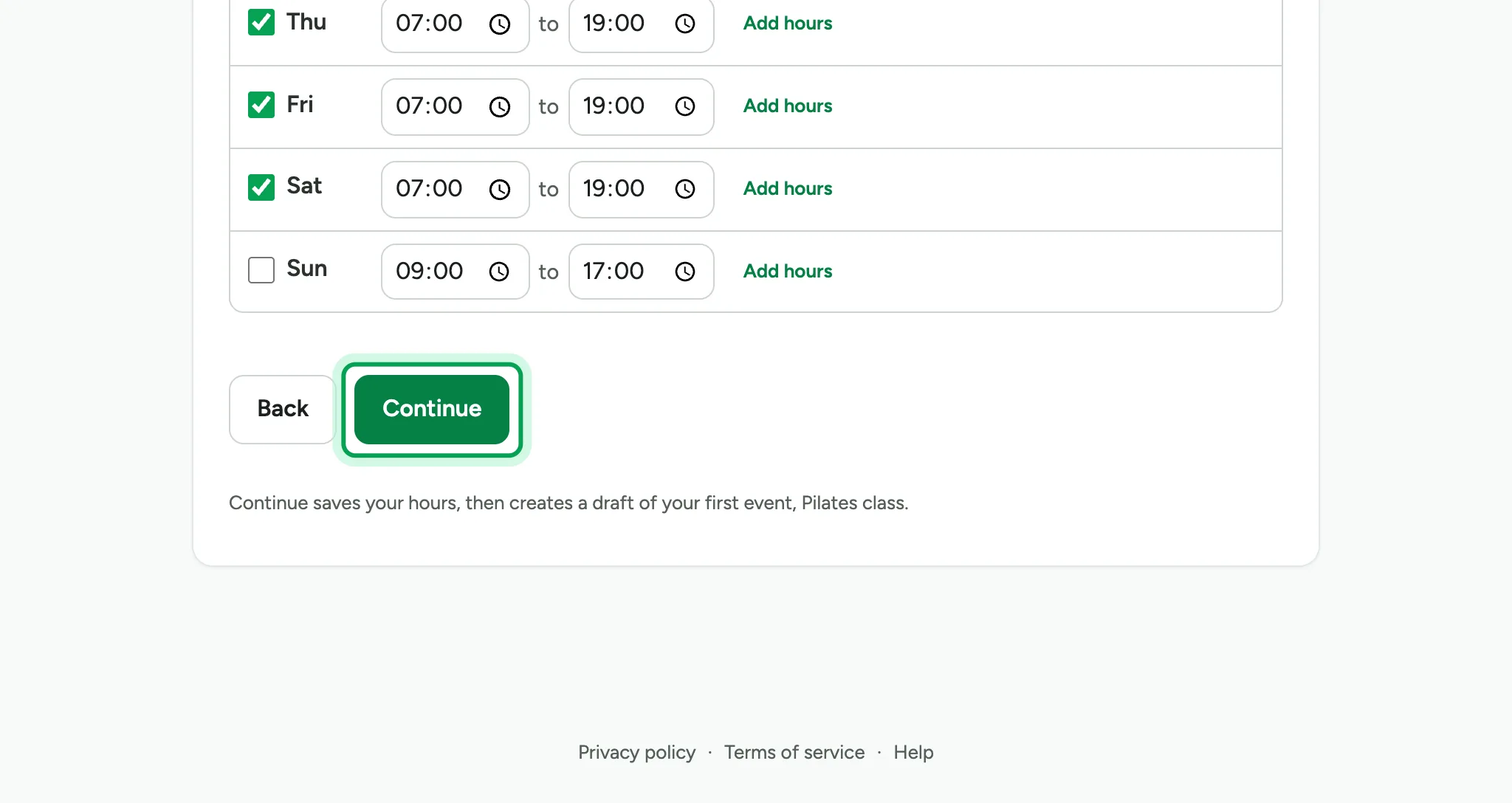
Your first event appears as a draft, set up for what you do.
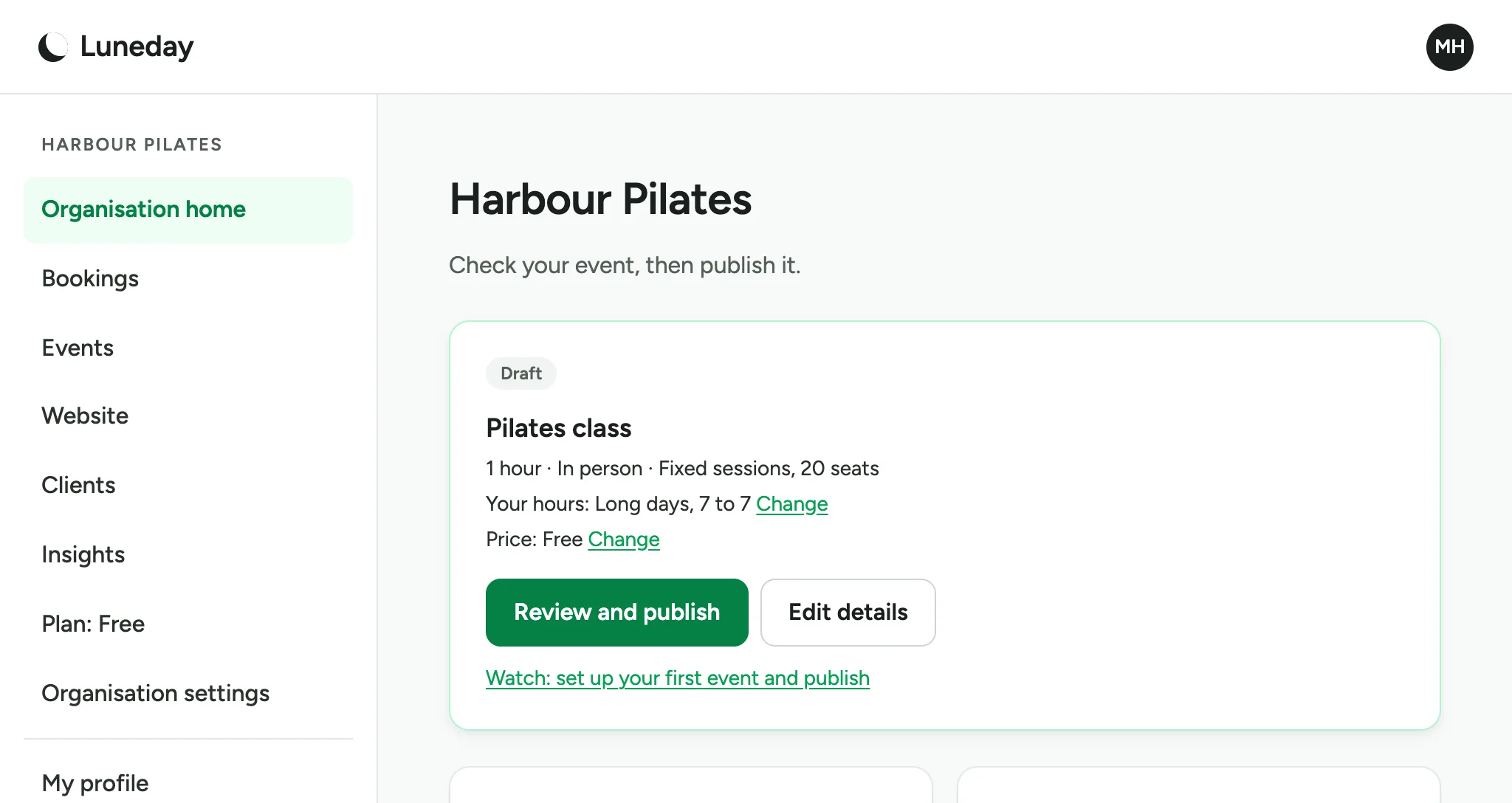
Choose Review and publish.
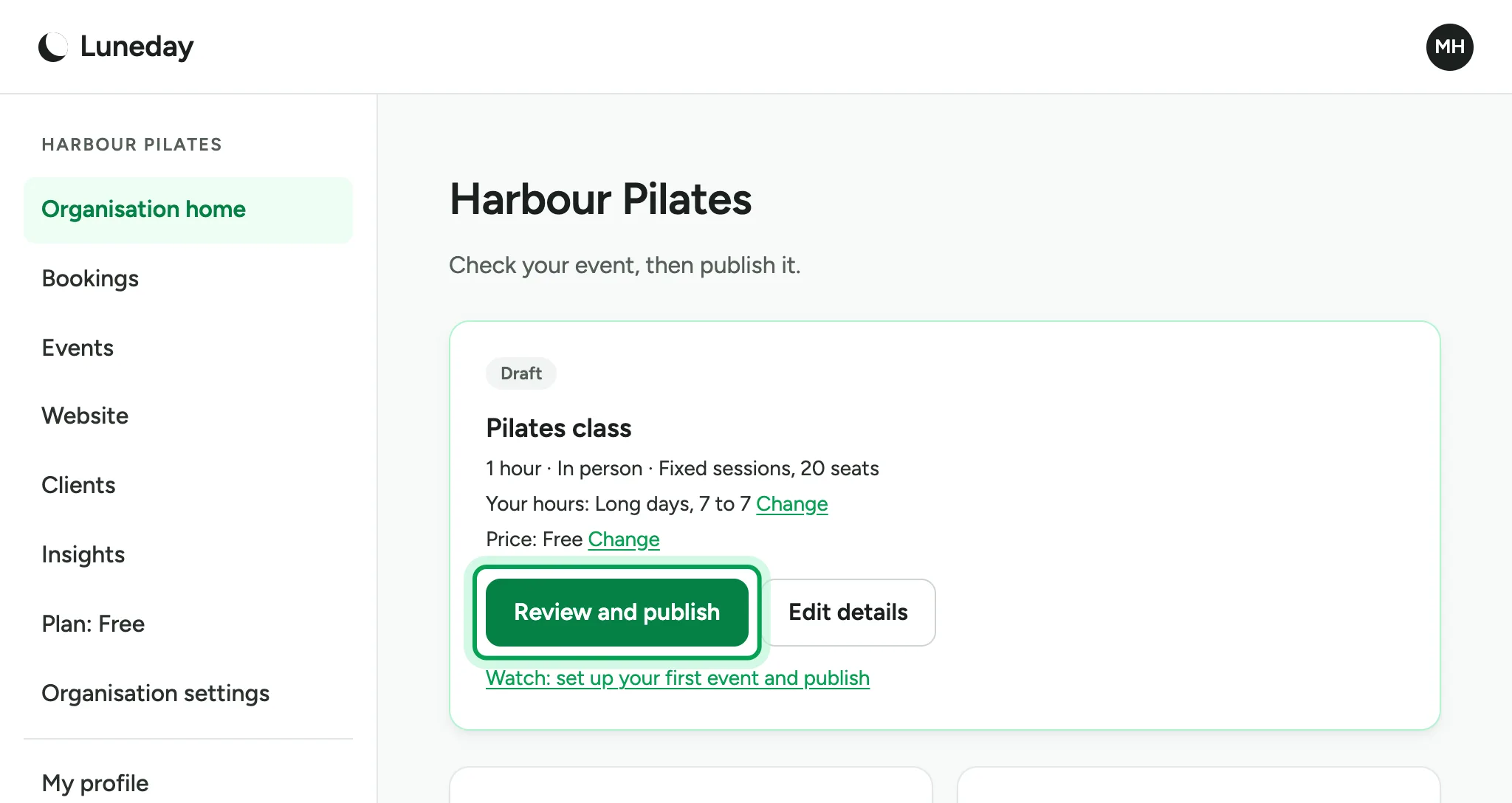
Check the details and fill in anything missing. Nobody can book until you publish.
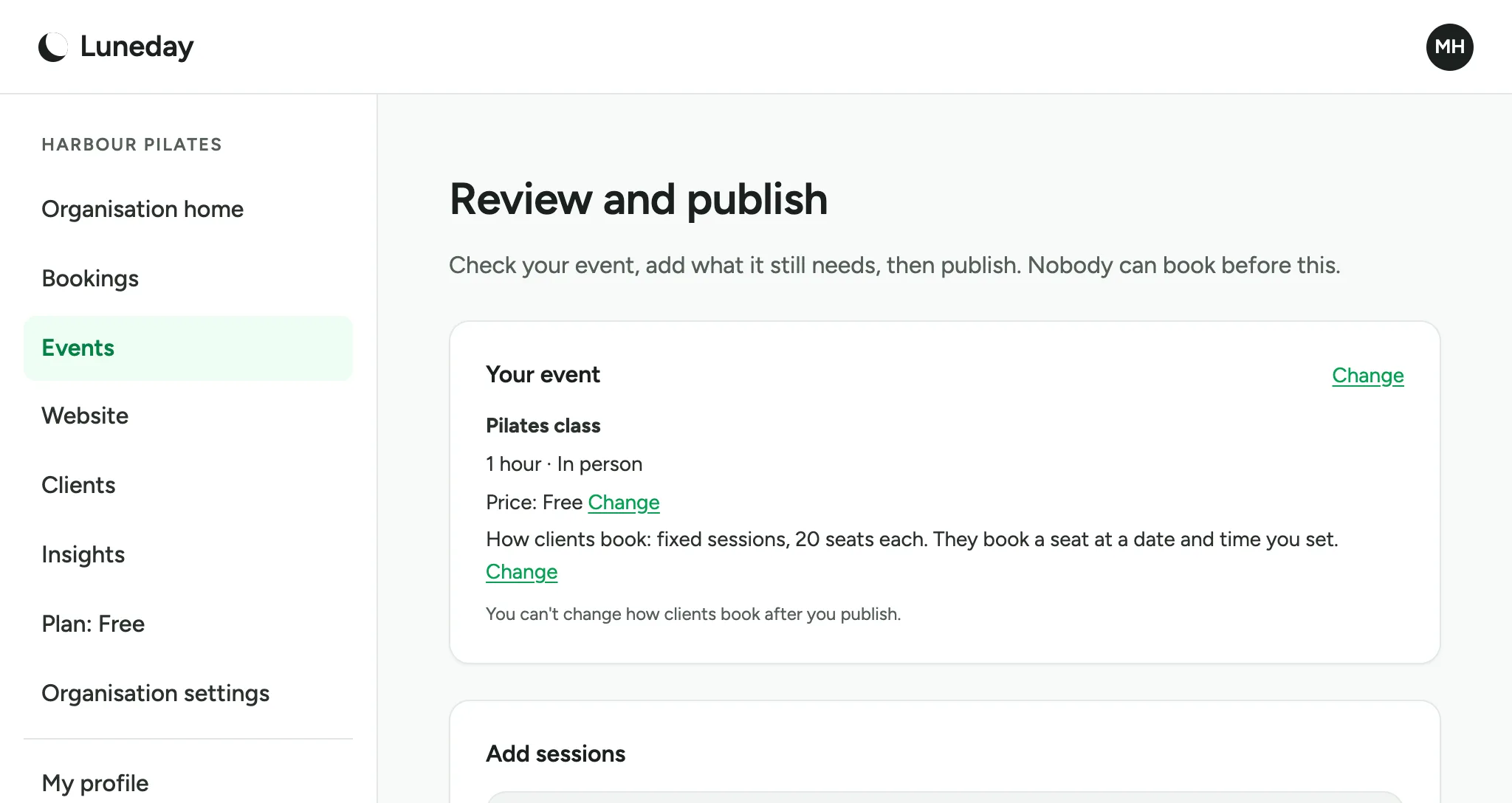
A class needs sessions. Pick the date and time of the first one.
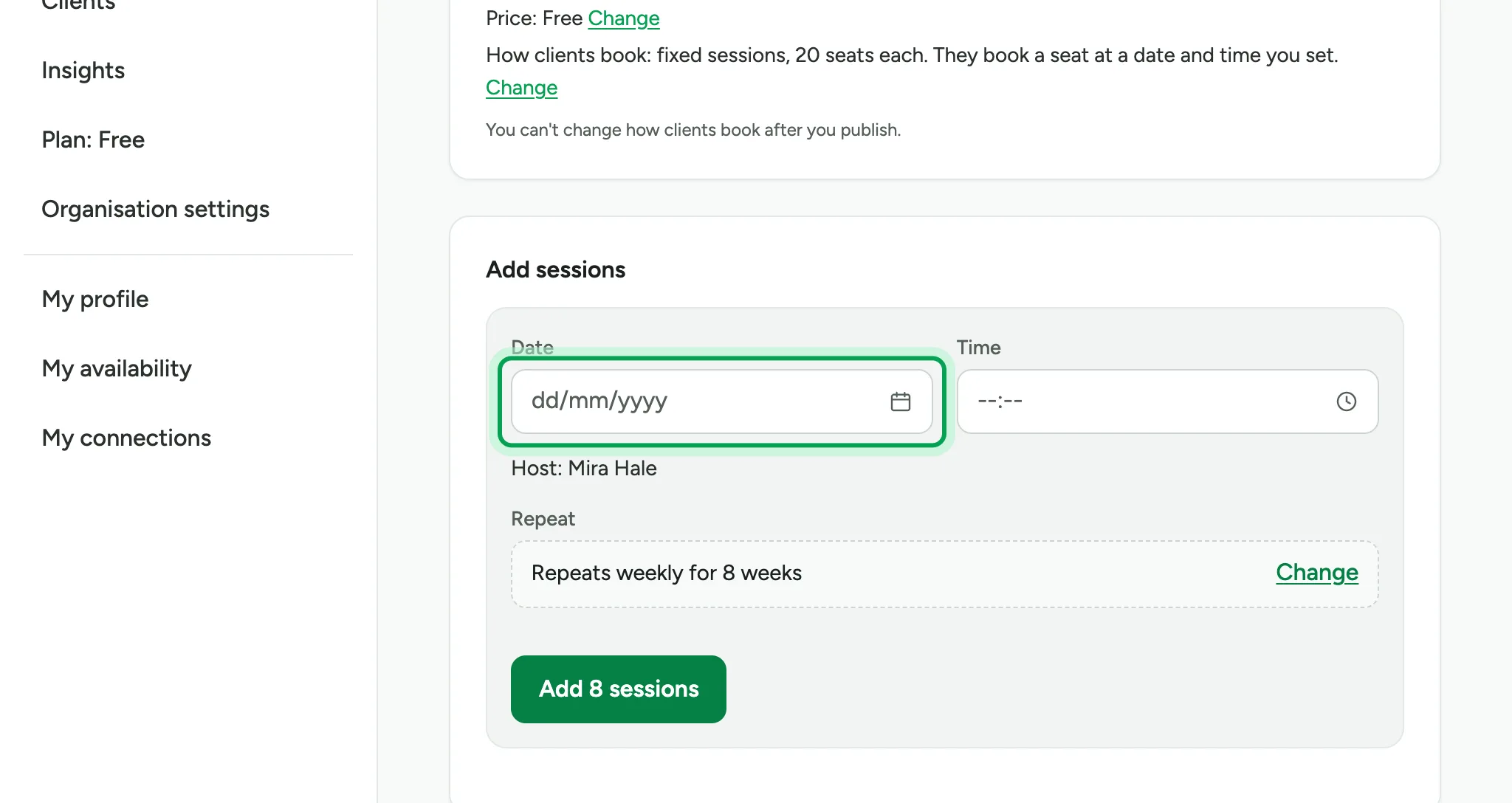
Choose Add 8 sessions to schedule eight weekly sessions, starting with this one.
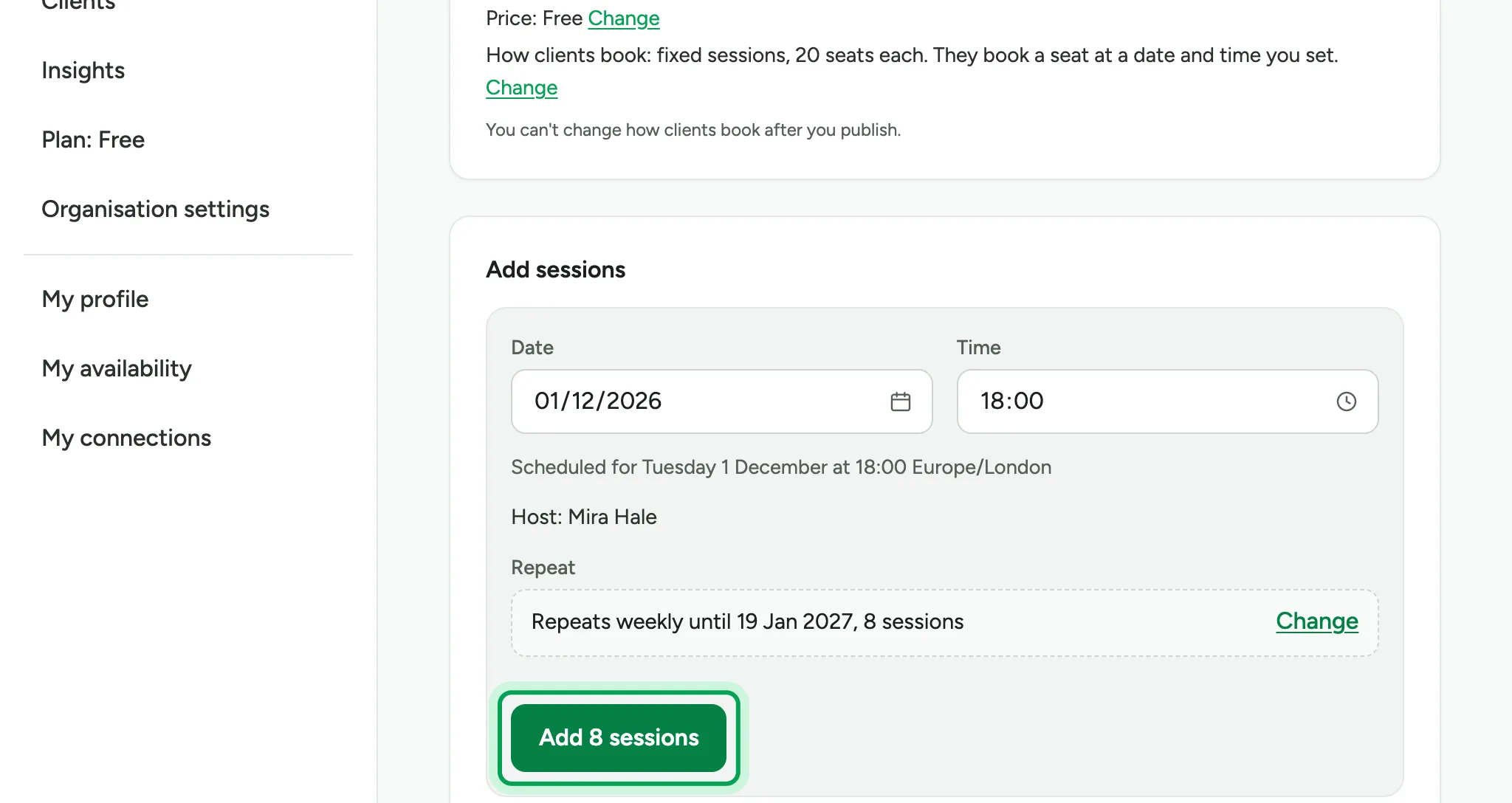
Add the address where the class takes place.
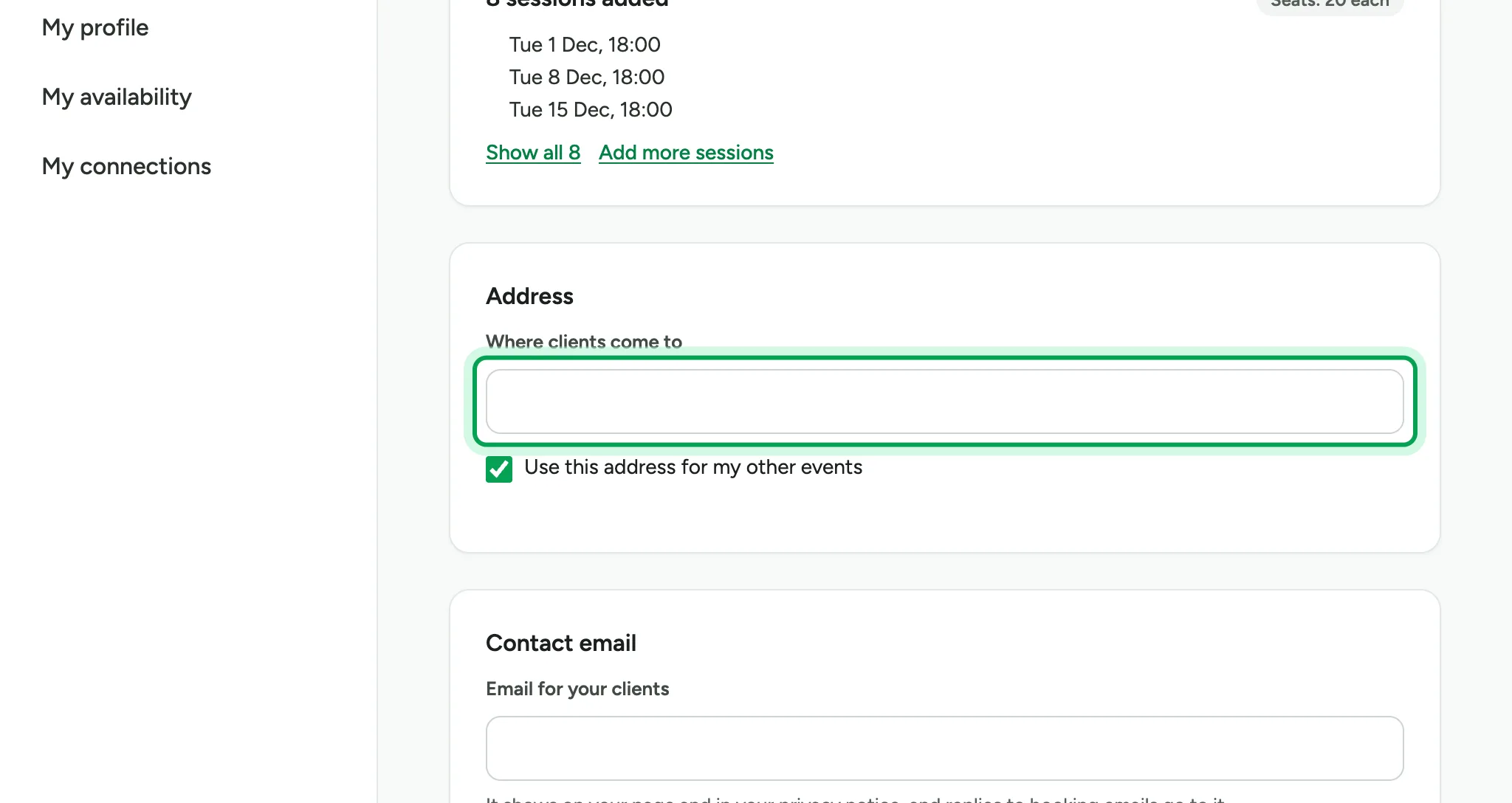
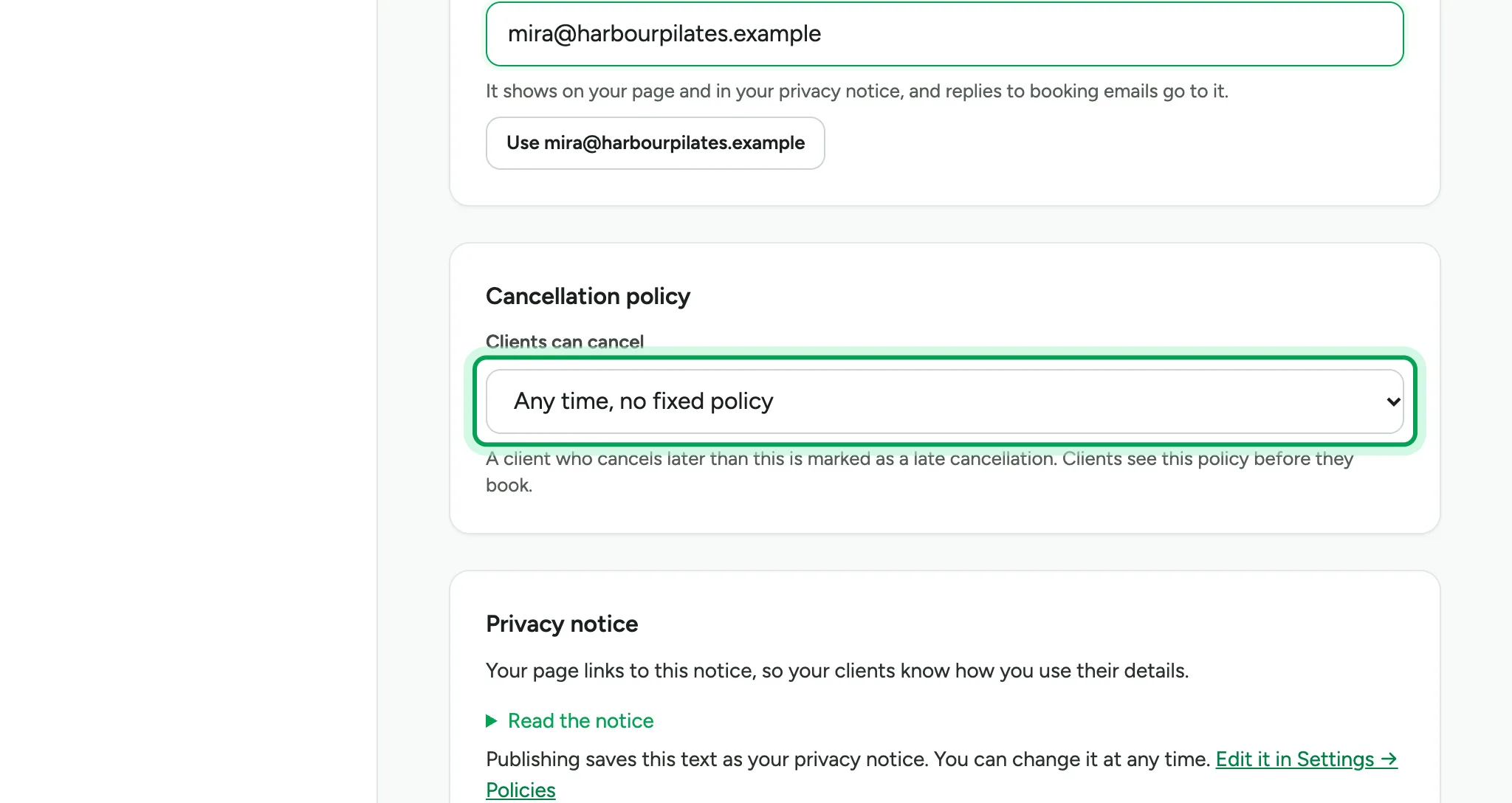
Add a contact email. It appears on your booking page.
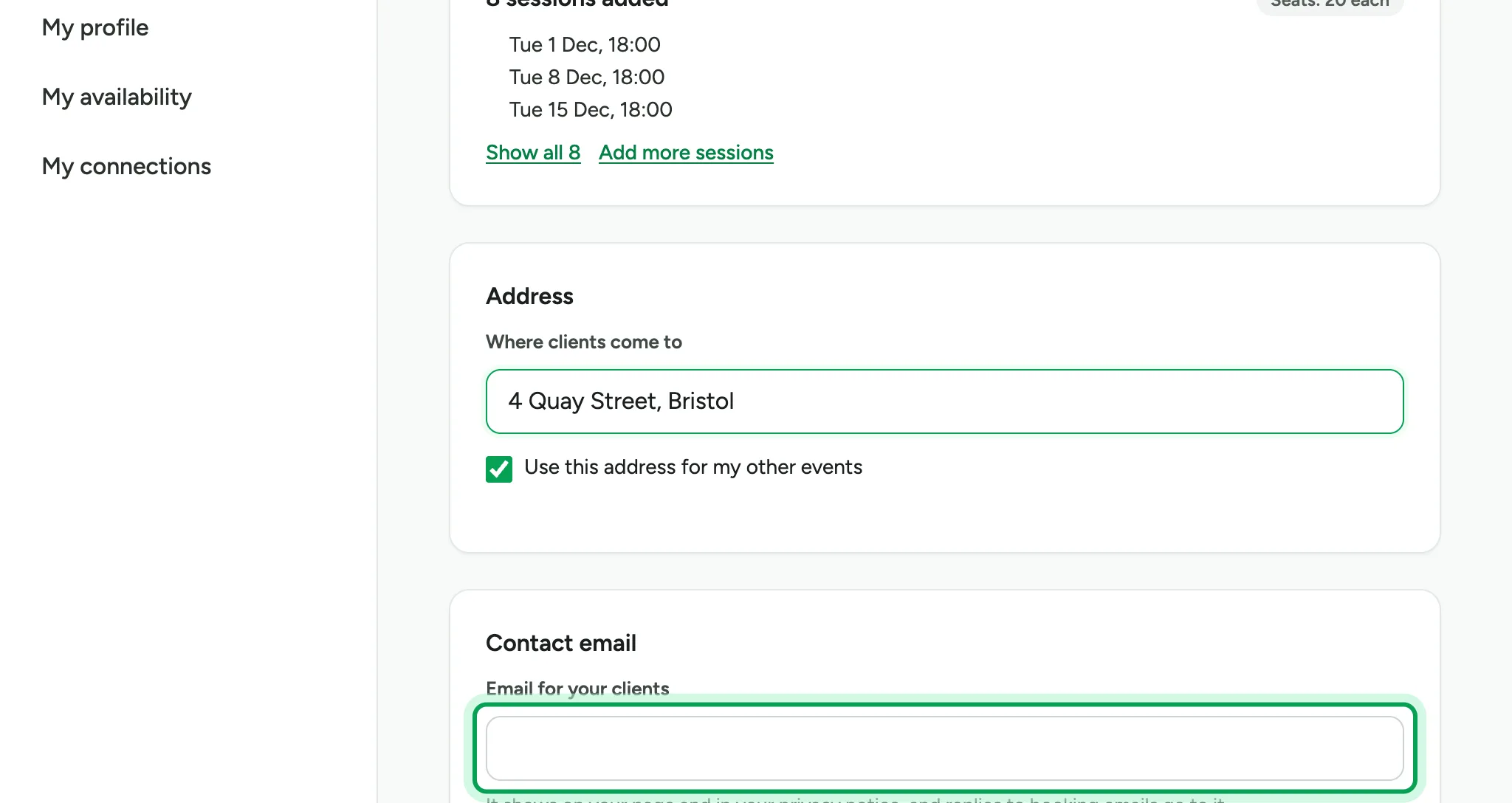
Choose a cancellation policy. People see it before they book.
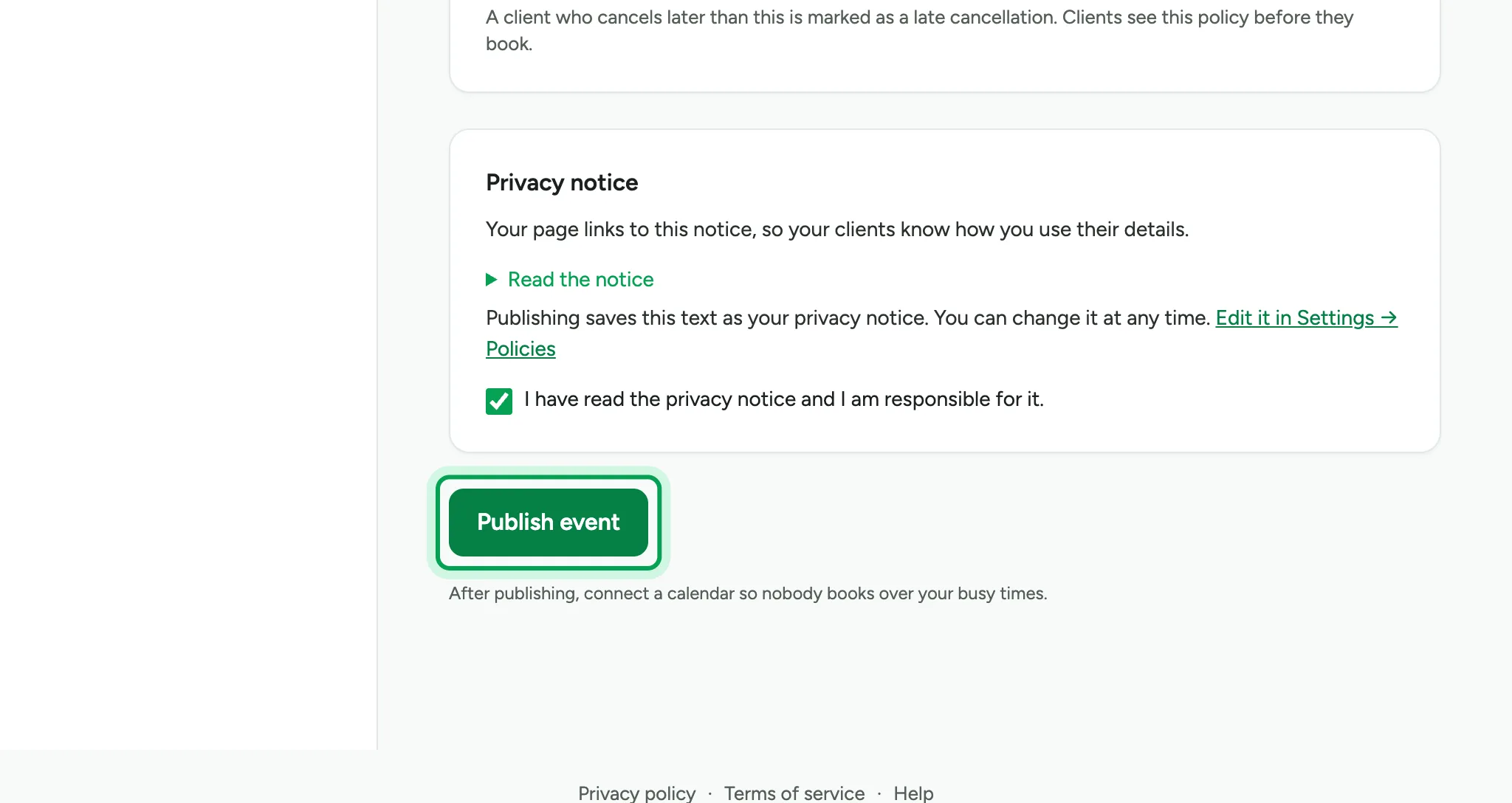
Read the privacy notice, then tick the box to confirm you are responsible for it.
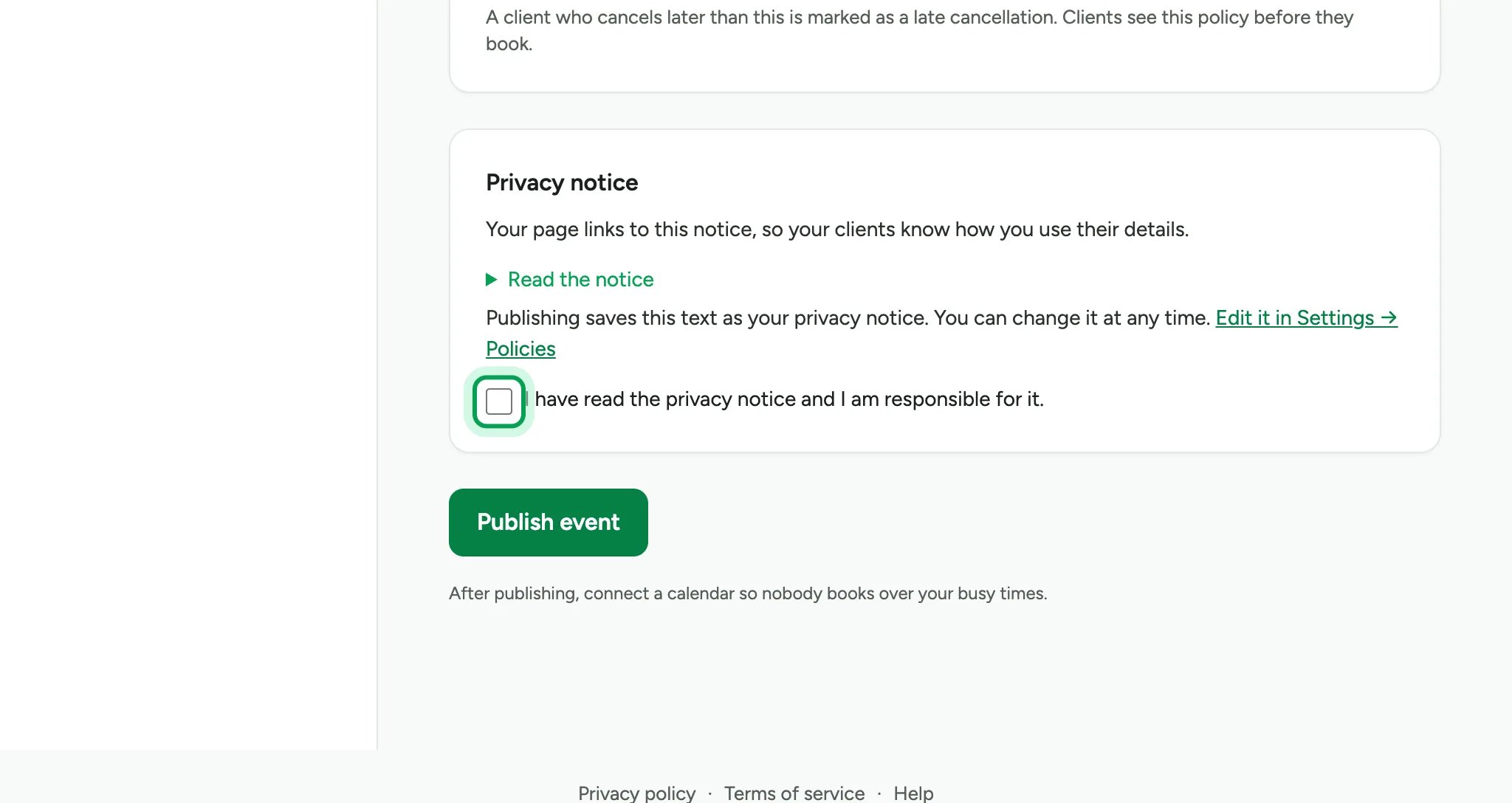
Choose Publish event.
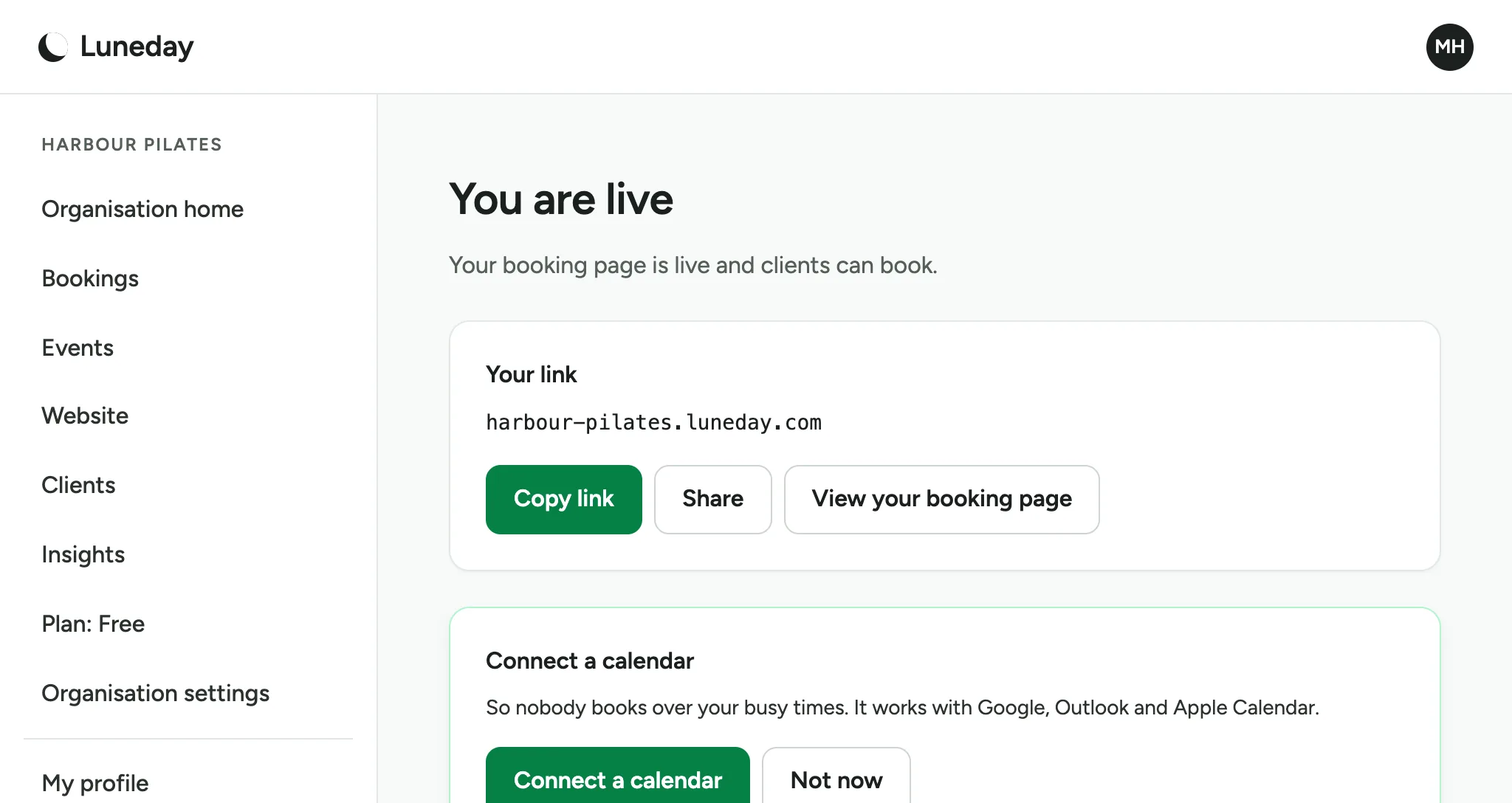
Your event is live. Copy your booking link and share it.
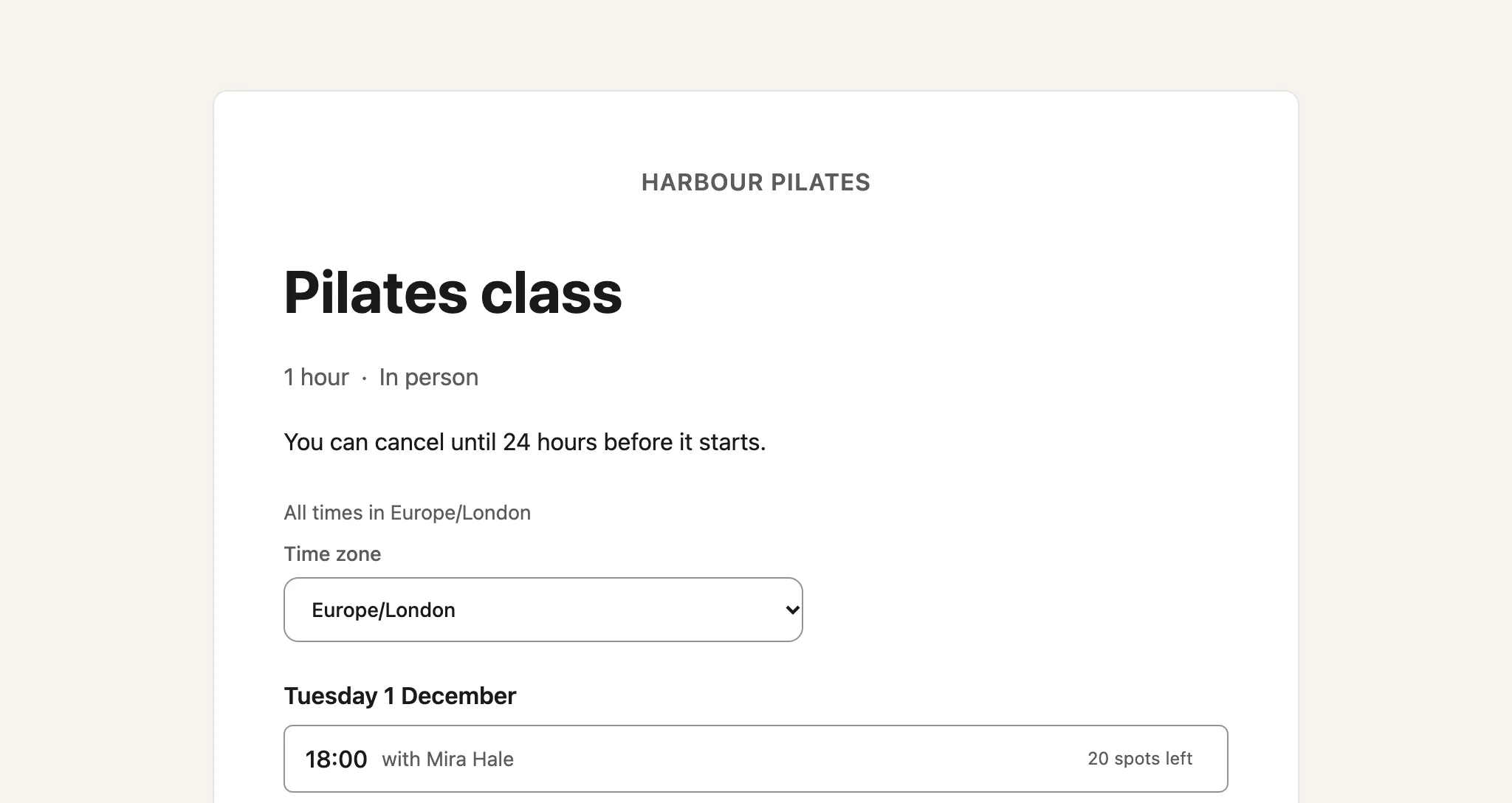
People who open the link see your booking page, with your sessions ready to book.
Updated 15 November 2026.
Related: Sign in to Luneday · Set your hours
Still stuck? Email hello@luneday.com.