Set your hours
Choose when people can book you.

Steps
Your hours are the times people can book you.
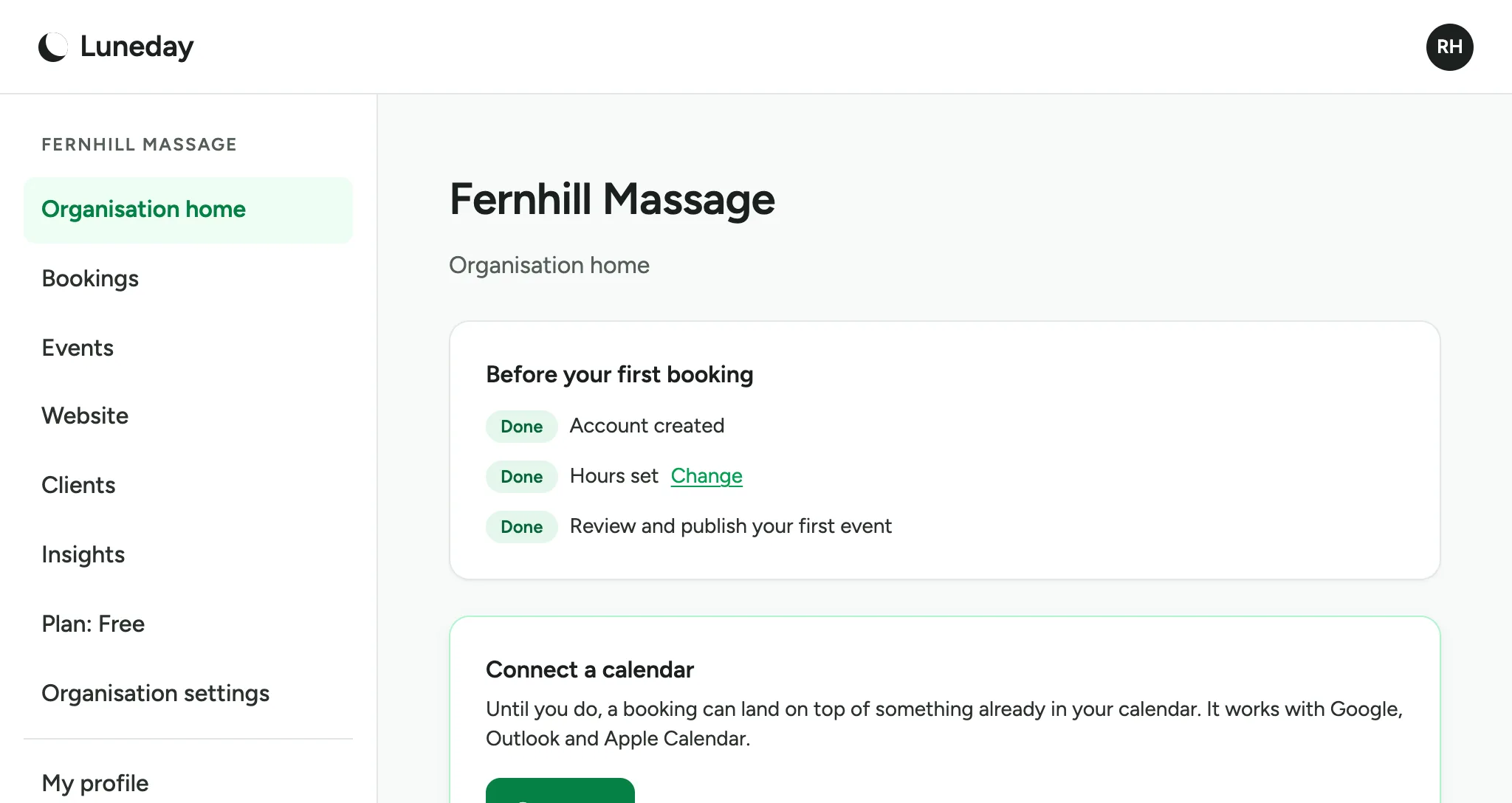
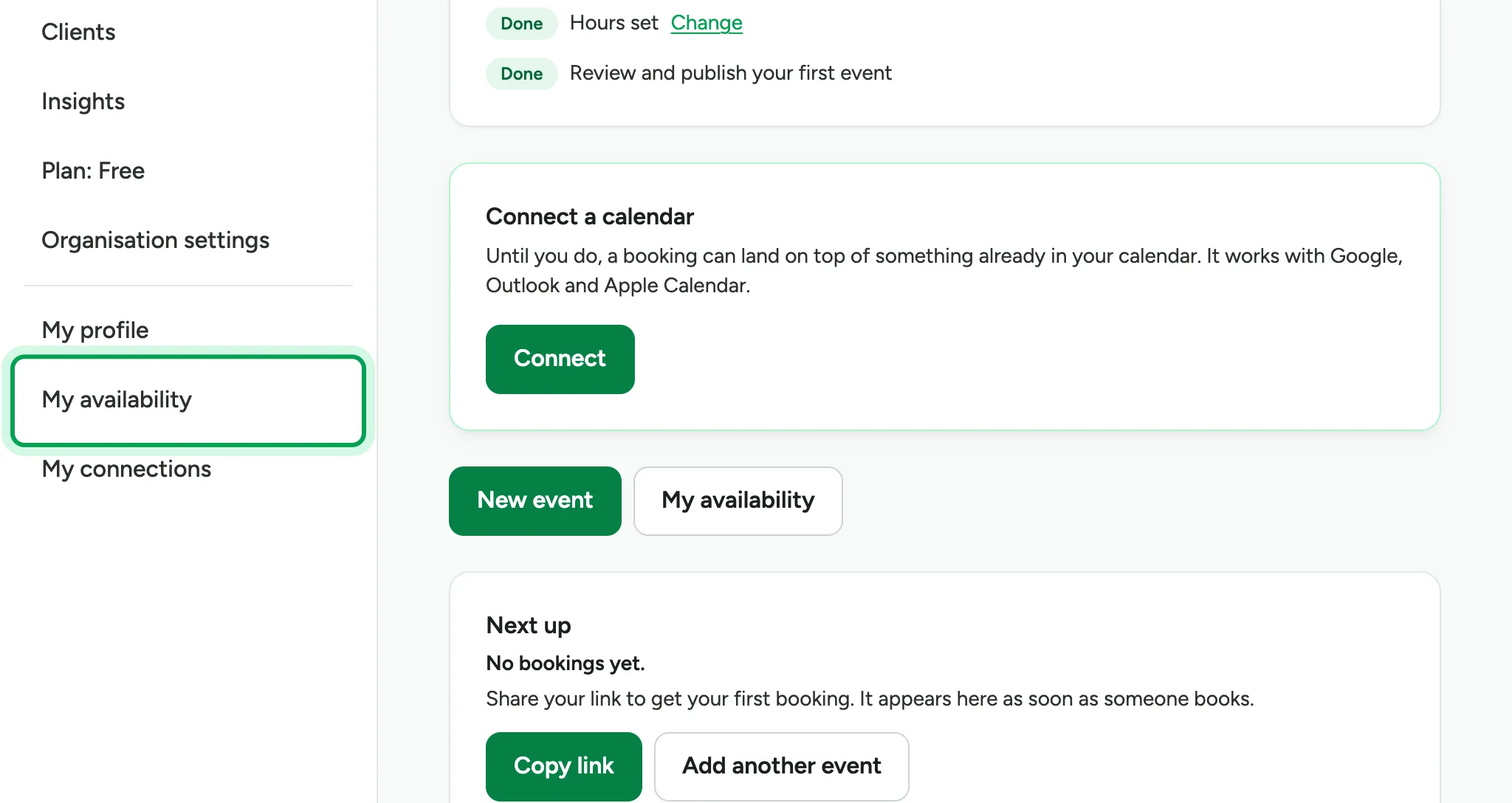
To change them, choose My availability in the sidebar.
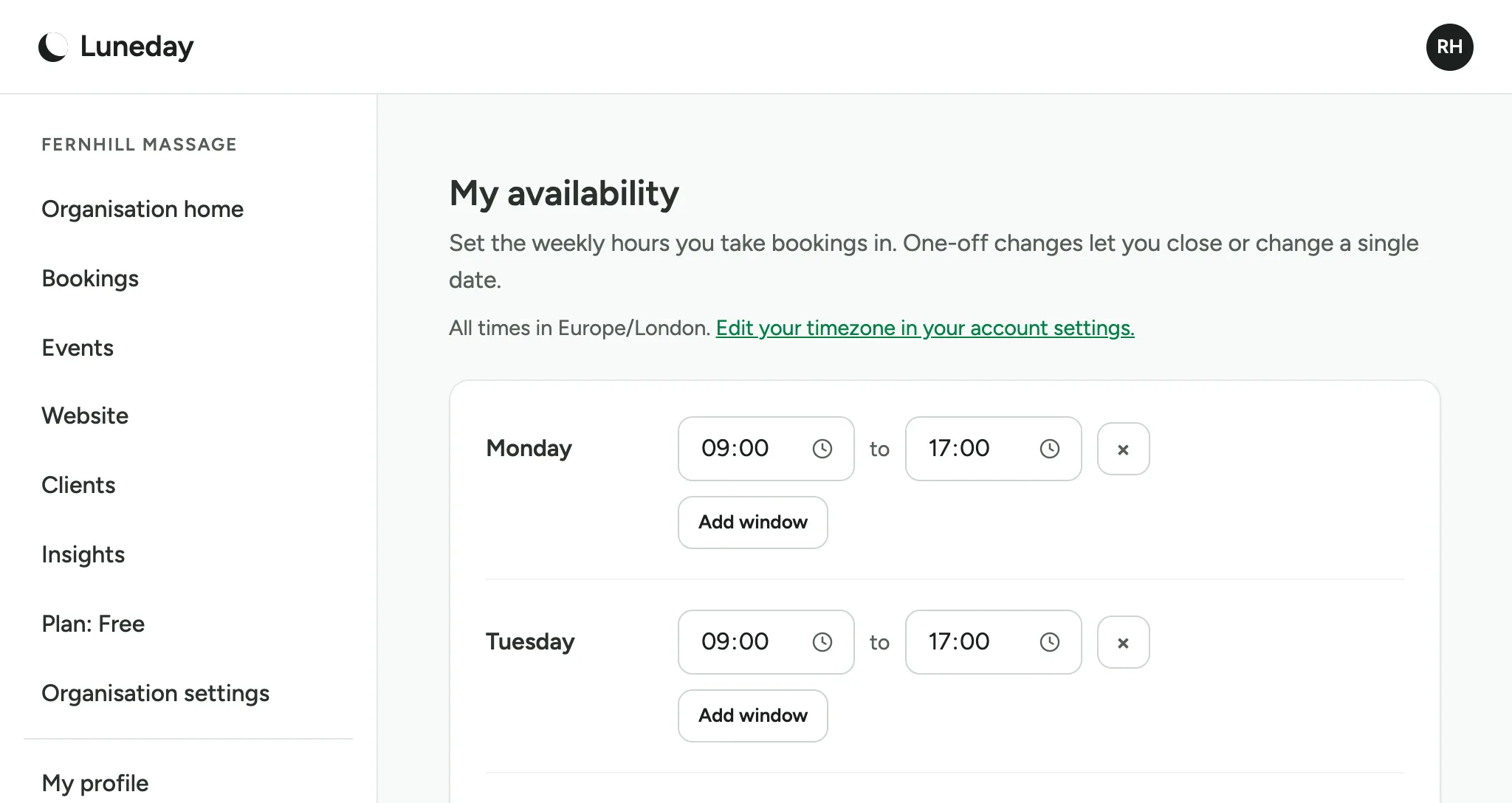
Each day has its own times. People can book any free time inside them.
To finish early on one day, change that day's end time, such as Friday's.
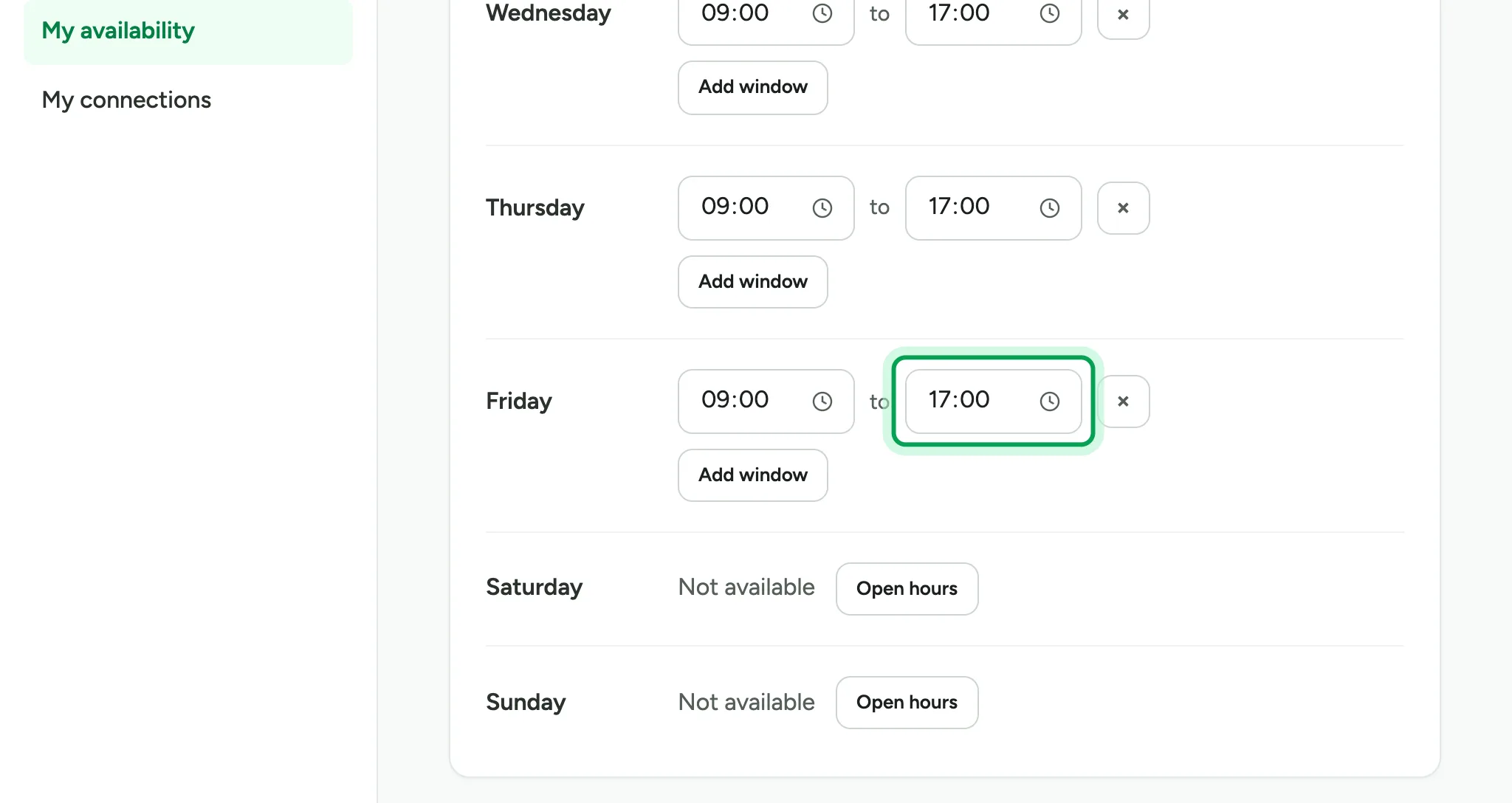
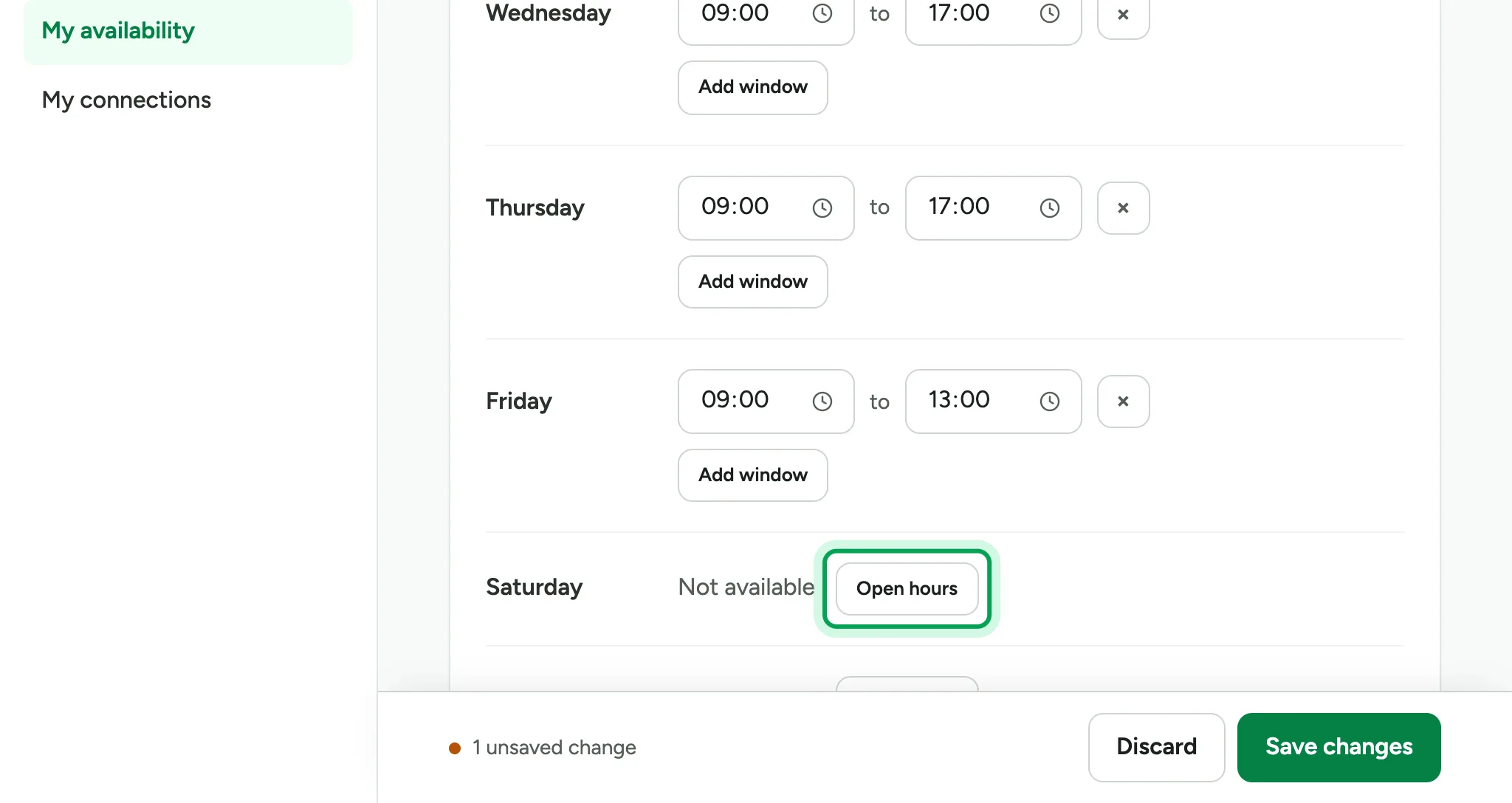
To work on a day you usually take off, choose Open hours beside that day.
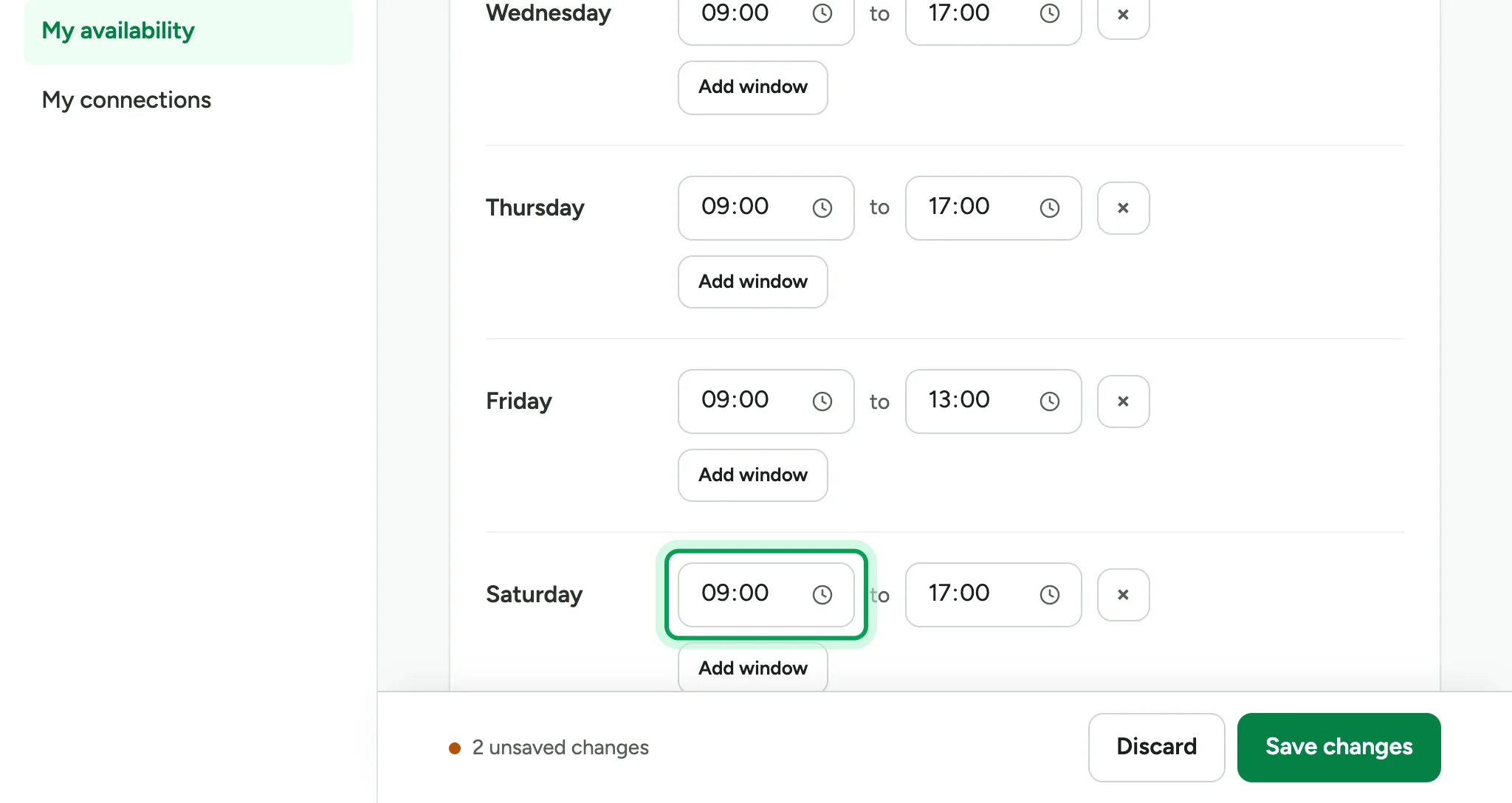
Set the start time, such as 10:00.
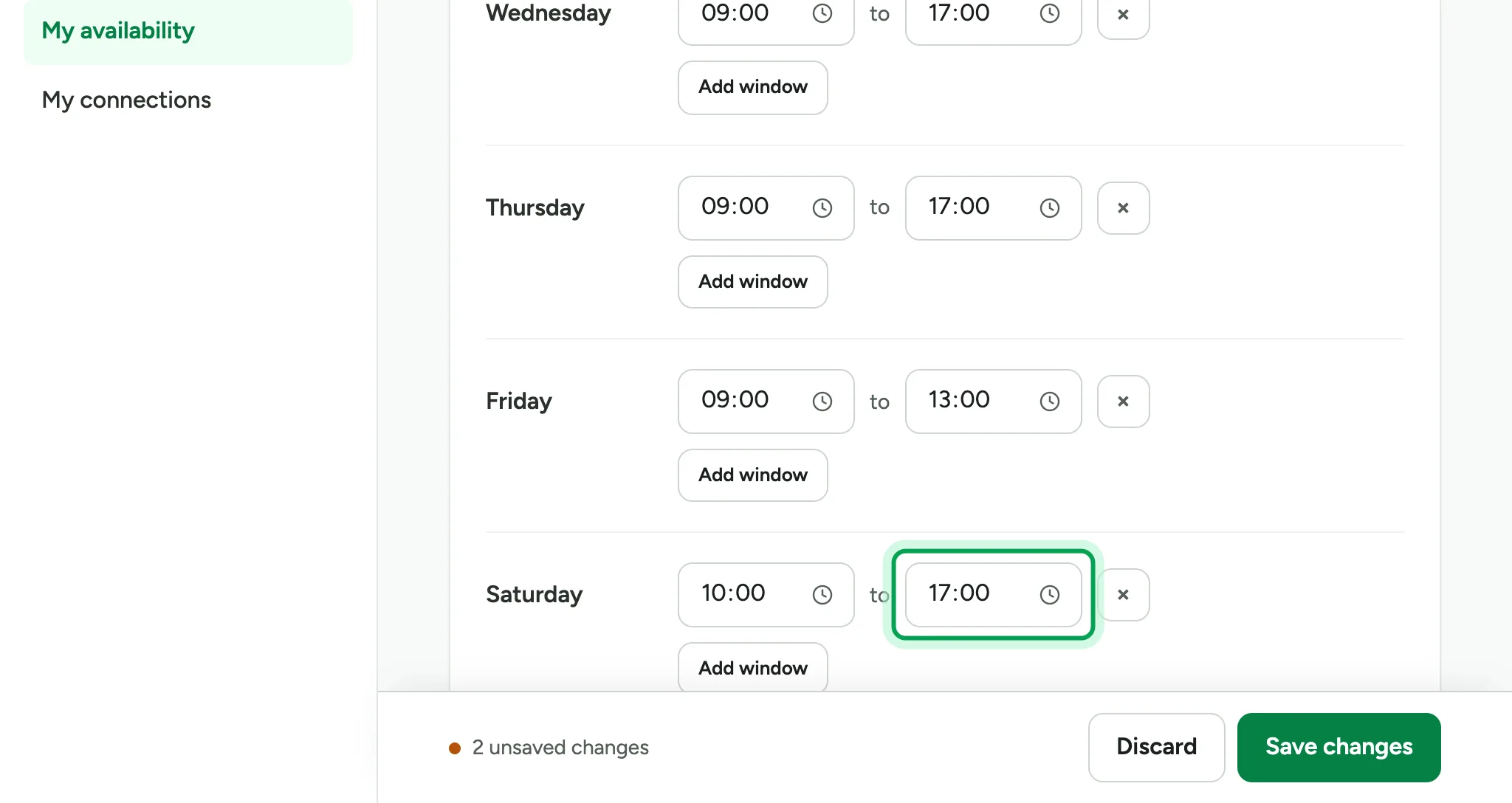
Then set the end time, such as 14:00.
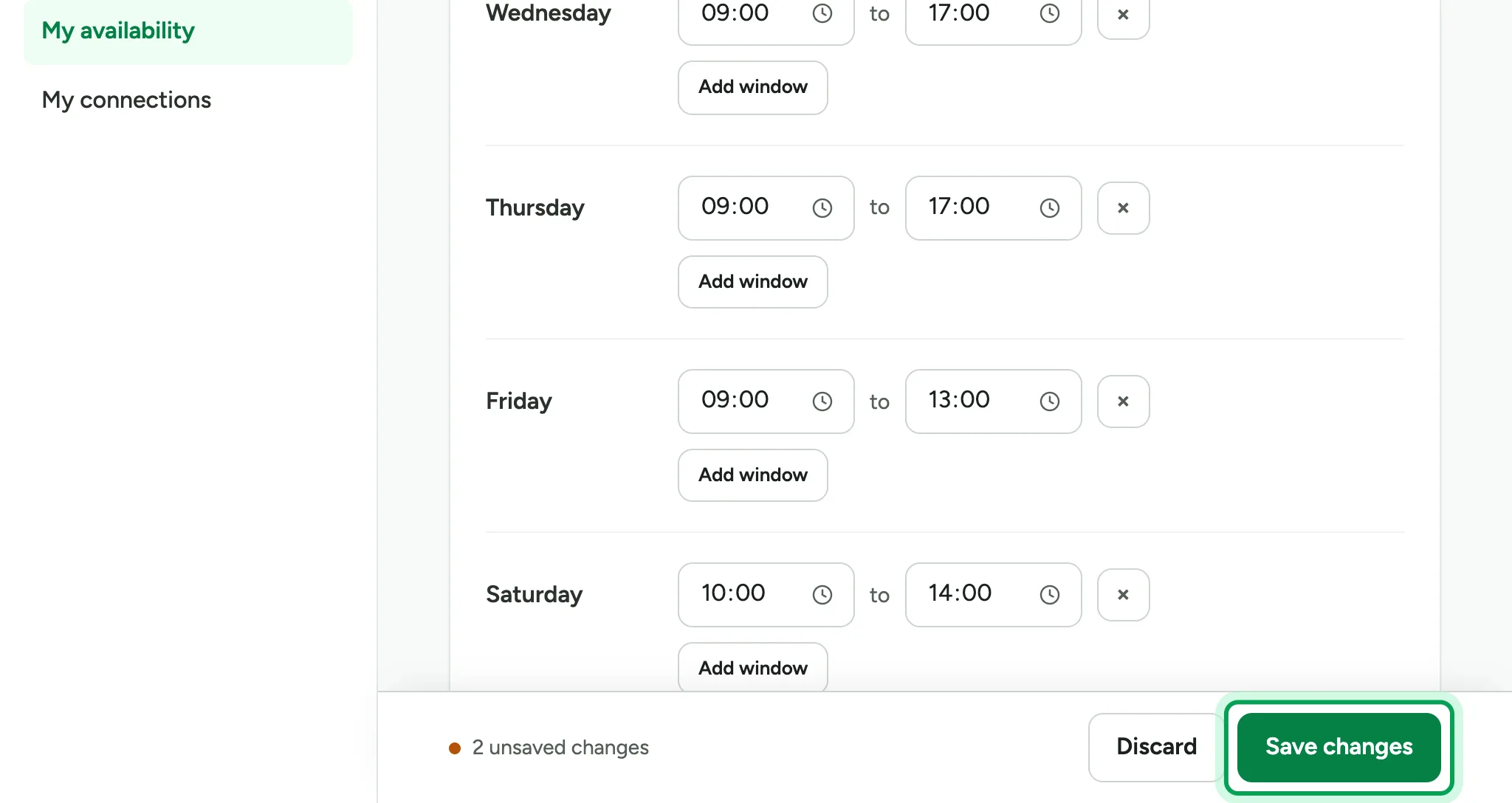
The bar at the bottom counts your unsaved changes. Choose Save changes.
Your new hours are saved.
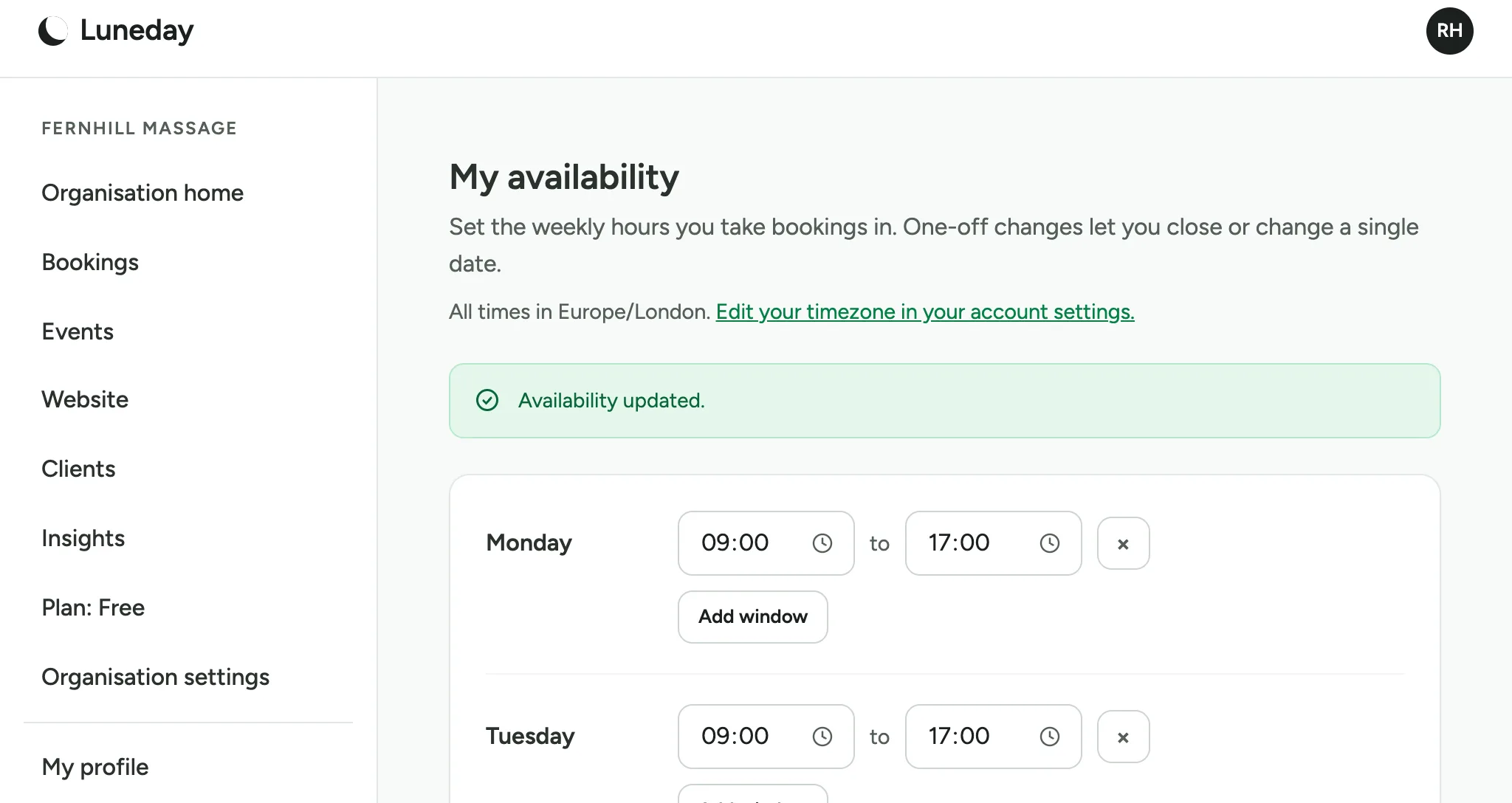
For a day off, add a one-off change under One-off changes. Pick the date.
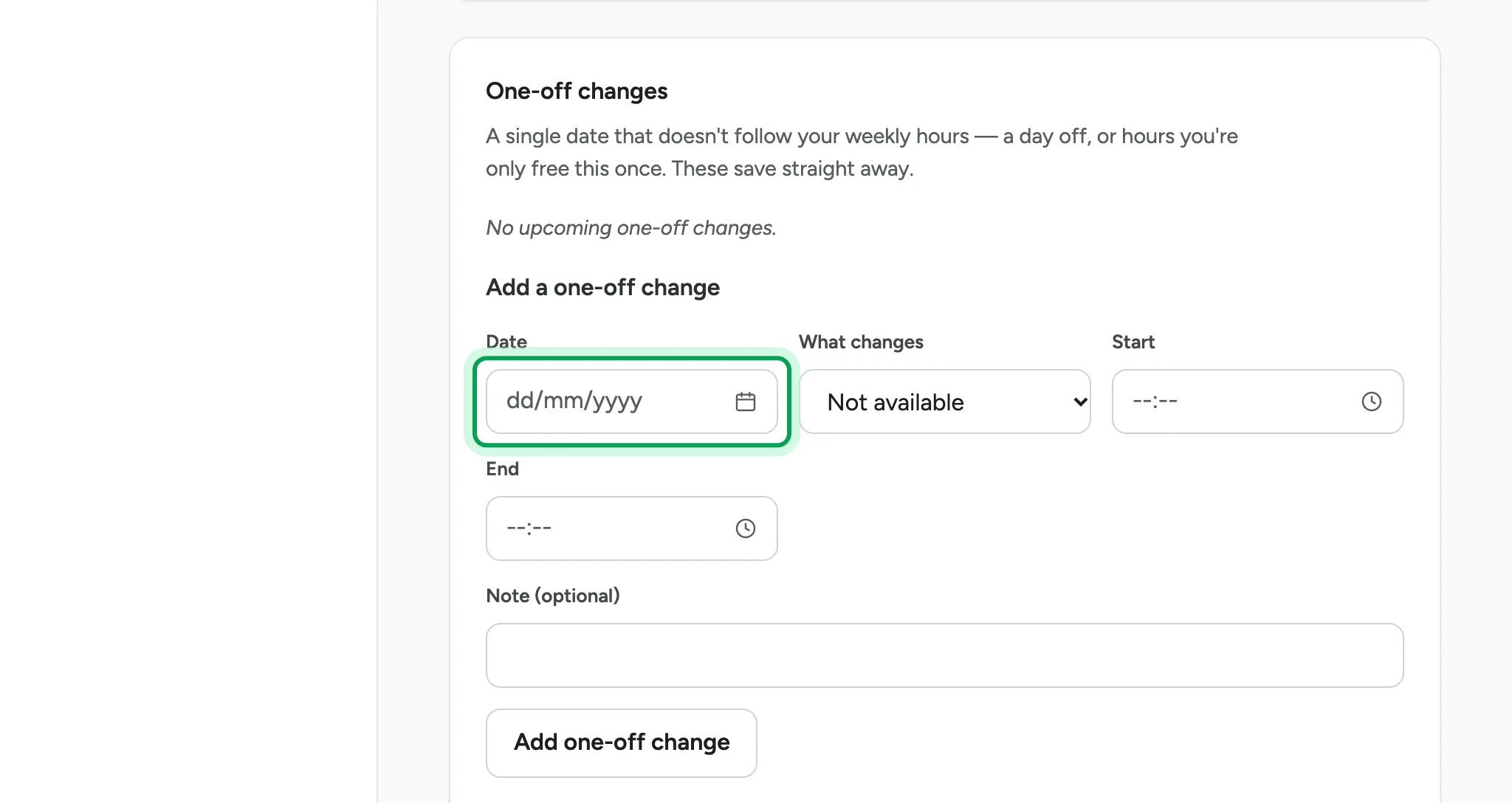
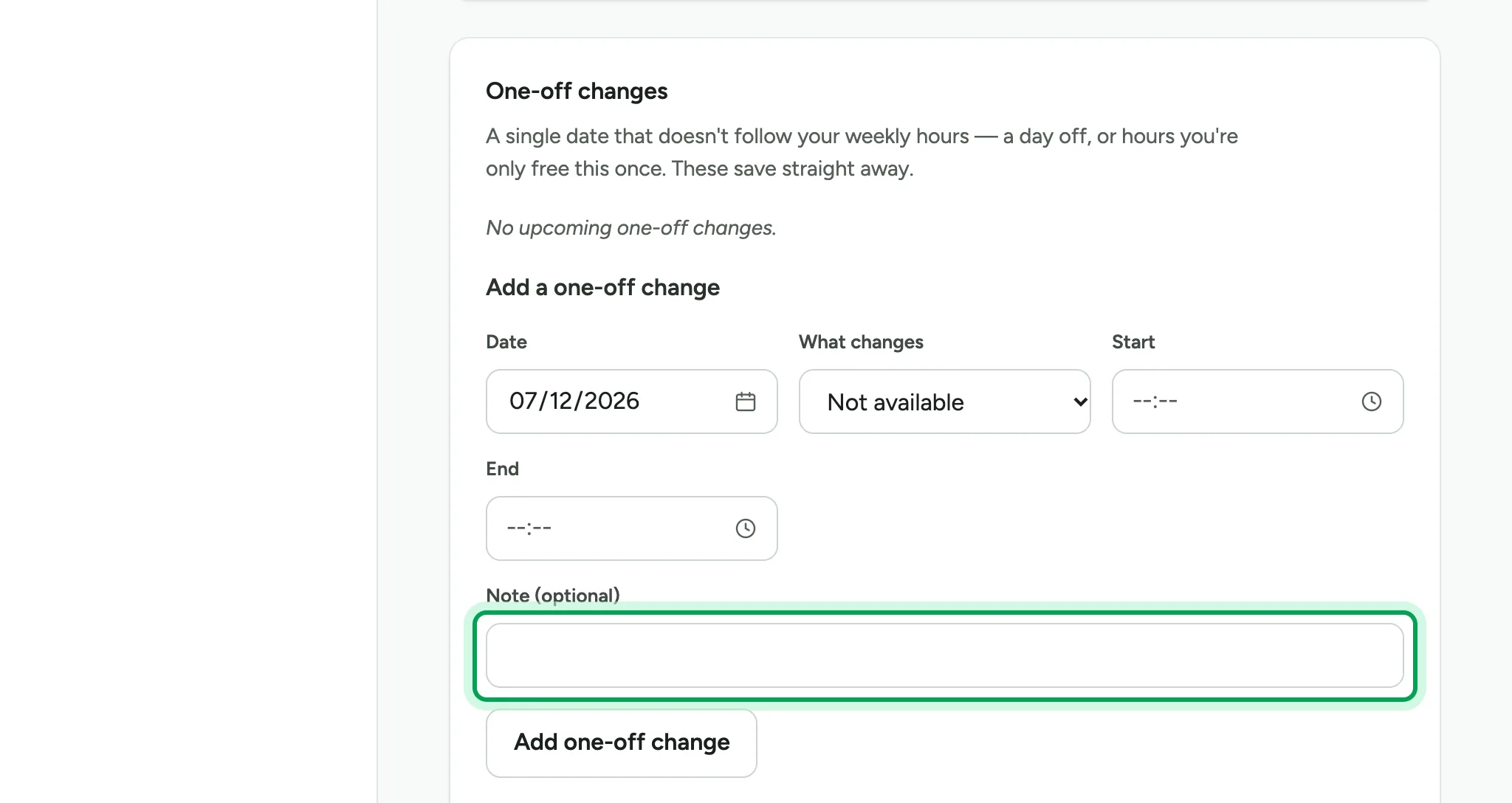
Leave What changes on Not available. Add a note if you like.
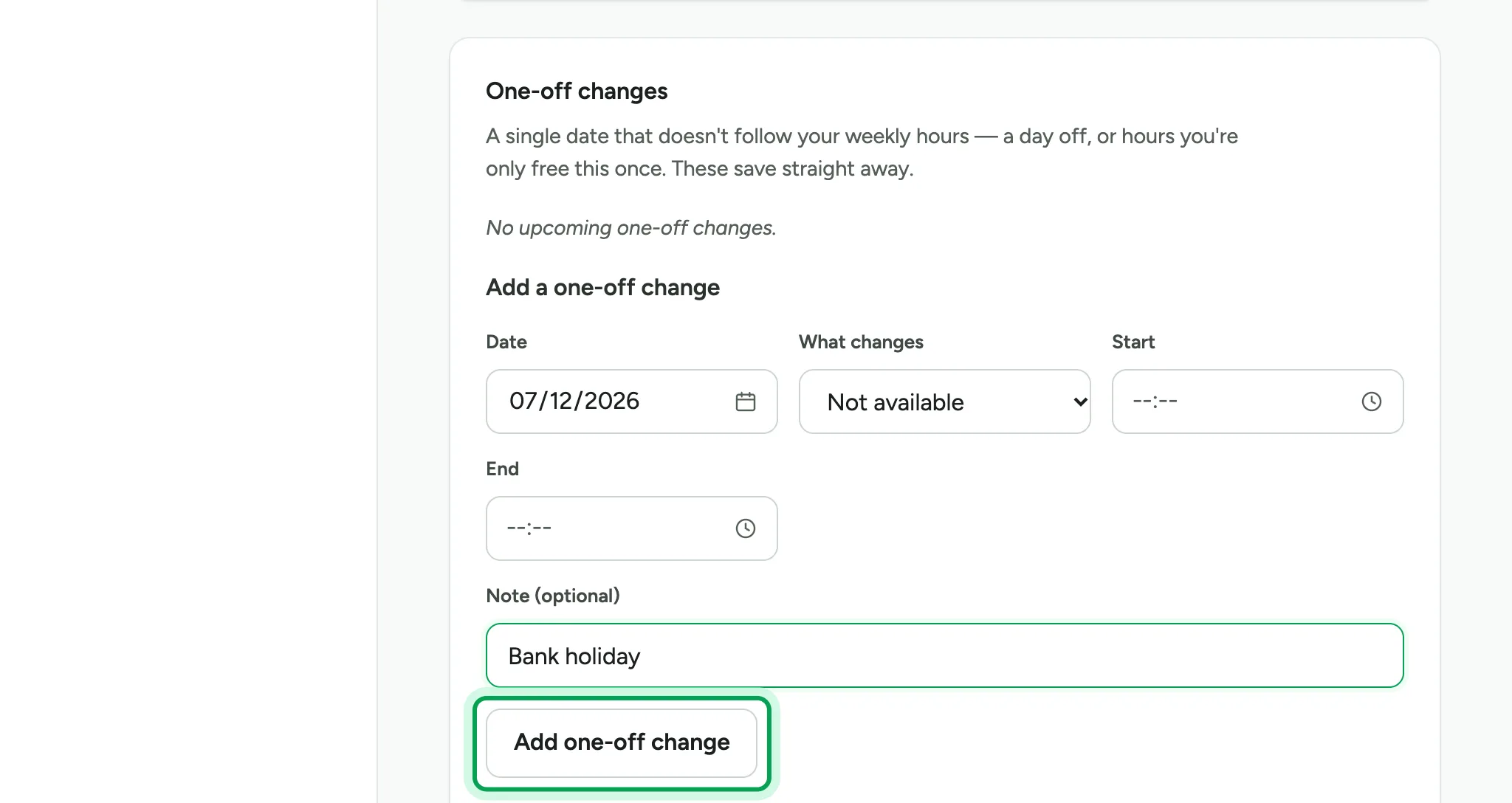
Choose Add one-off change. One-off changes save straight away.
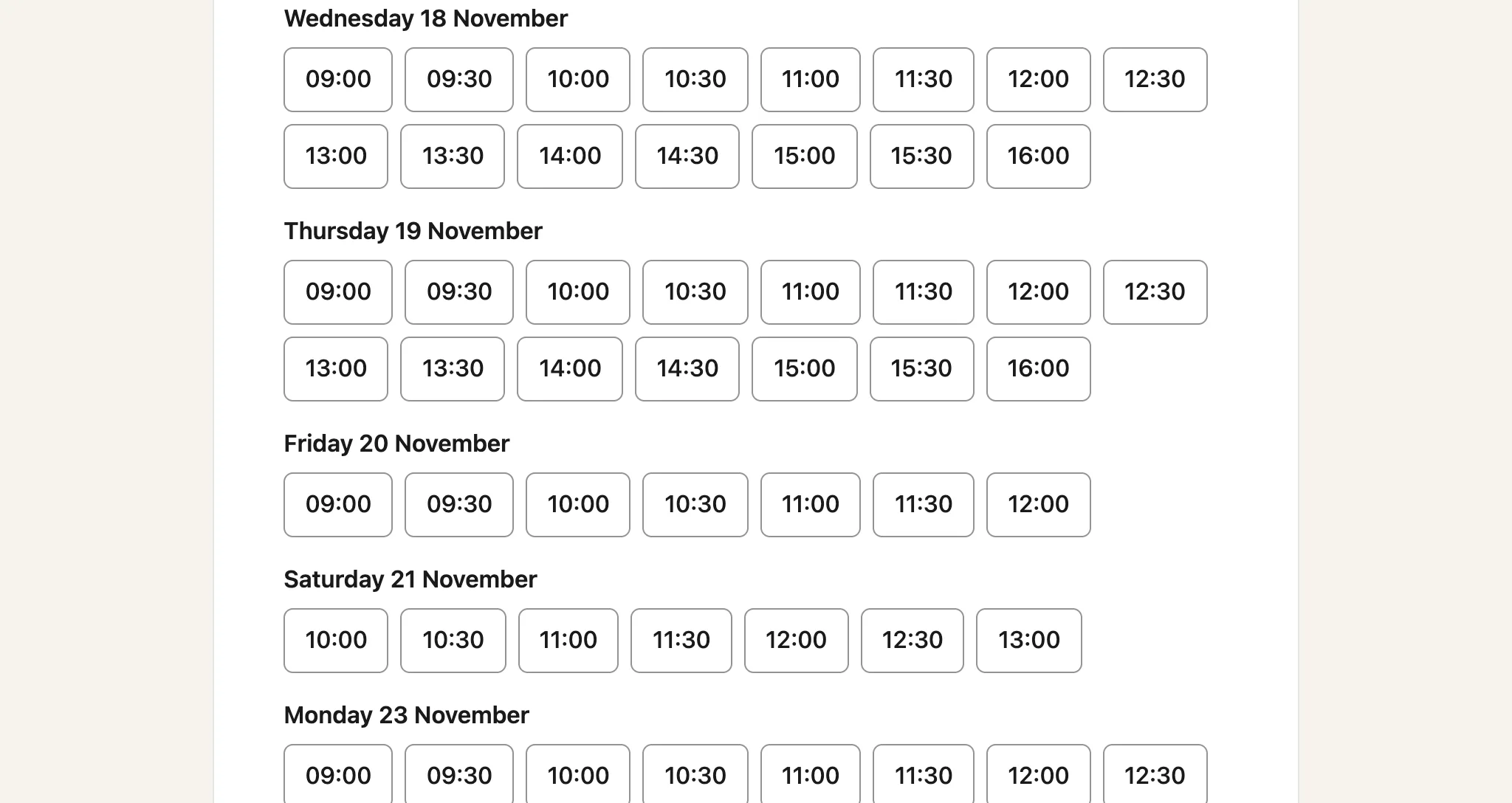
Your booking page now offers Saturday times, and Fridays finish earlier.
Updated 15 November 2026.
Related: Sign in to Luneday · Set up your first event and publish your page
Still stuck? Email hello@luneday.com.