Invite-only beta Luneday is open to invited hosts while we finish building. Ask for an invite

← All help

Share your link or add it to your website

Copy your booking link, or the code for your website.
Steps

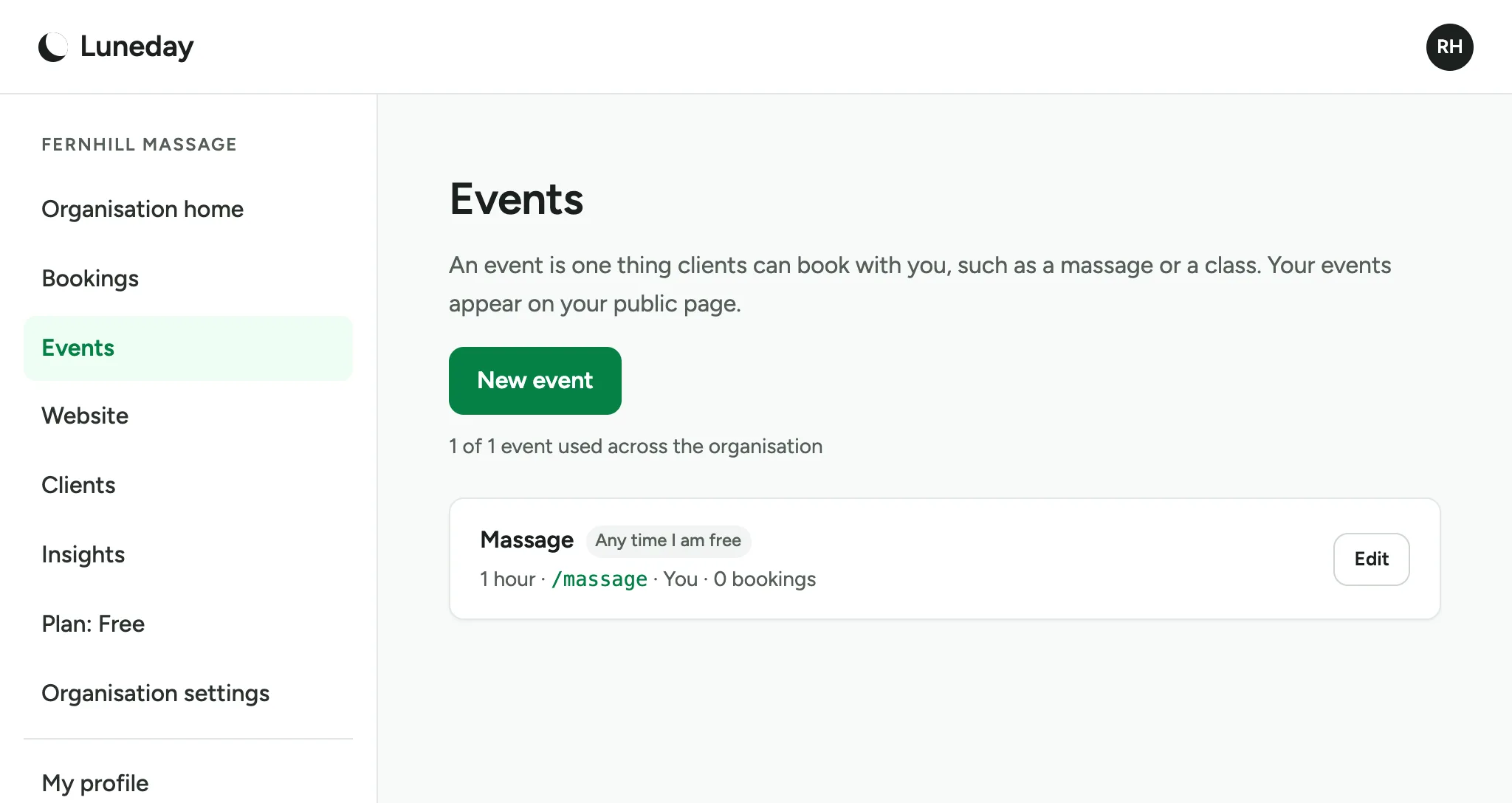
  1. Every event has its own booking link.

    The Events page, listing the Massage event with its link, /massage.
  2. Go to Events, then choose Edit beside the event.
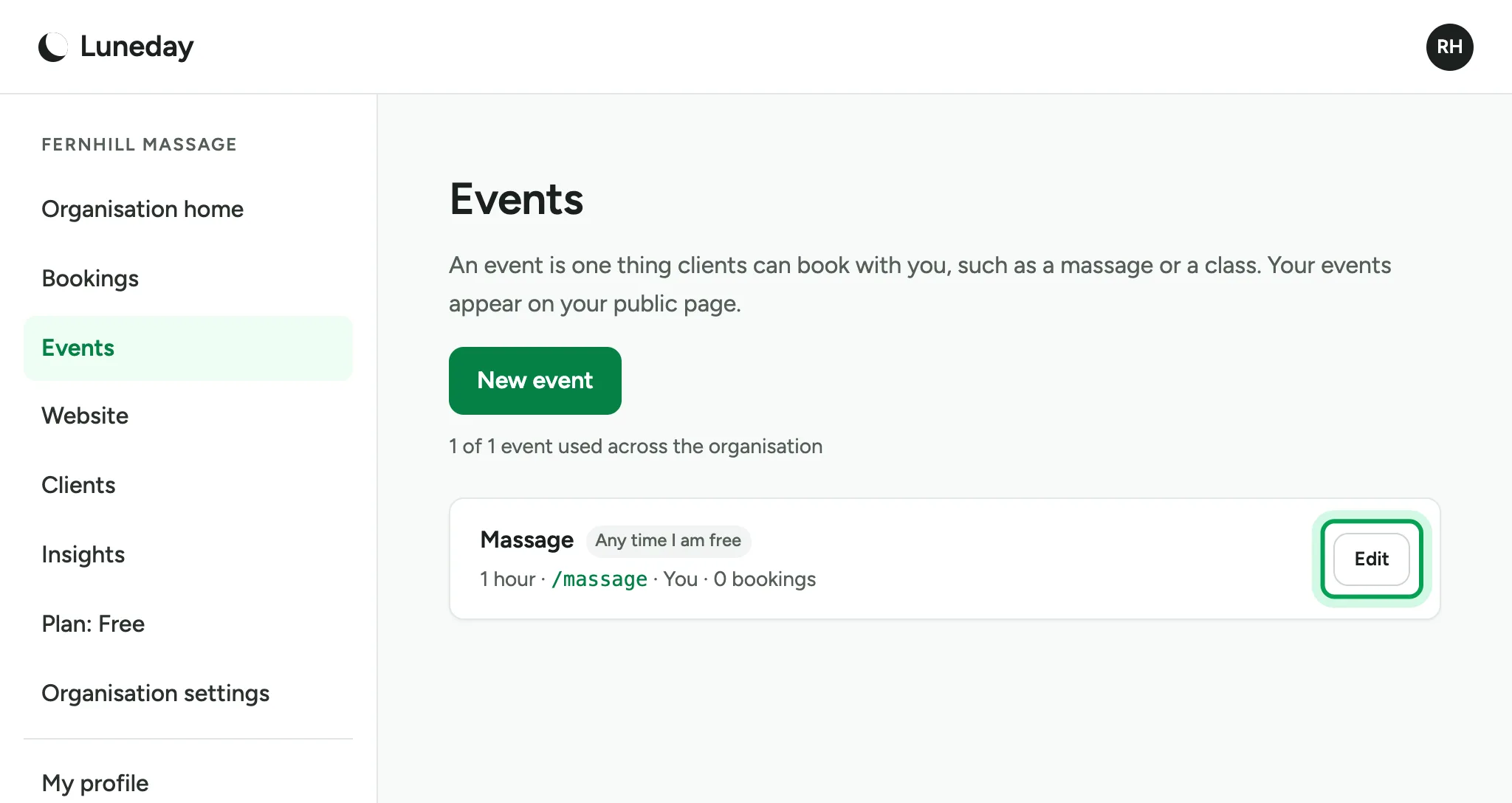
    The Events page, with Edit ringed beside Massage.
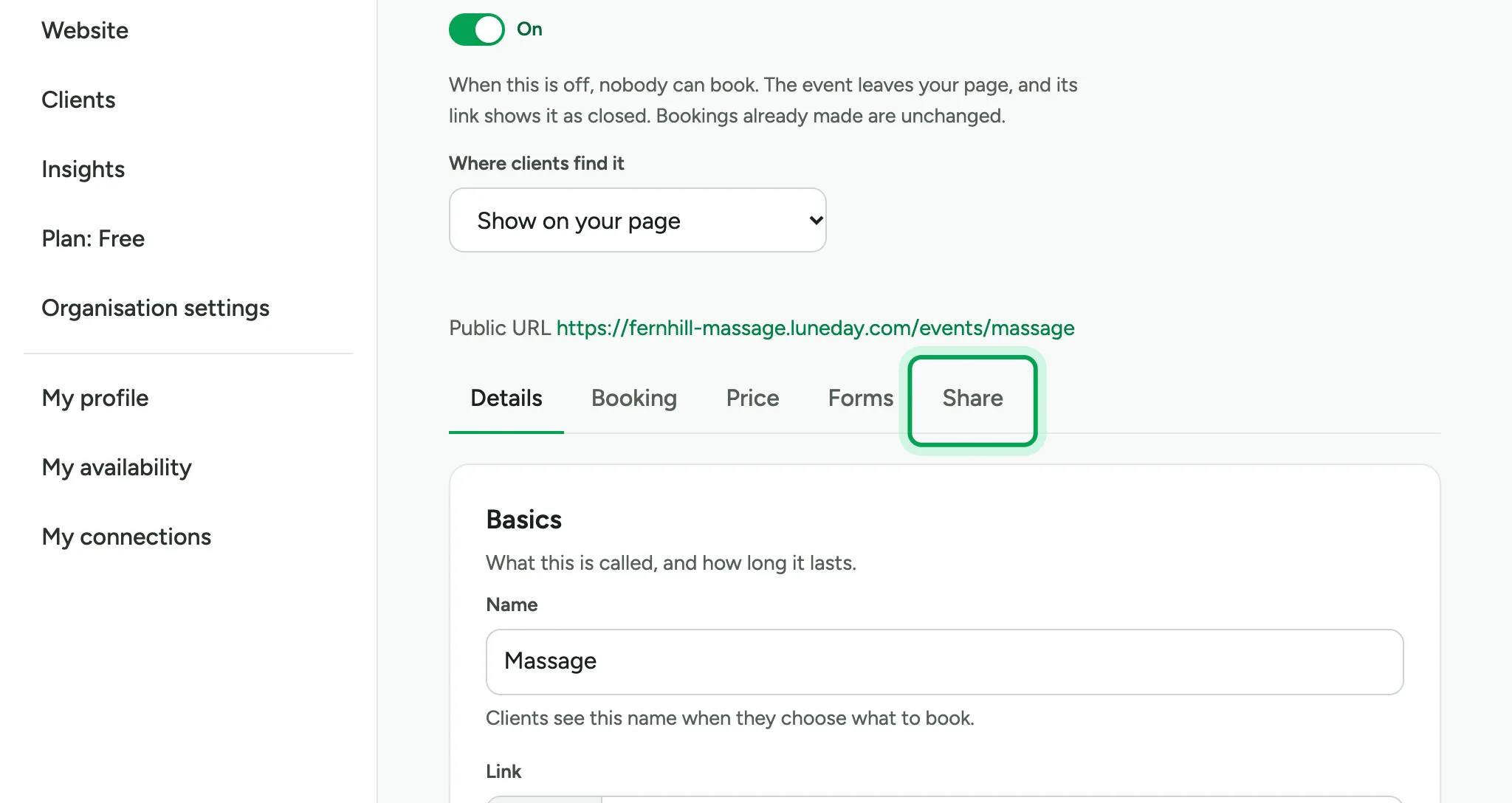
  3. Choose the Share tab.

    The event's settings, with the Share tab ringed after Details, Booking, Price and Forms.
  4. Choose Copy link. Anyone with the link can book while the event is open for booking.
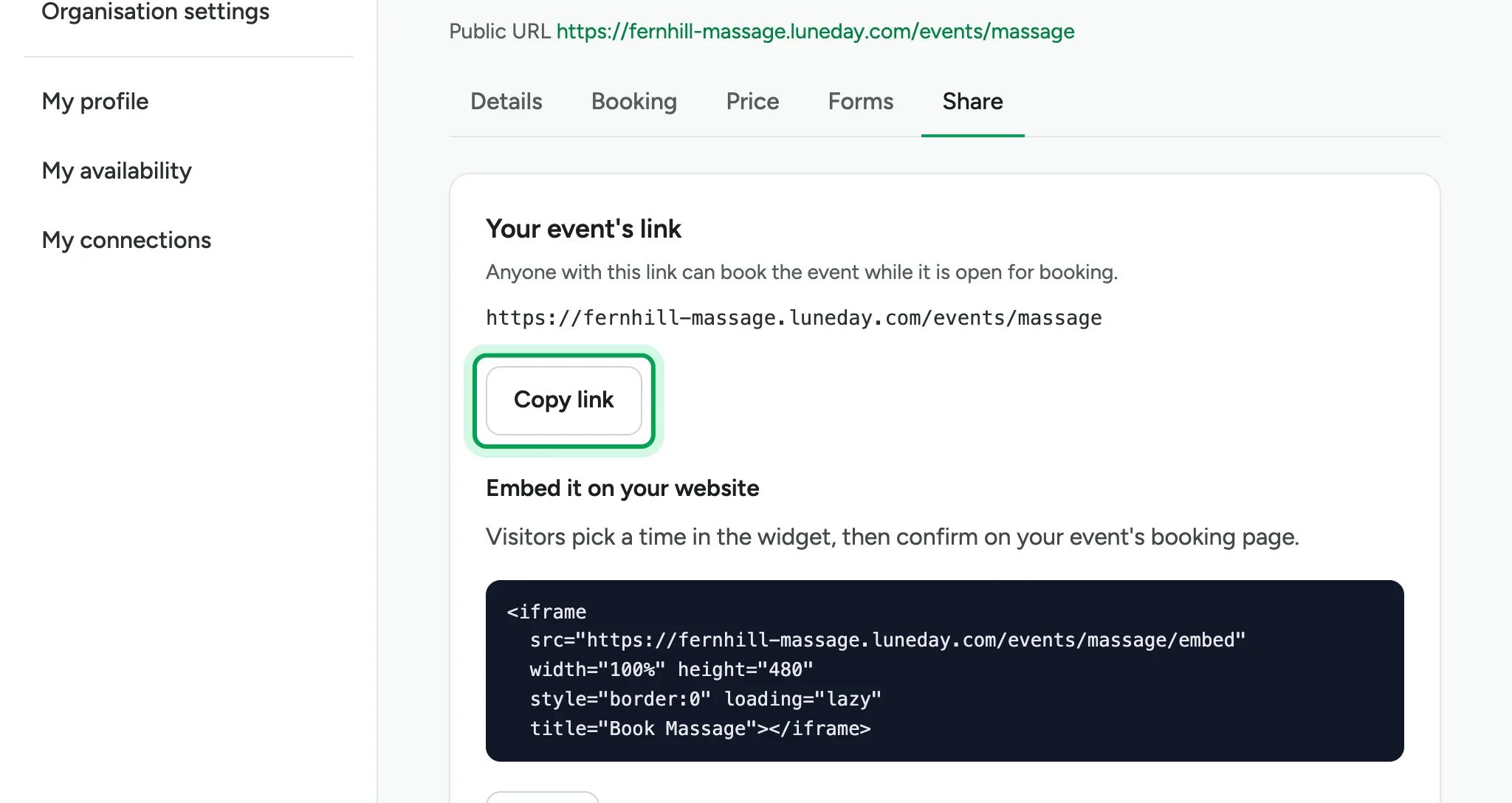
    The Your event's link card, showing the full web address, with Copy link ringed.
  5. The button says Copied. Paste the link into an email, a message or your social media.
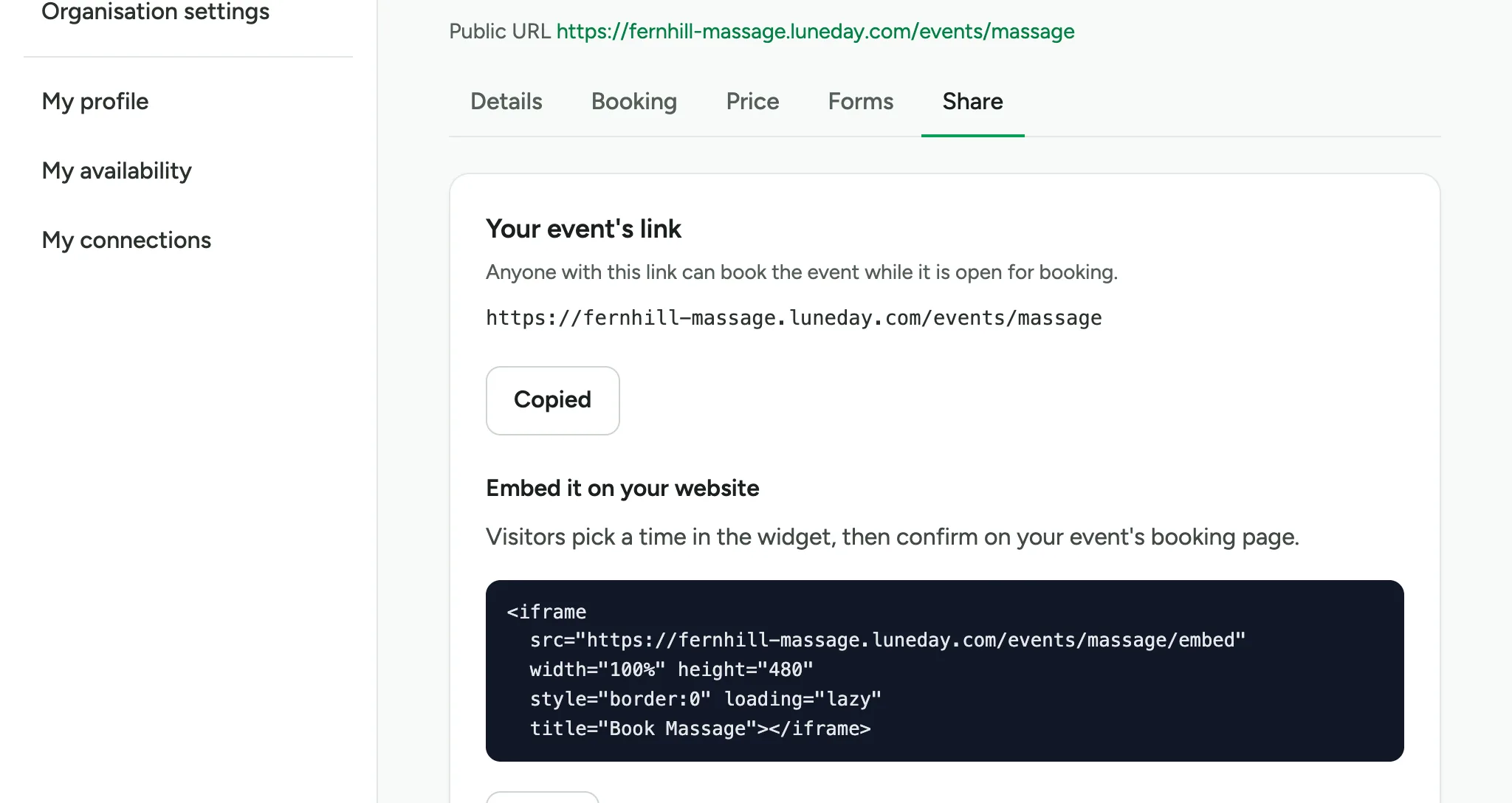
    The Copy link button, now reading Copied.
  6. To add booking to your own website, copy the embed code under Embed it on your website. Choose Copy.
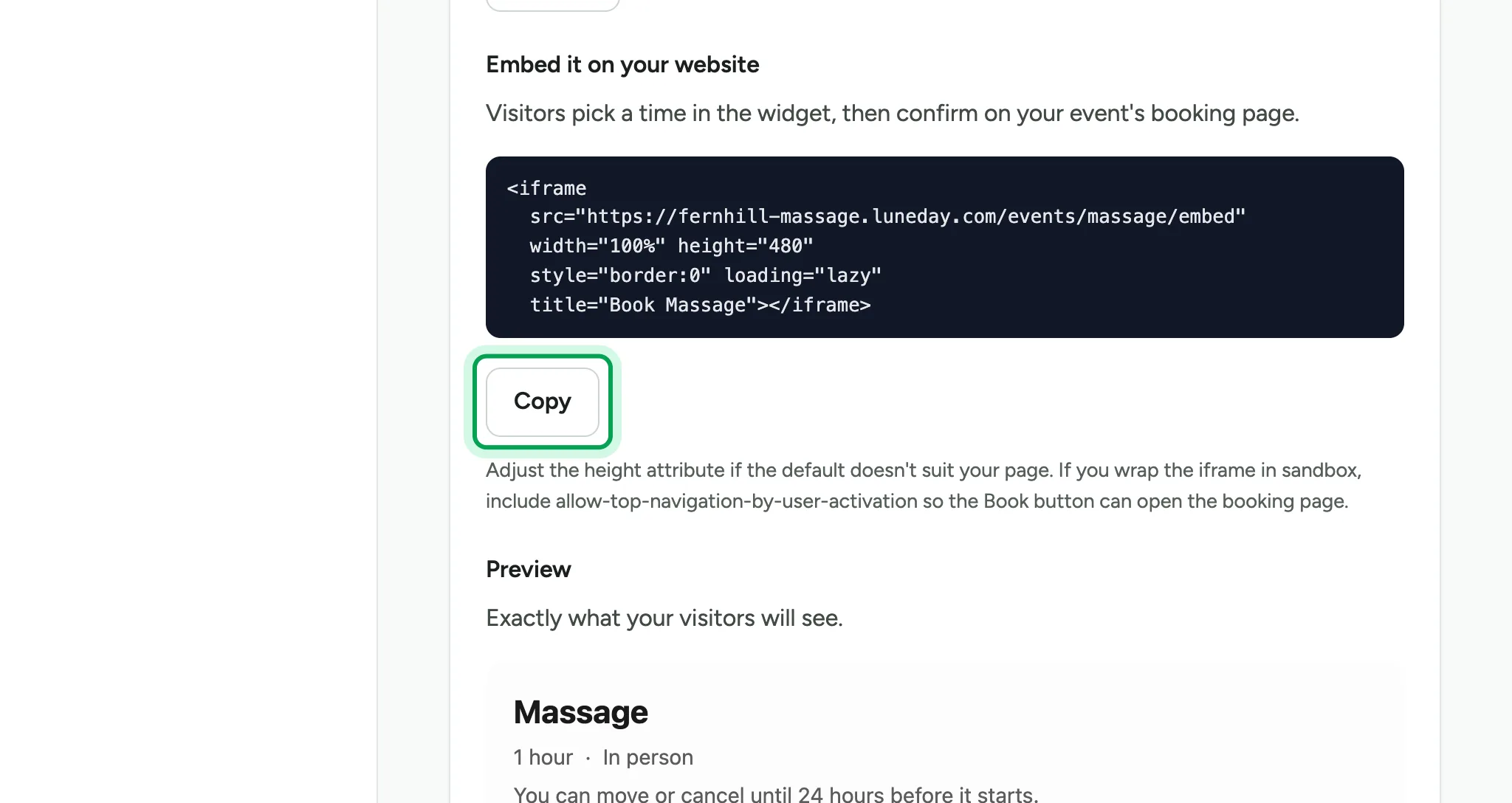
    The embed code in a dark box, with the Copy button below it ringed.
  7. Paste the code into your website, where you want the booking times to show.
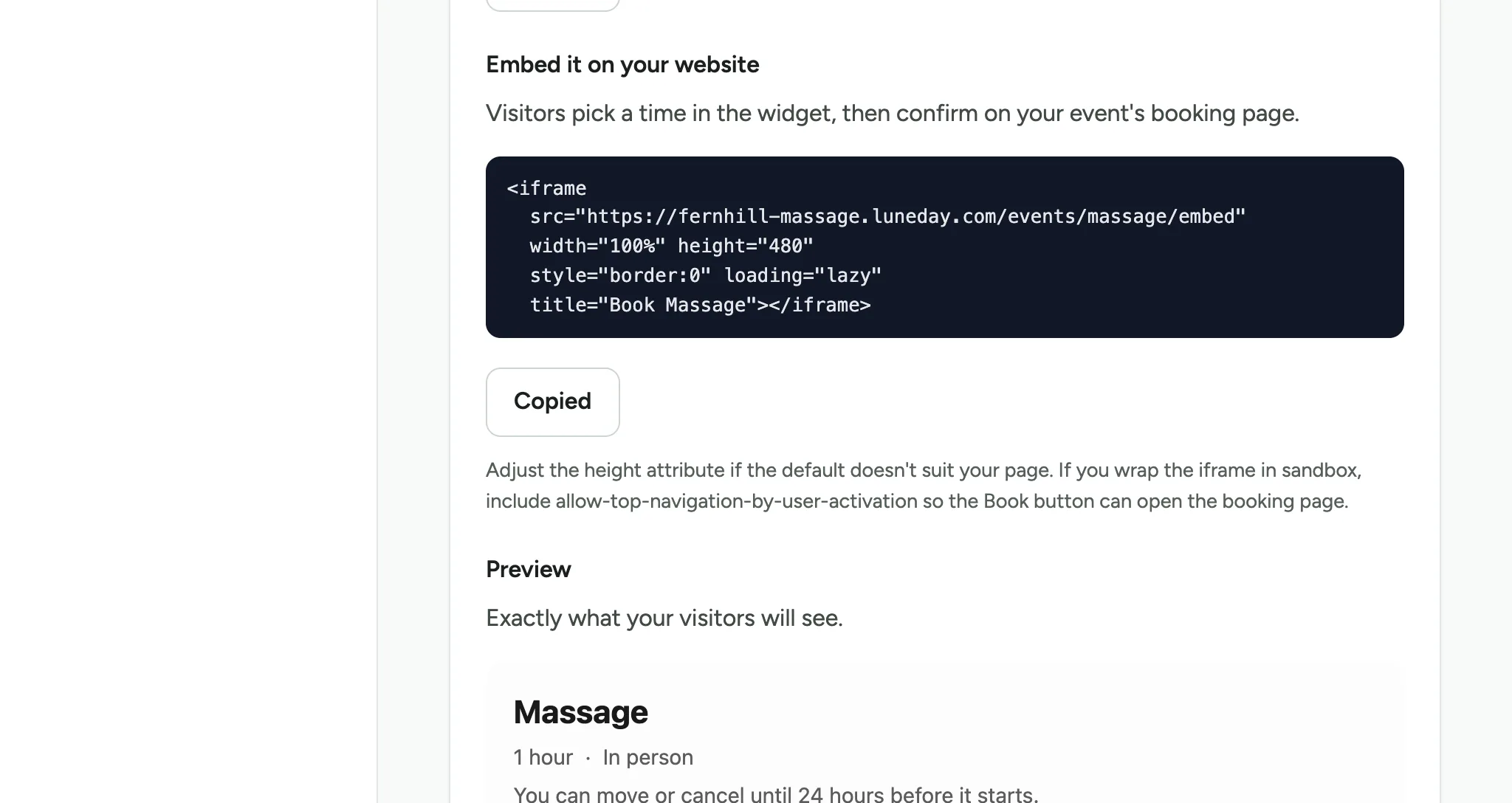
    The embed code's button reading Copied, with the top of the Preview below it.
  8. Your visitors pick a time on your website, then confirm on your booking page.
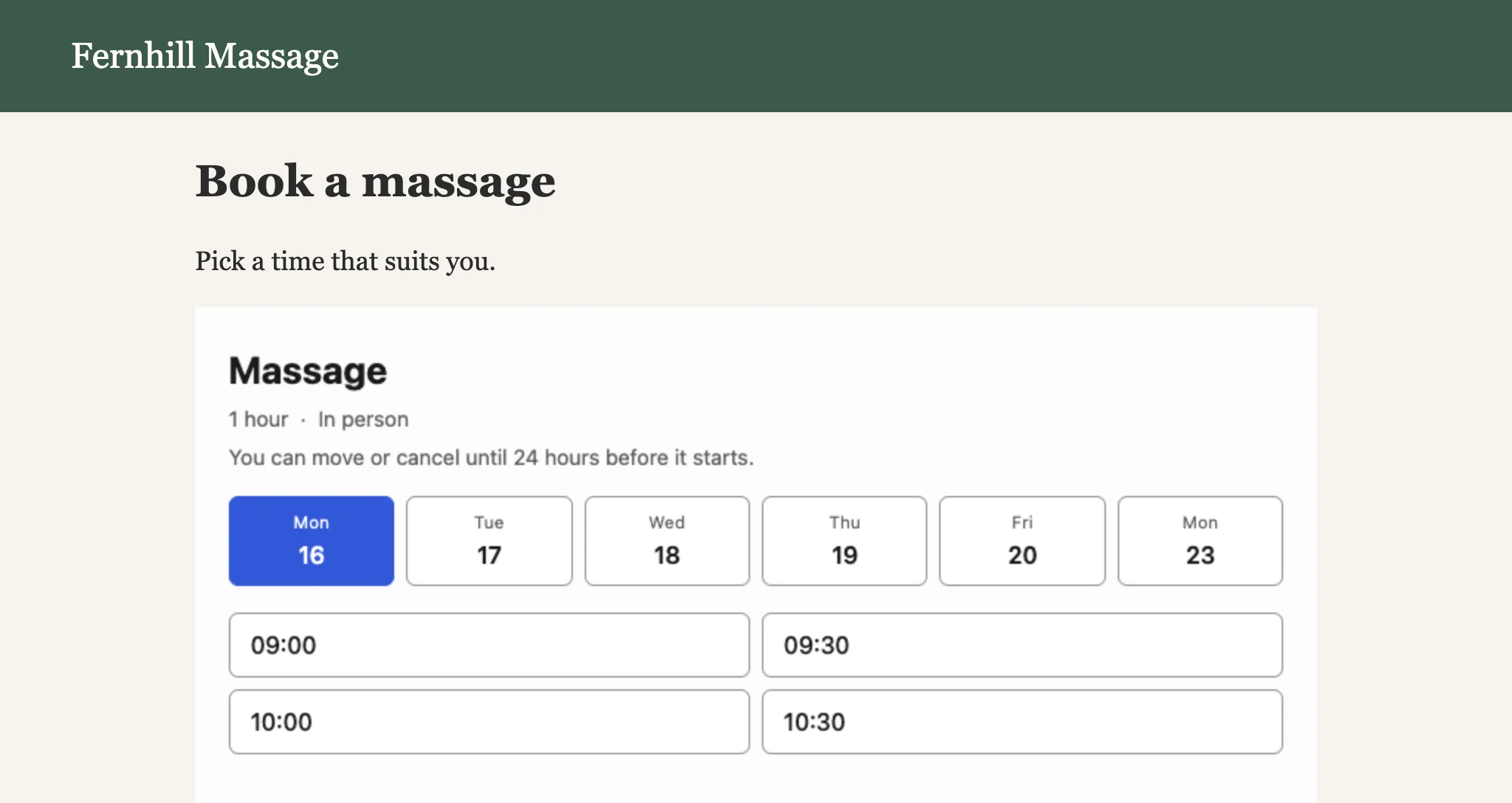
    A Fernhill Massage website page called Book a massage, showing days and start times for Massage.
  9. Anyone with your link sees your booking page and can book.
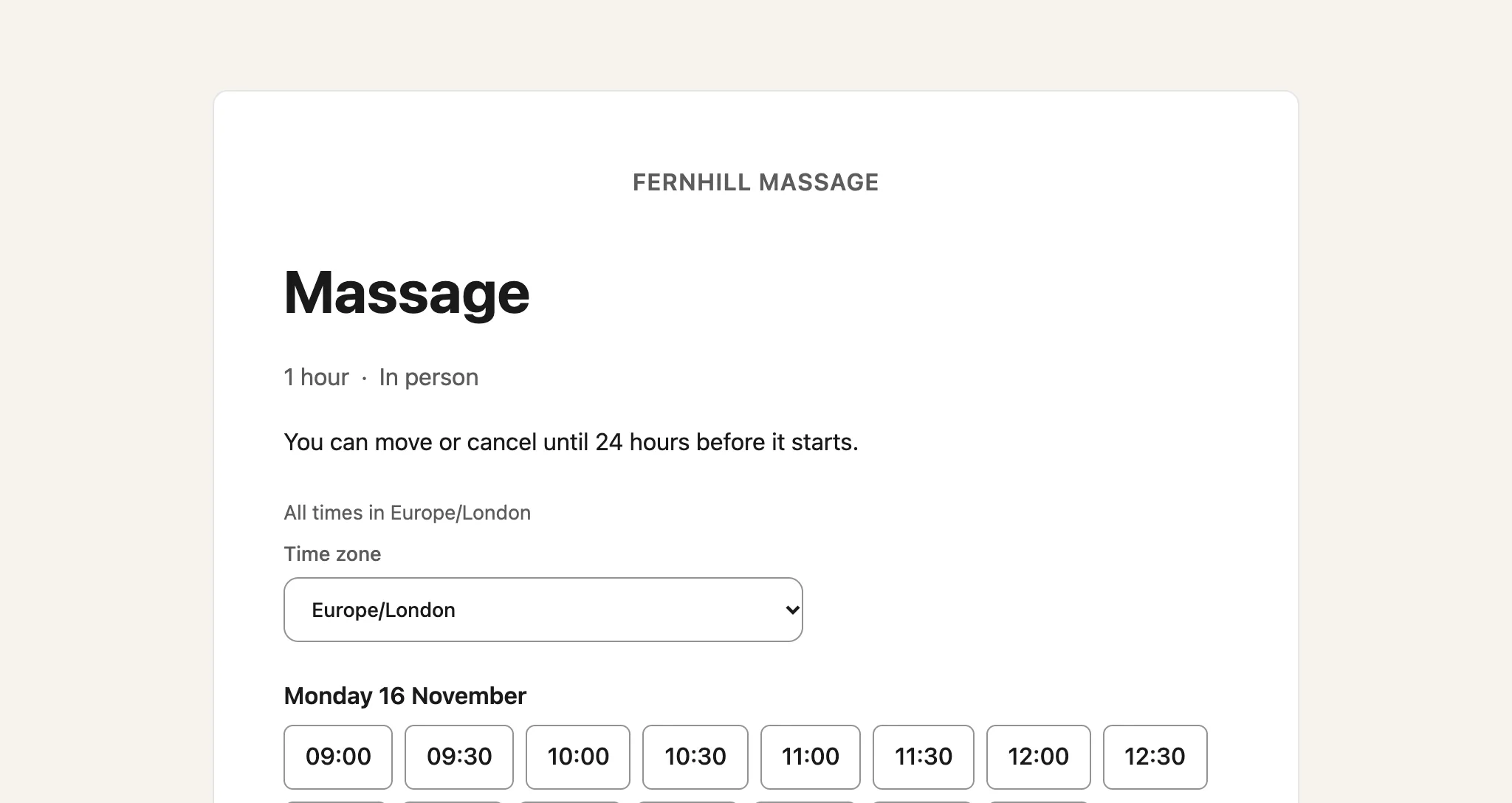
    The public booking page for Massage, with start times on Monday 16 November.

Updated 15 November 2026.

Related: Sign in to Luneday · Set your hours

Still stuck? Email hello@luneday.com.