See your bookings and change one
Find a booking, move it to a new time, or cancel it.

Steps
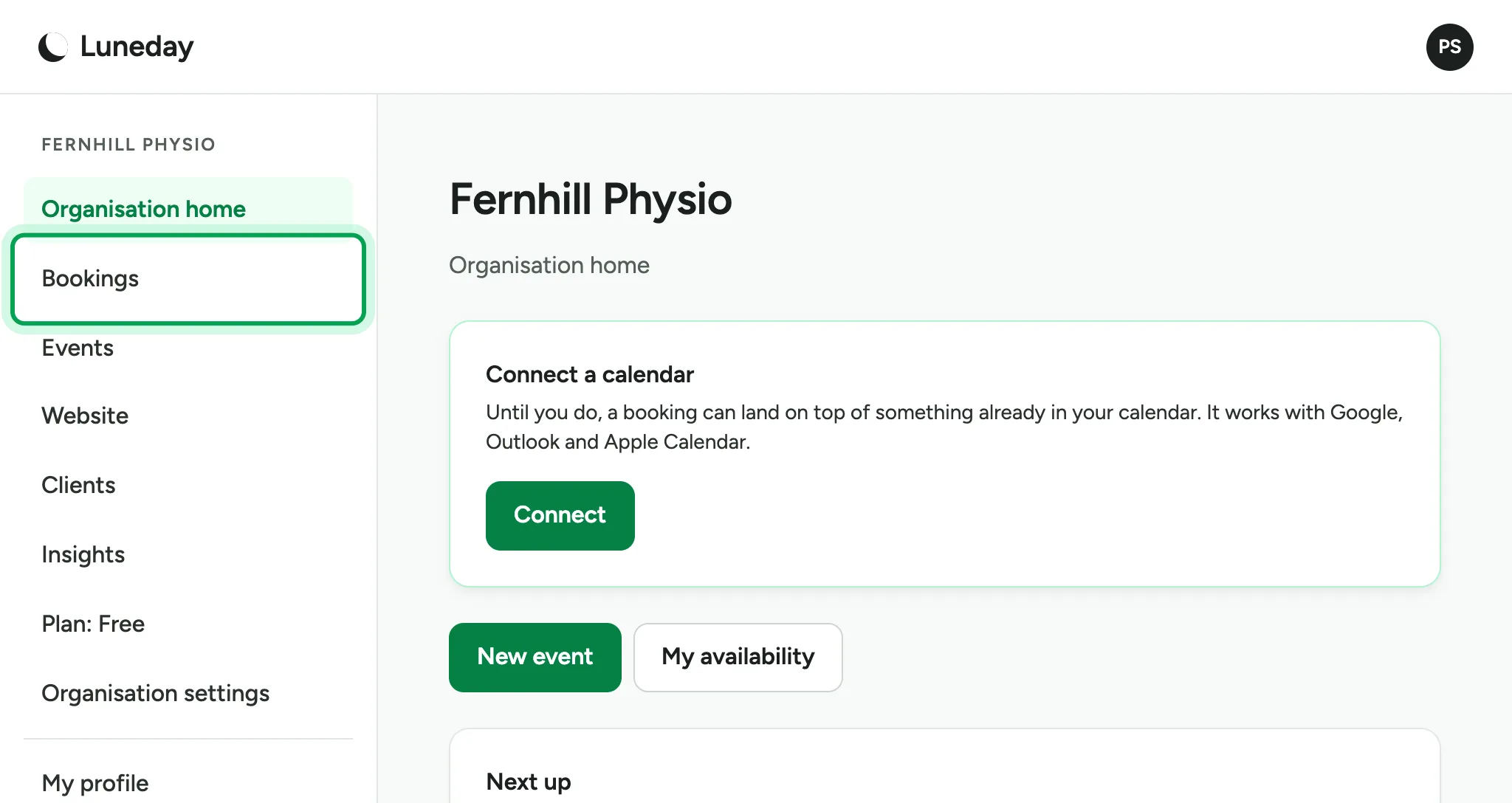
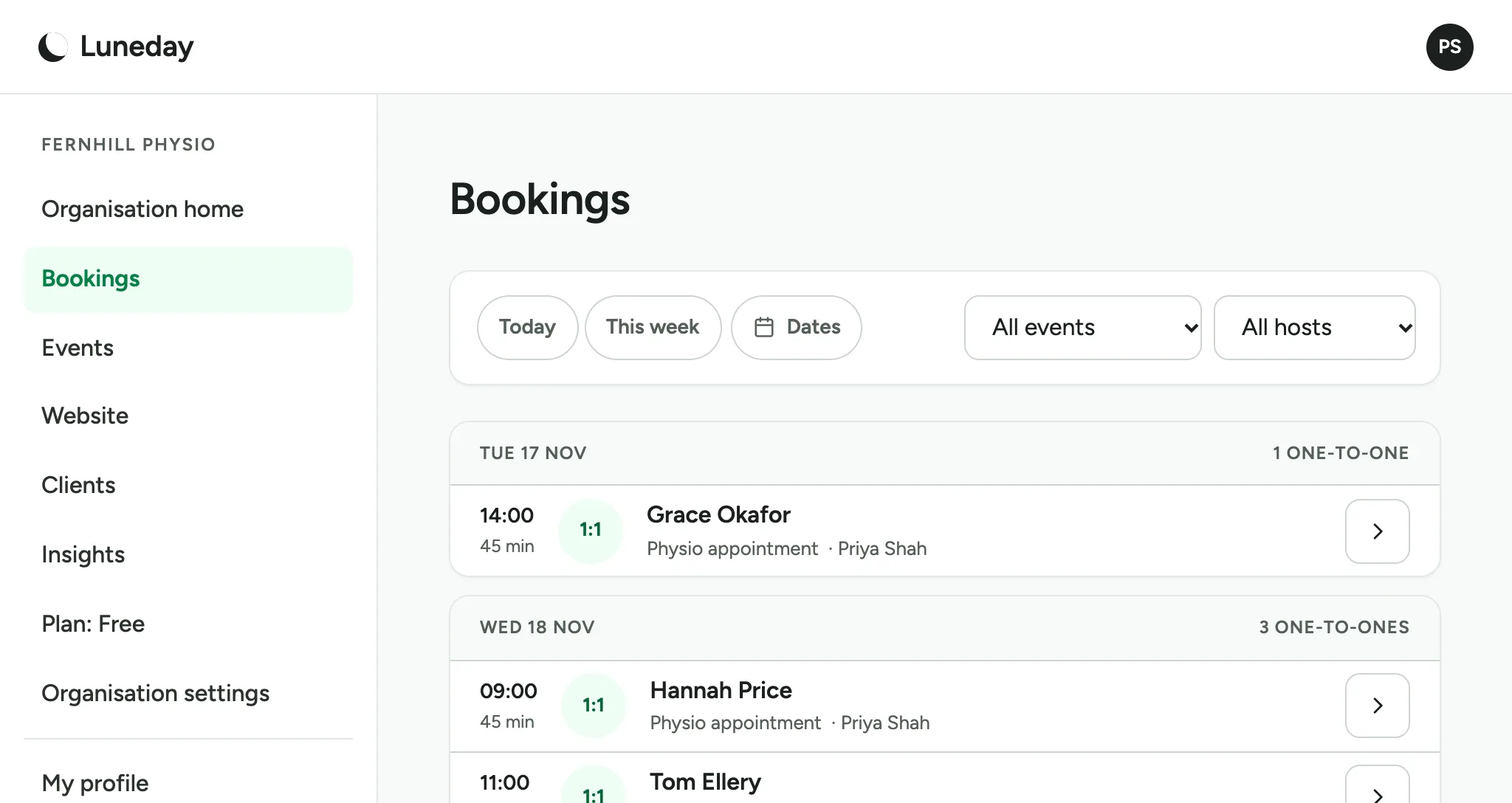
Choose Bookings in the menu. Your bookings are listed there.
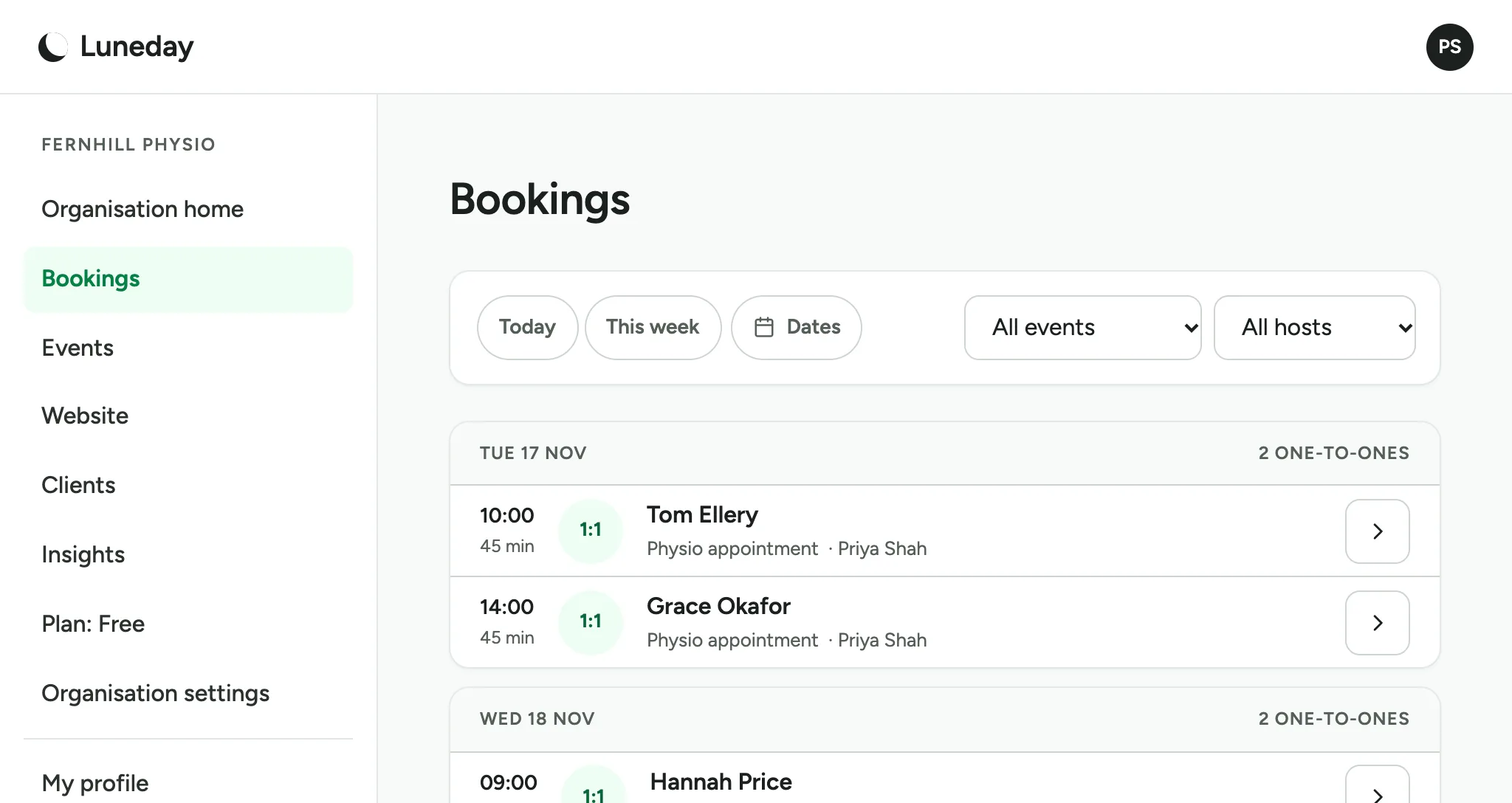
The page lists every upcoming booking, day by day.
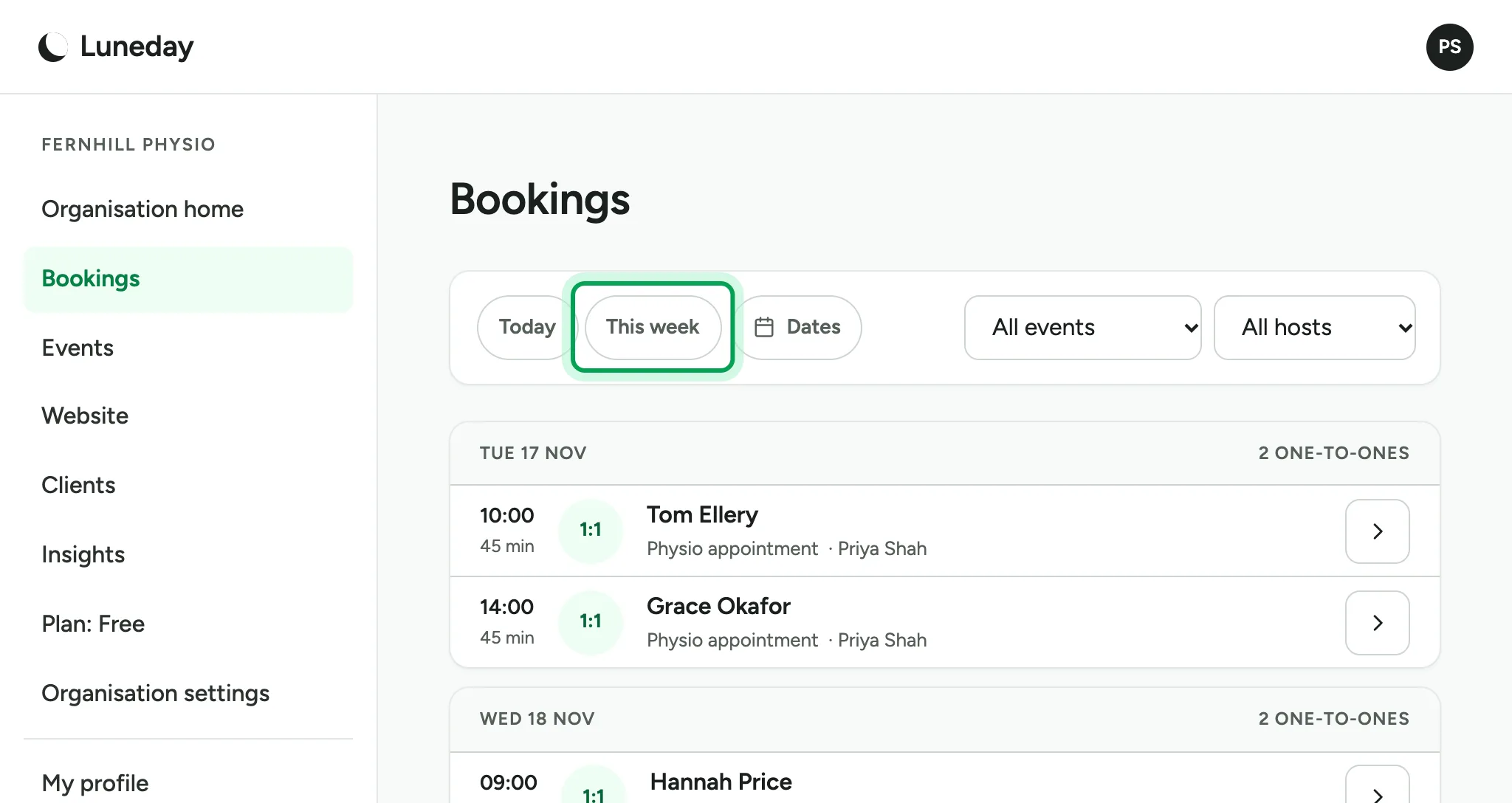
To show fewer days, choose Today, This week or Dates.
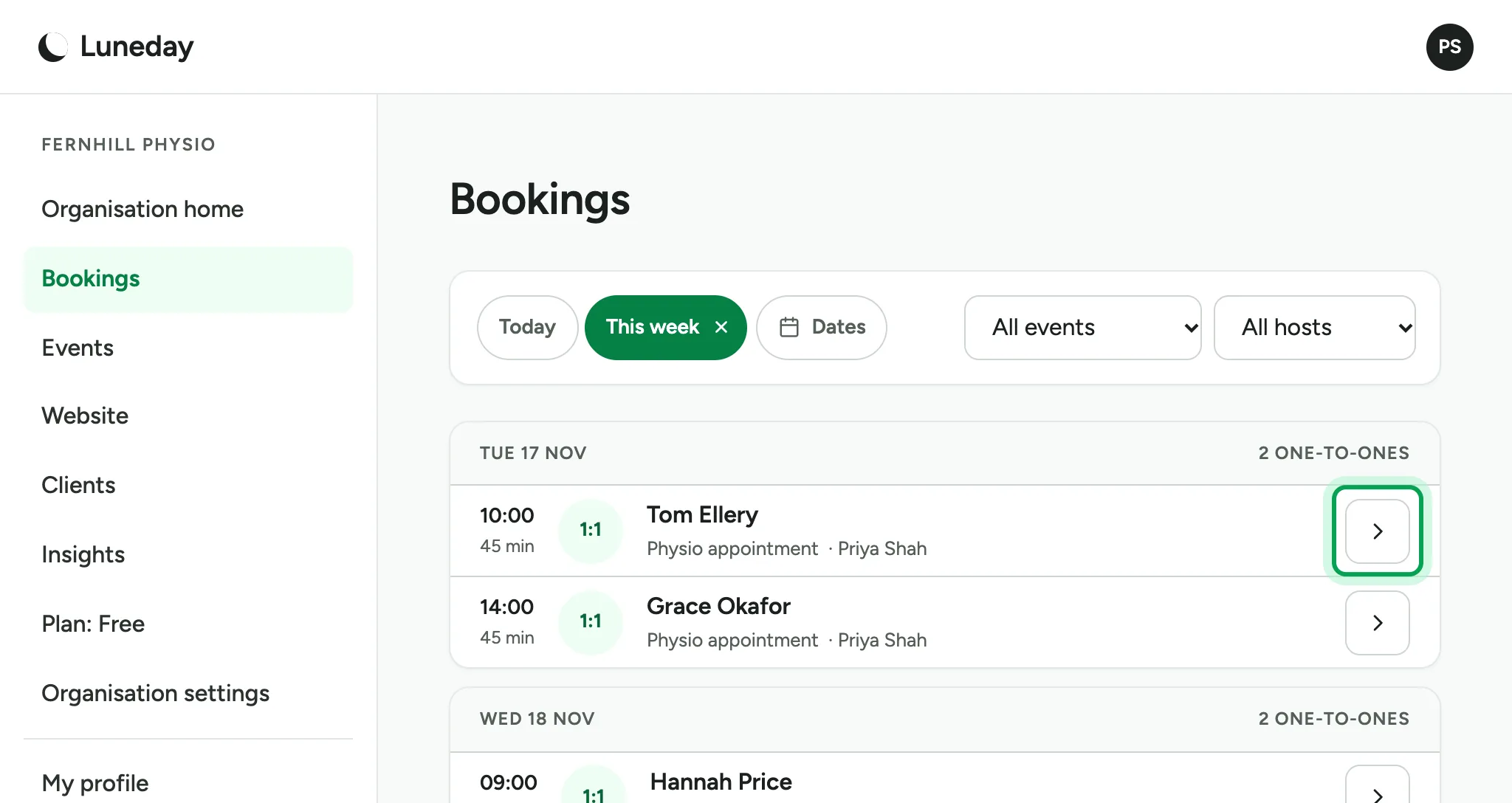
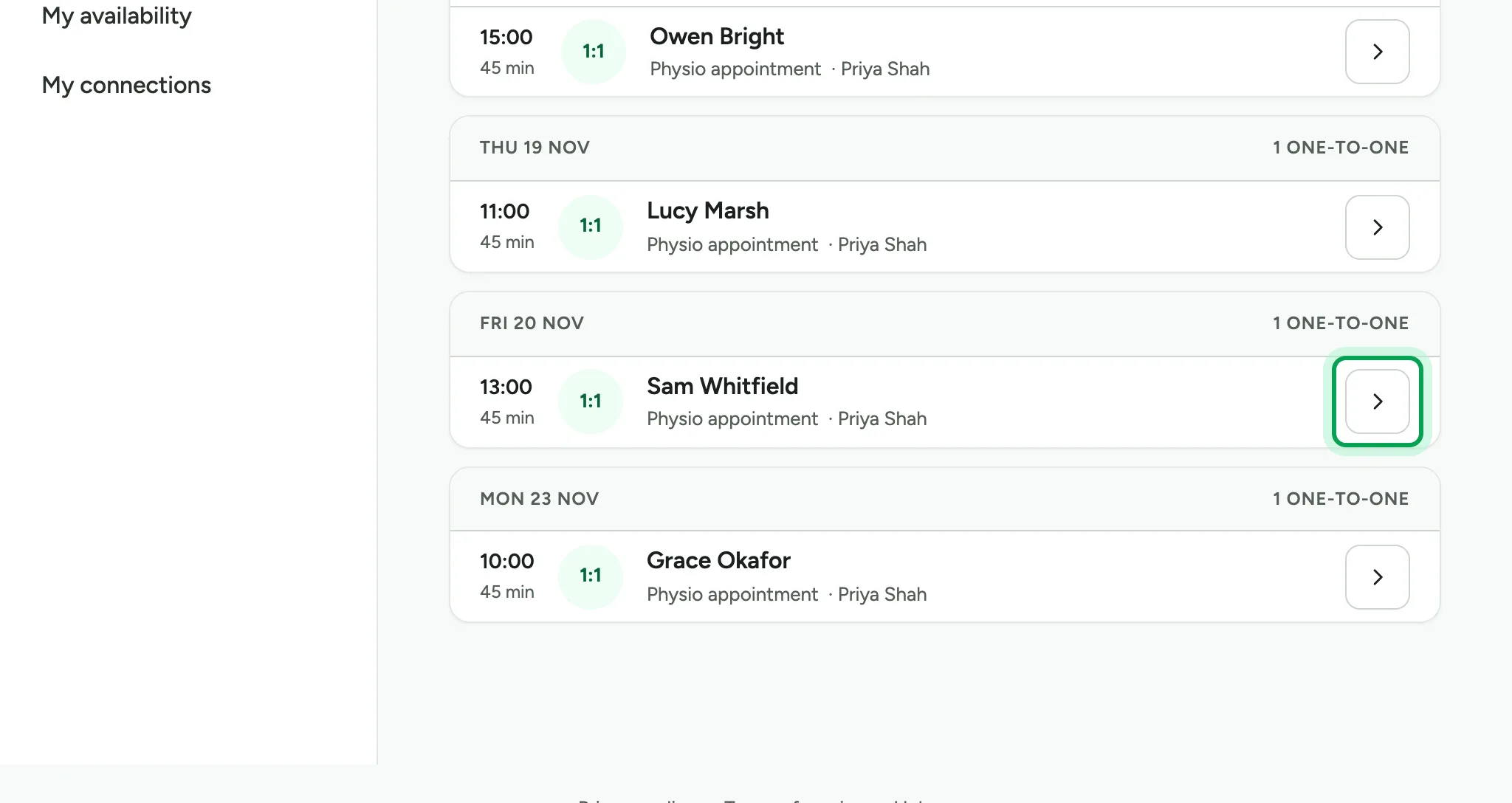
To open a booking, choose the arrow at the end of its row.
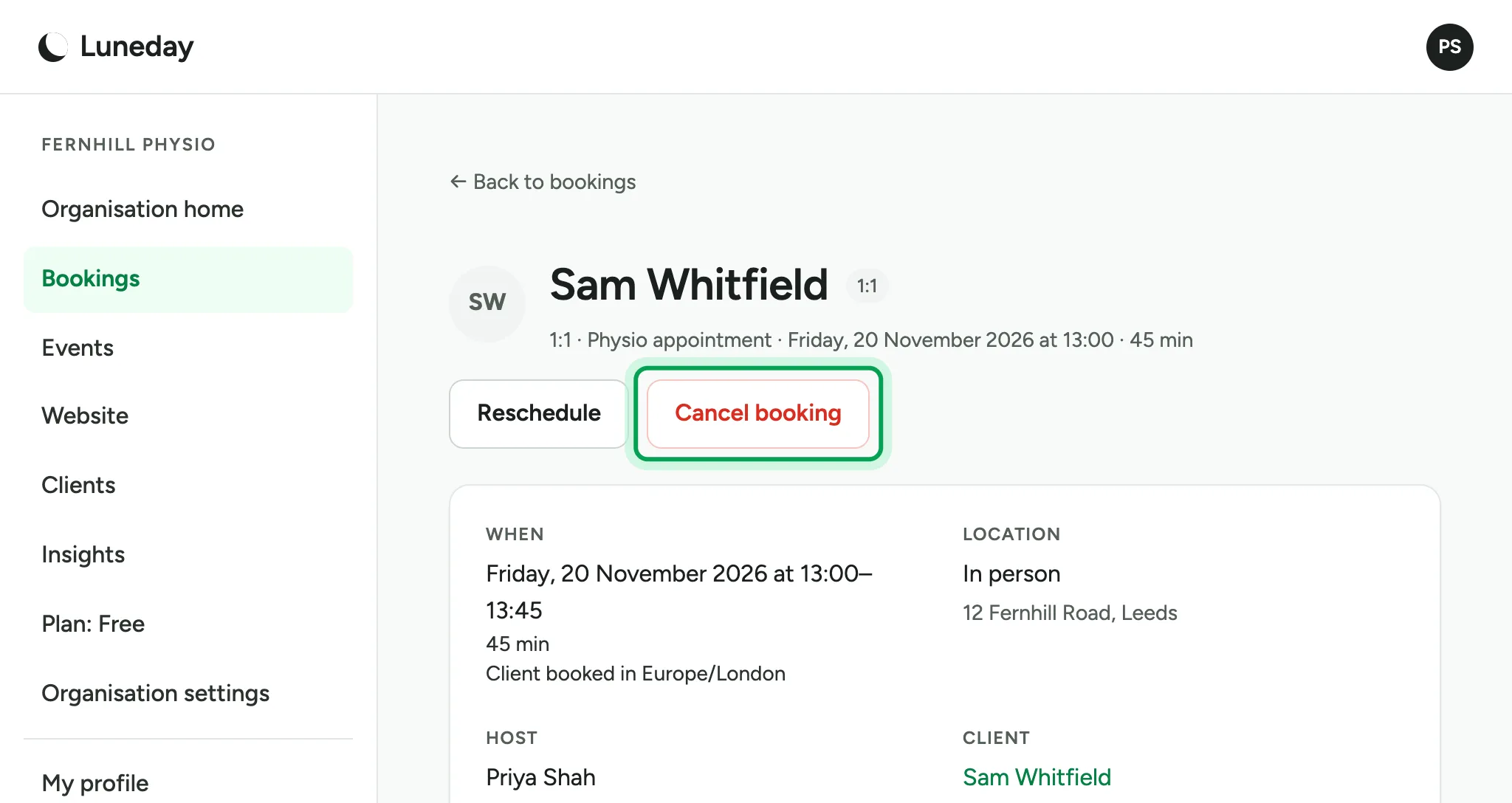
The booking shows when it is, where it is, and who it is with.
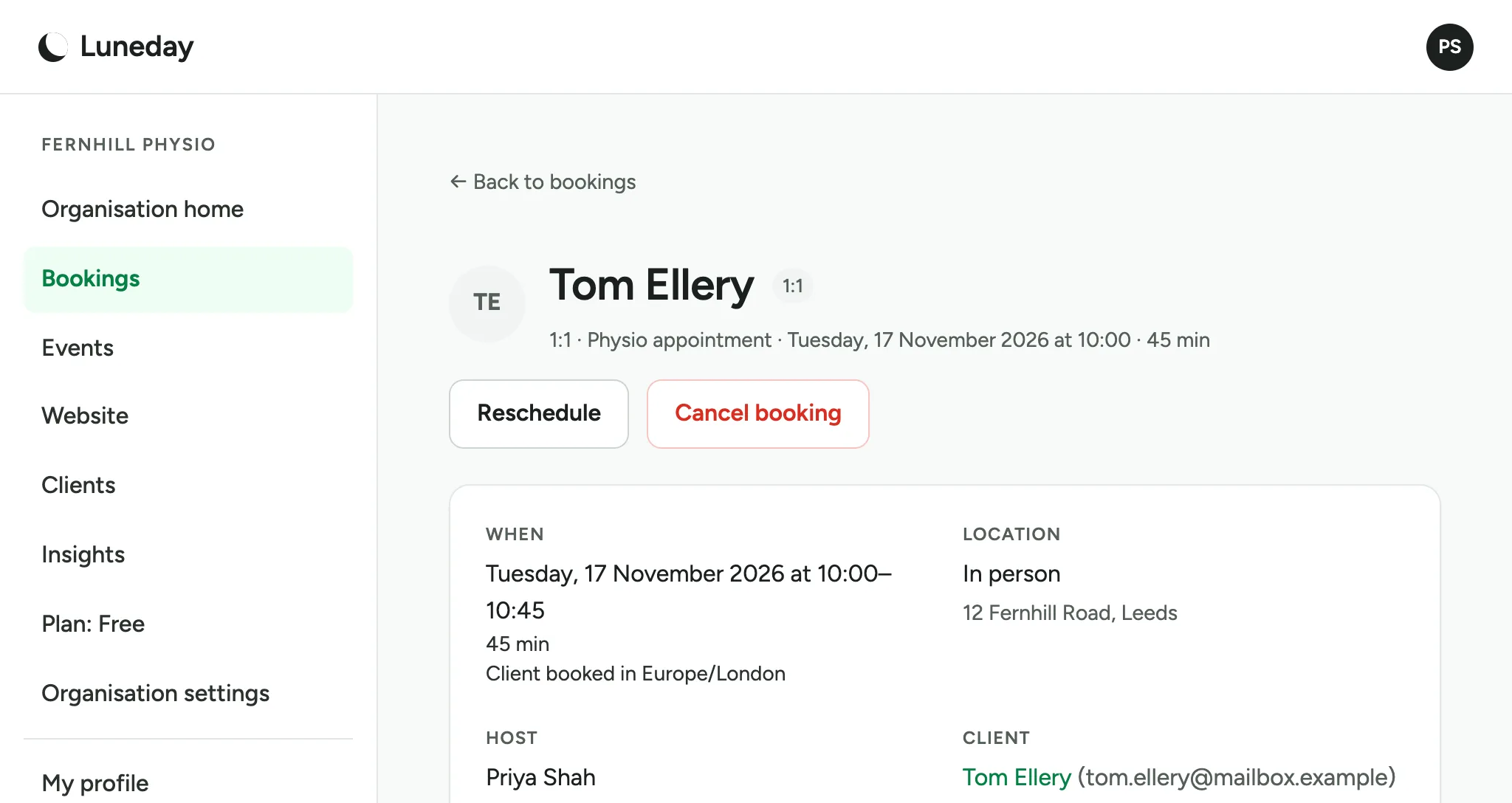
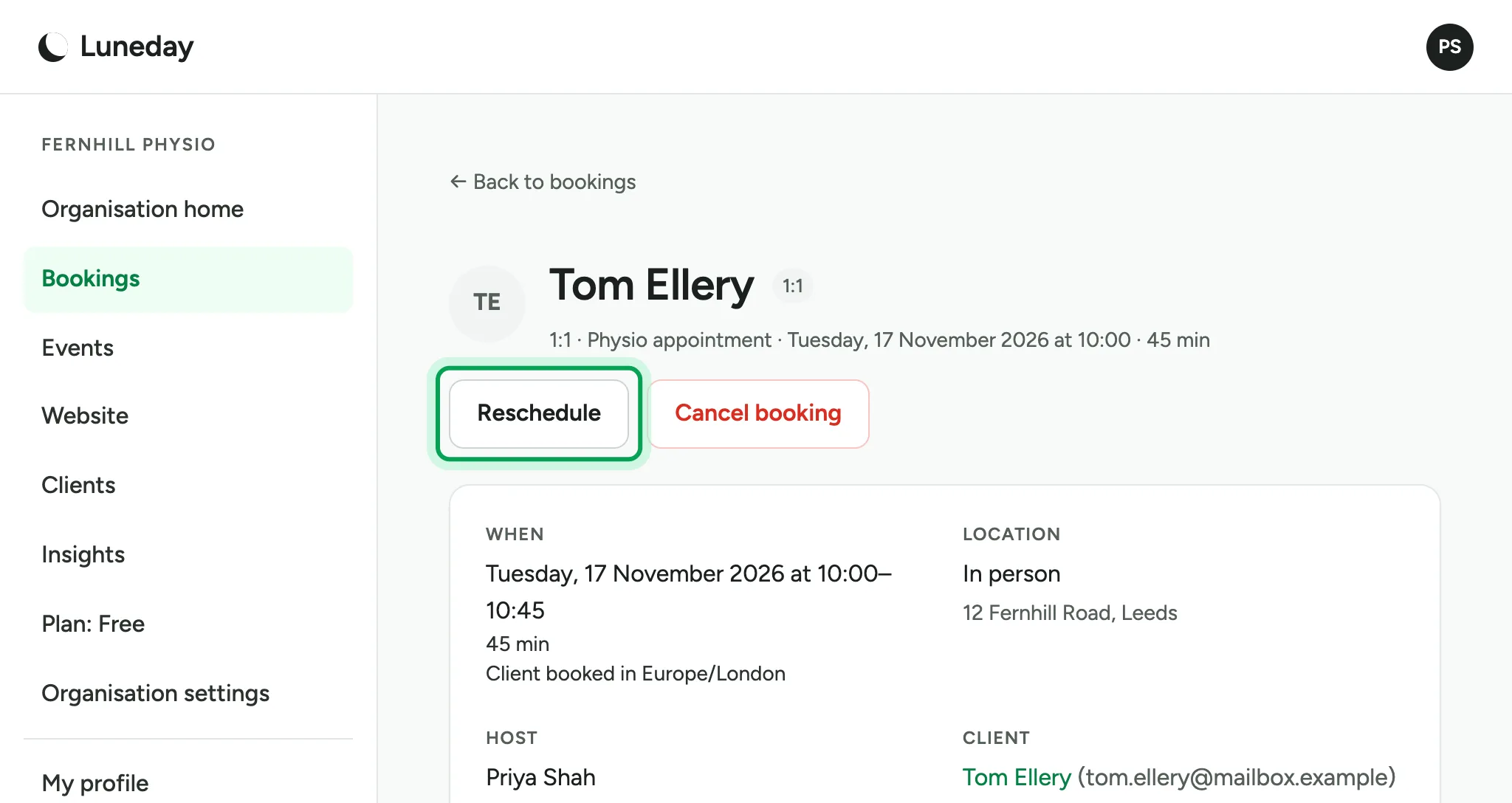
To move the booking to another time, choose Reschedule.
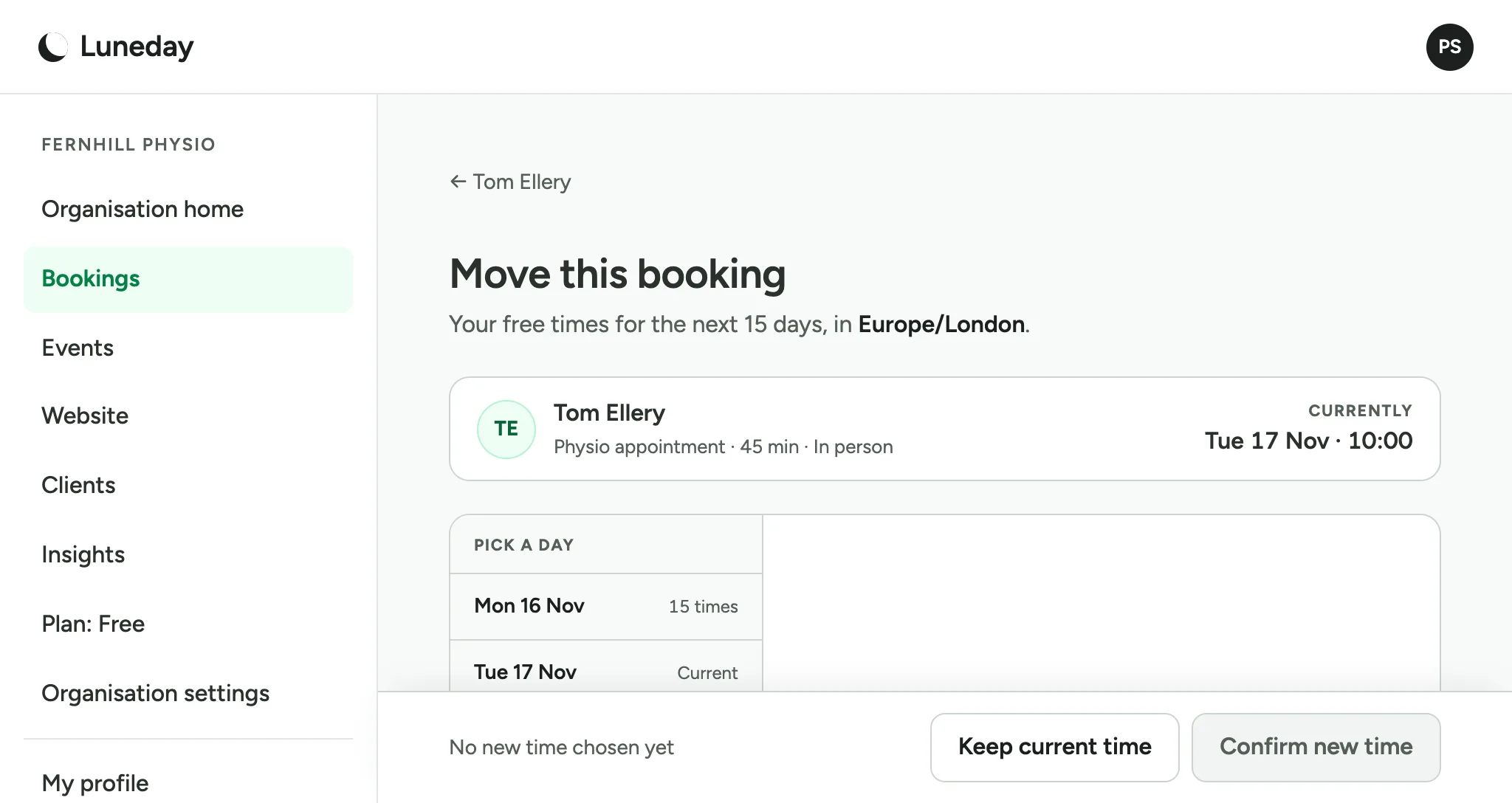
Your free times are listed by day, under the booking's current time.
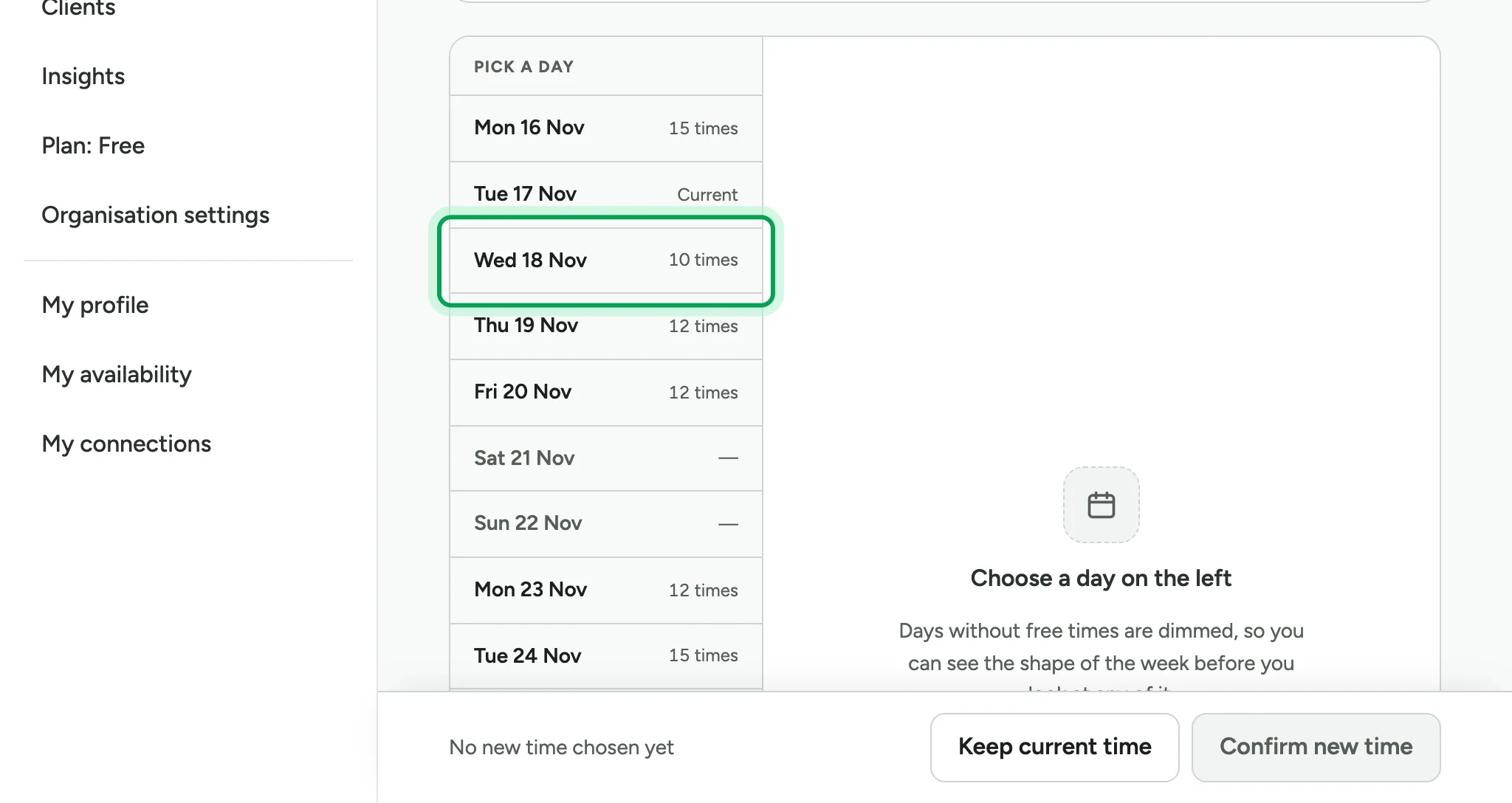
Pick a day.
Then pick a time.
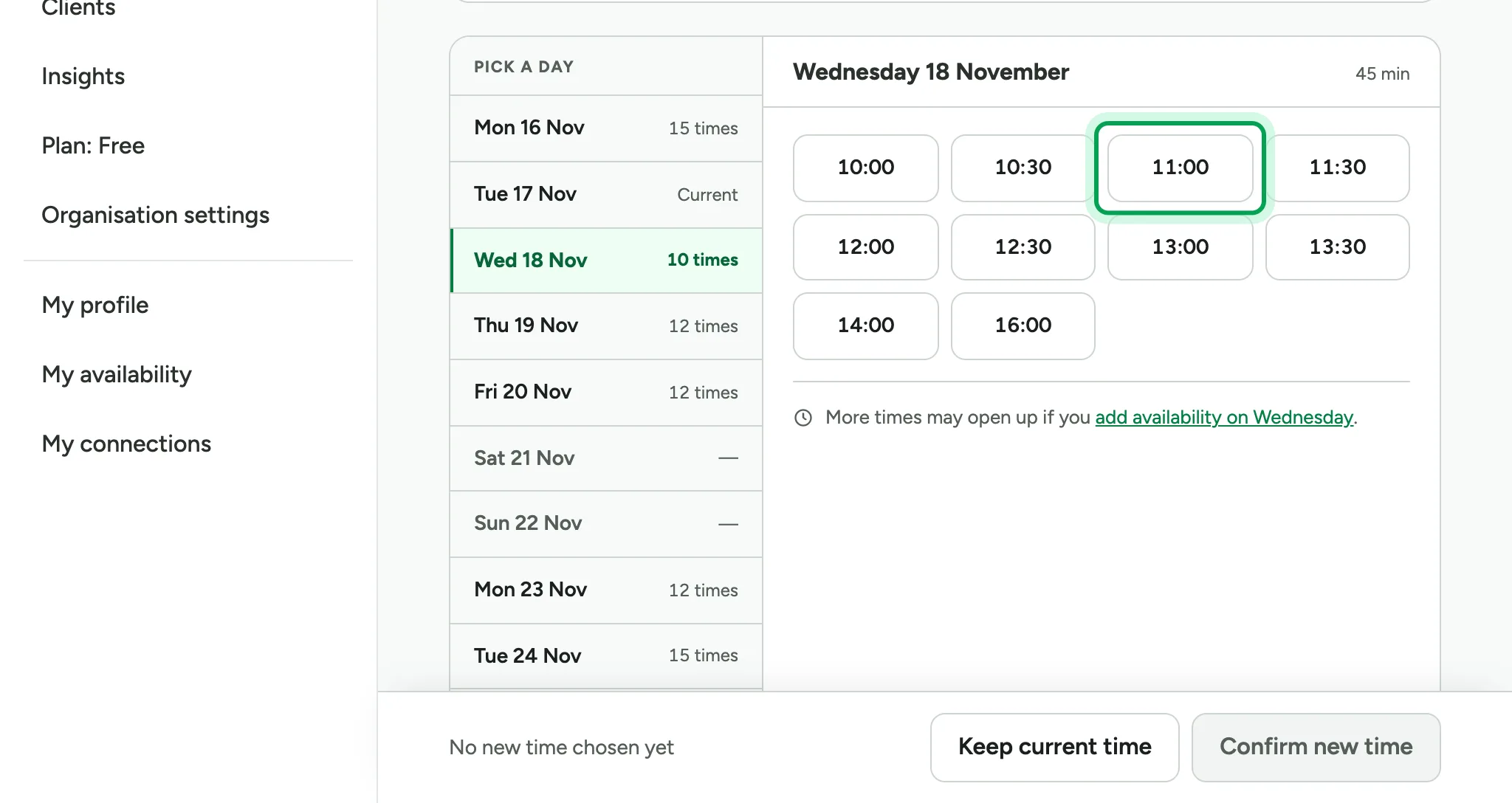
Choose Confirm new time.
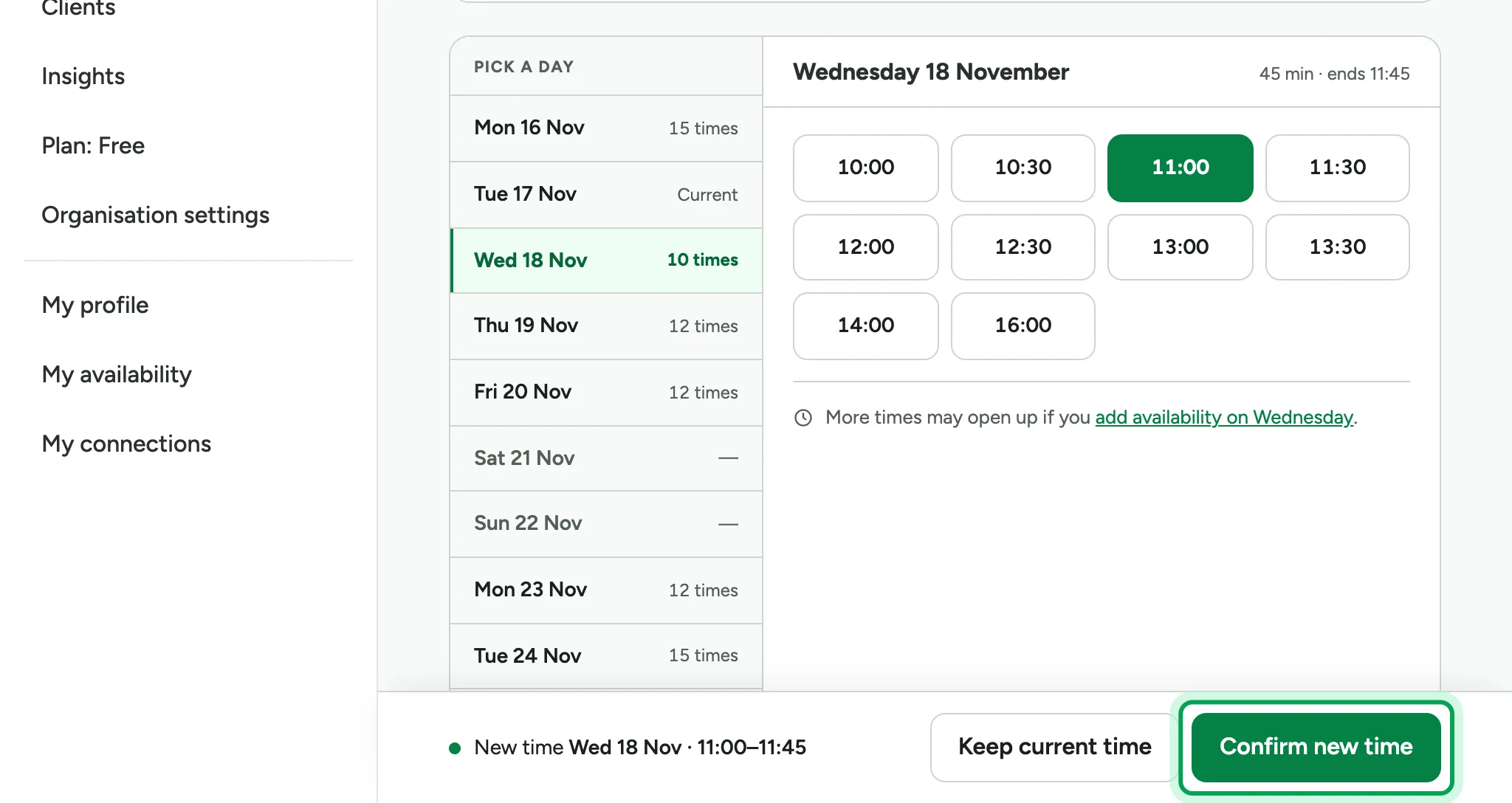
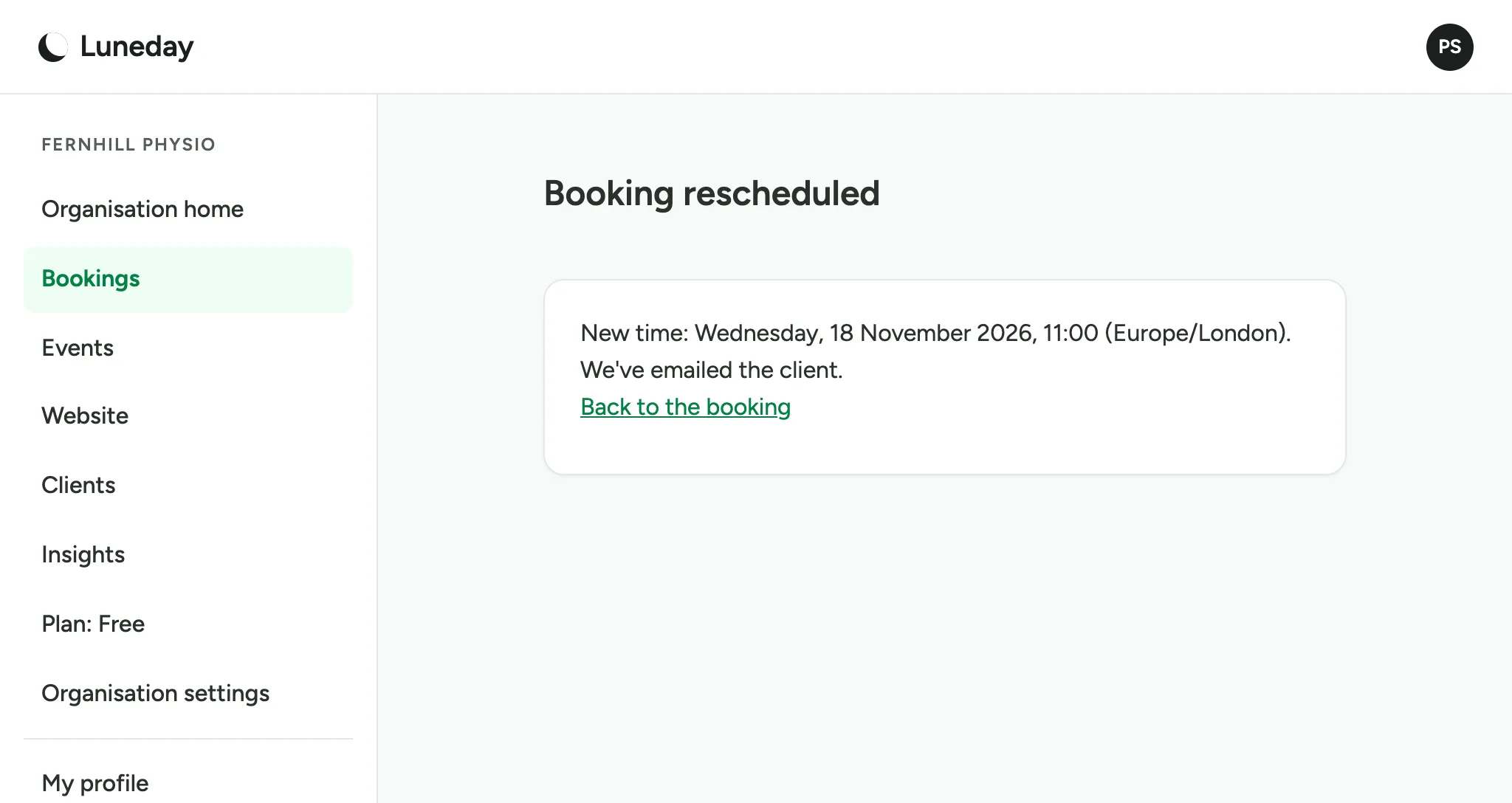
The booking moves, and Luneday emails your client the new time.
Choose Bookings again. The booking now shows its new time.
To cancel a booking, open it the same way.
Choose Cancel booking.
A reason is optional.
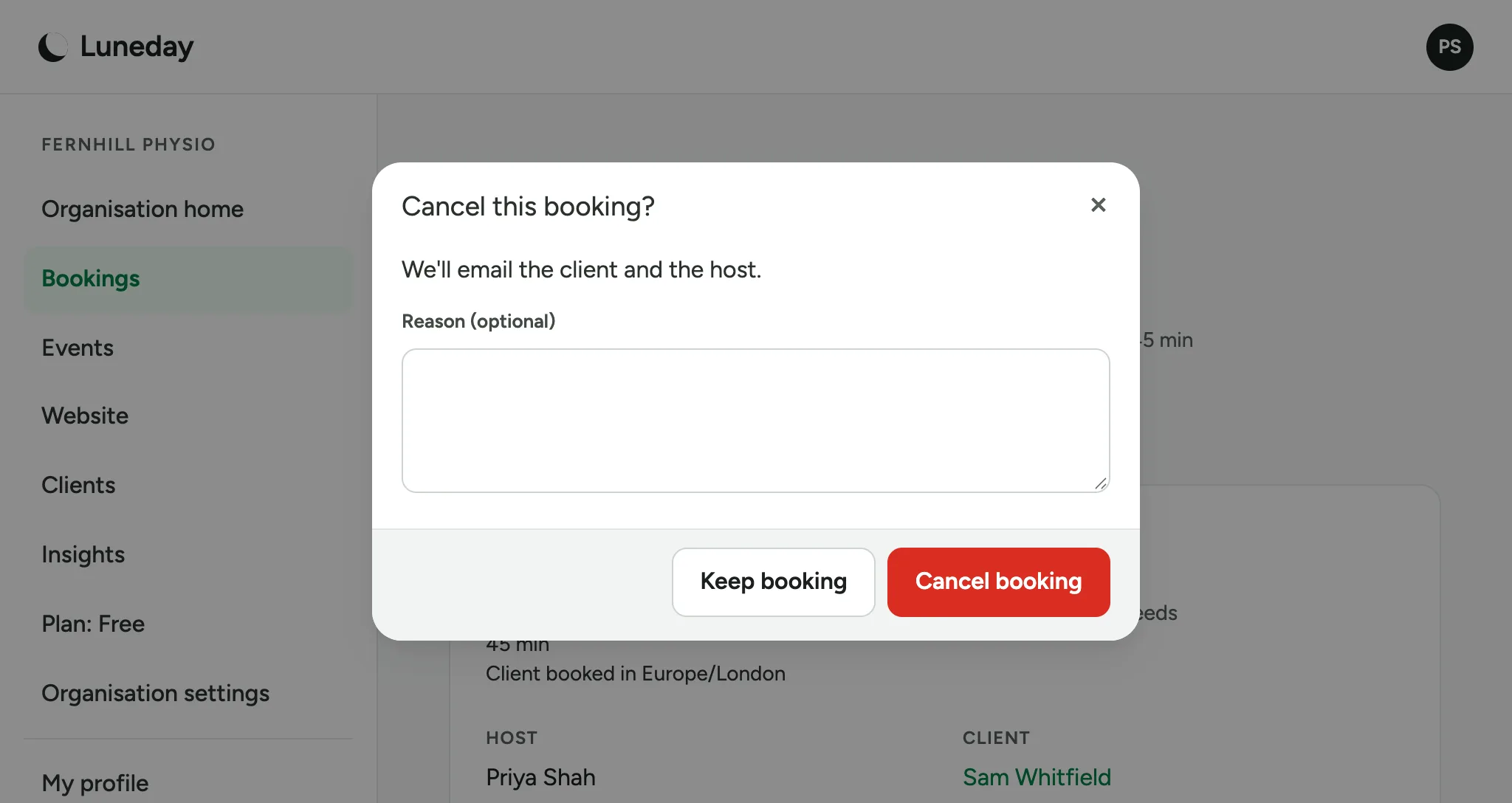
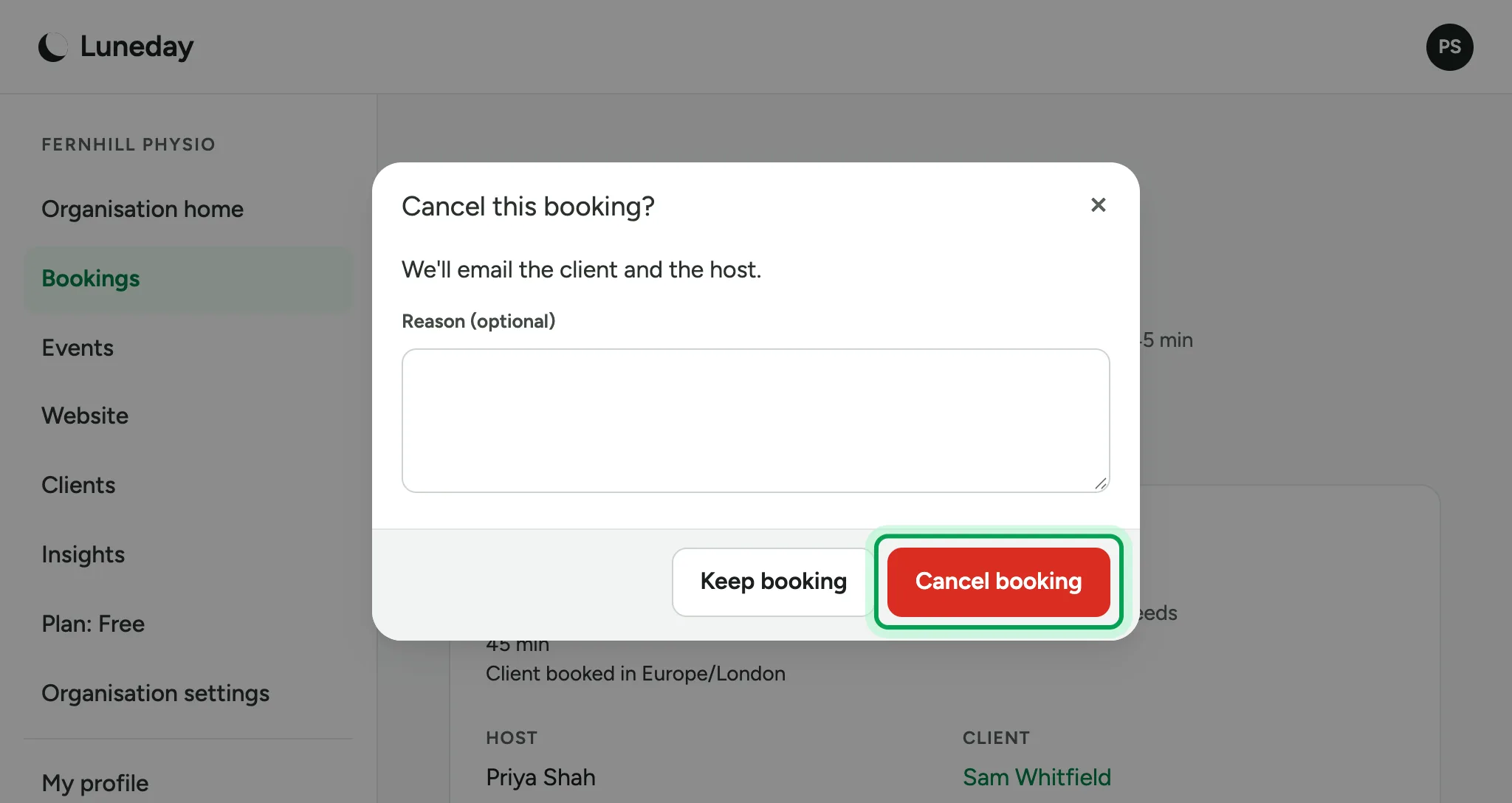
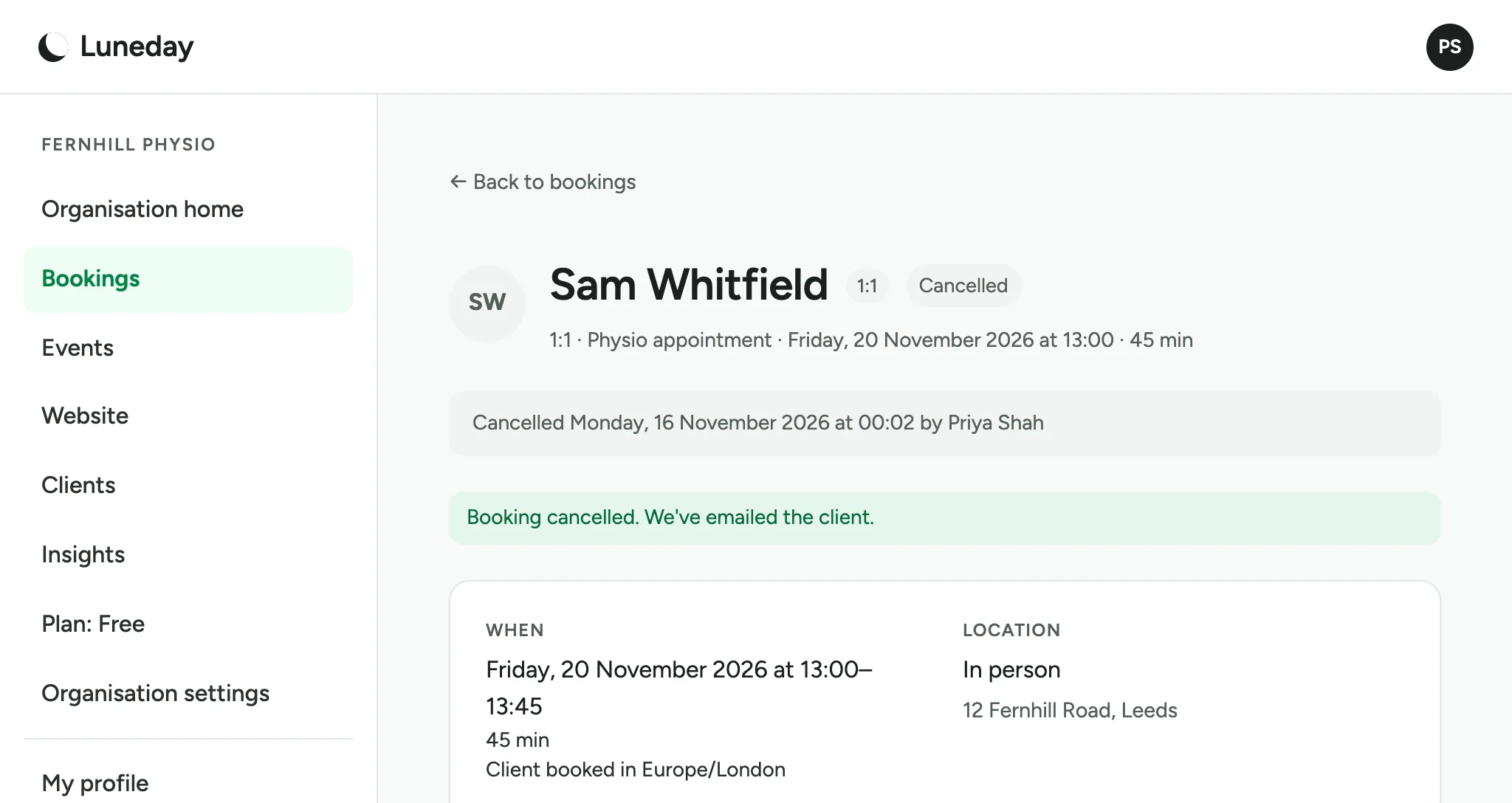
Choose Cancel booking again. Luneday emails your client.
The booking is now marked Cancelled.
Updated 16 November 2026.
Related: Look after your clients · Book a session (the client's view)
Still stuck? Email hello@luneday.com.