Invite-only beta Luneday is open to invited hosts while we finish building. Ask for an invite

← All help

Open, close or hide an event

Stop bookings for a while, or keep an event off your page.
Steps

  1. Open your event from Events. The two settings at the top save as soon as you change them.
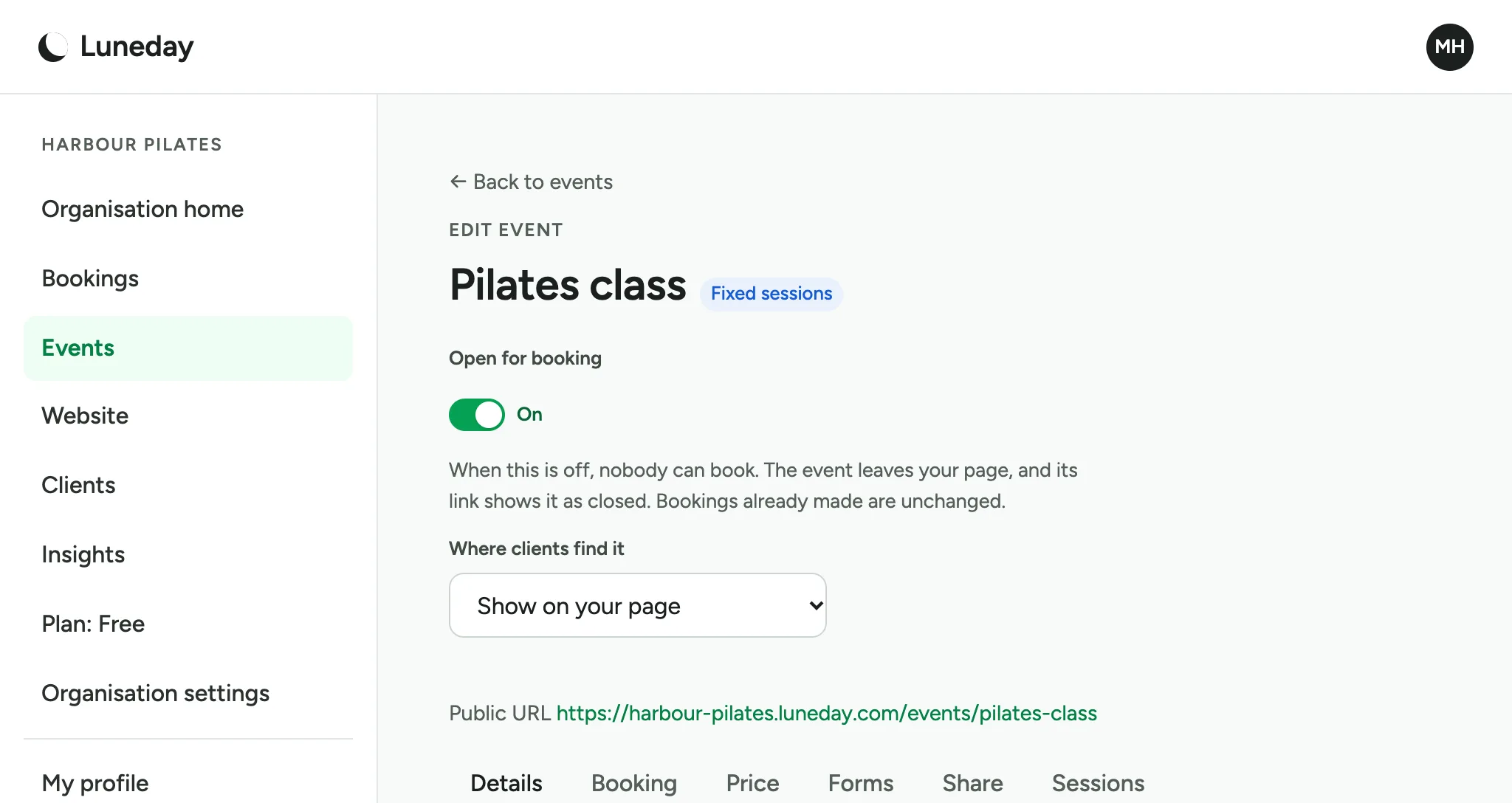
    The Edit event page for Pilates class, with Open for booking on and Where clients find it set to Show on your page.
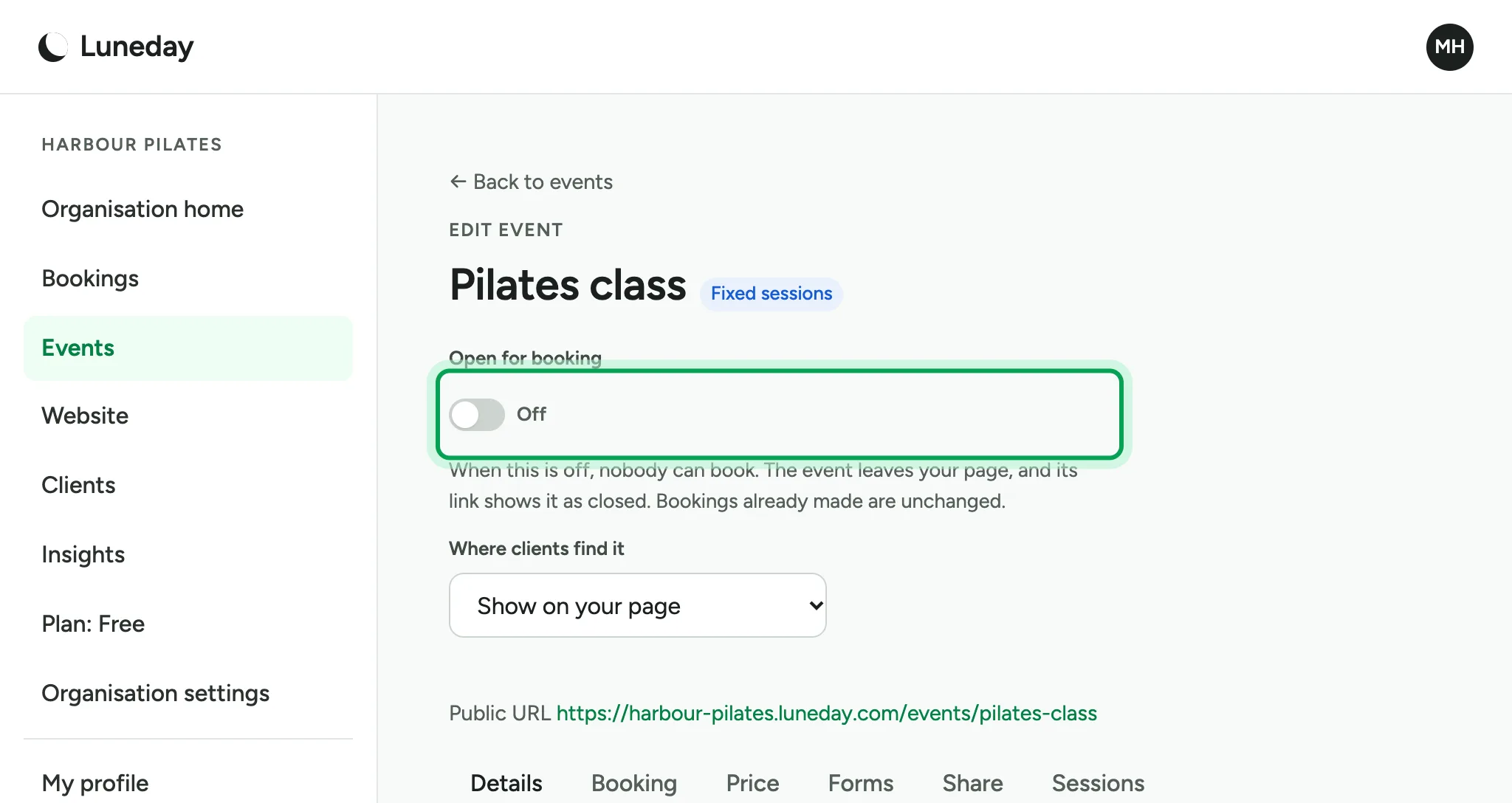
  2. Open for booking says whether people can book the event. To stop bookings, switch it off.
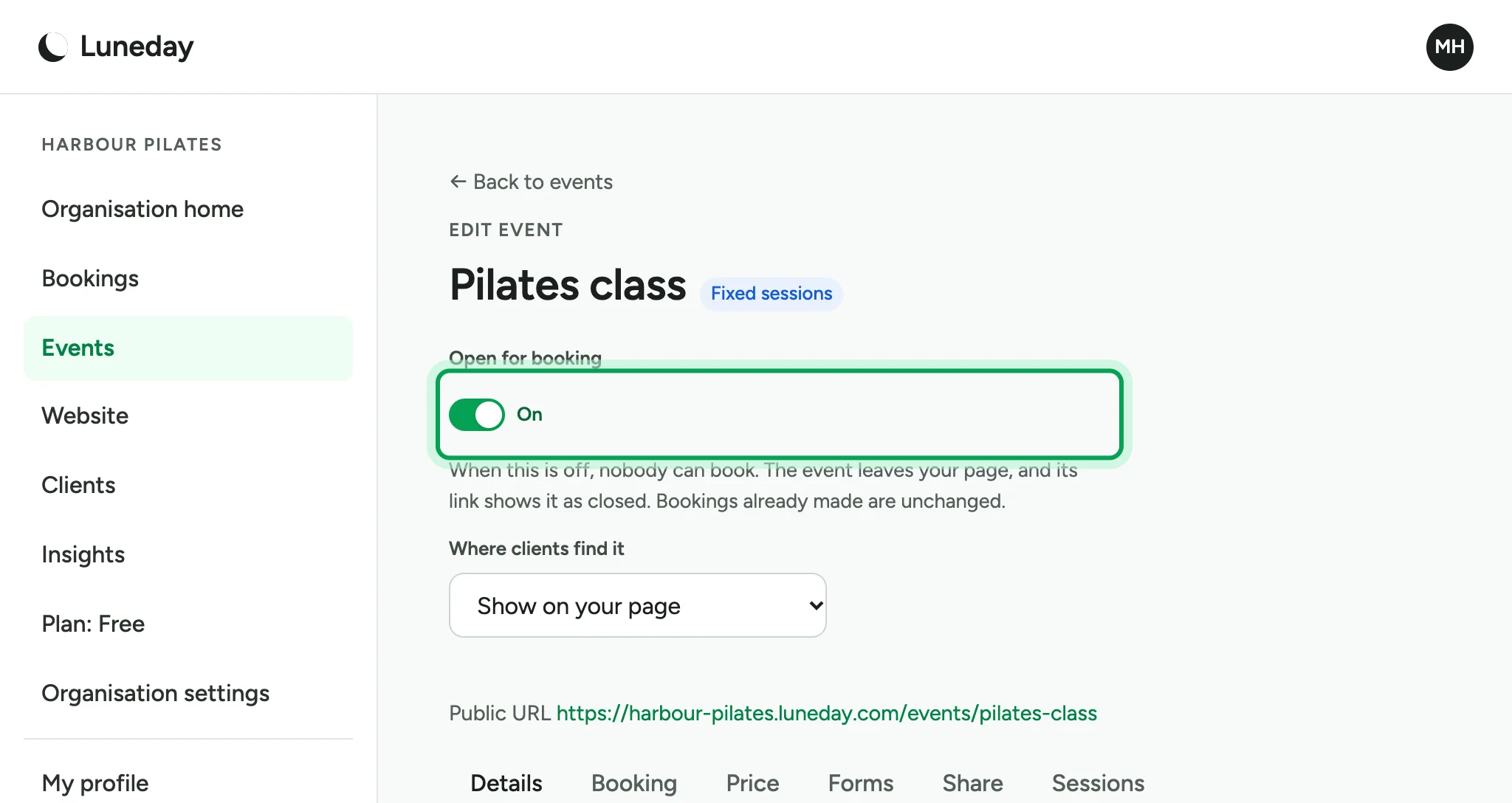
    The Open for booking switch, on, ringed.
  3. The event's page now says it isn't taking bookings. Only hosts see the note in the box.
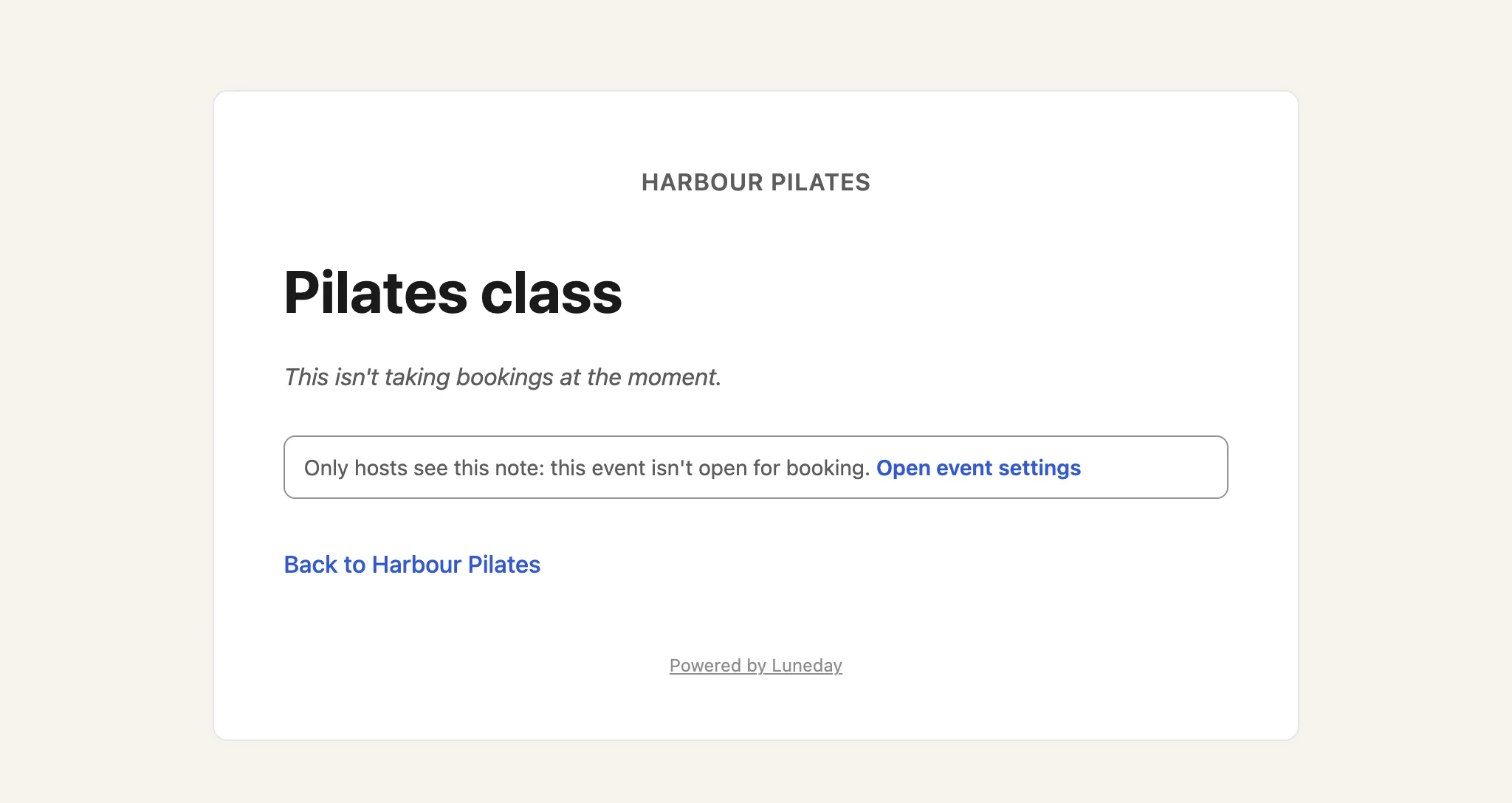
    The Pilates class page, saying it isn't taking bookings at the moment, above a note for hosts with an Open event settings link.
  4. Bookings already made are unchanged. To take bookings again, go back to the event.
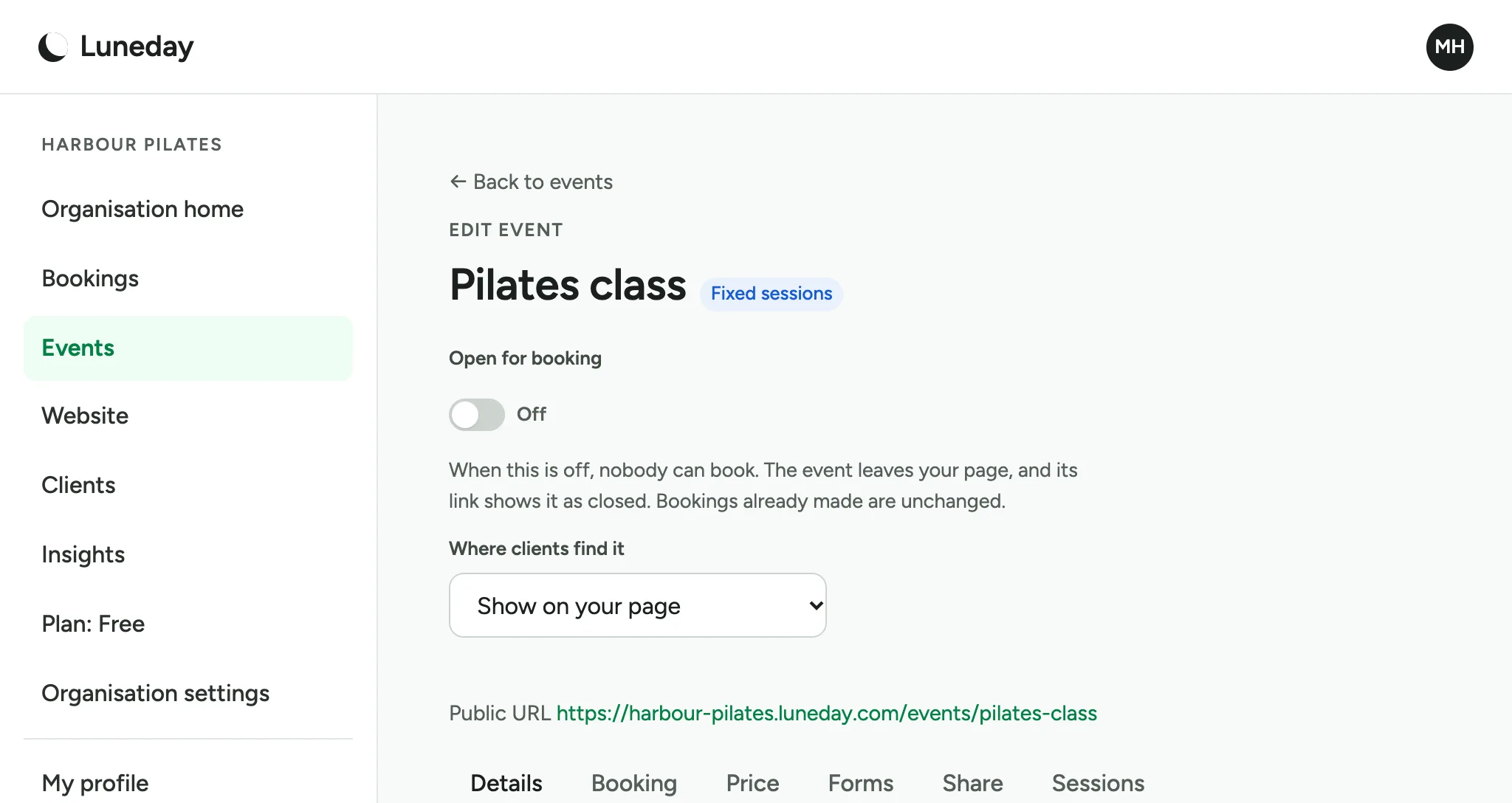
    The Edit event page, with Open for booking off.
  5. Switch Open for booking back on.

    The Open for booking switch, off, ringed.
  6. Where clients find it decides whether your page lists the event. Choose Only people with the link.
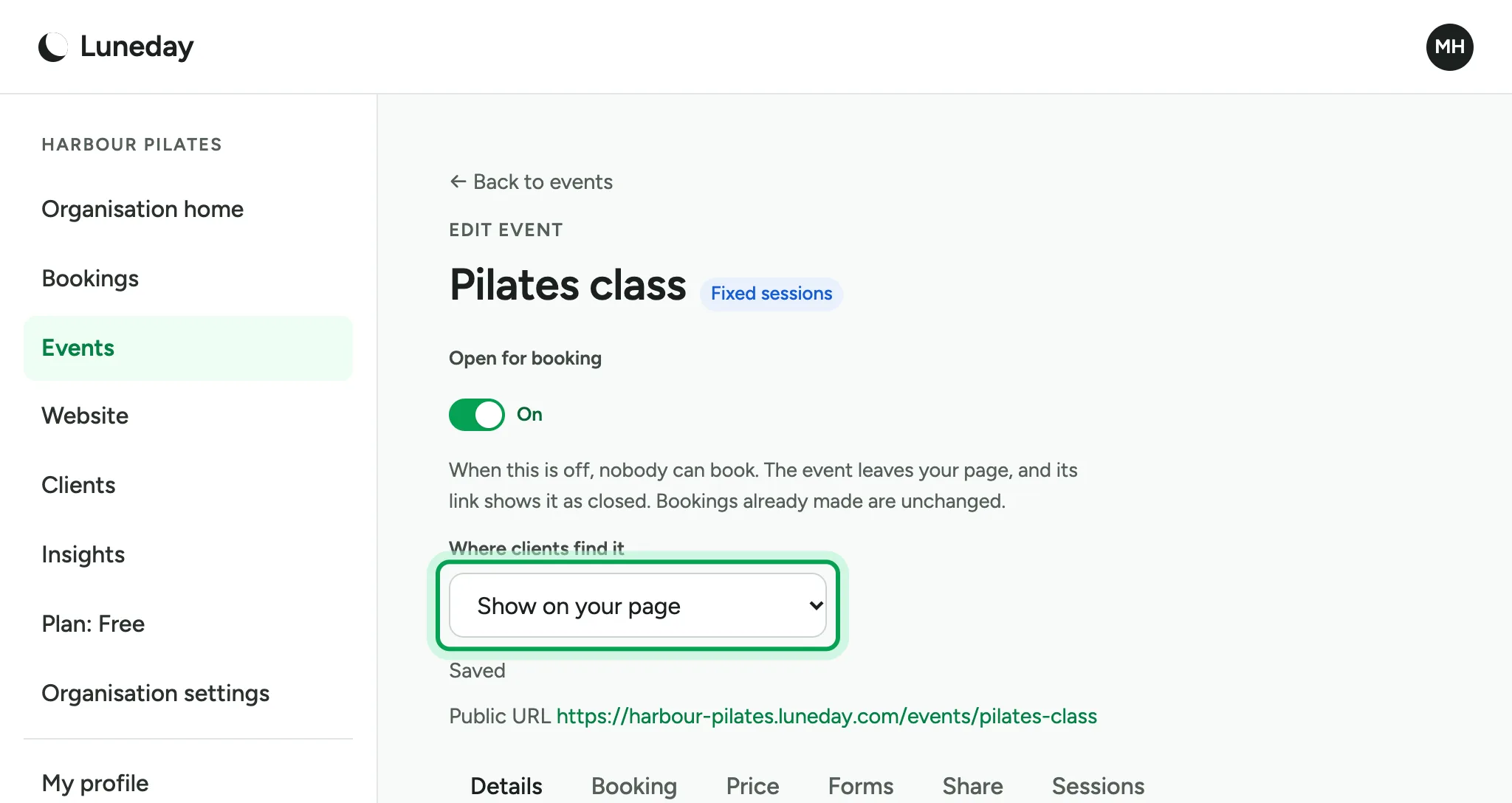
    Open for booking on again, with Where clients find it ringed on Show on your page.
  7. The page says Saved. The event is still open for booking.
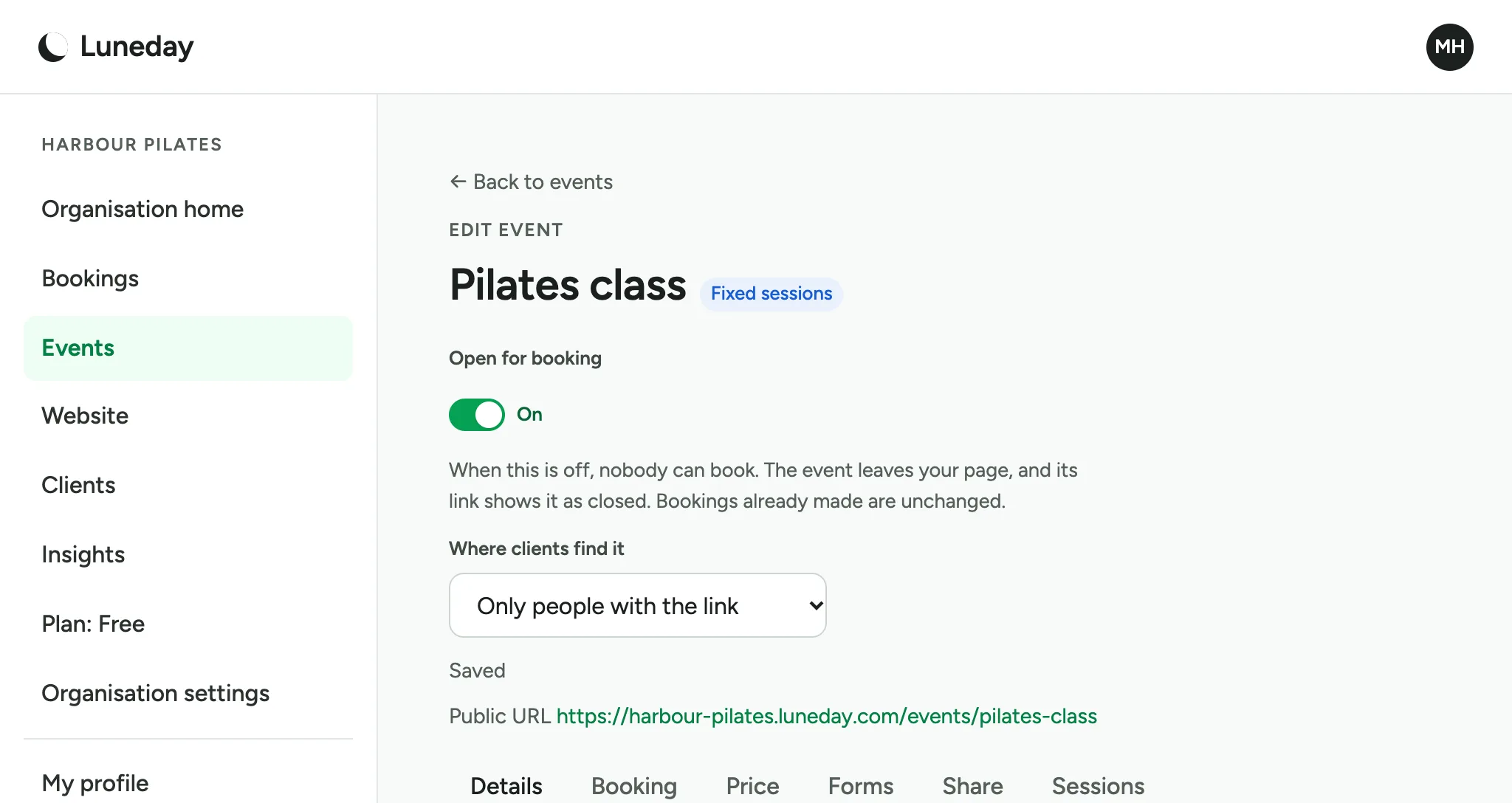
    Where clients find it set to Only people with the link, with Saved below it and Open for booking still on.
  8. Your page no longer lists the event.
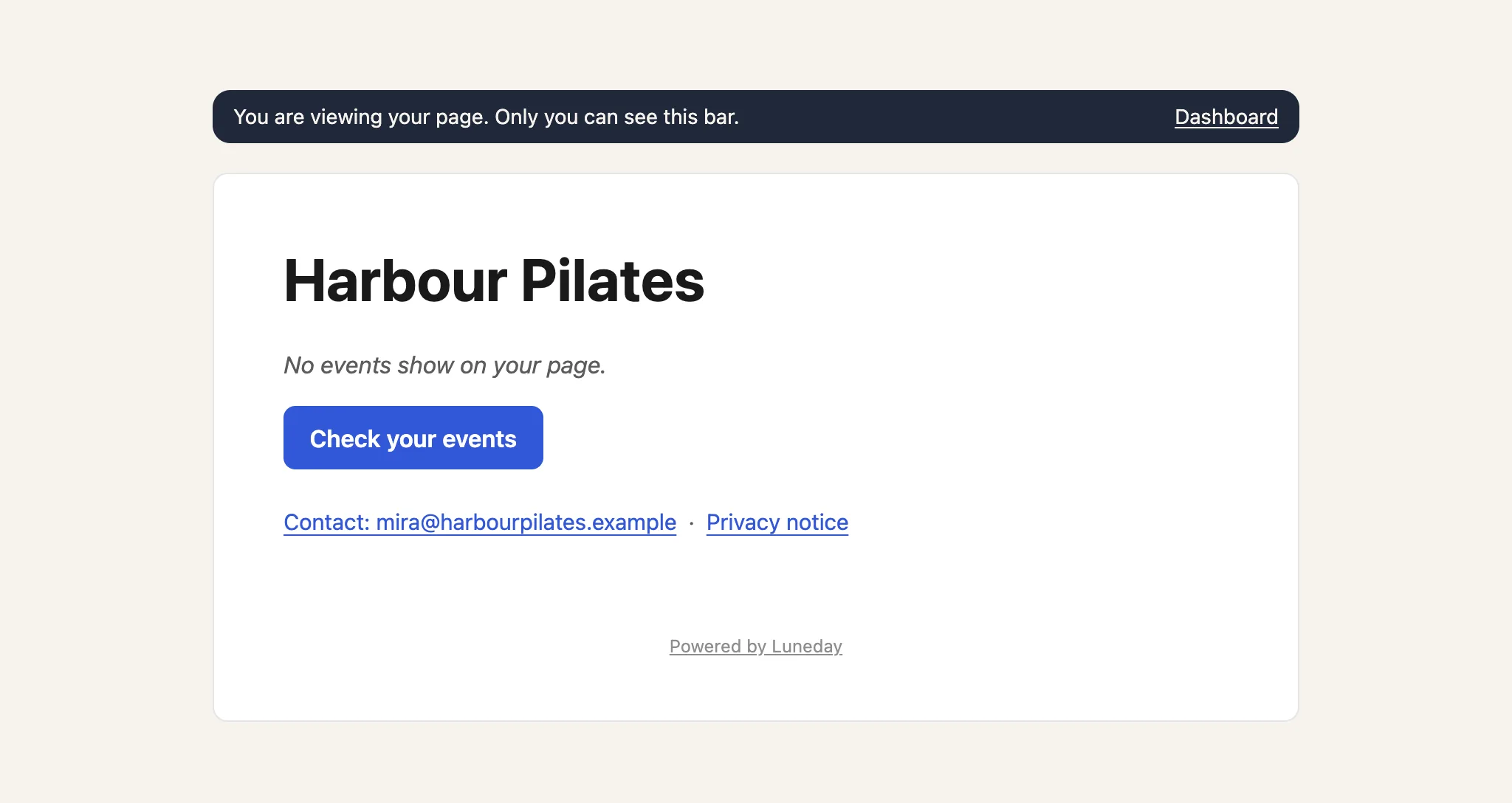
    The Harbour Pilates page, saying no events show on the page, under a bar only the owner sees.
  9. Anyone with the event's link can still book it. Share the link with the people you choose.
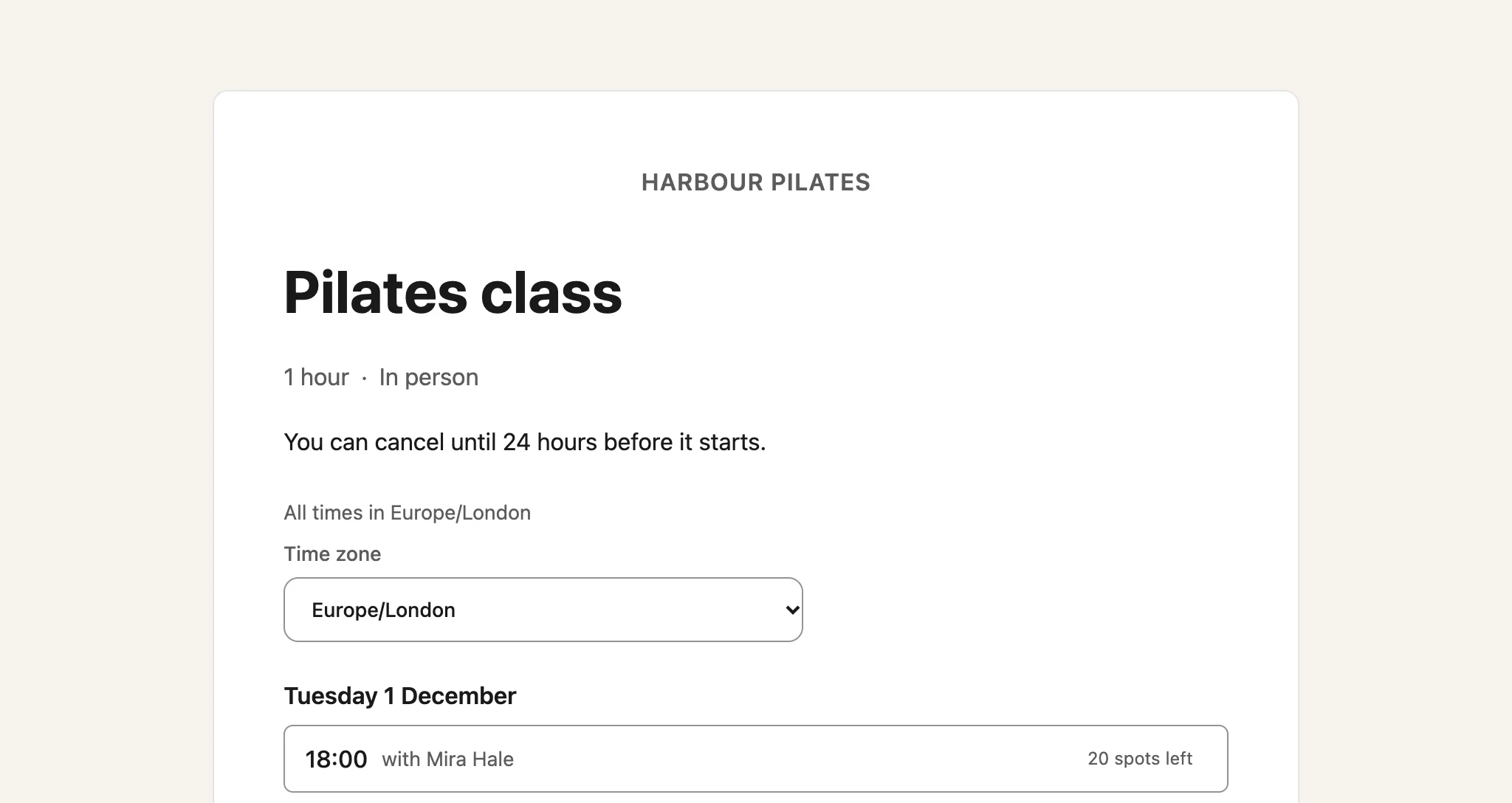
    The Pilates class booking page, showing its first session with 20 spots left.

Updated 15 November 2026.

Related: Run a class or course with fixed sessions · Choose notice, cancellation and gaps

Still stuck? Email hello@luneday.com.