Choose notice, cancellation and gaps
Set how much notice you need, and when a cancellation counts as late.
Steps
Open your event from Events.
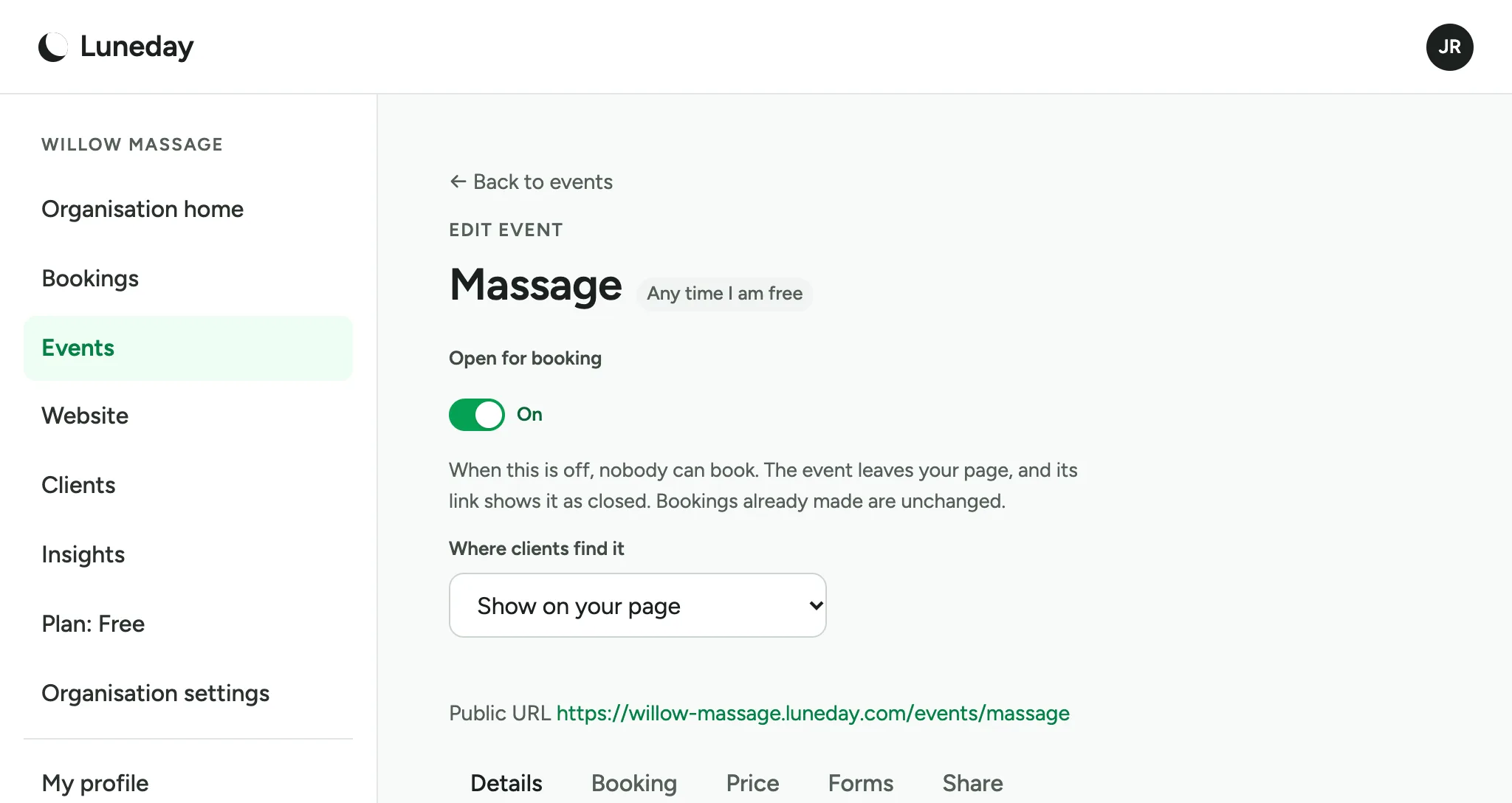
Choose the Booking tab.
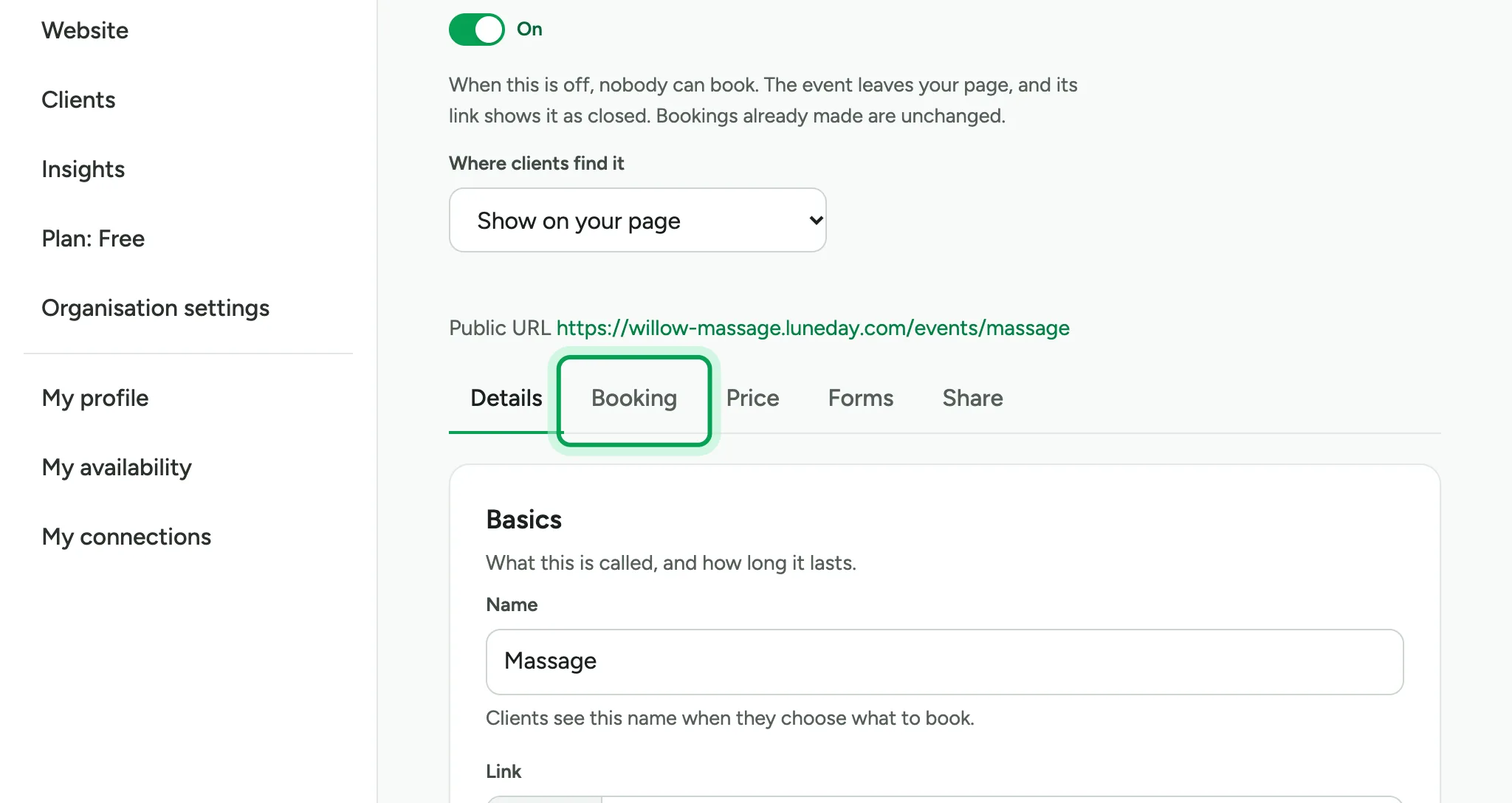
Find the card called Booking rules. Its settings decide which times people are offered.
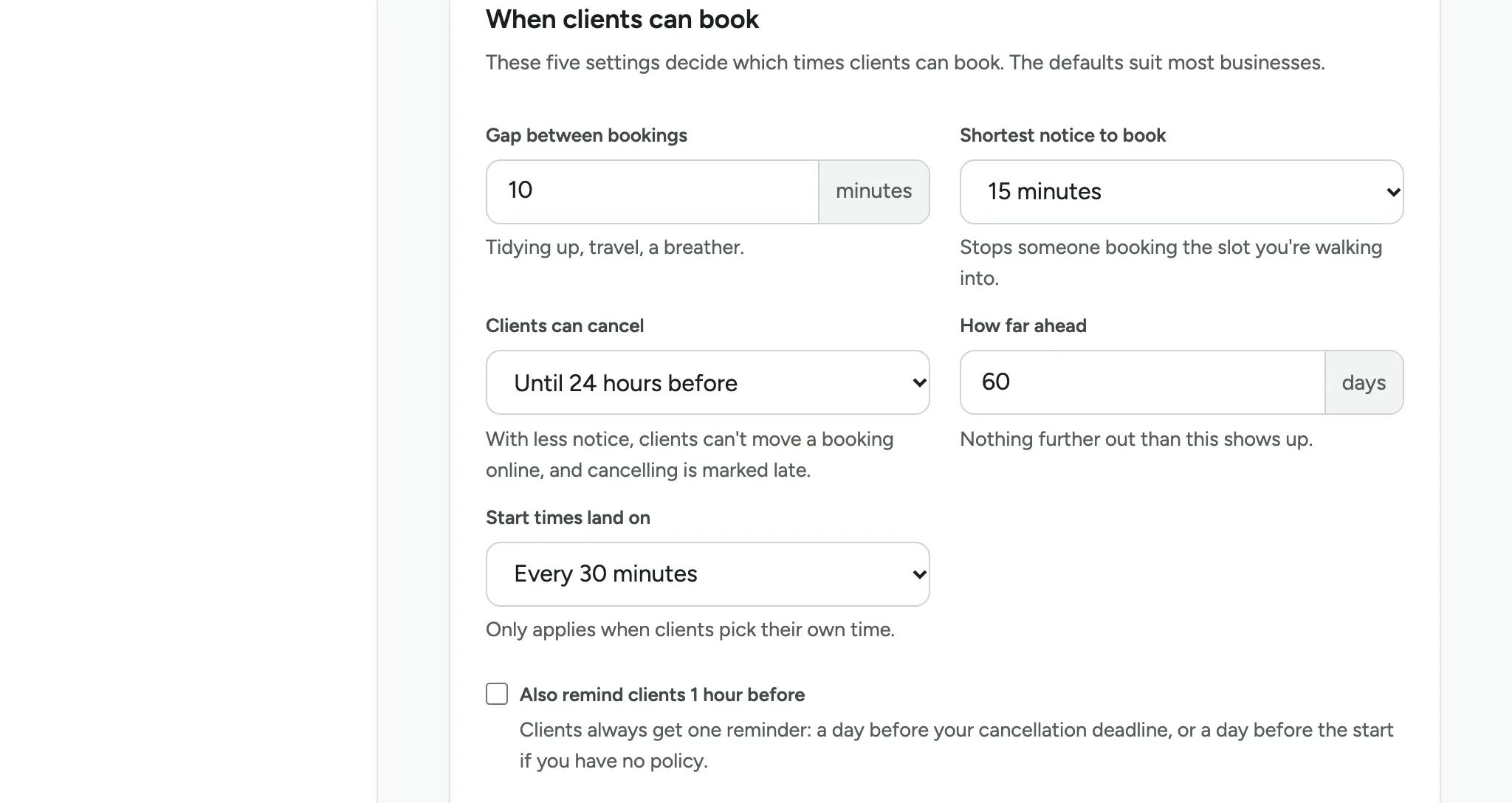
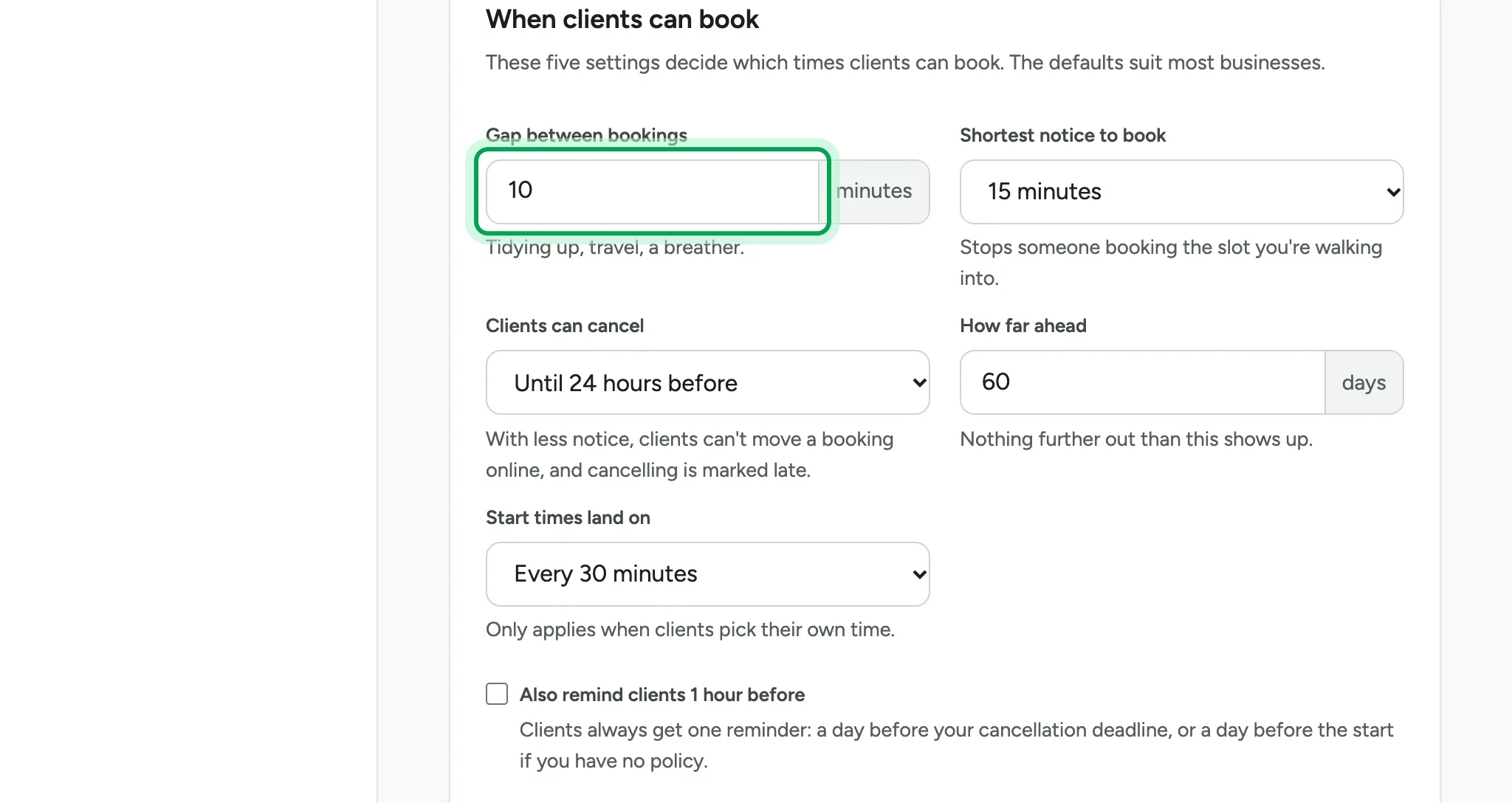
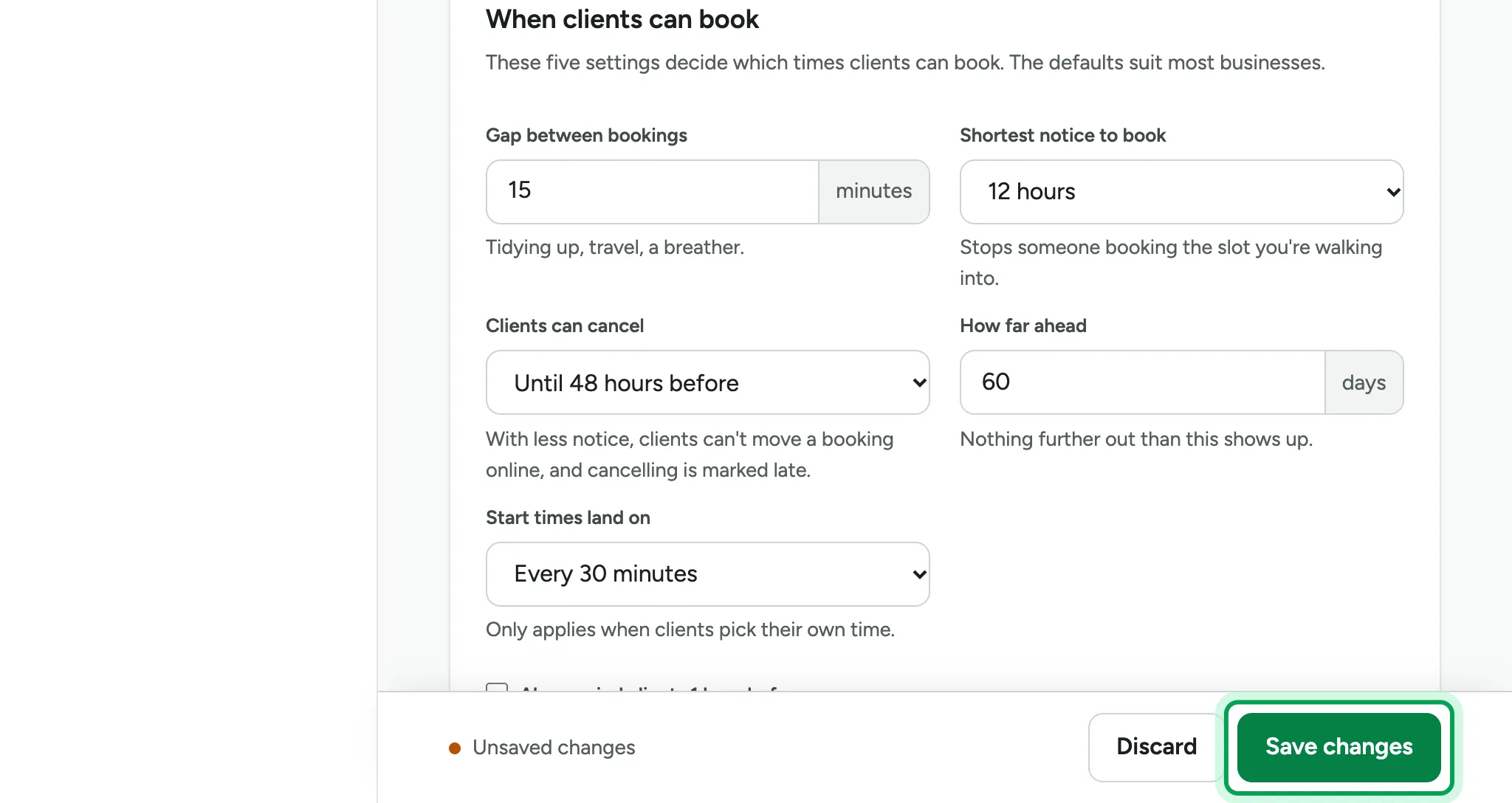
Gap between bookings keeps time free between one booking and the next. Type the minutes, such as 15.
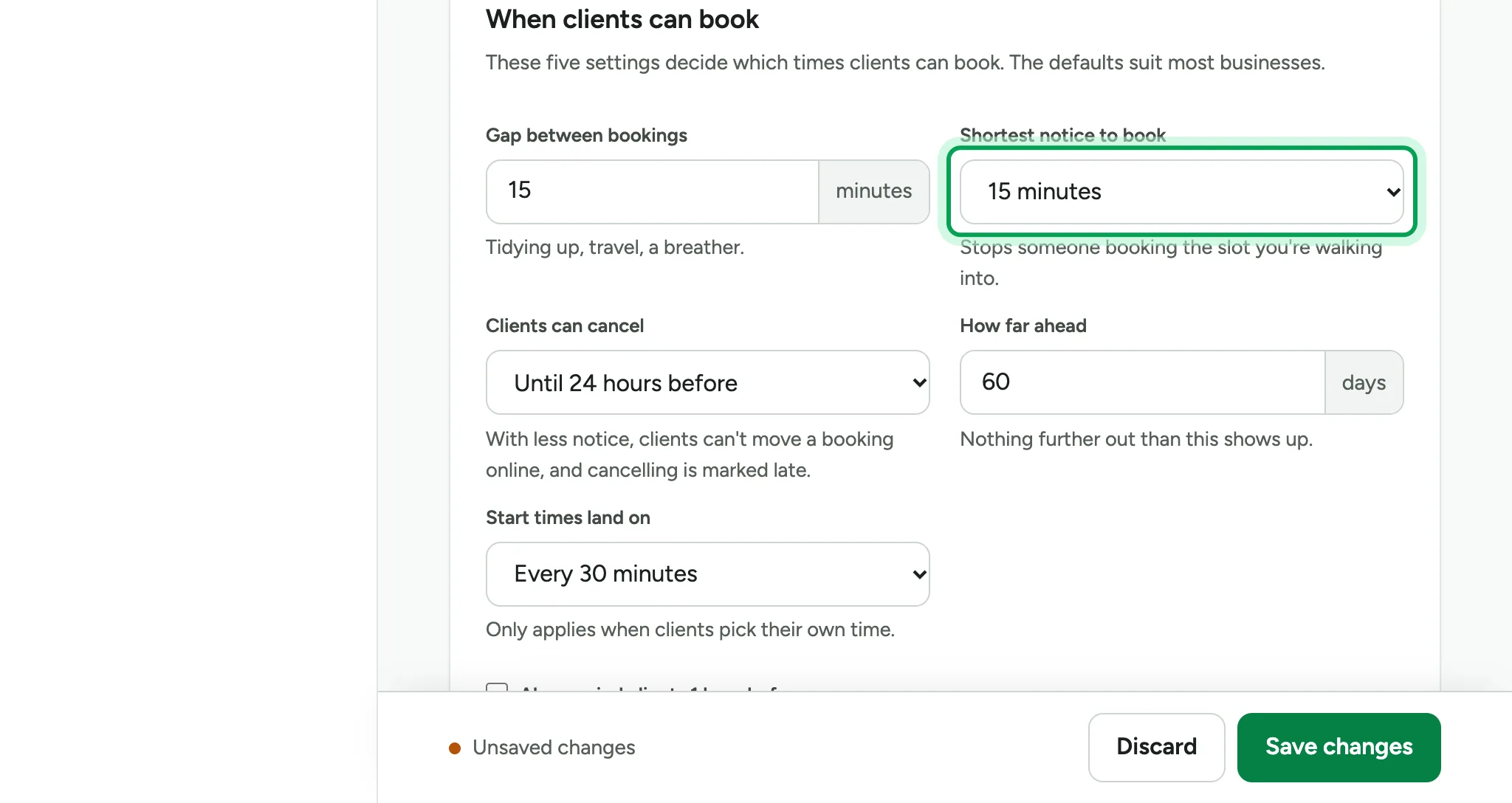
Shortest notice to book stops last-minute bookings. Choose a time, such as 12 hours.
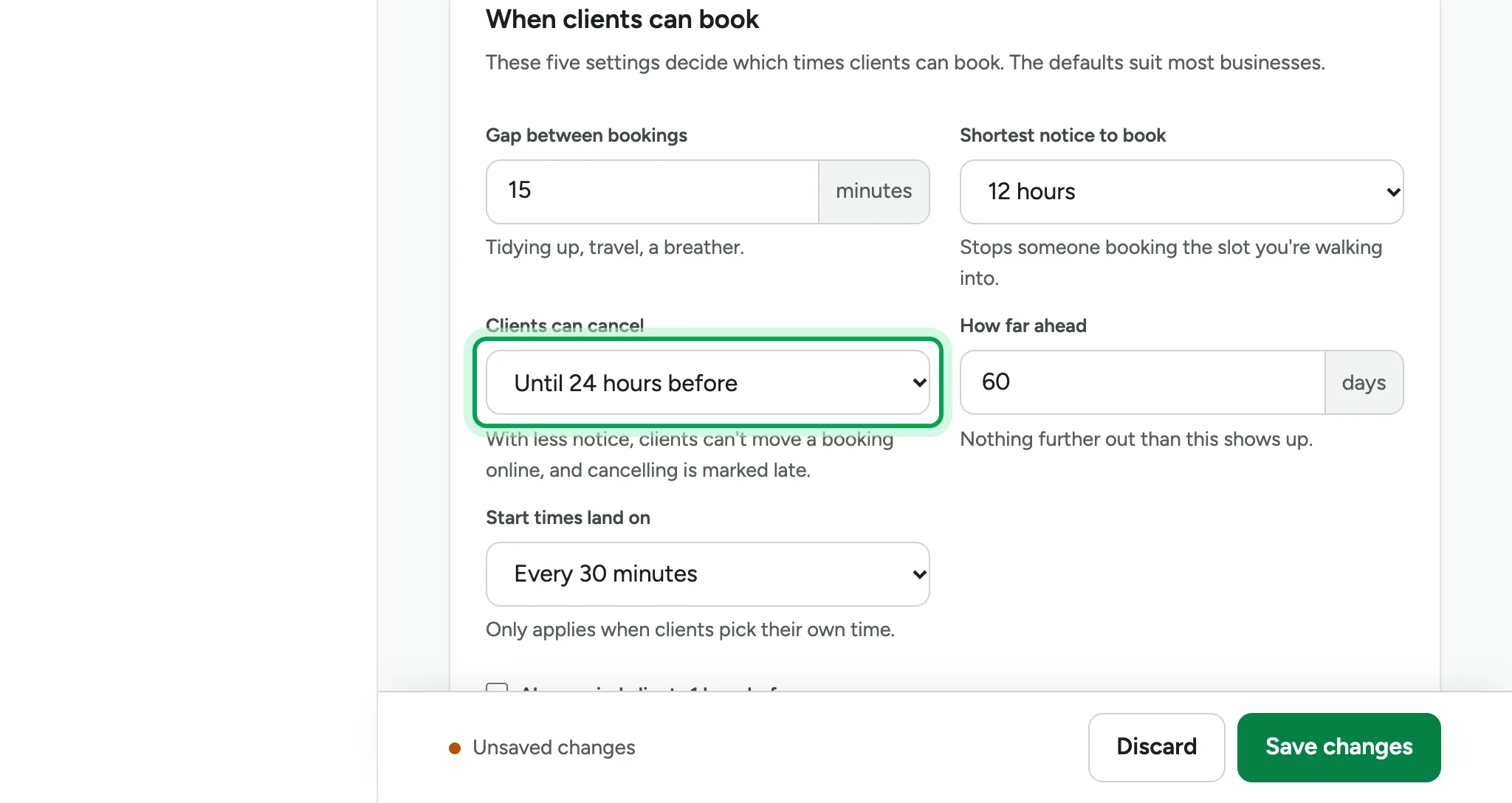
Clients can cancel sets a deadline, such as Until 48 hours before. After it, people cannot move a booking online, and a cancellation is marked late.
The bar at the bottom shows you have unsaved changes.
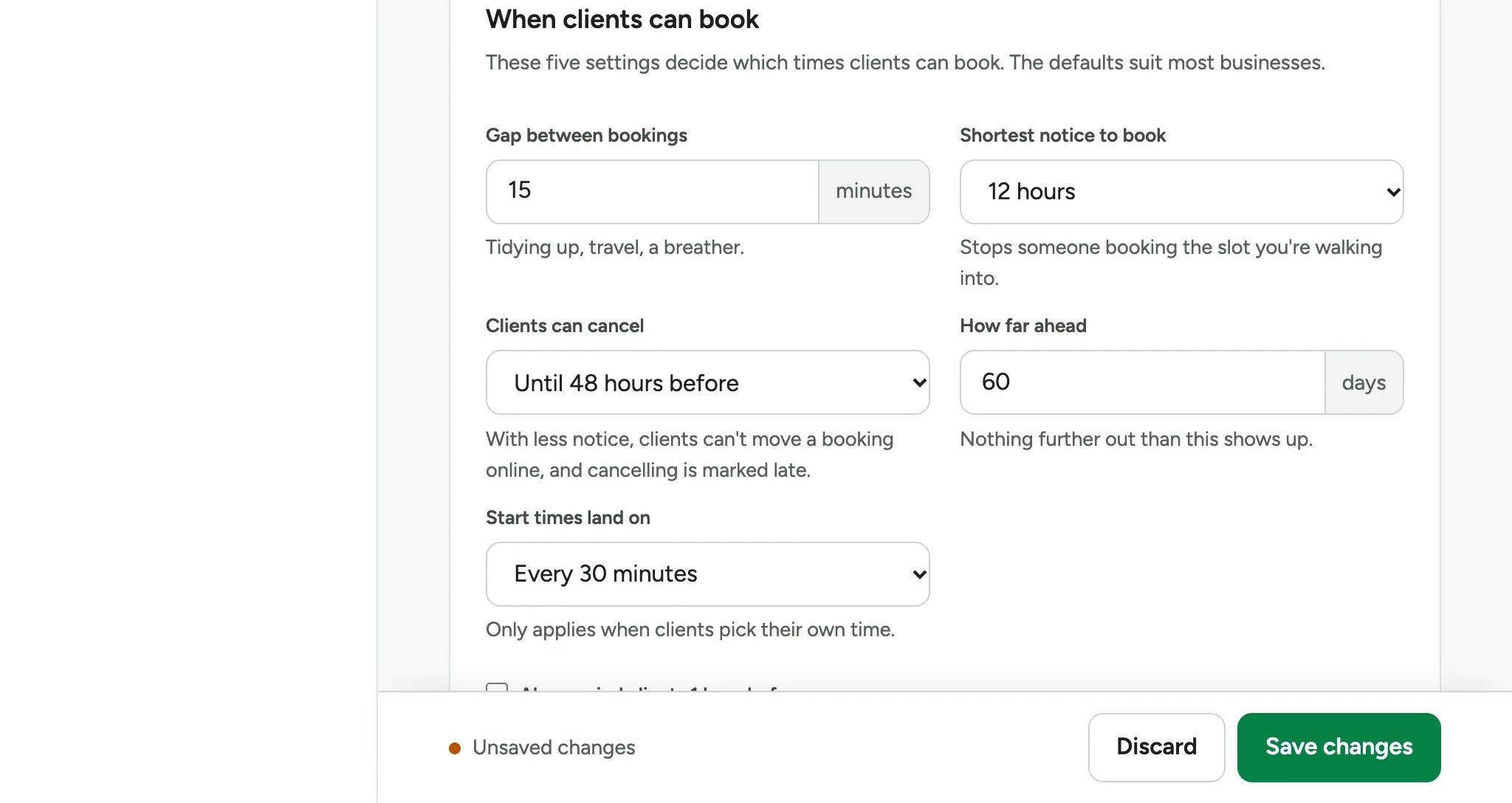
Choose Save changes.
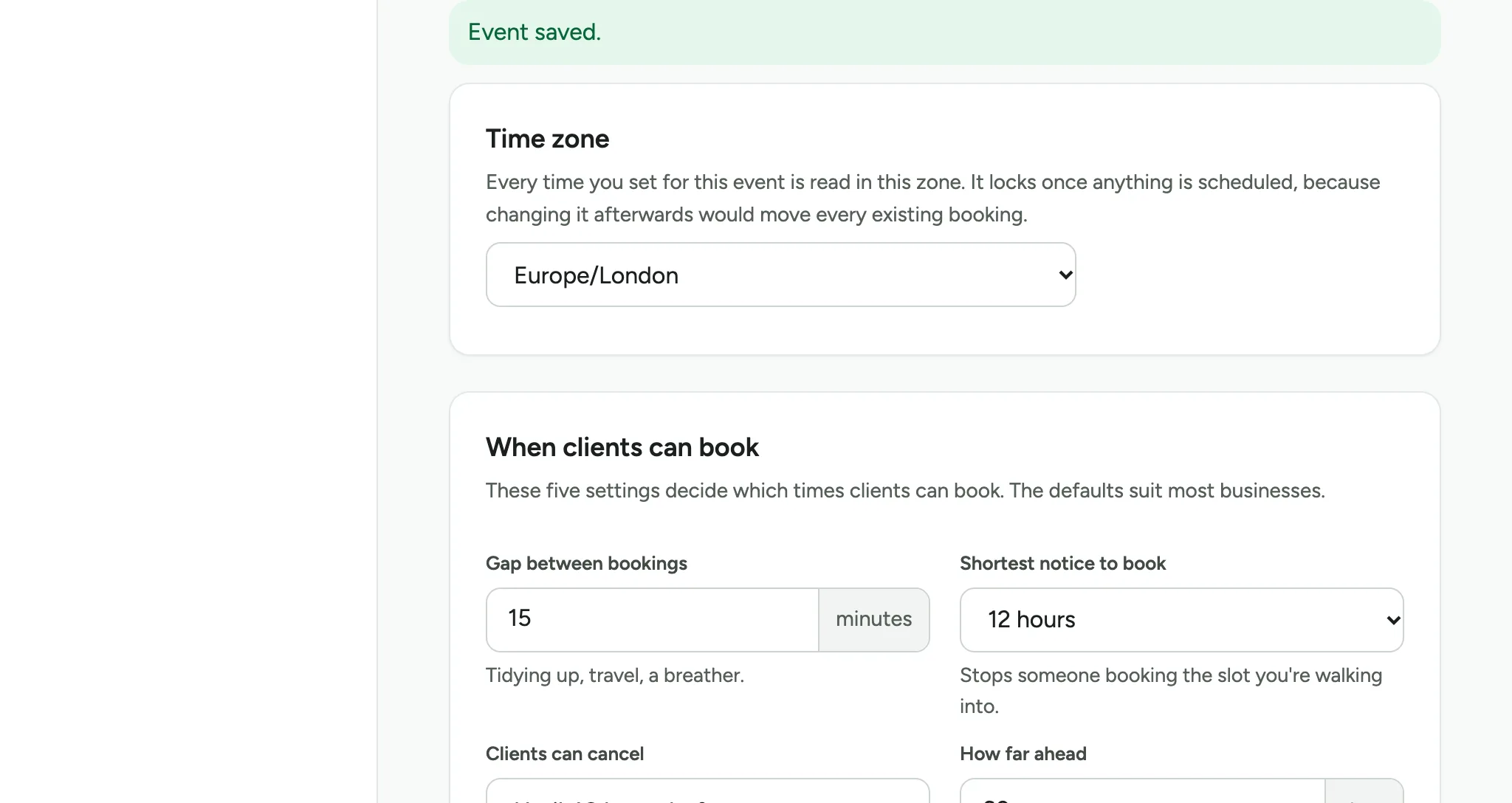
The page says Event saved.
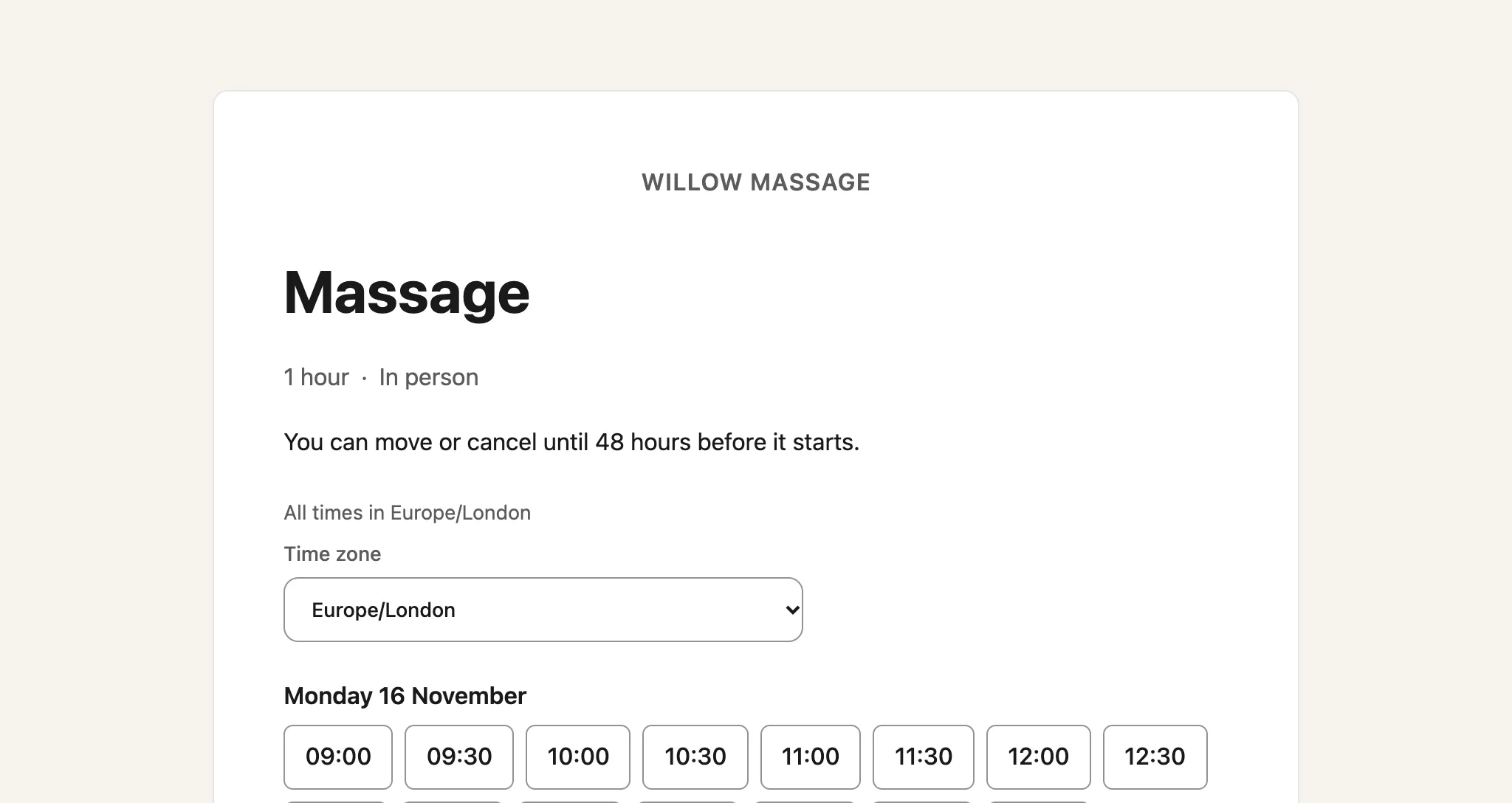
Your booking page now shows the new deadline for moving or cancelling.
Updated 15 November 2026.
Related: Run a class or course with fixed sessions · Ask questions when people book
Still stuck? Email hello@luneday.com.