Run a class or course with fixed sessions
Add a run of weekly sessions in one go.
Steps
Open your class from Events.
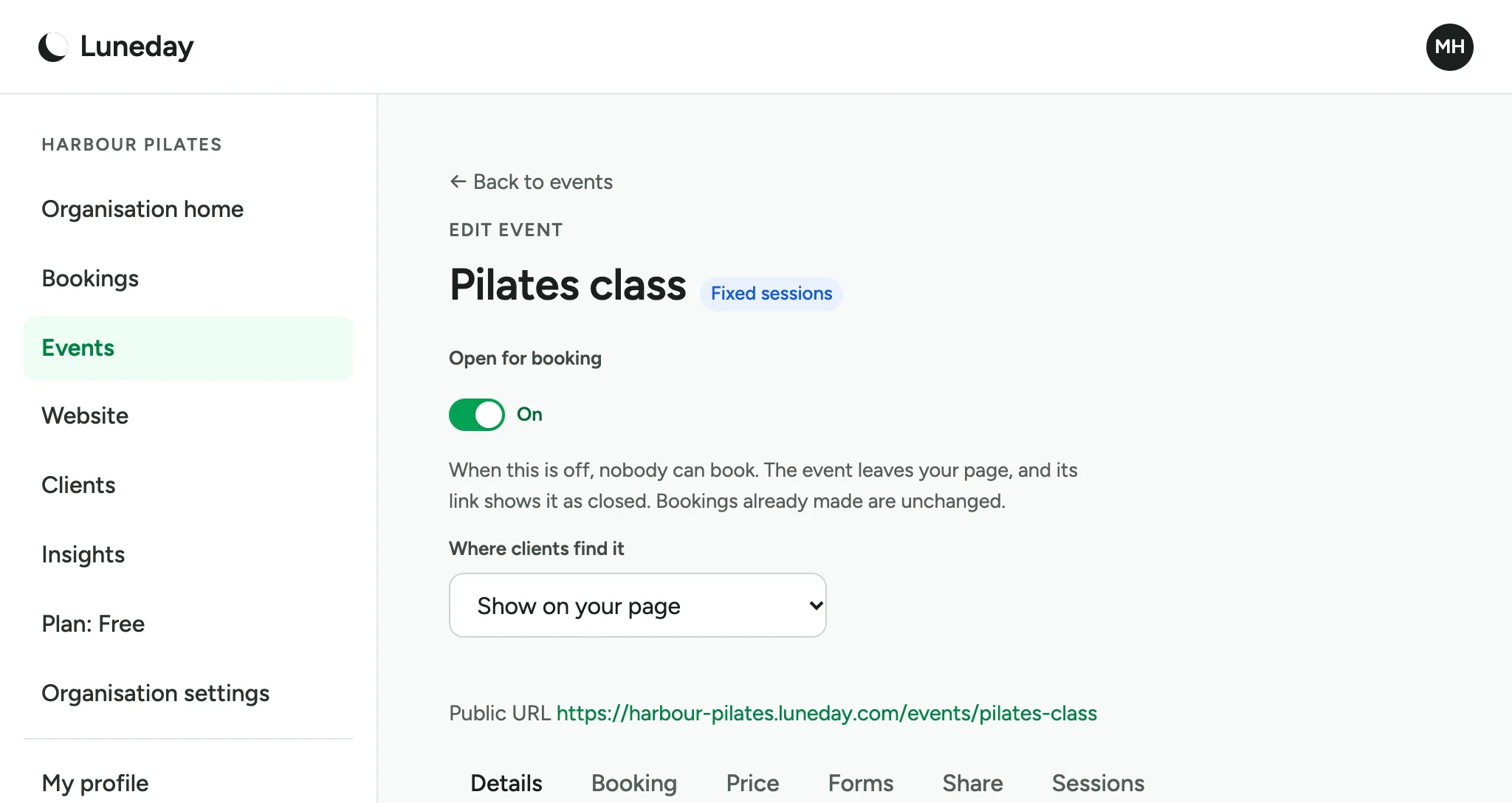
Choose the Sessions tab.
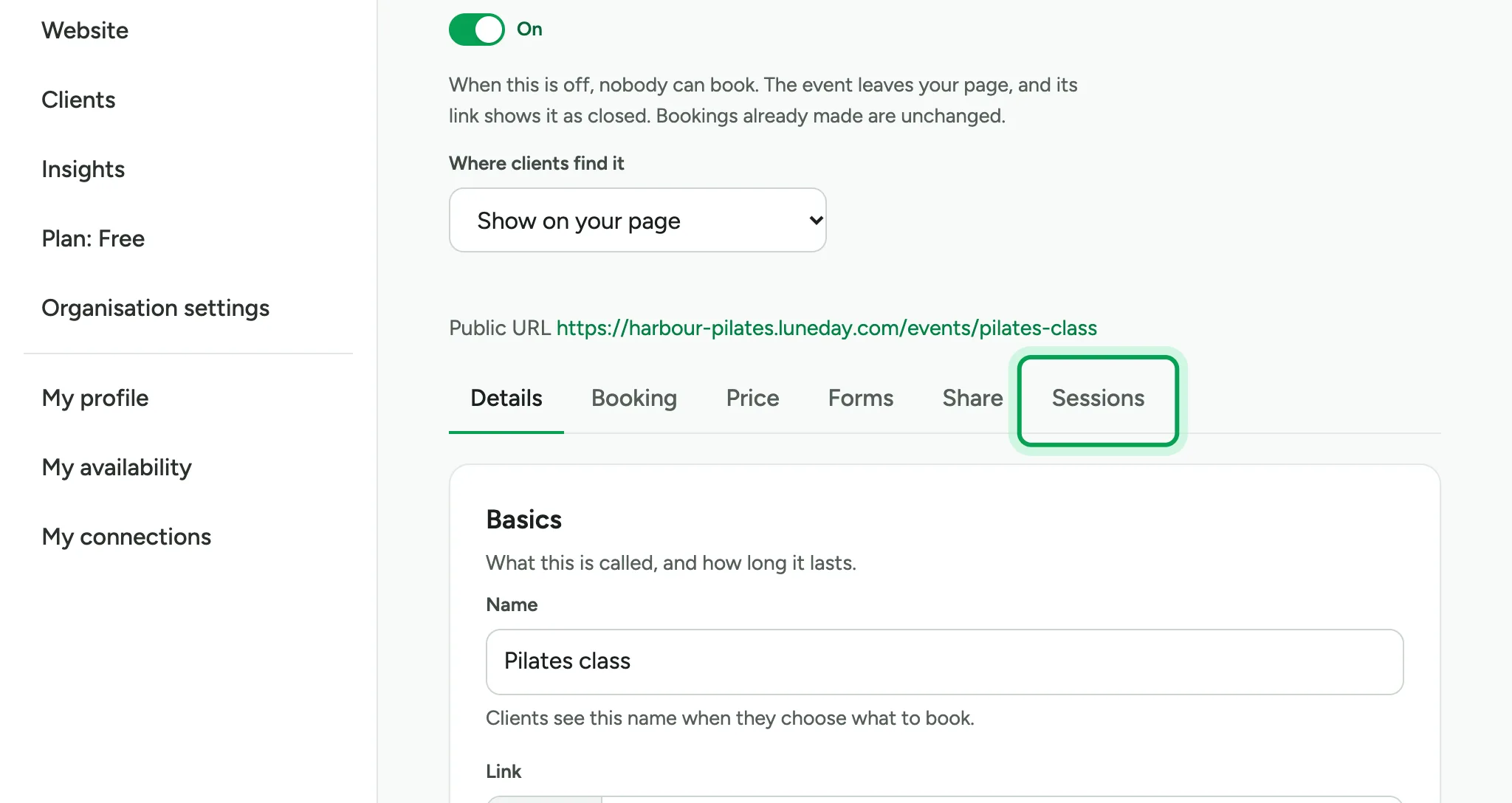
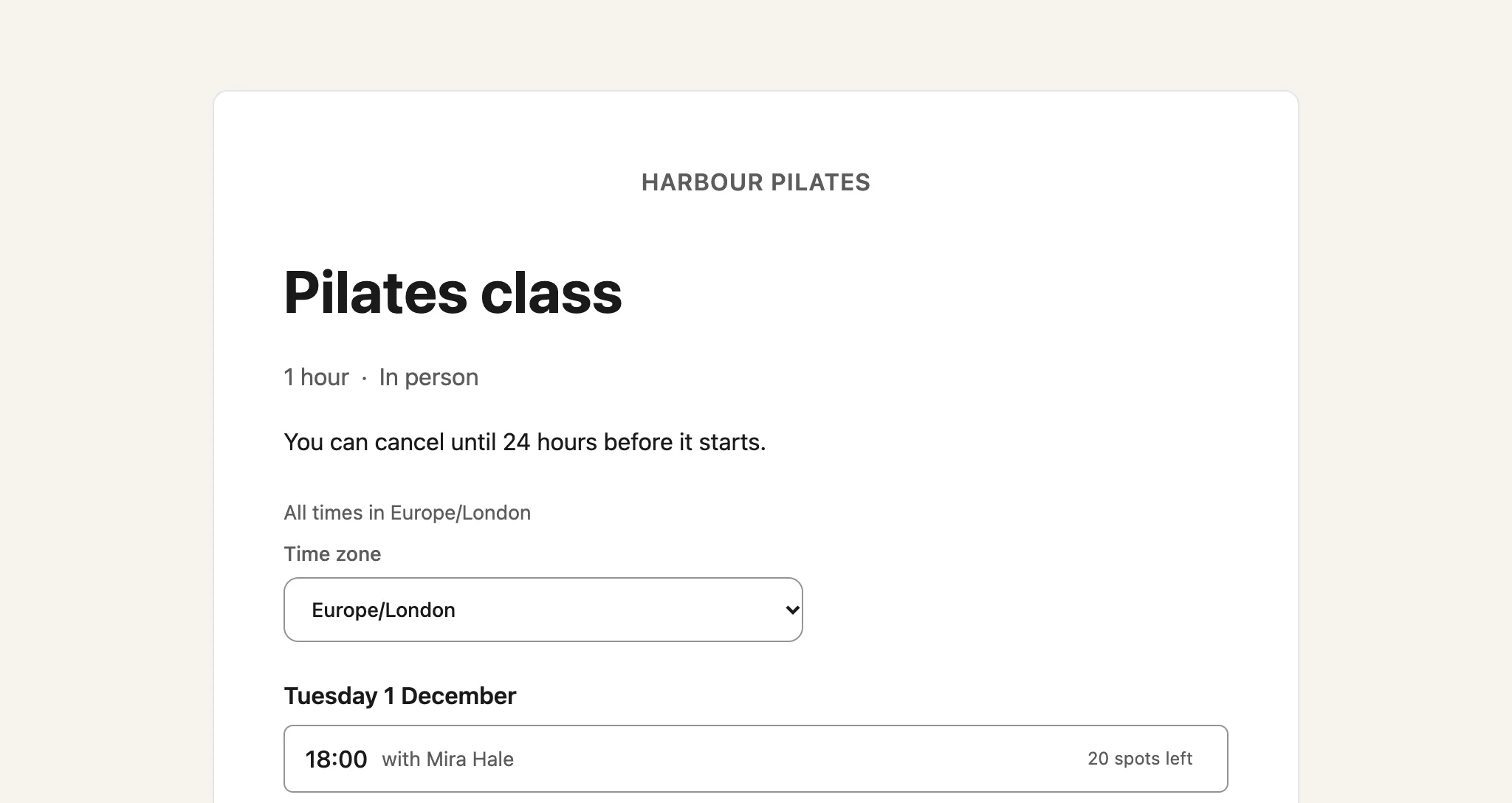
The tab lists the class's sessions. People choose one when they book.
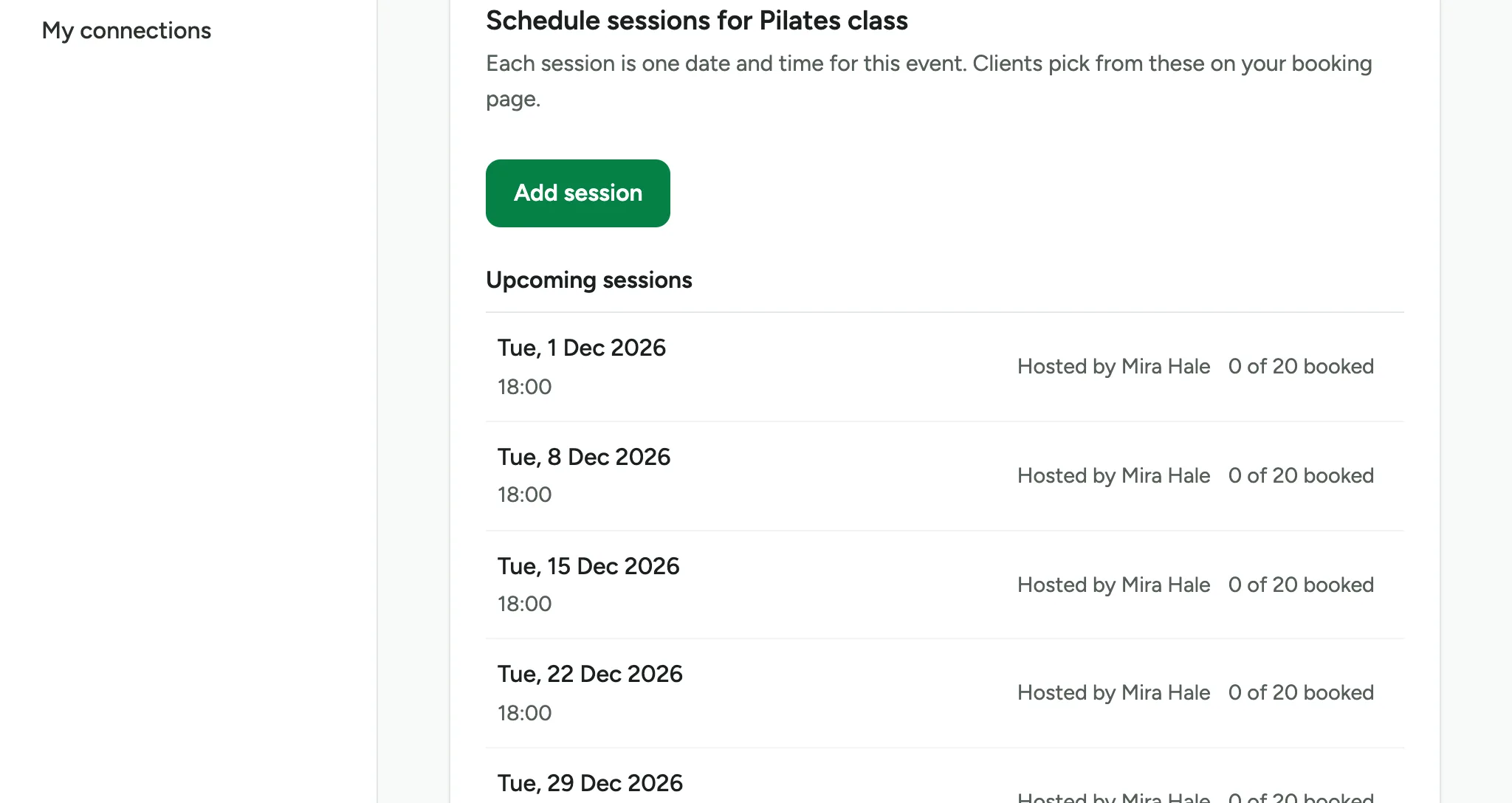
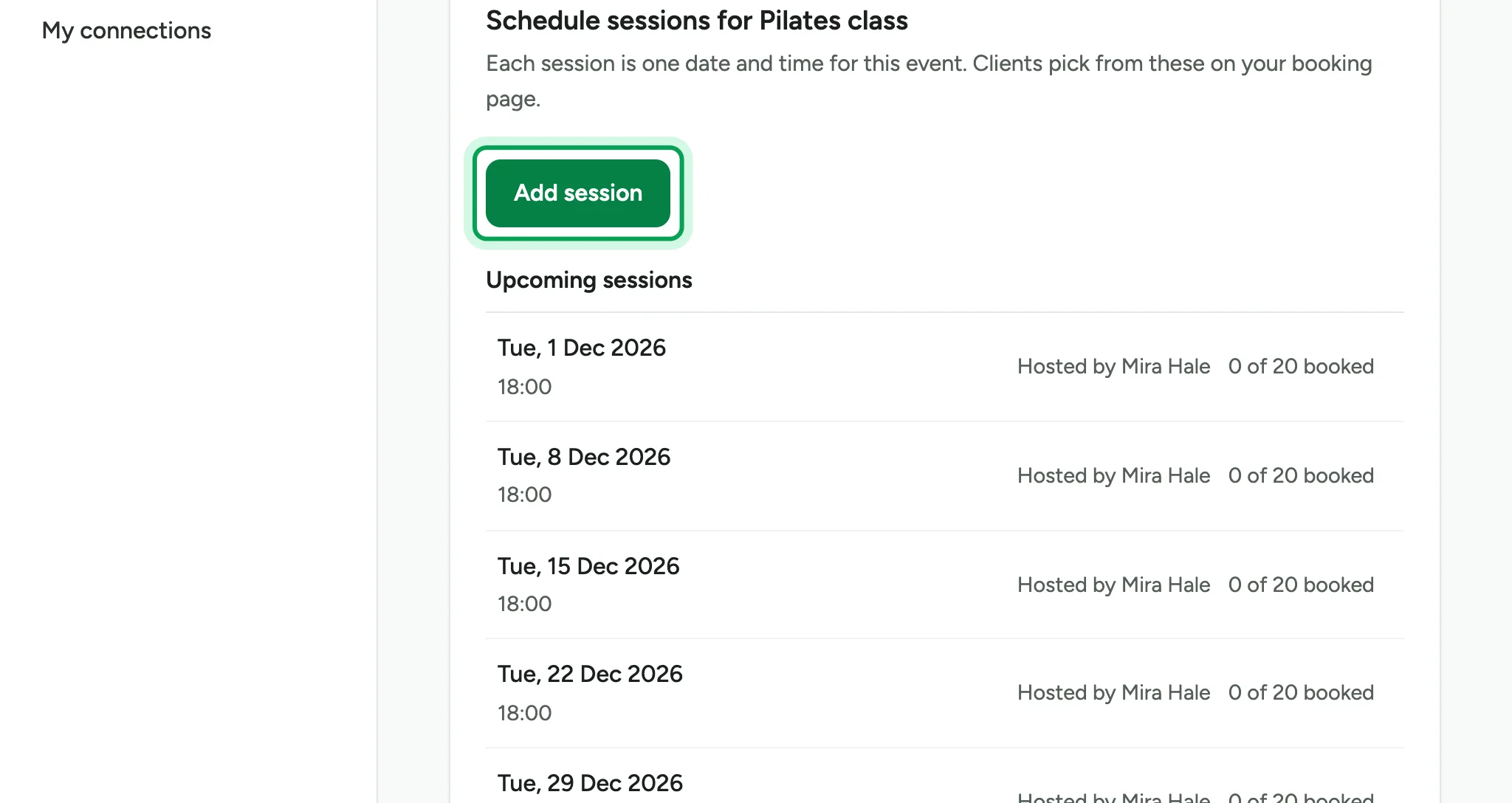
Choose Add session.
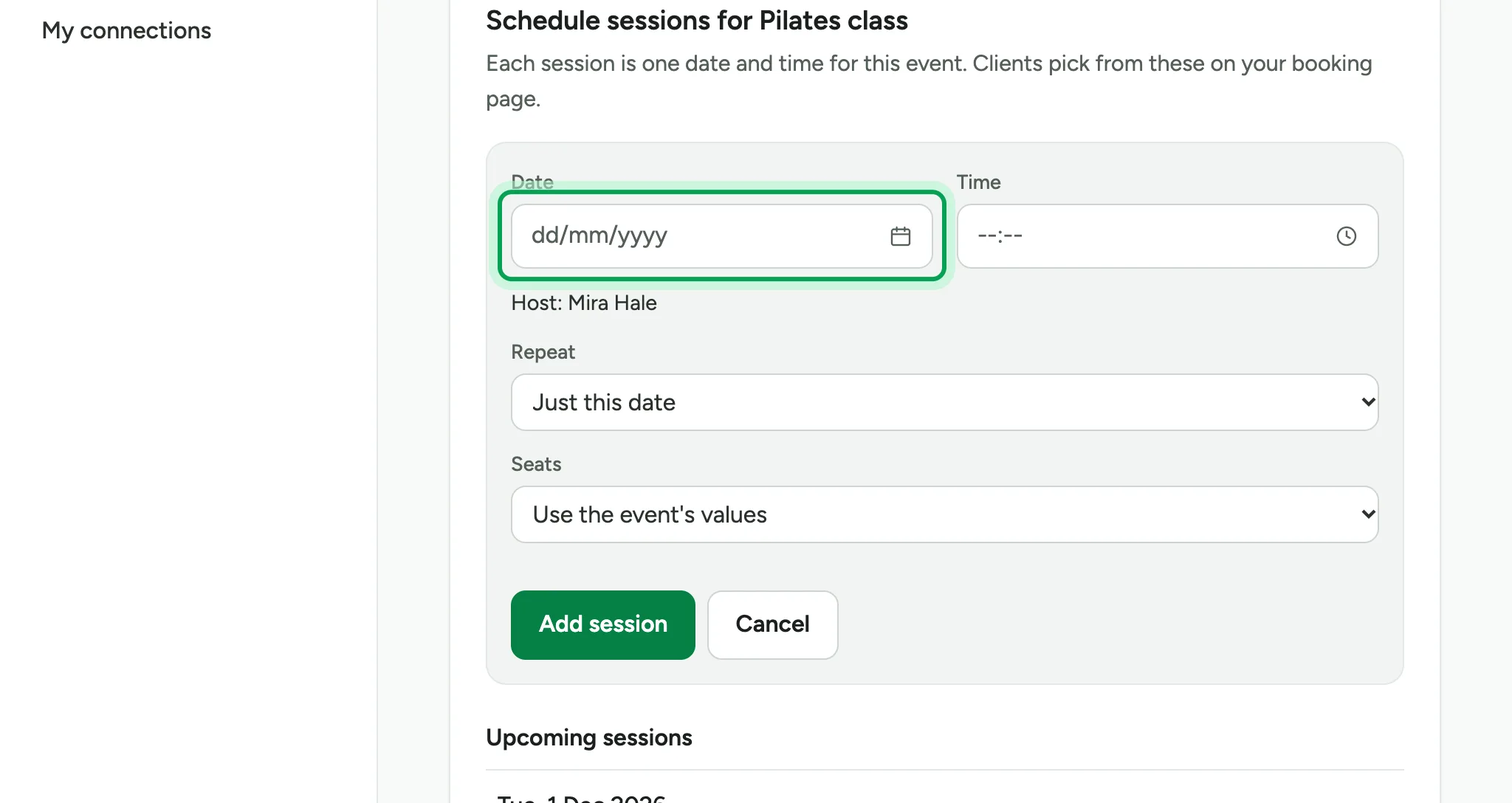
Pick the date of the first session.
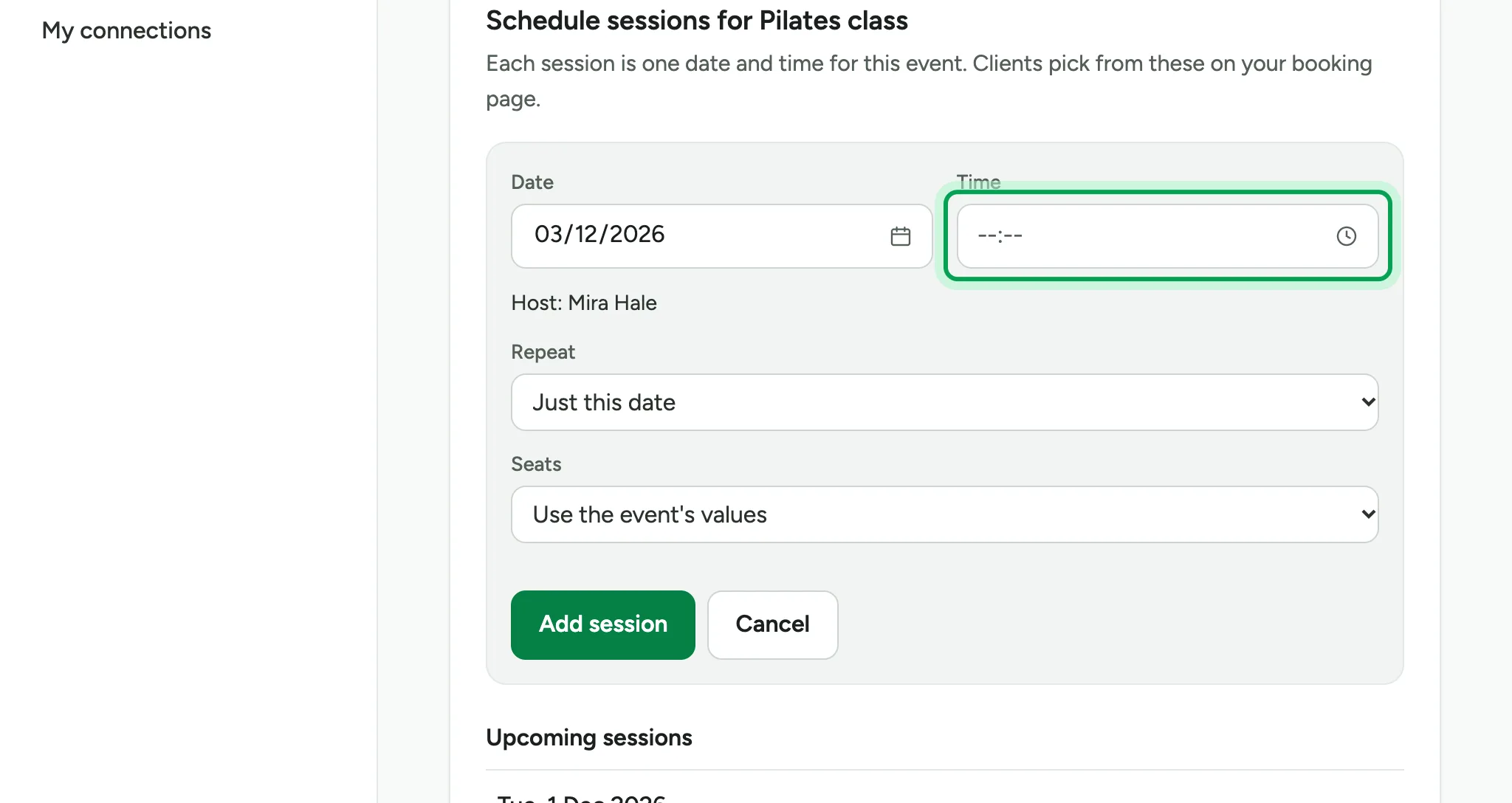
Pick its start time.
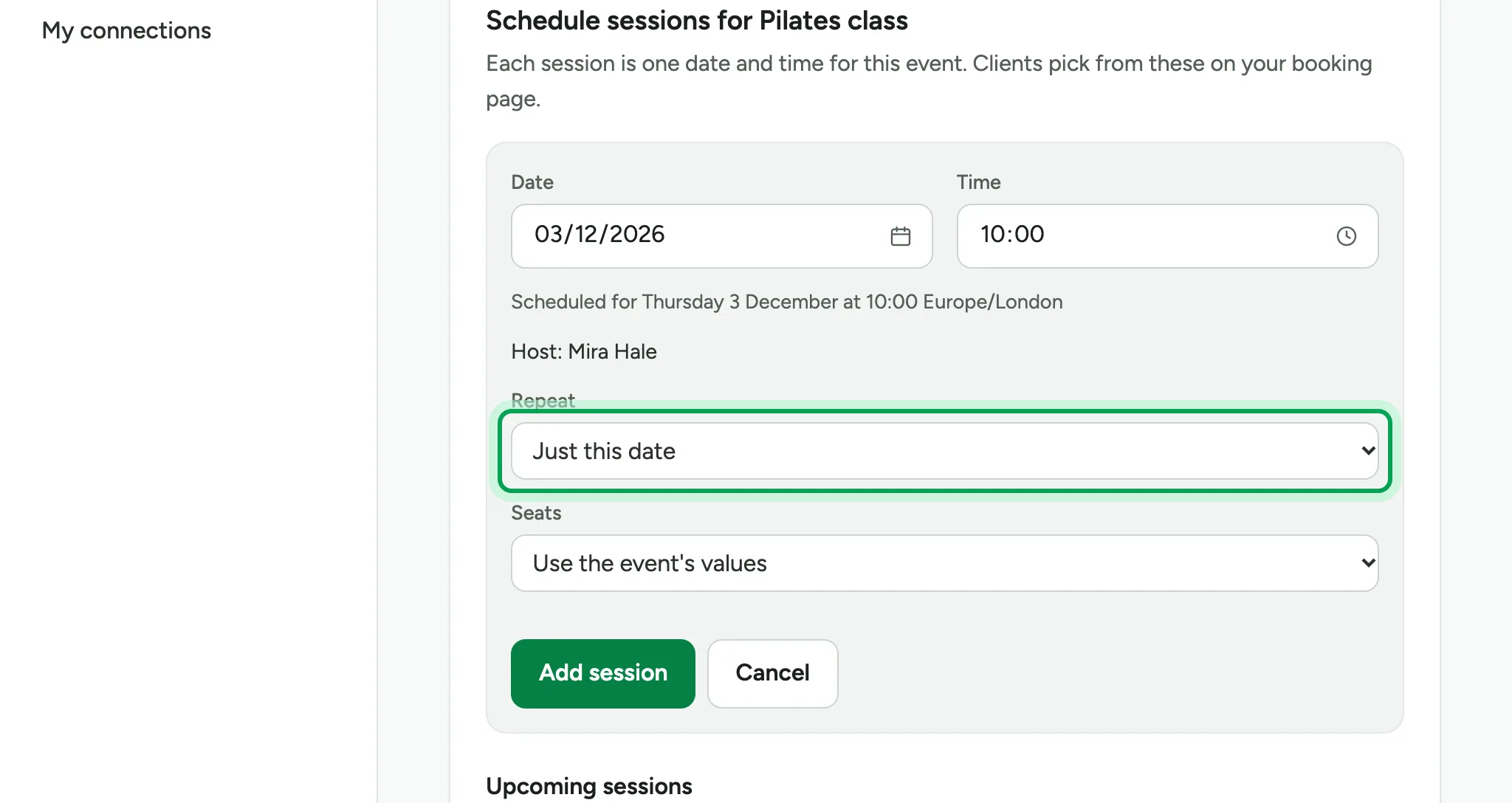
Under Repeat, choose Repeat weekly.
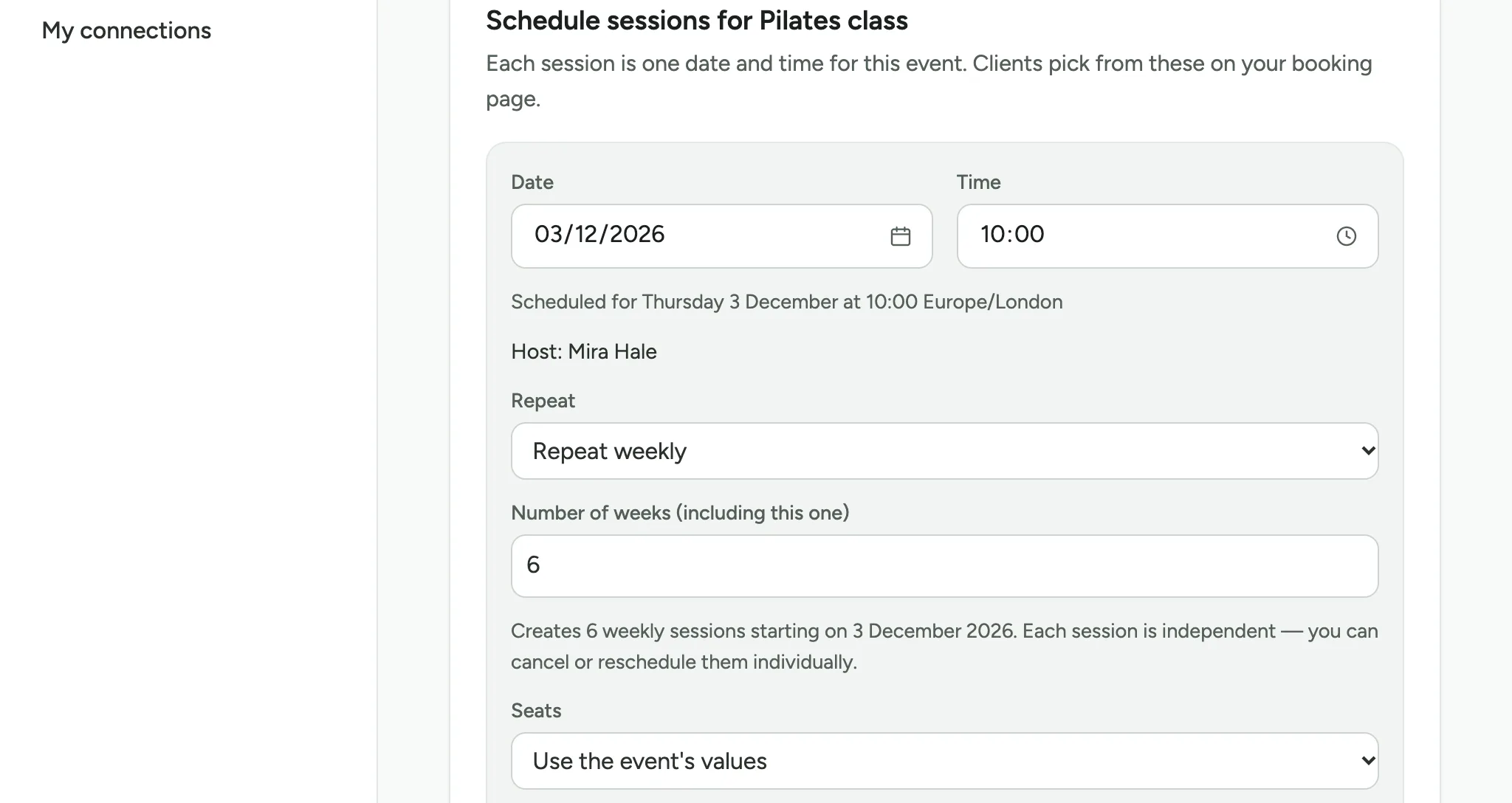
Set the number of weeks, counting the first one, such as 6.
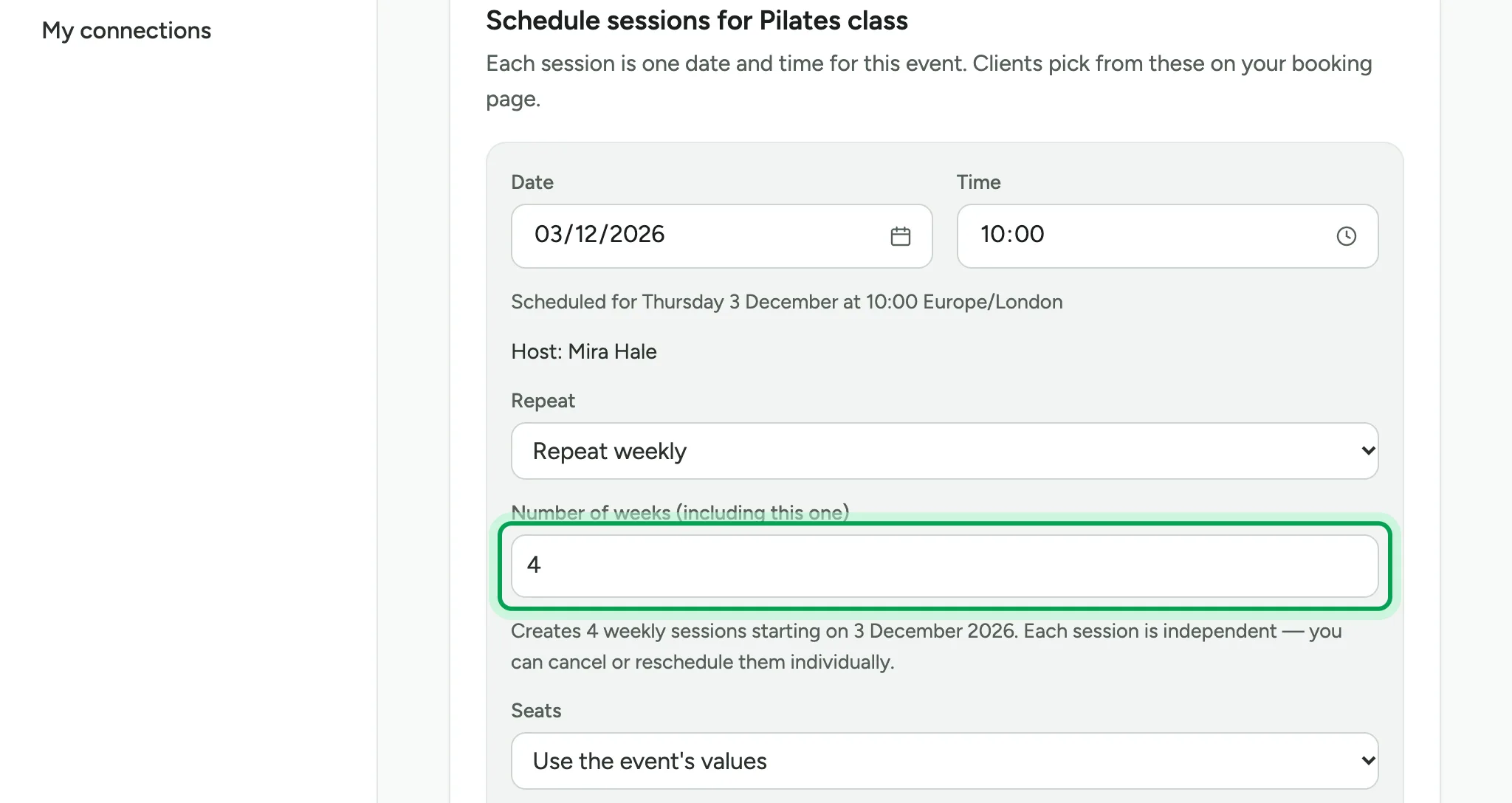
The line below says how many sessions you will get, and the date they start. Each session stands alone, so you can cancel or move one later.
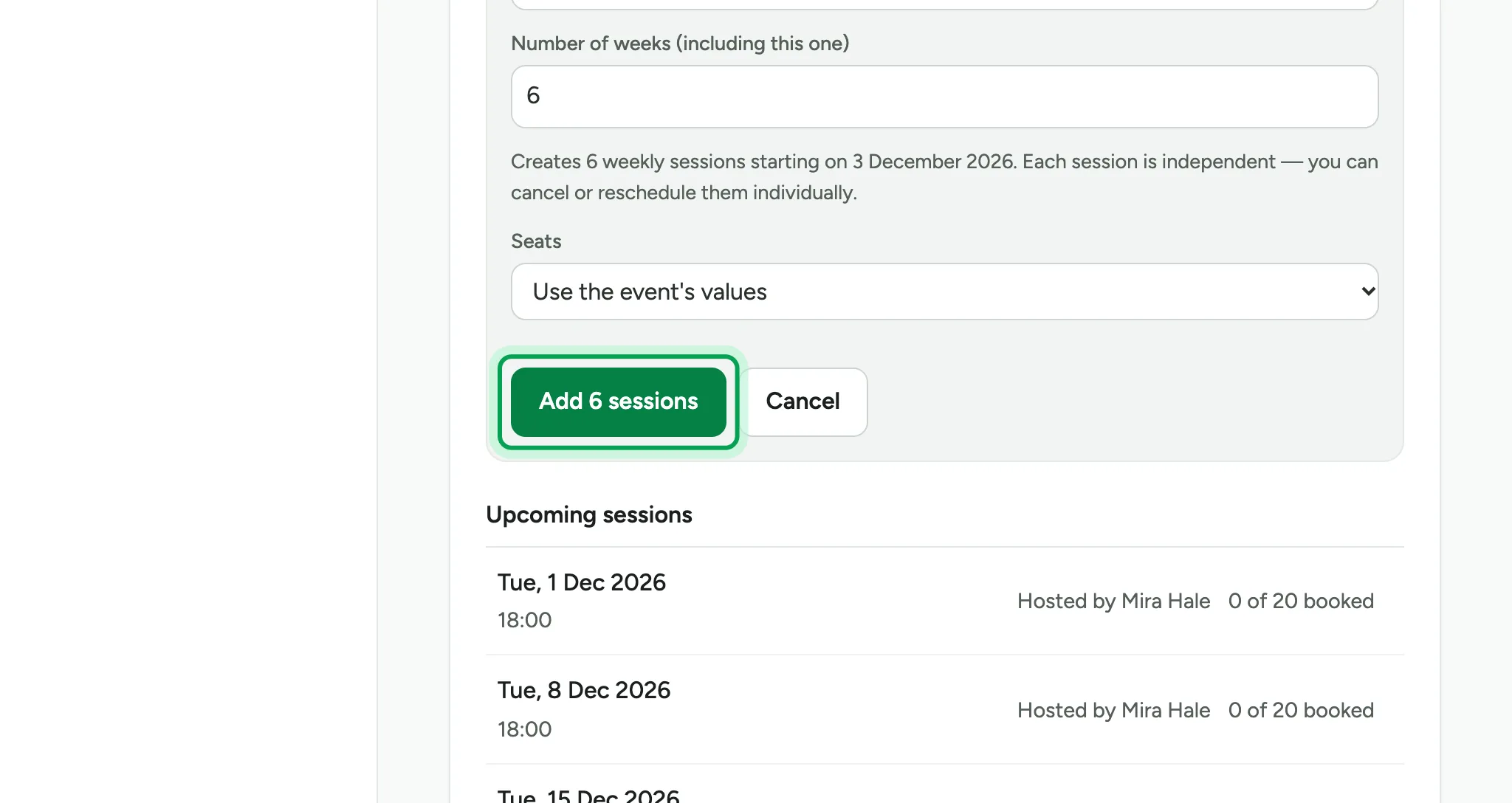
Choose Add 6 sessions. The button counts the sessions you set.
The new sessions join the list, in date order.
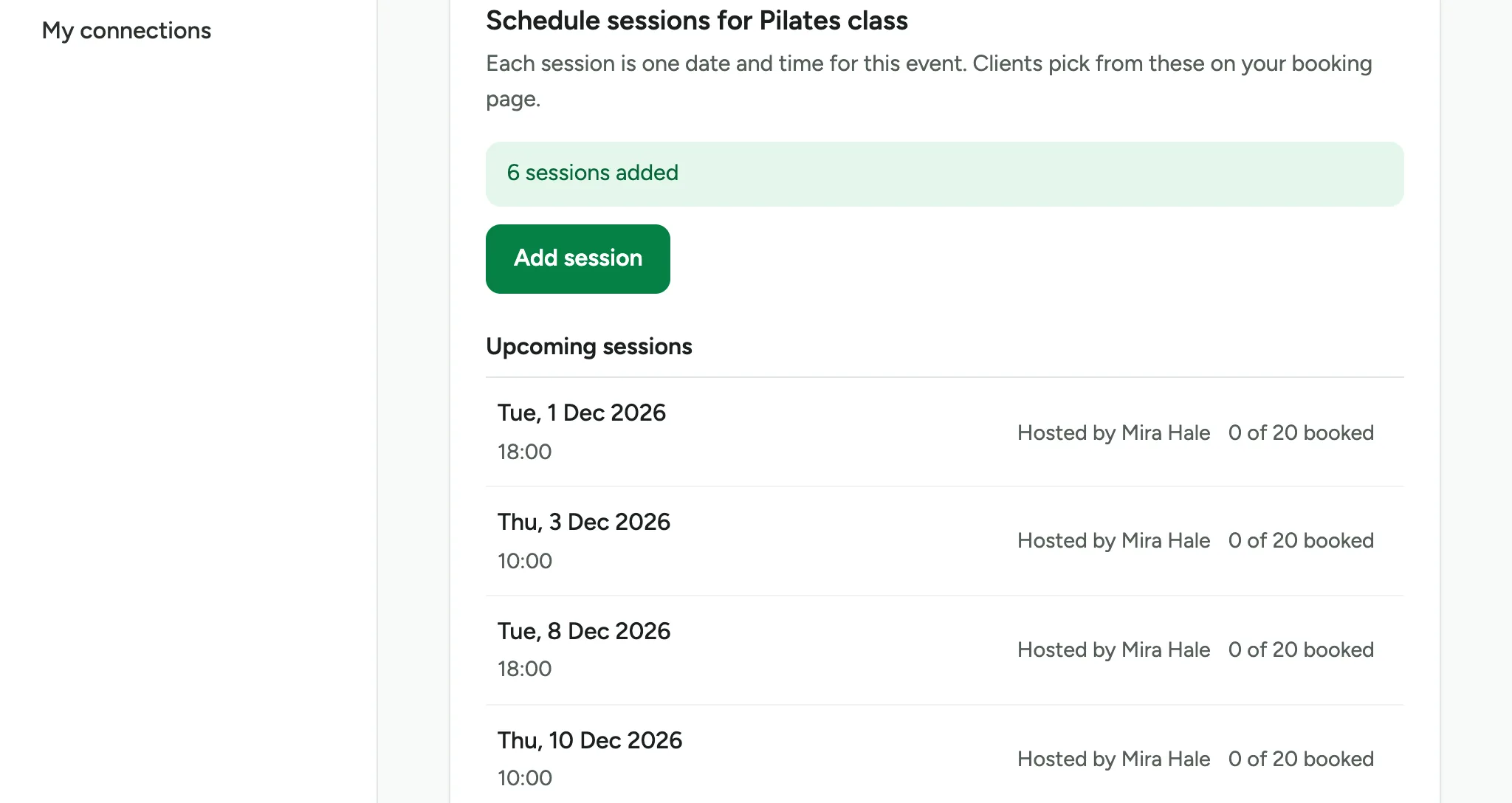
People can book any of them from your booking page.
Updated 15 November 2026.
Related: Choose notice, cancellation and gaps · Ask questions when people book
Still stuck? Email hello@luneday.com.