Invite your team and set roles
Add a colleague, then choose what they can do.

Steps
On the Teams plan, up to 5 people can take bookings, including you.
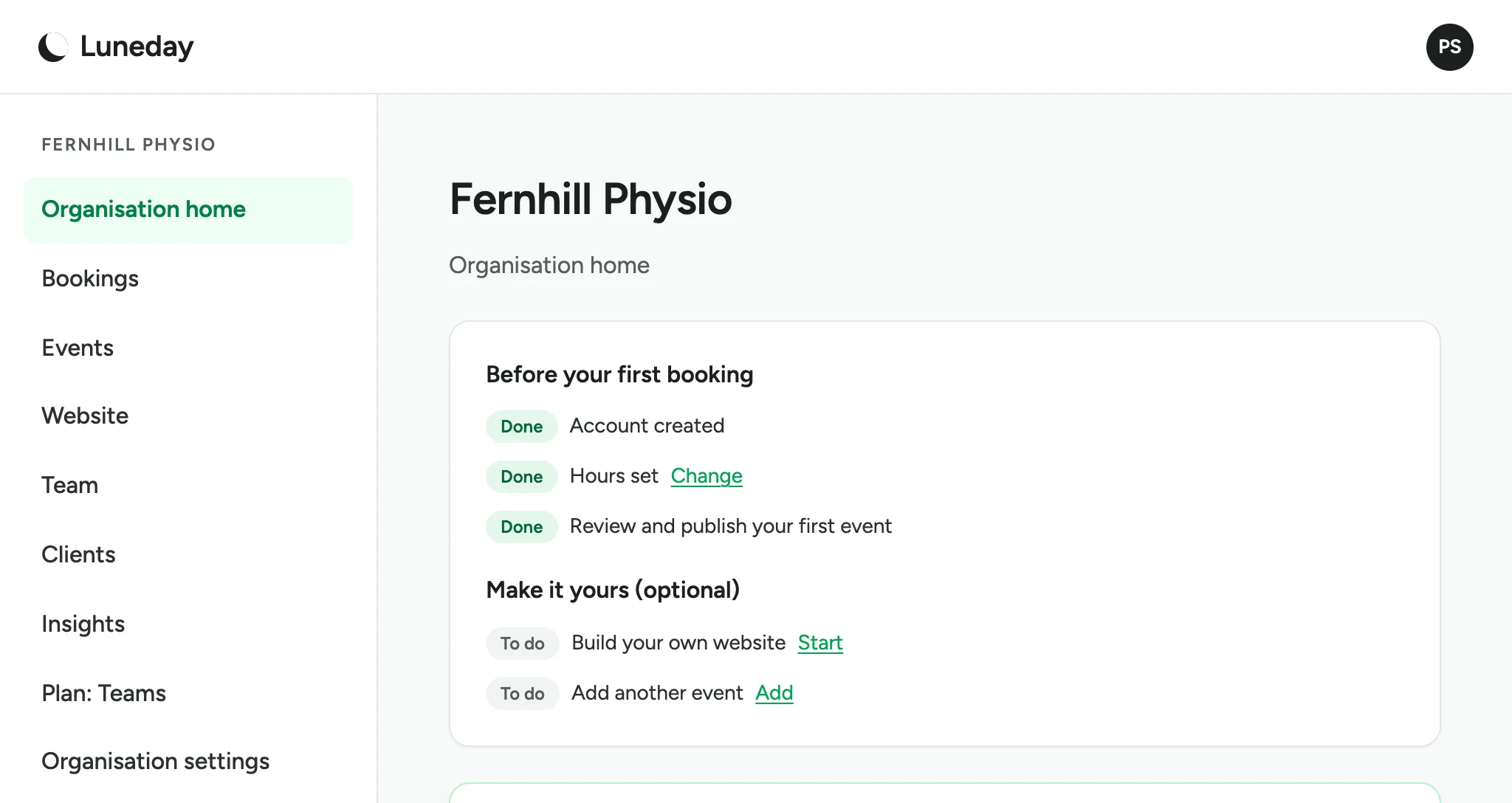
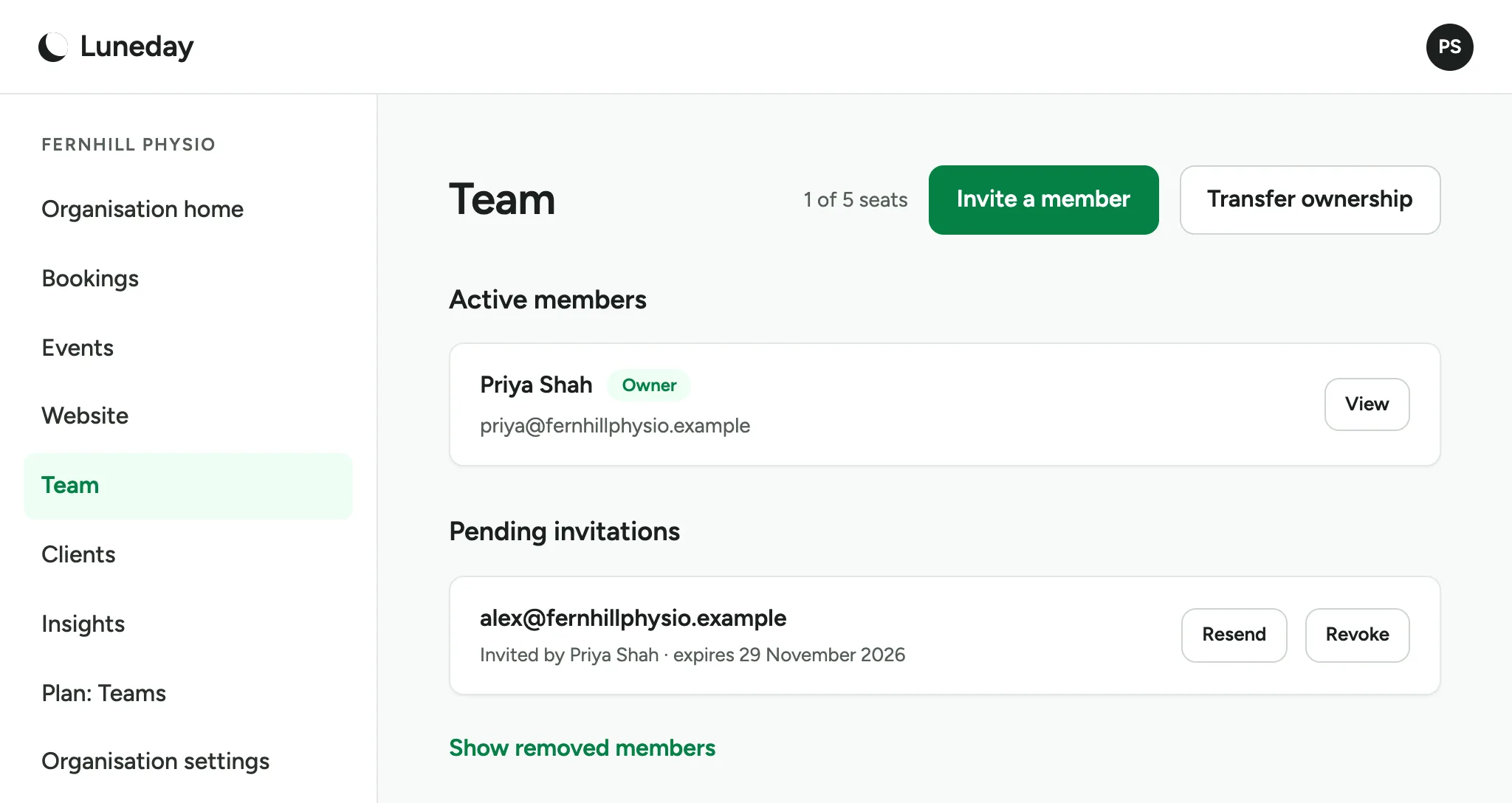
Choose Team.
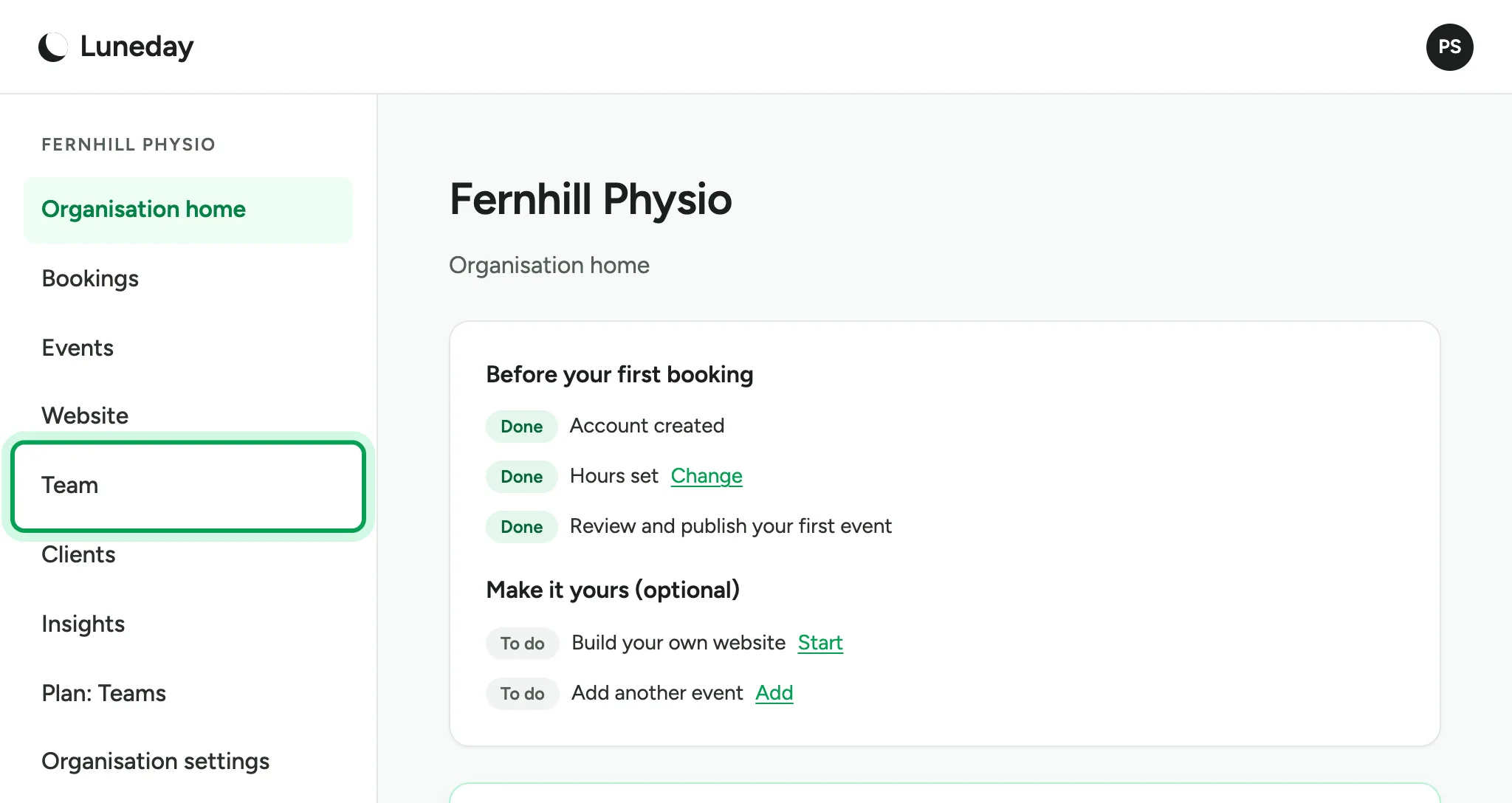
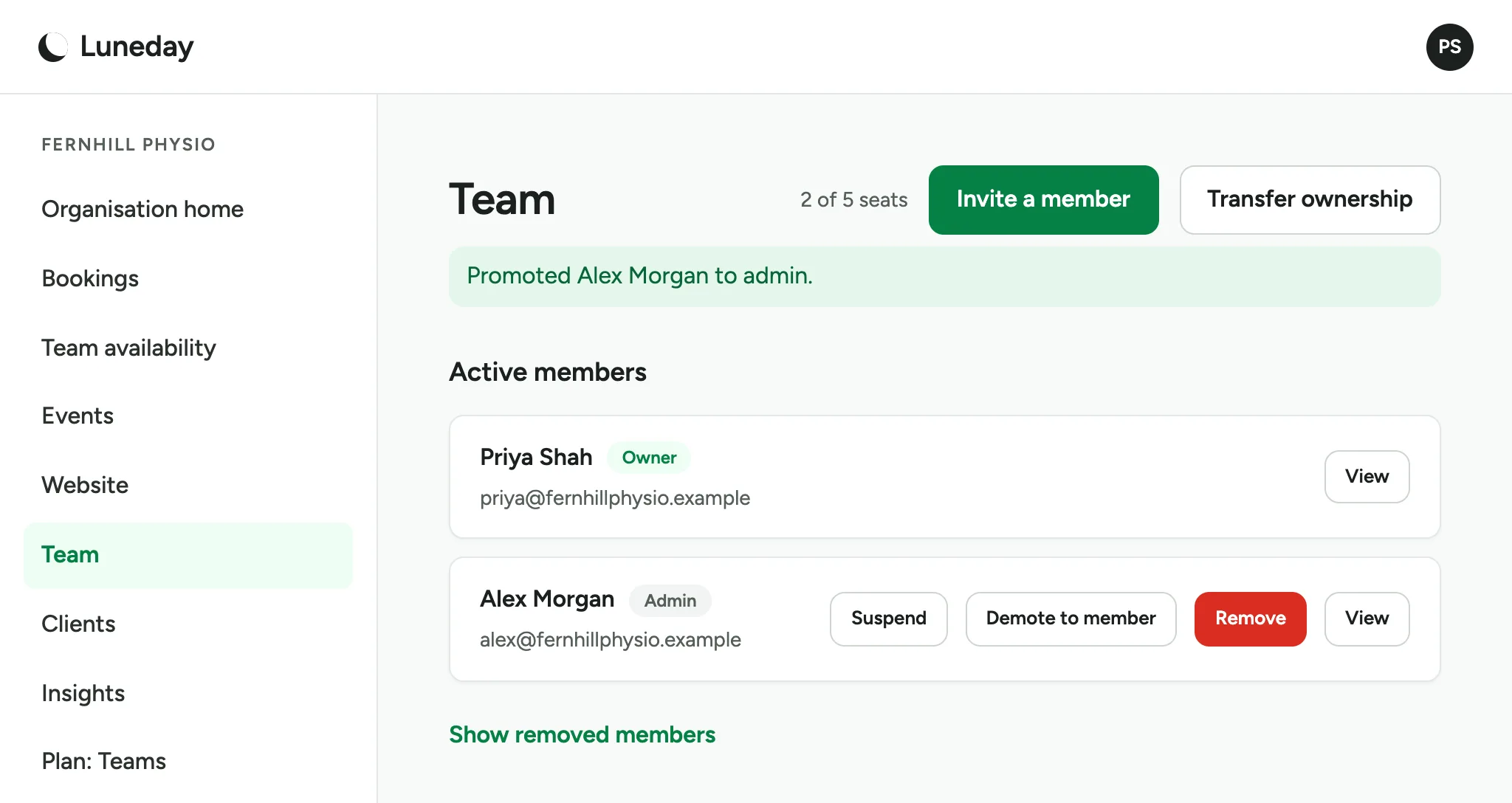
The Team page lists everyone on your team. At first, it lists only you.
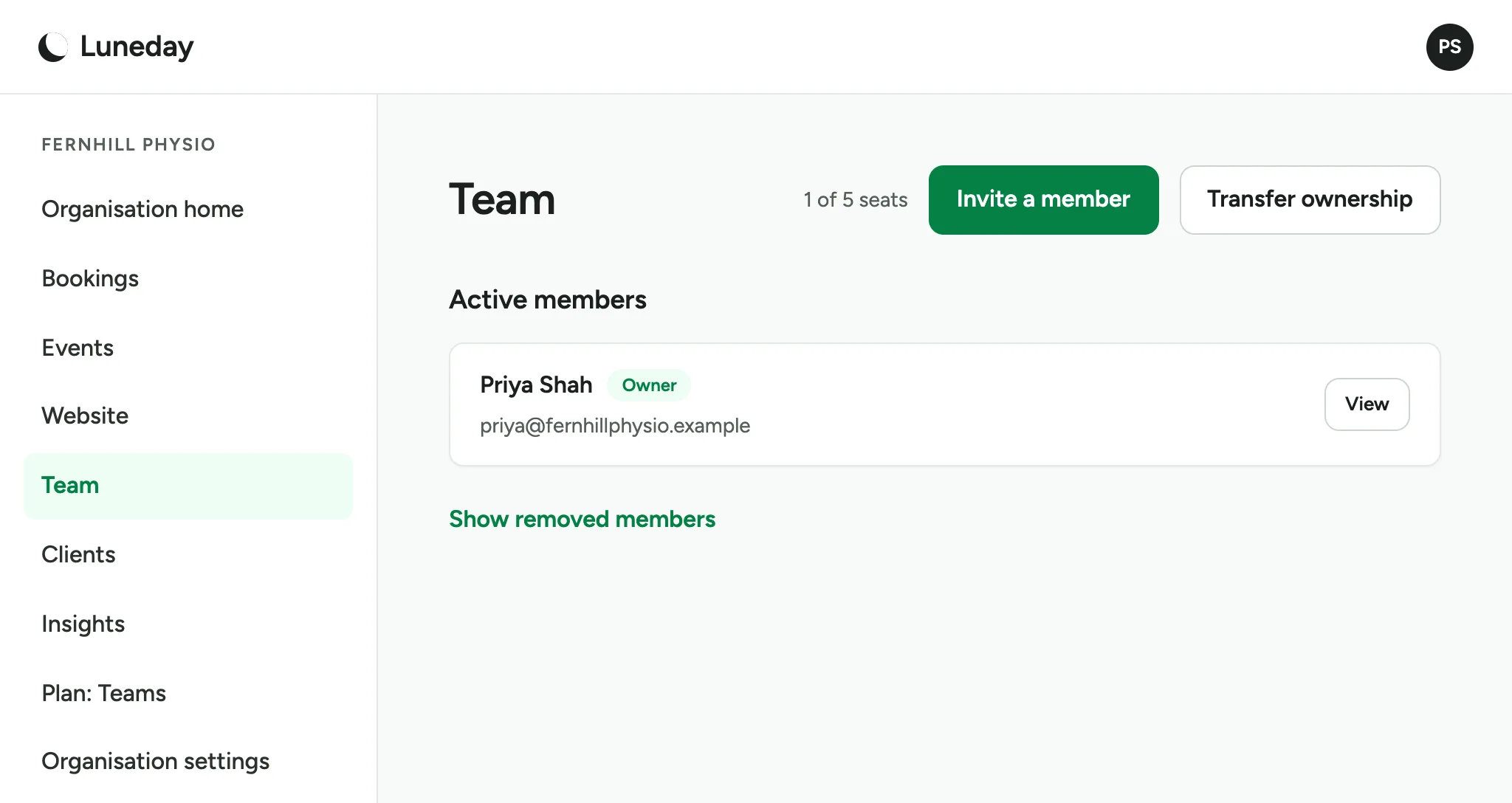
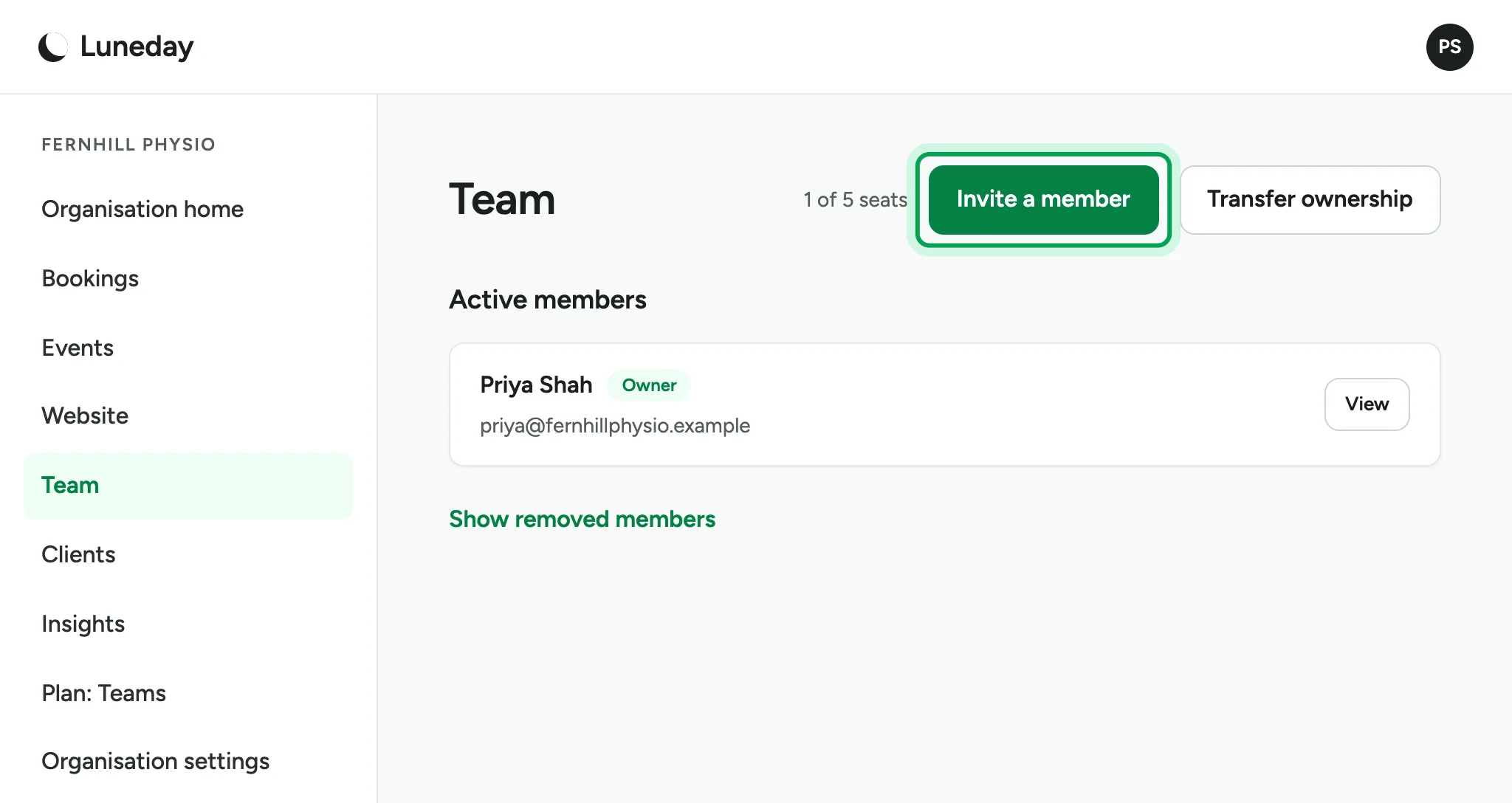
Choose Invite a member.
Type your colleague's email address.
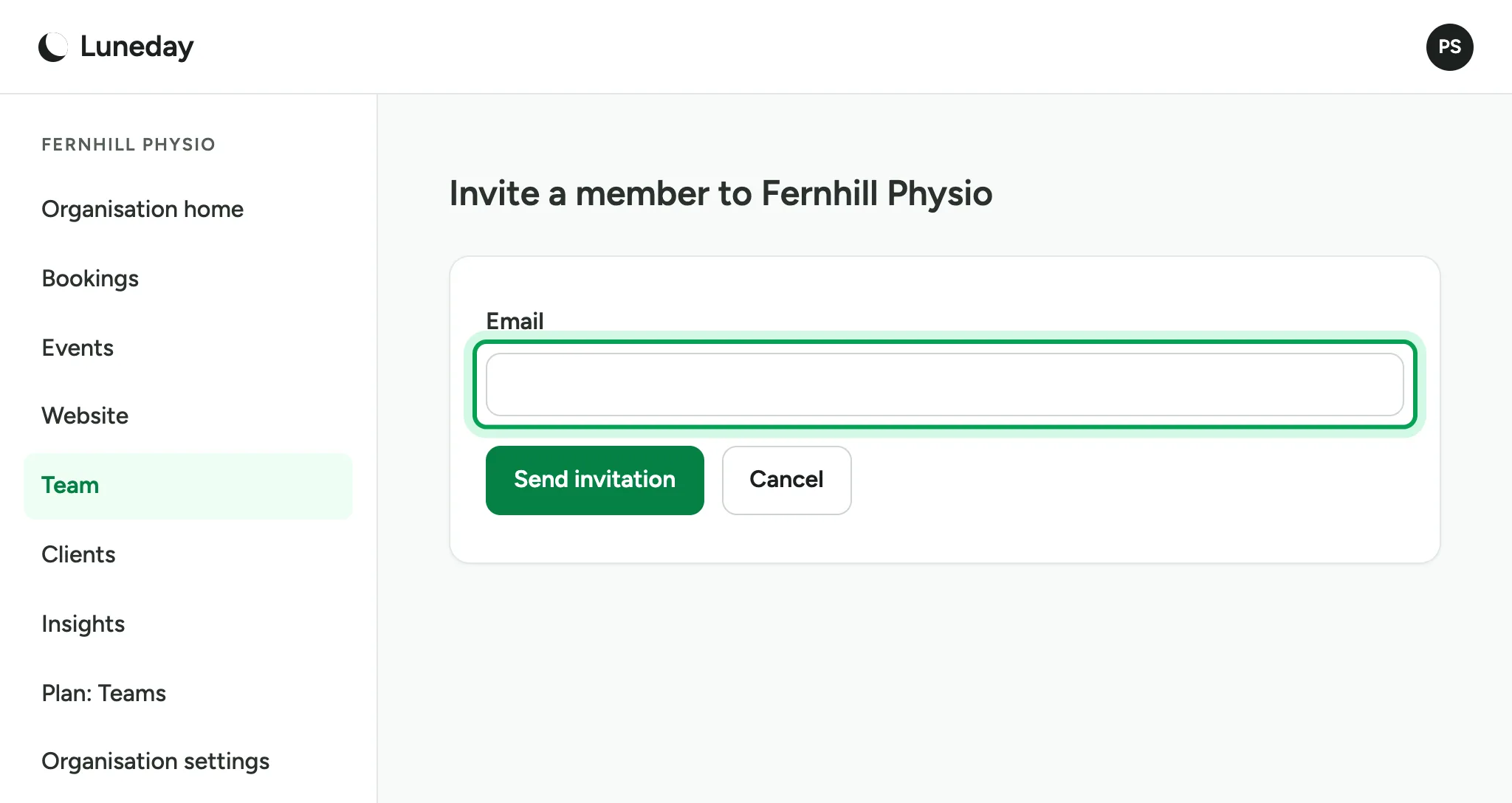
Choose Send invitation.
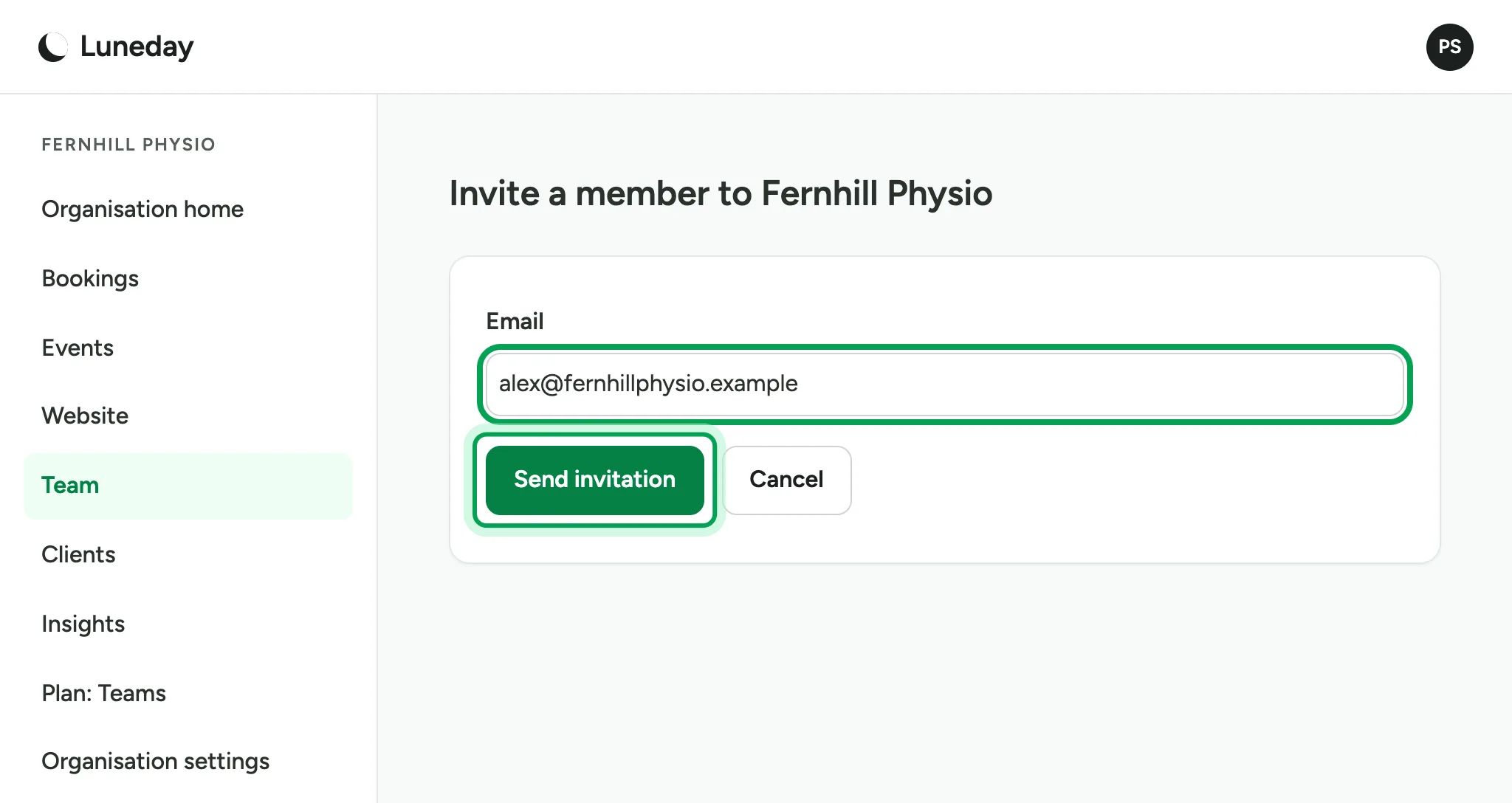
The invitation waits under Pending invitations until your colleague accepts.
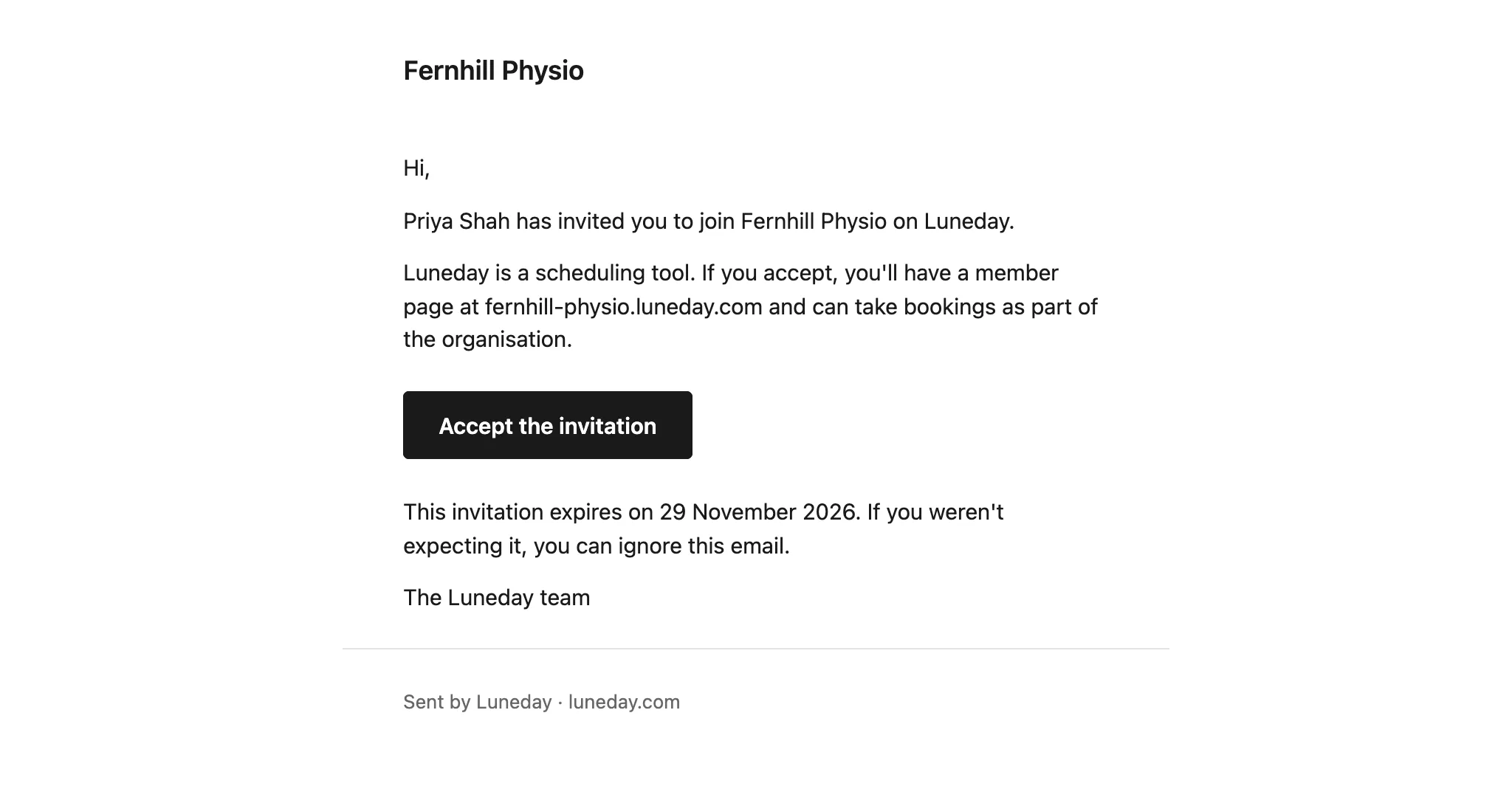
Your colleague gets an email. They choose Accept the invitation, then add their name.
Your colleague joins as a Member, with their own booking page.
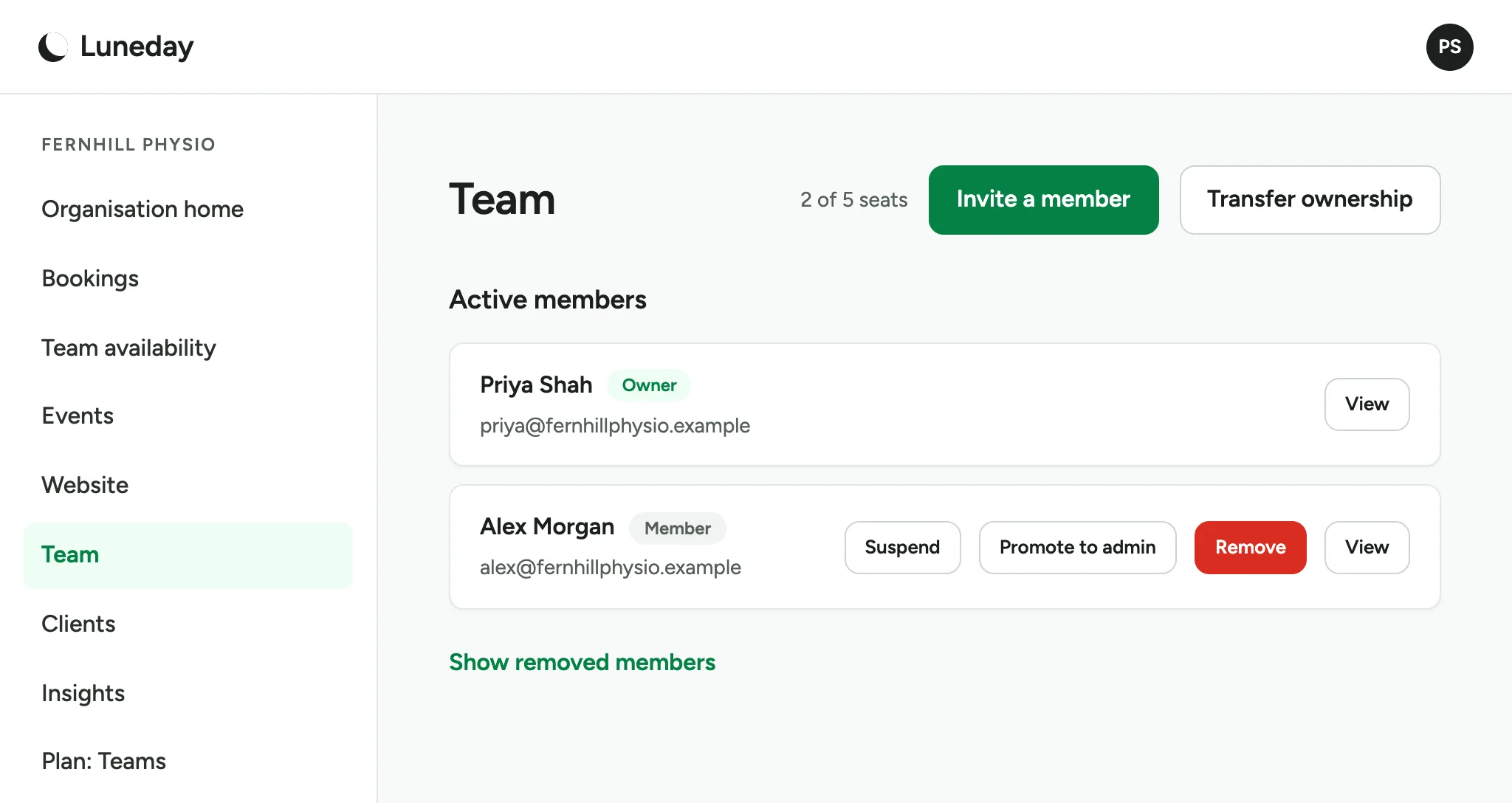
To let them look after the team too, choose Promote to admin.
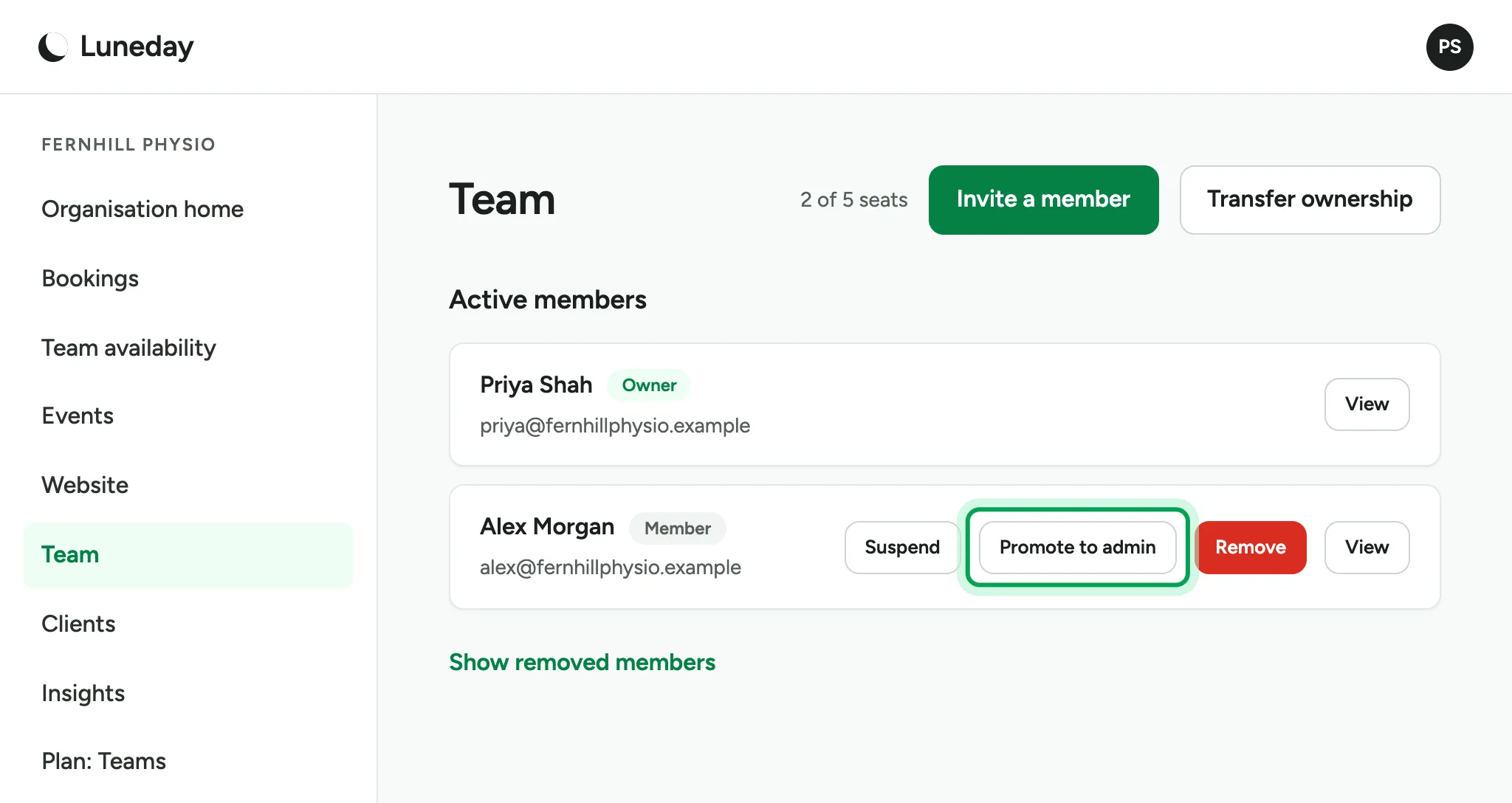
Admins can invite and remove members. They cannot see billing or settings.
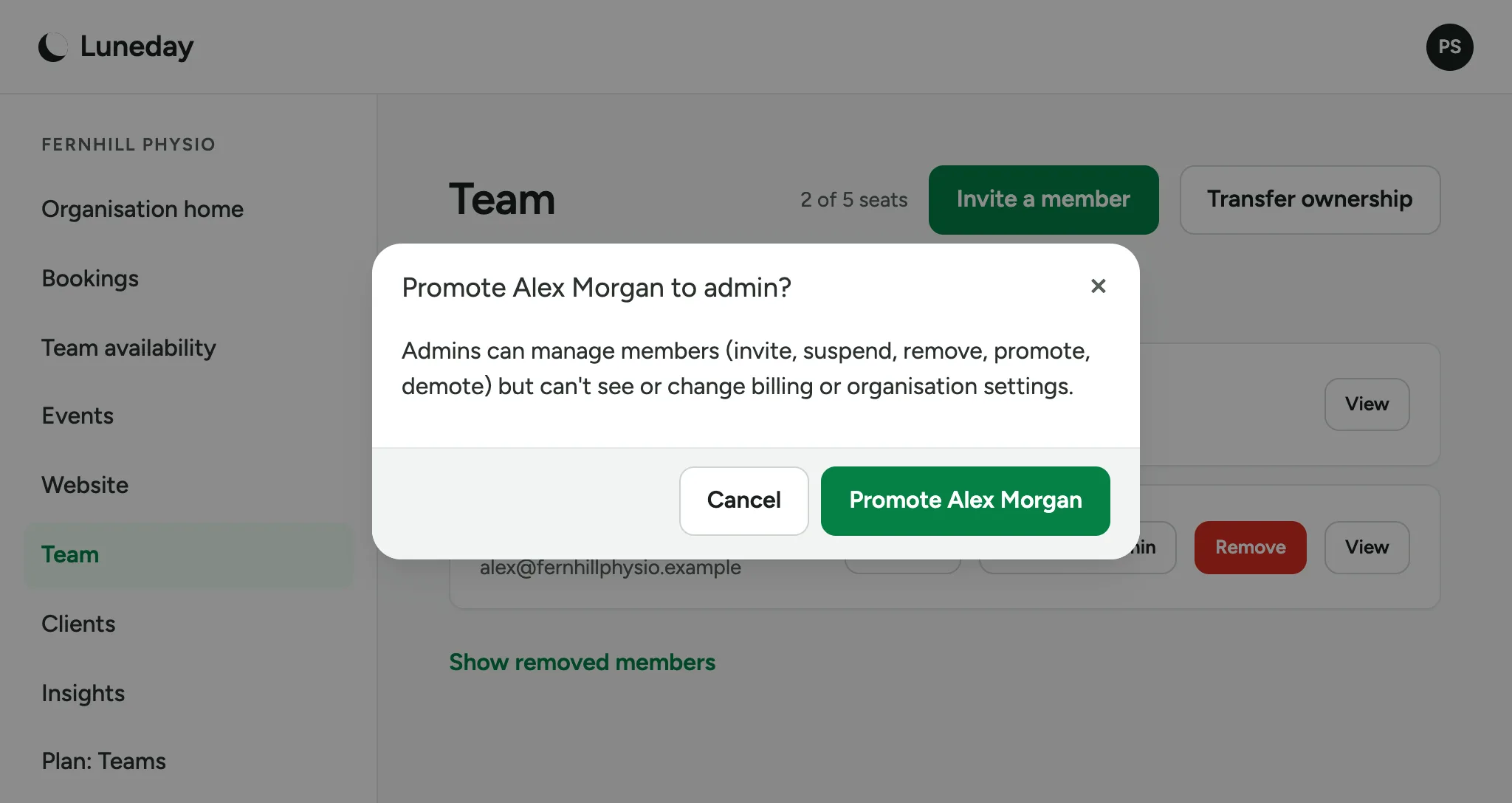
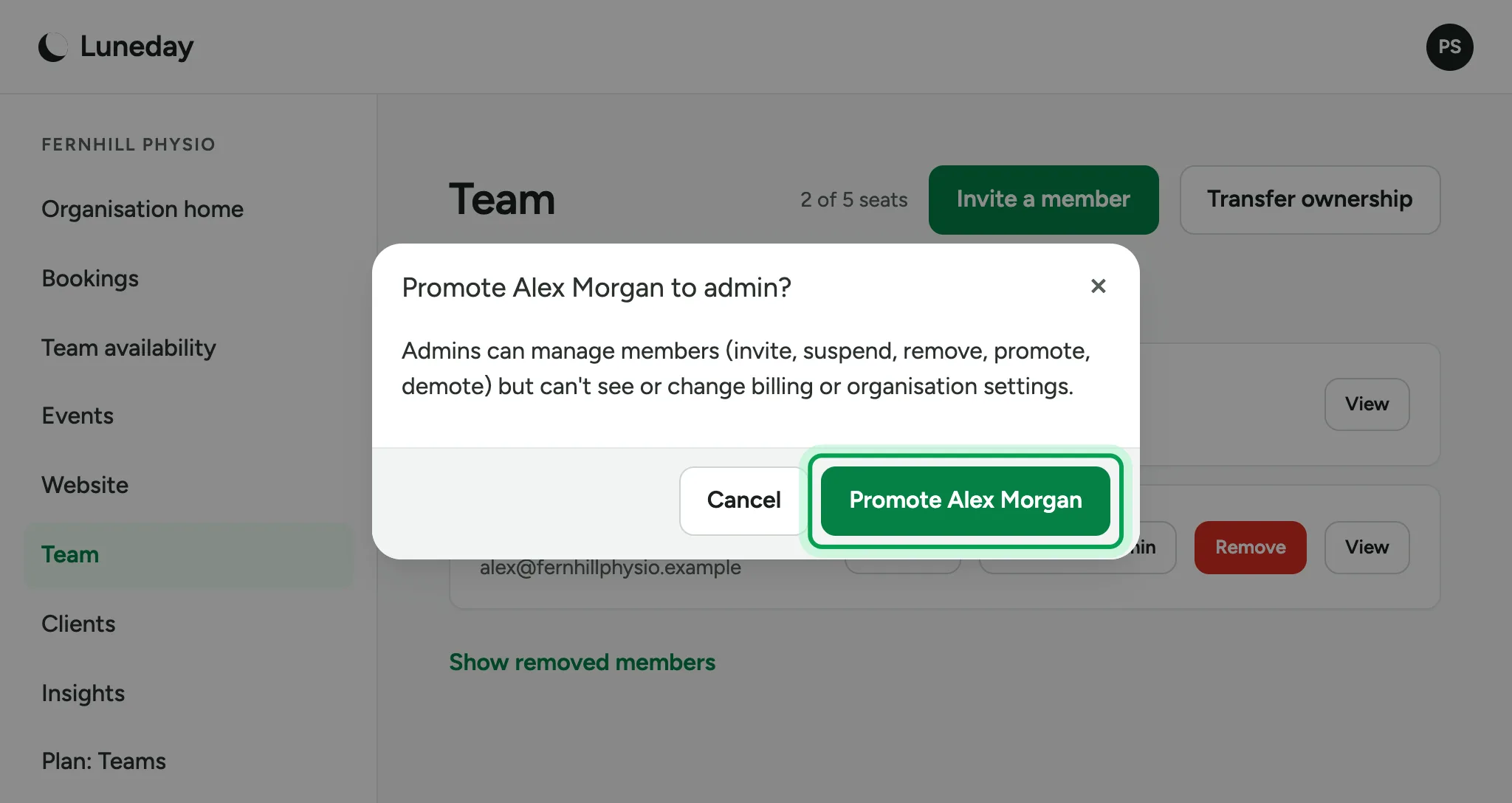
Choose Promote. The button shows your colleague's name.
Your colleague is now an Admin. To change it back, choose Demote to member.
Updated 15 November 2026.
Related: Hand a booking to someone else · Read your insights
Still stuck? Email hello@luneday.com.