Hand a booking to someone else
Move a client’s booking to a colleague, at the same time.

Steps
You can hand a client's booking to someone else on your team.
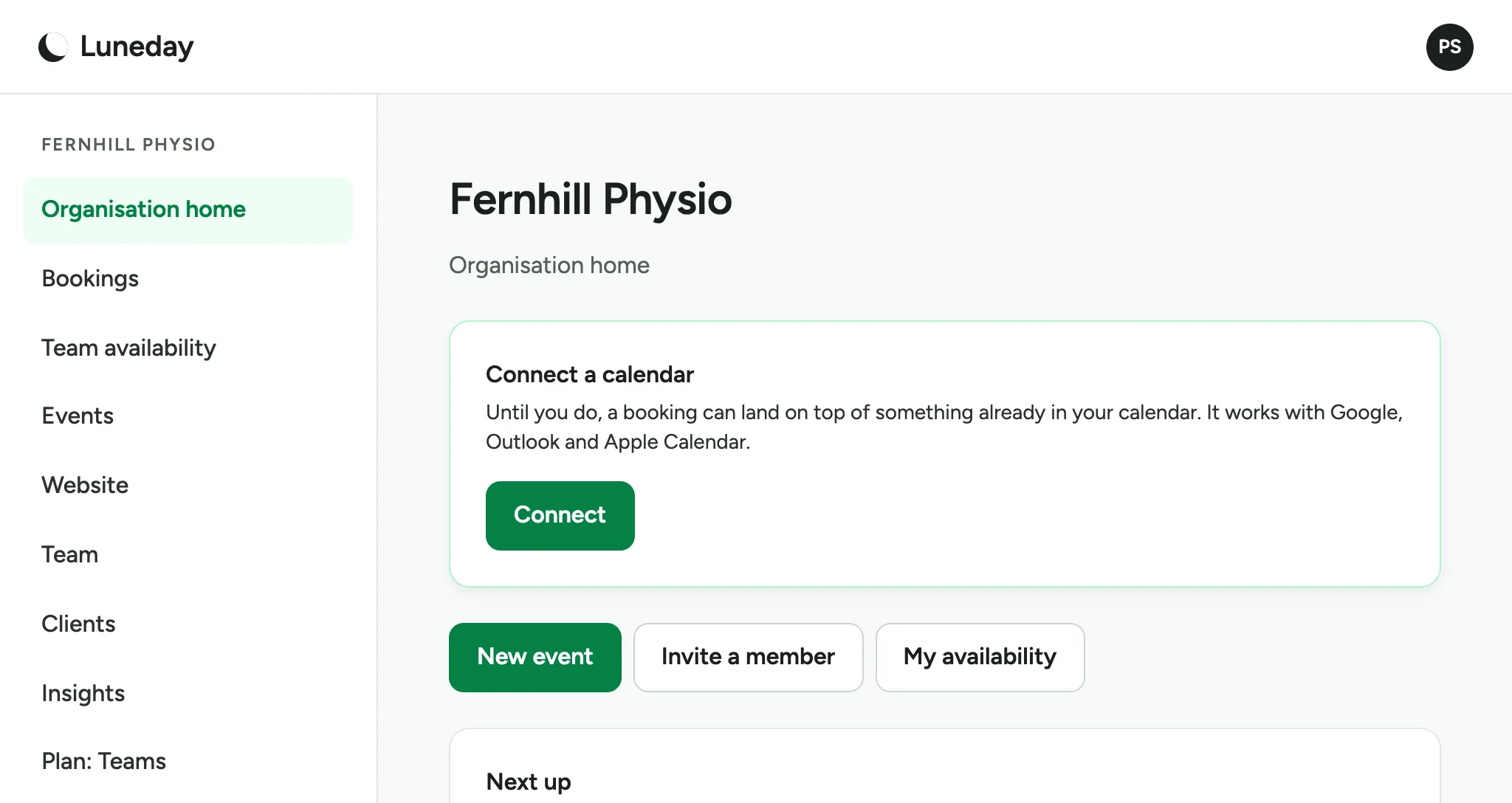
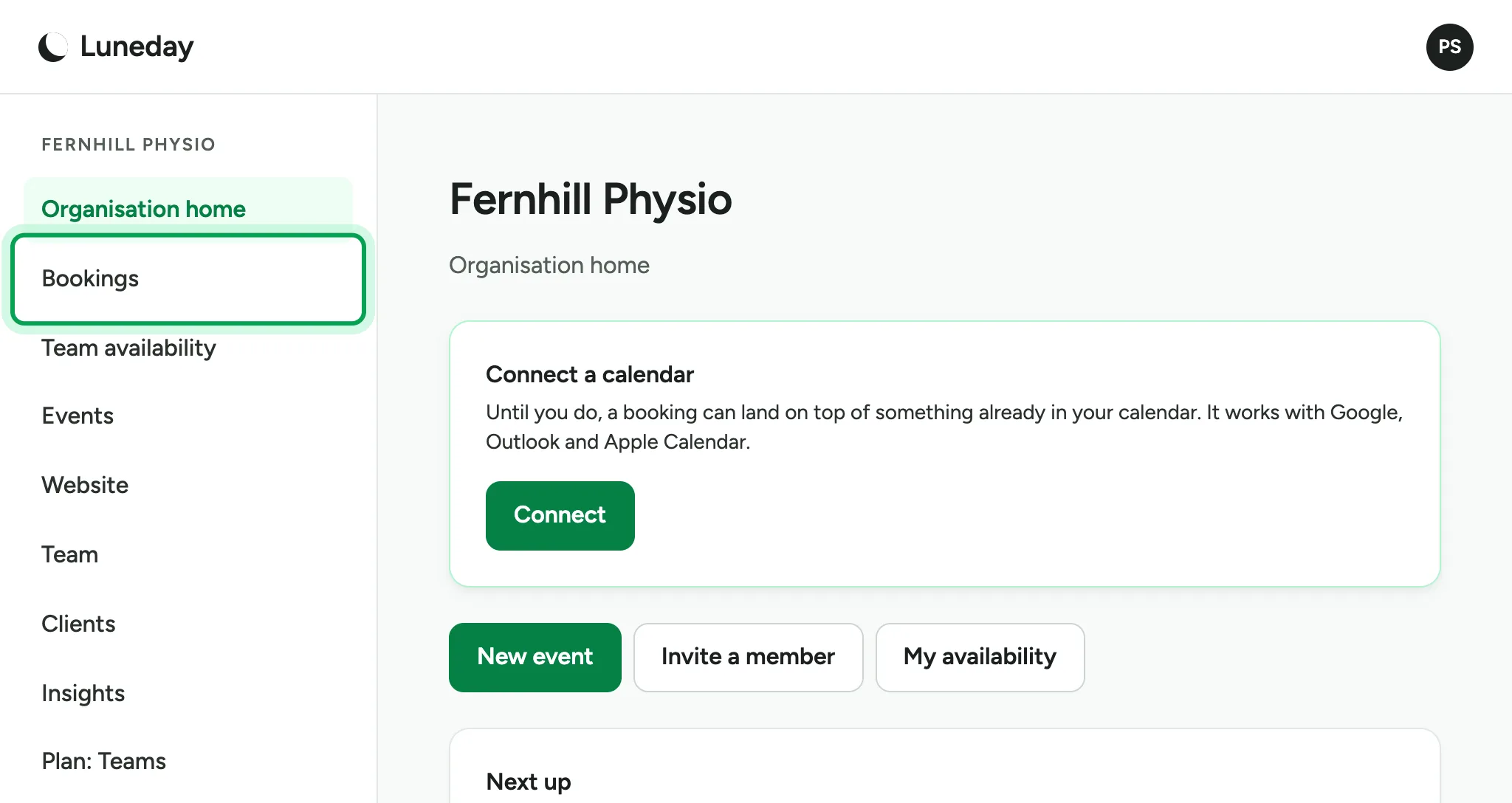
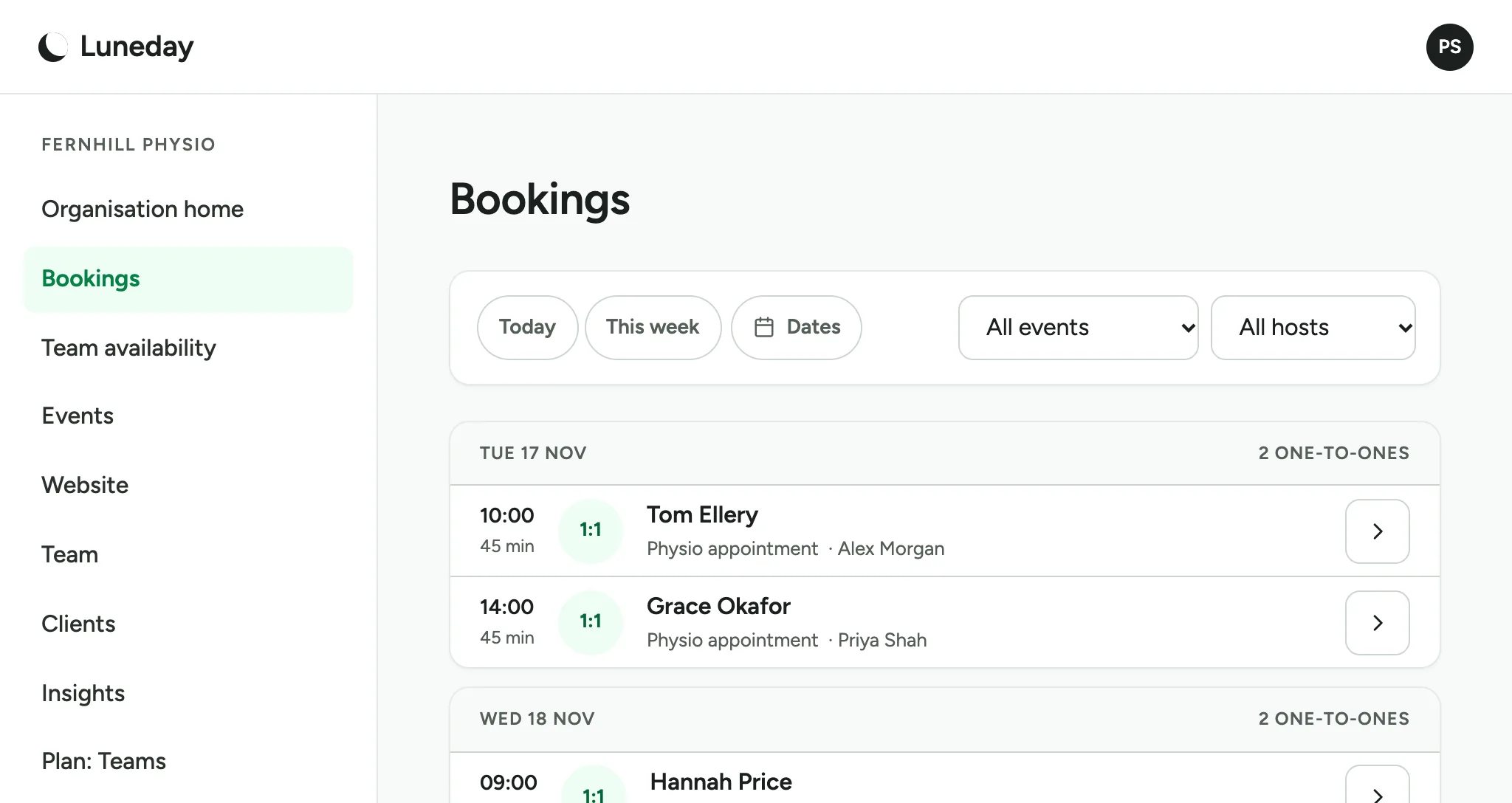
Choose Bookings.
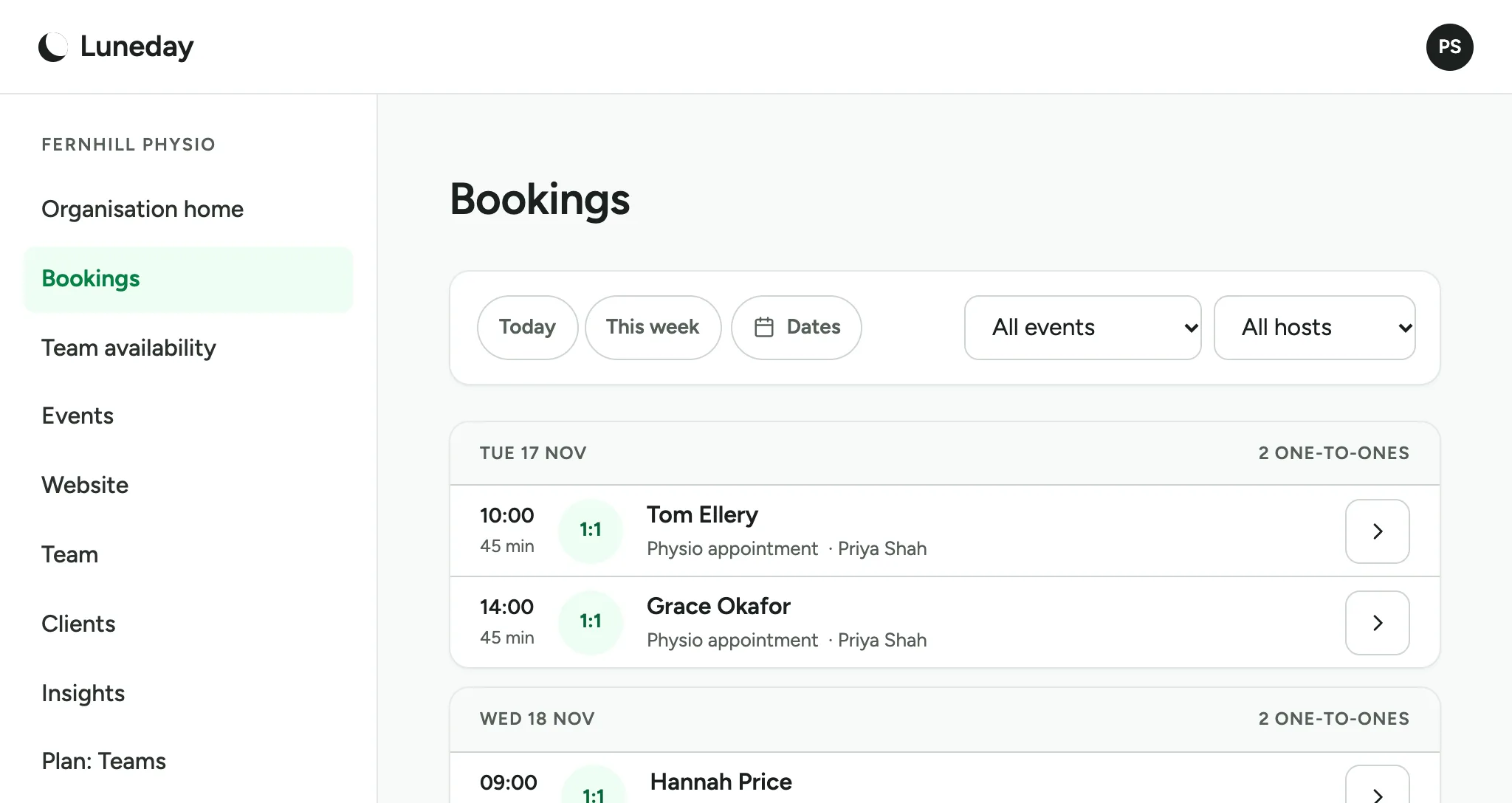
Each booking shows its host after the event's name.
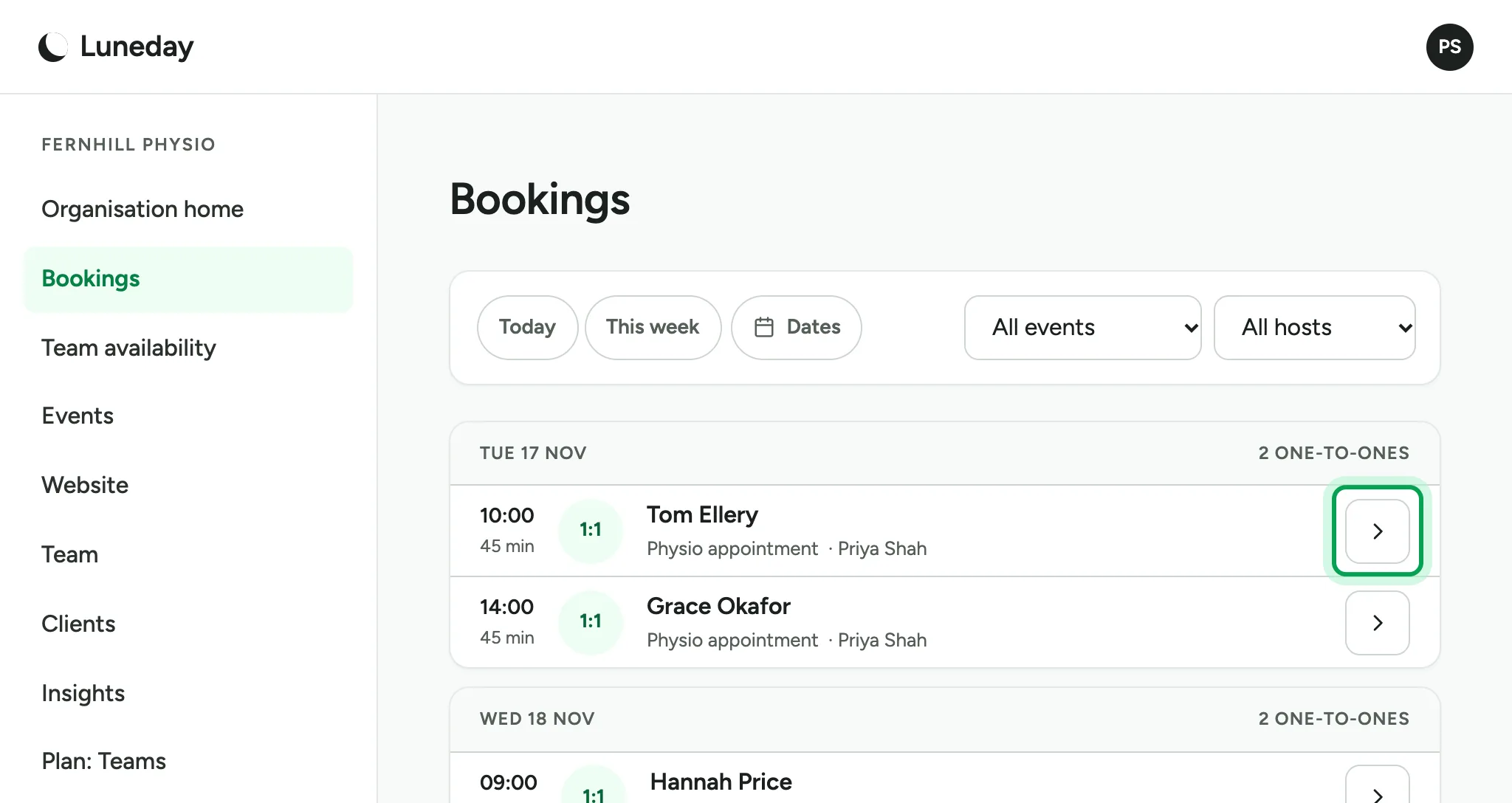
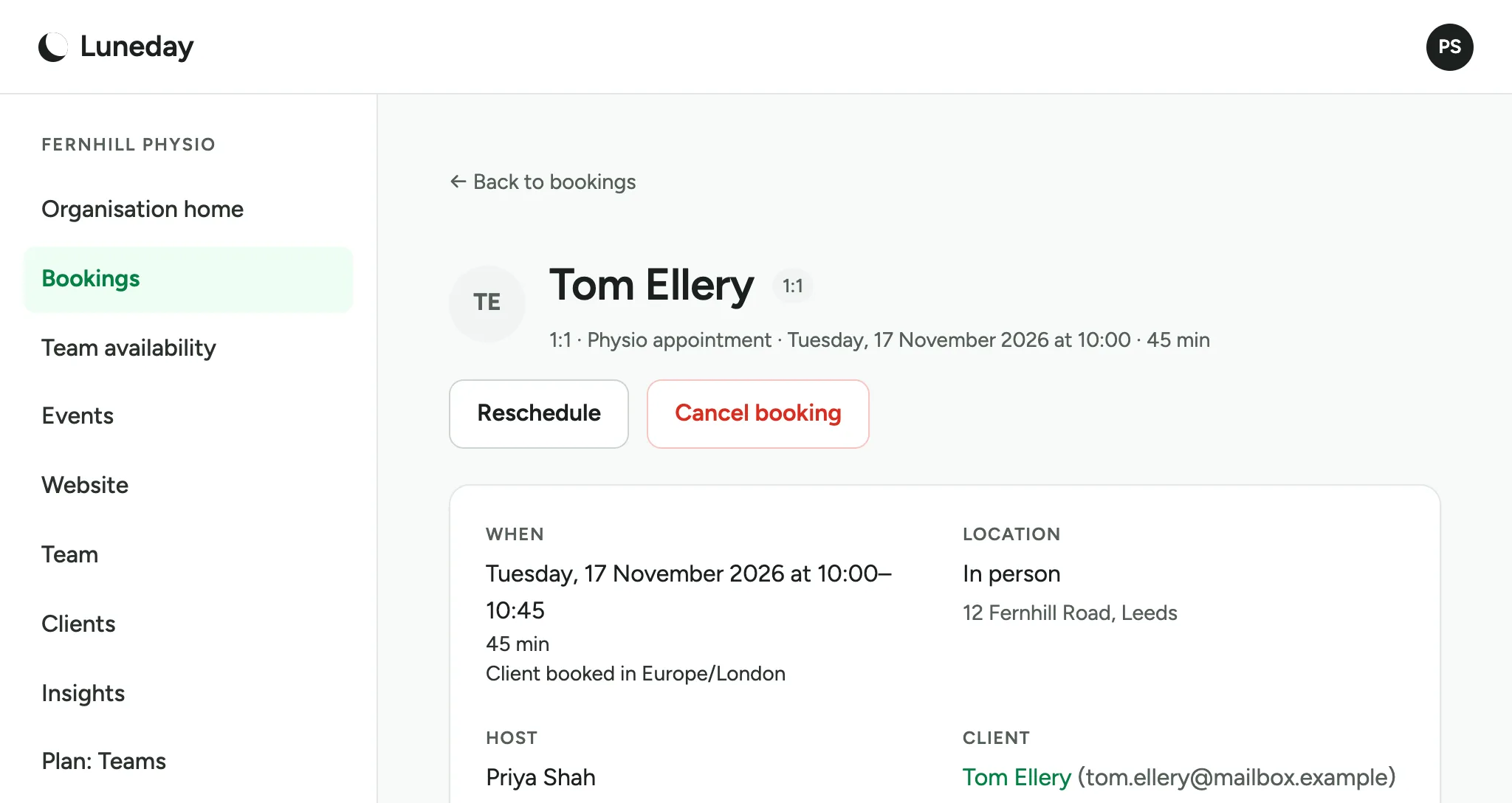
Choose the arrow beside the booking you want to hand over.
Under Host, you see who has the booking now.
Under Reassign this booking, choose Reassign.
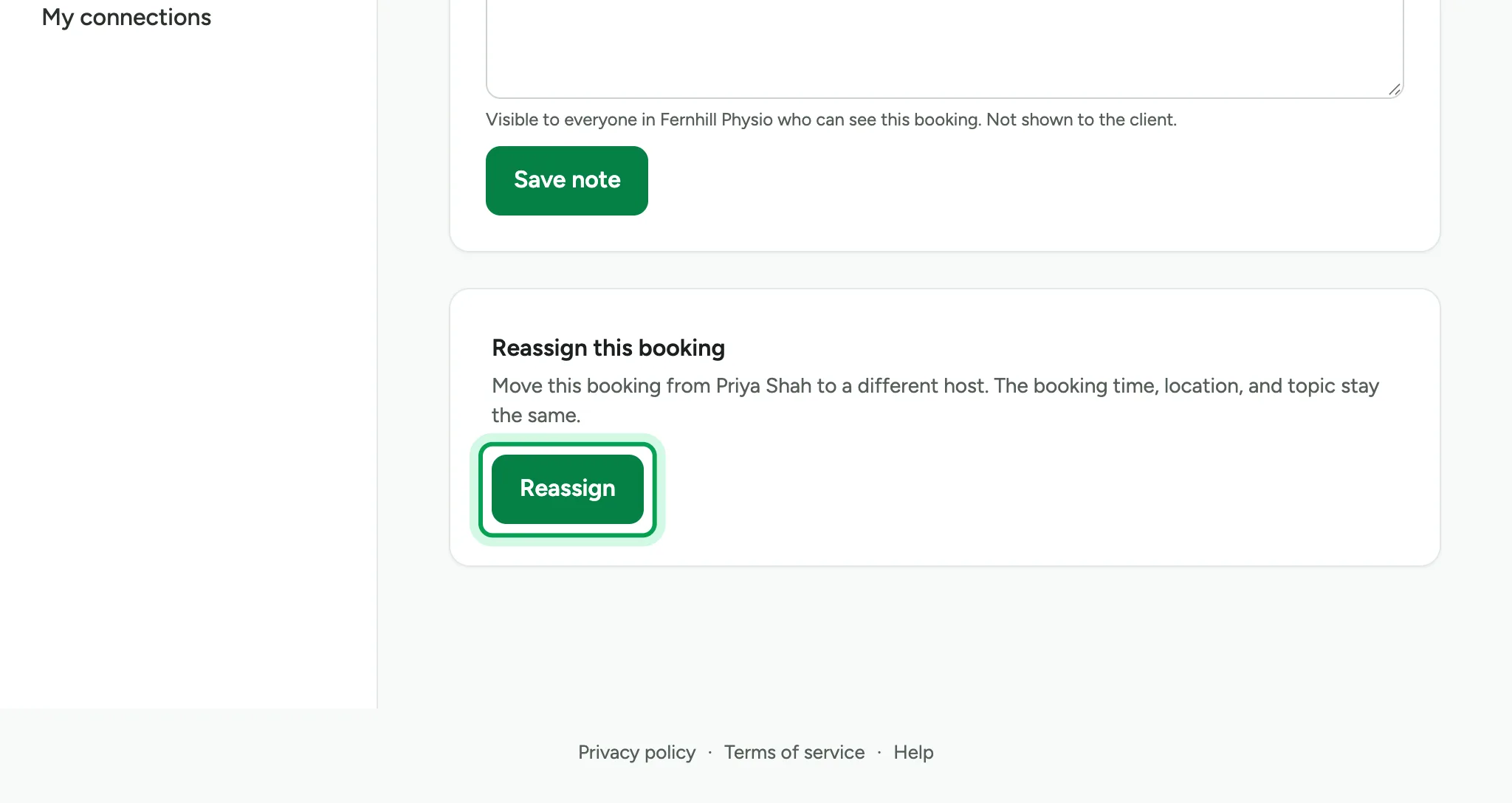
The time, place and client stay the same. Only the host changes.
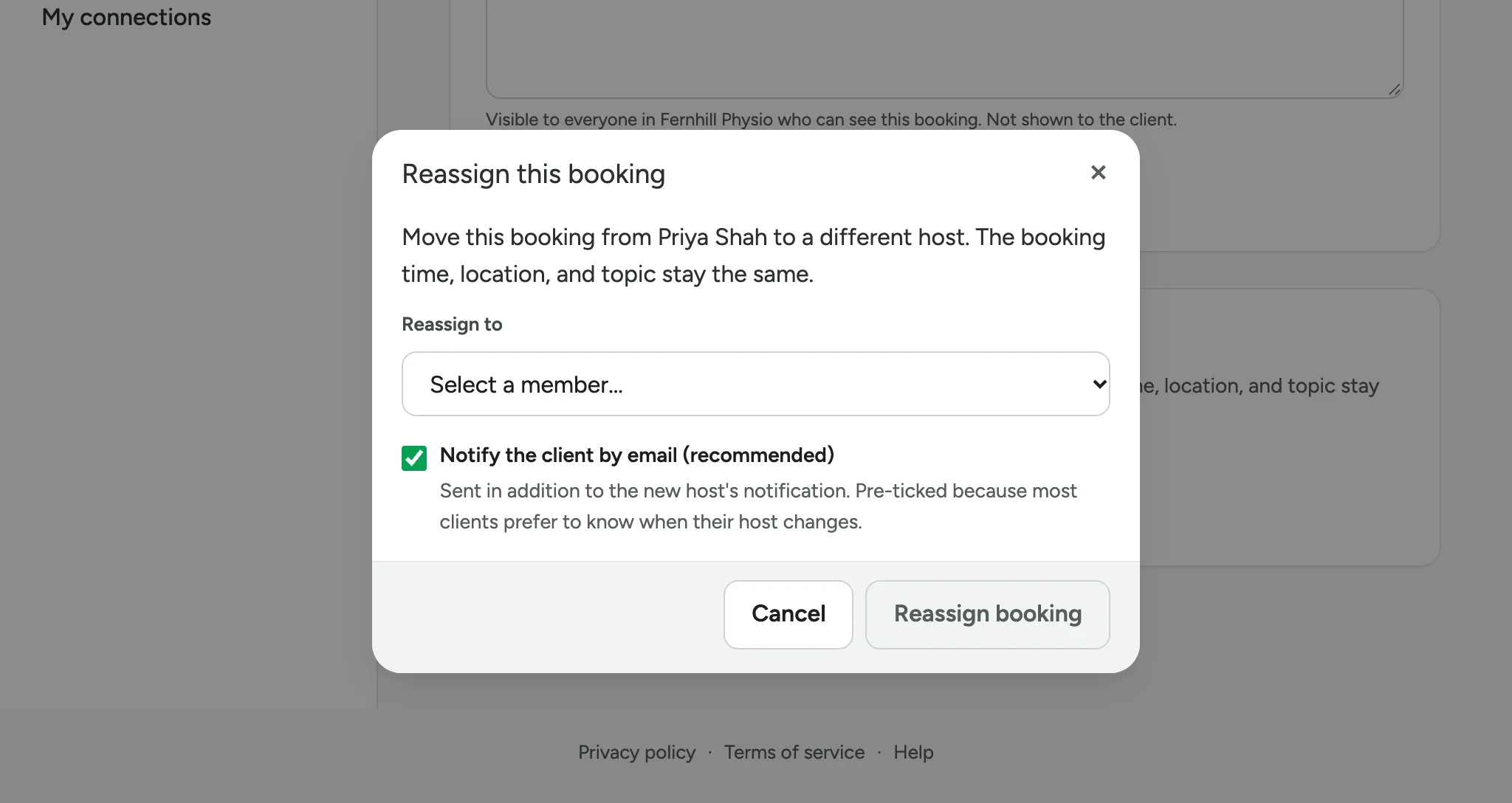
Under Reassign to, choose your colleague.
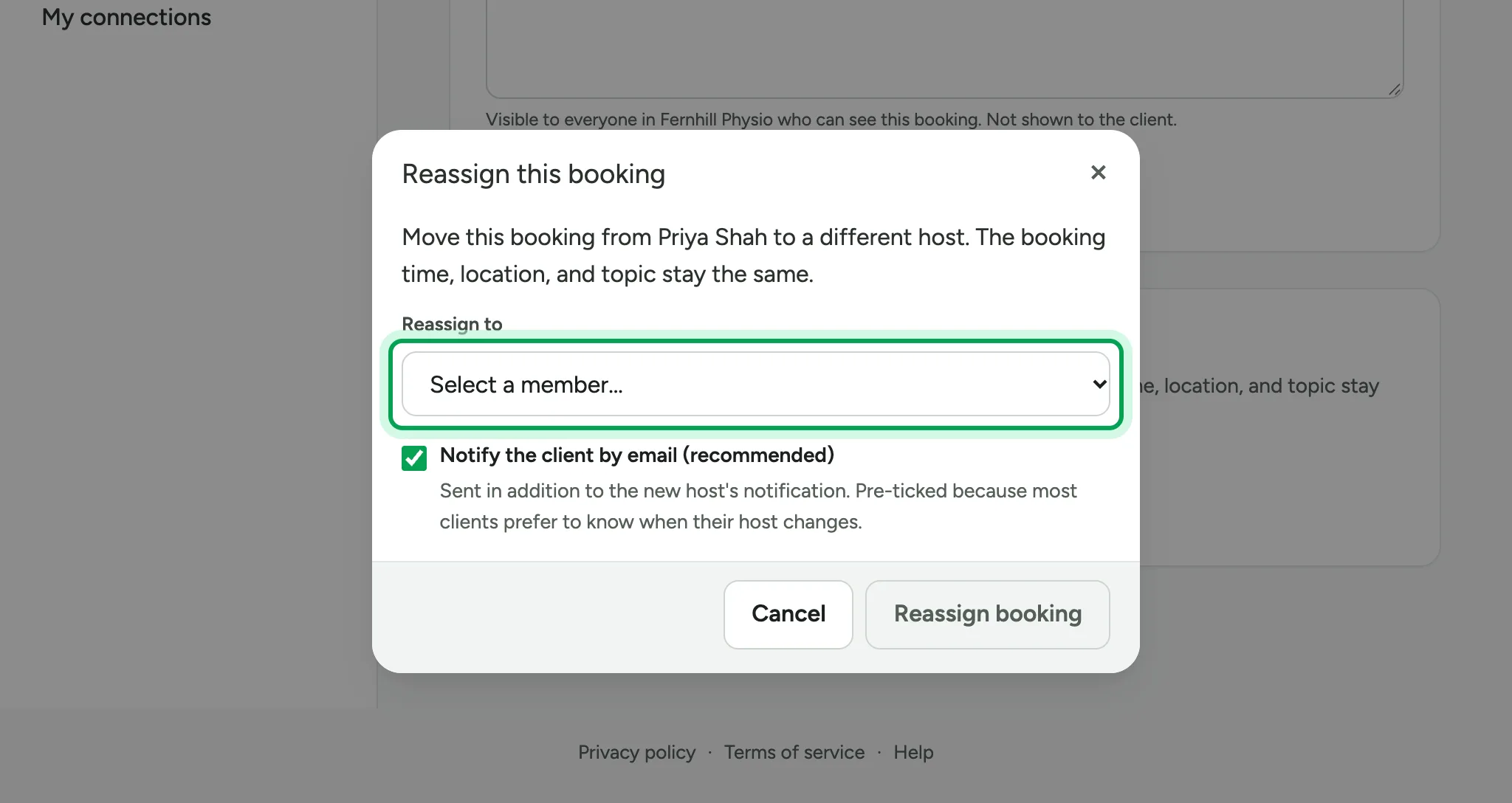
Notify the client by email is ticked, so your client knows. Your colleague gets an email about the booking too.
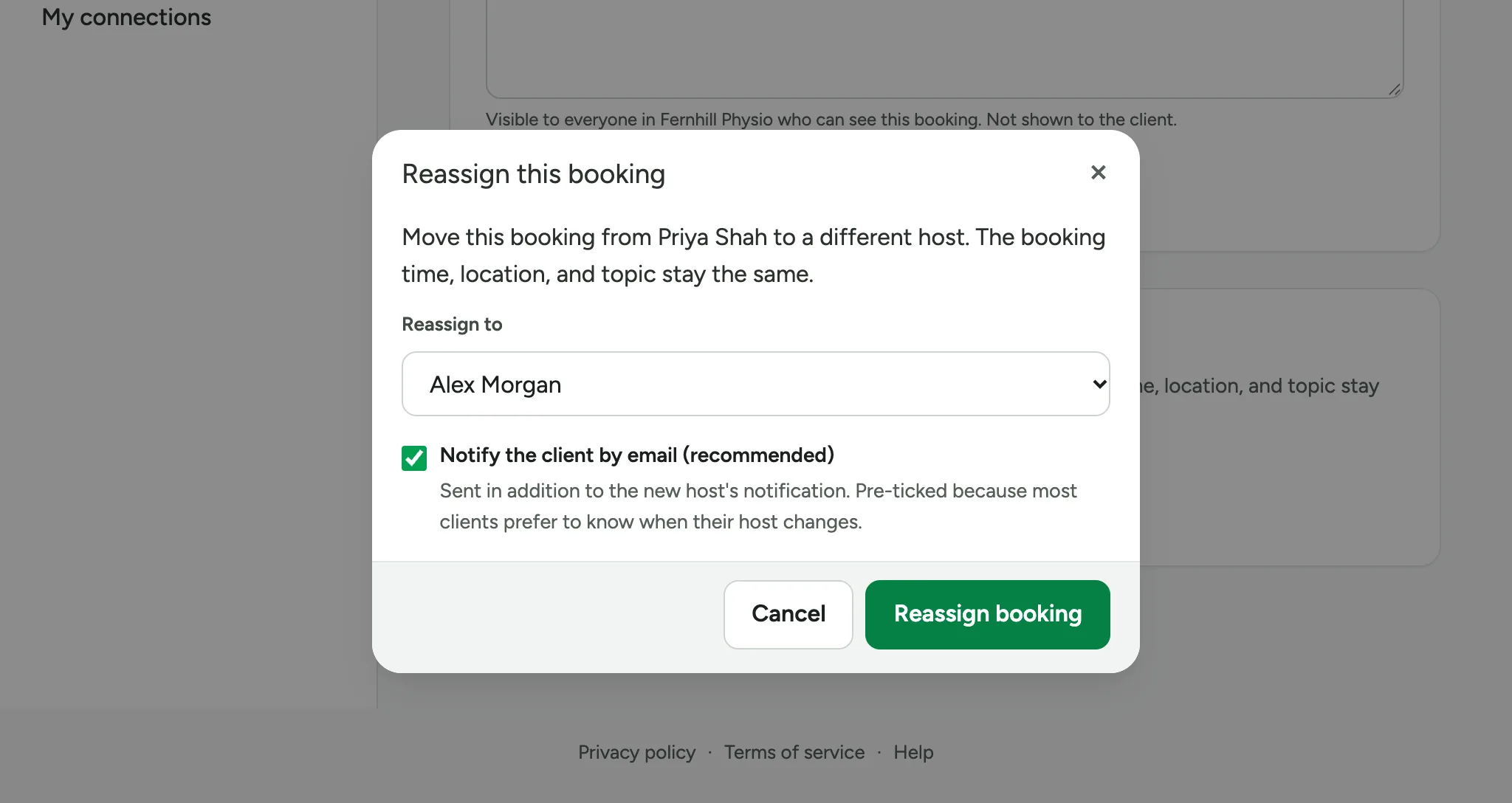
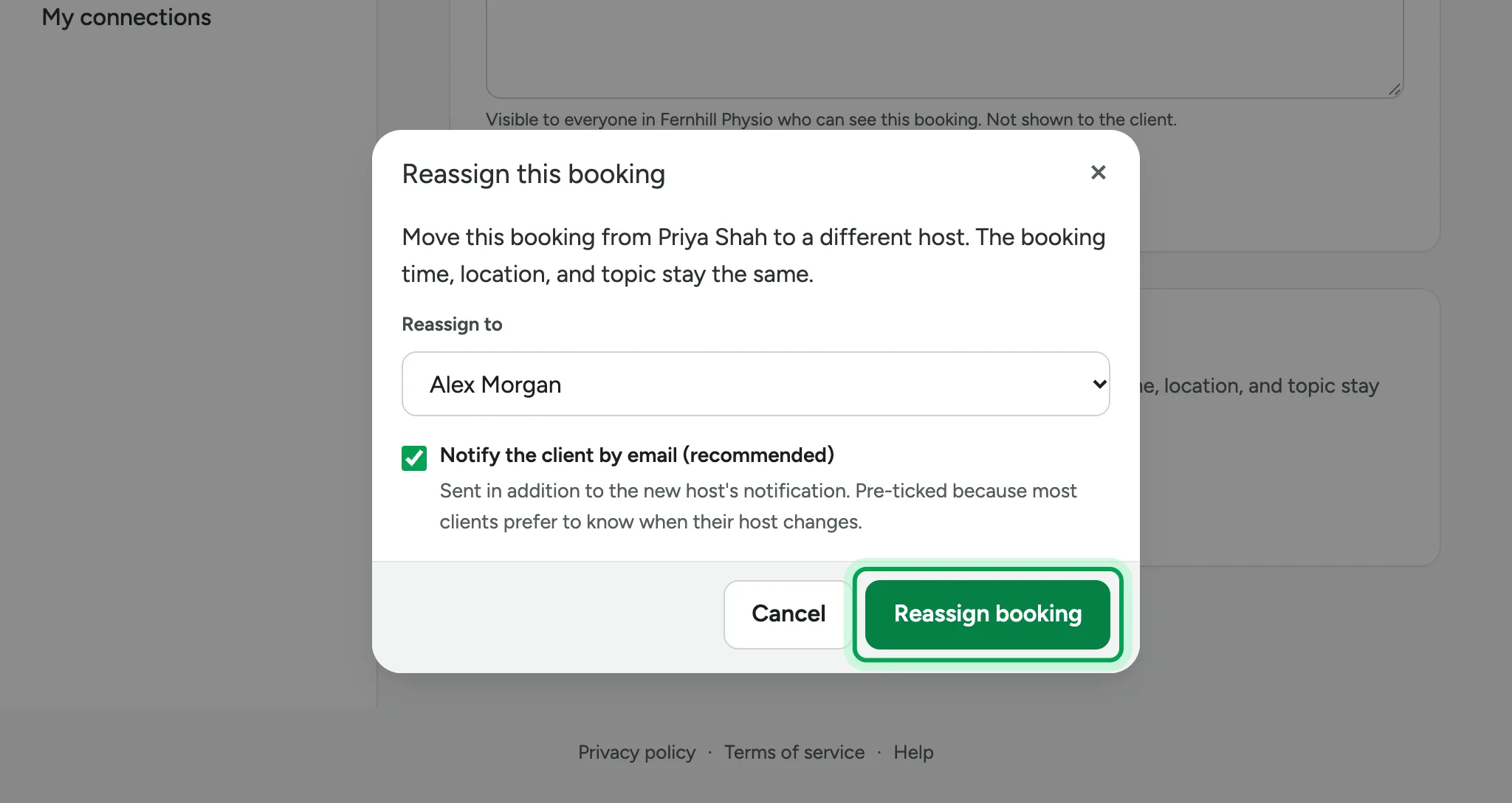
Choose Reassign booking.
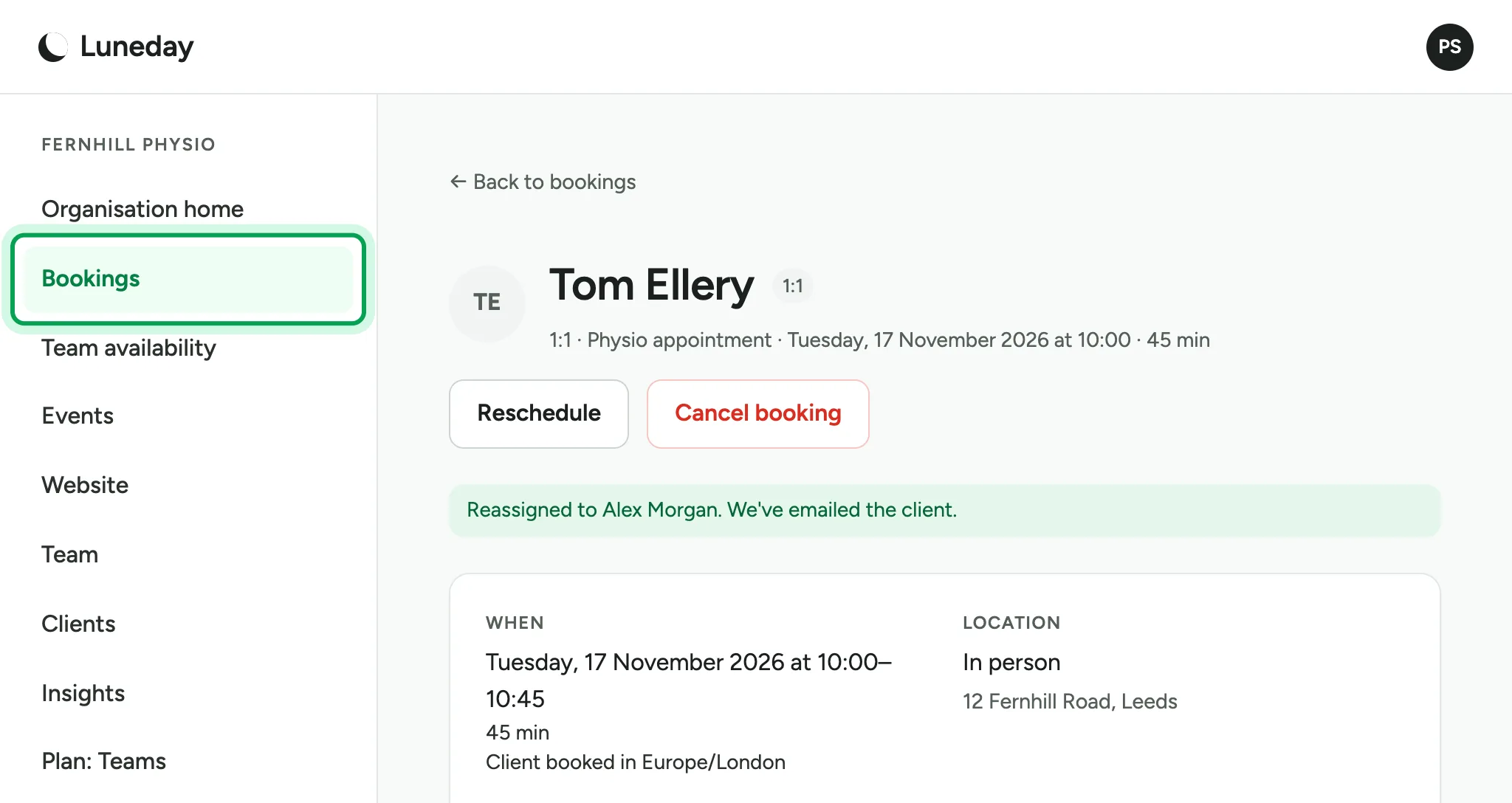
Your colleague is now the host, at the same time.
Choose Bookings again.
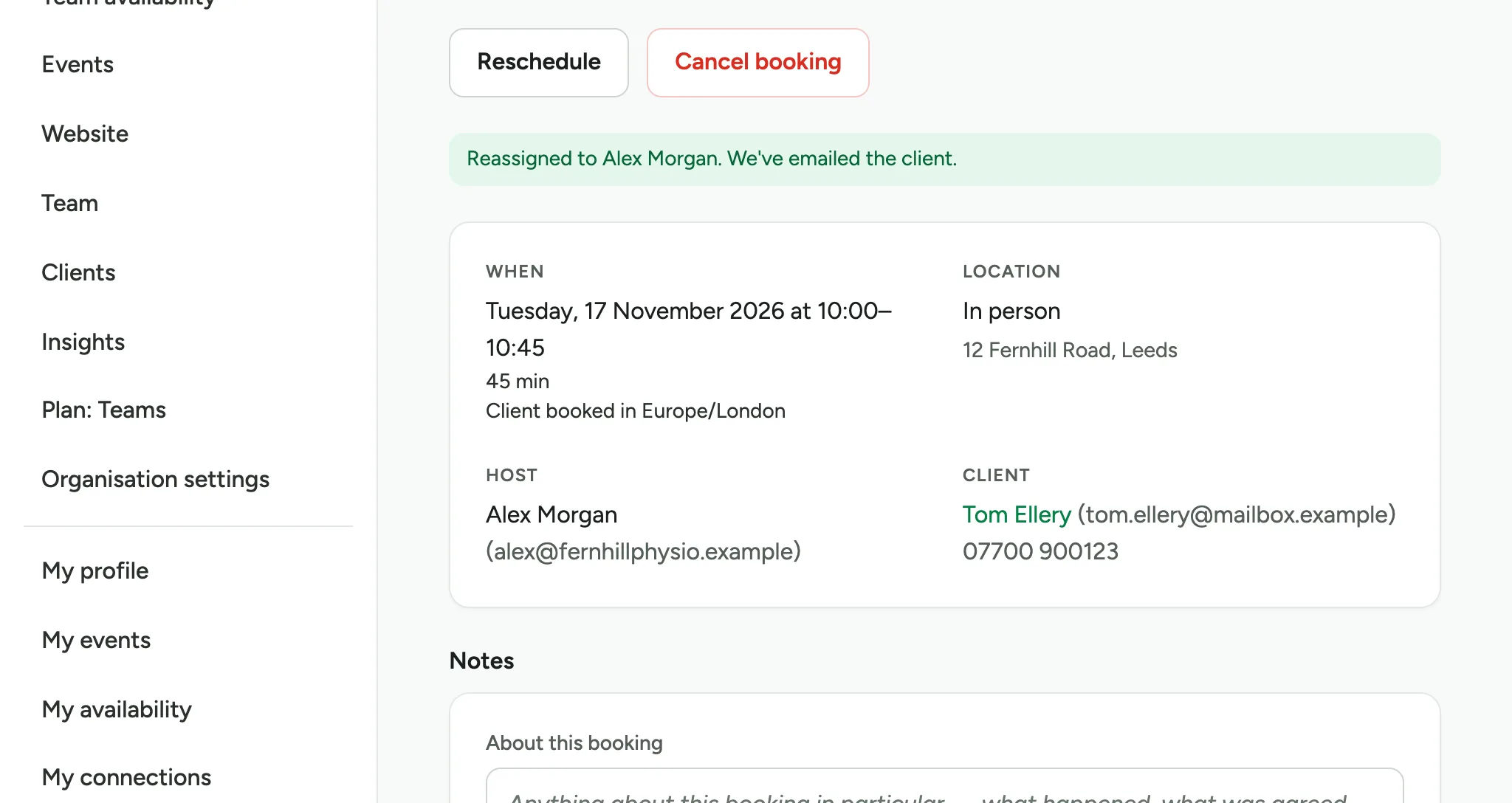
The booking now shows your colleague as its host.
Updated 15 November 2026.
Related: Invite your team and set roles · Read your insights
Still stuck? Email hello@luneday.com.