Invite-only beta Luneday is open to invited hosts while we finish building. Ask for an invite

← All help

Cancel or reschedule (the client's view)

What your clients see when they change a booking.
Steps

  1. When a client books, Luneday emails them the details, with a Reschedule button and a Cancel this booking link.
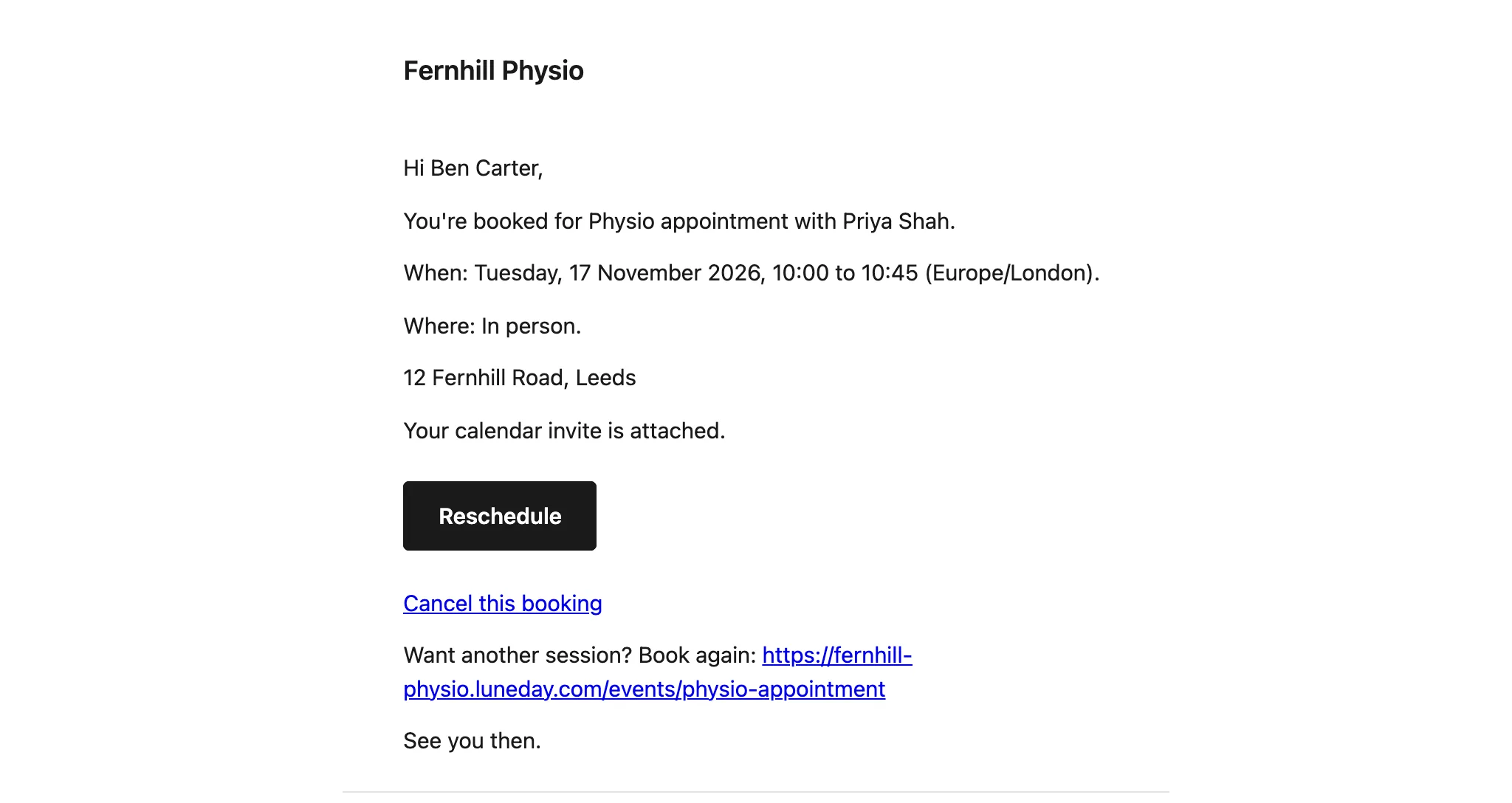
    The booking email to a client, giving the time and place, with a Reschedule button and a Cancel this booking link.
  2. To move the booking, the client chooses Reschedule in the email.
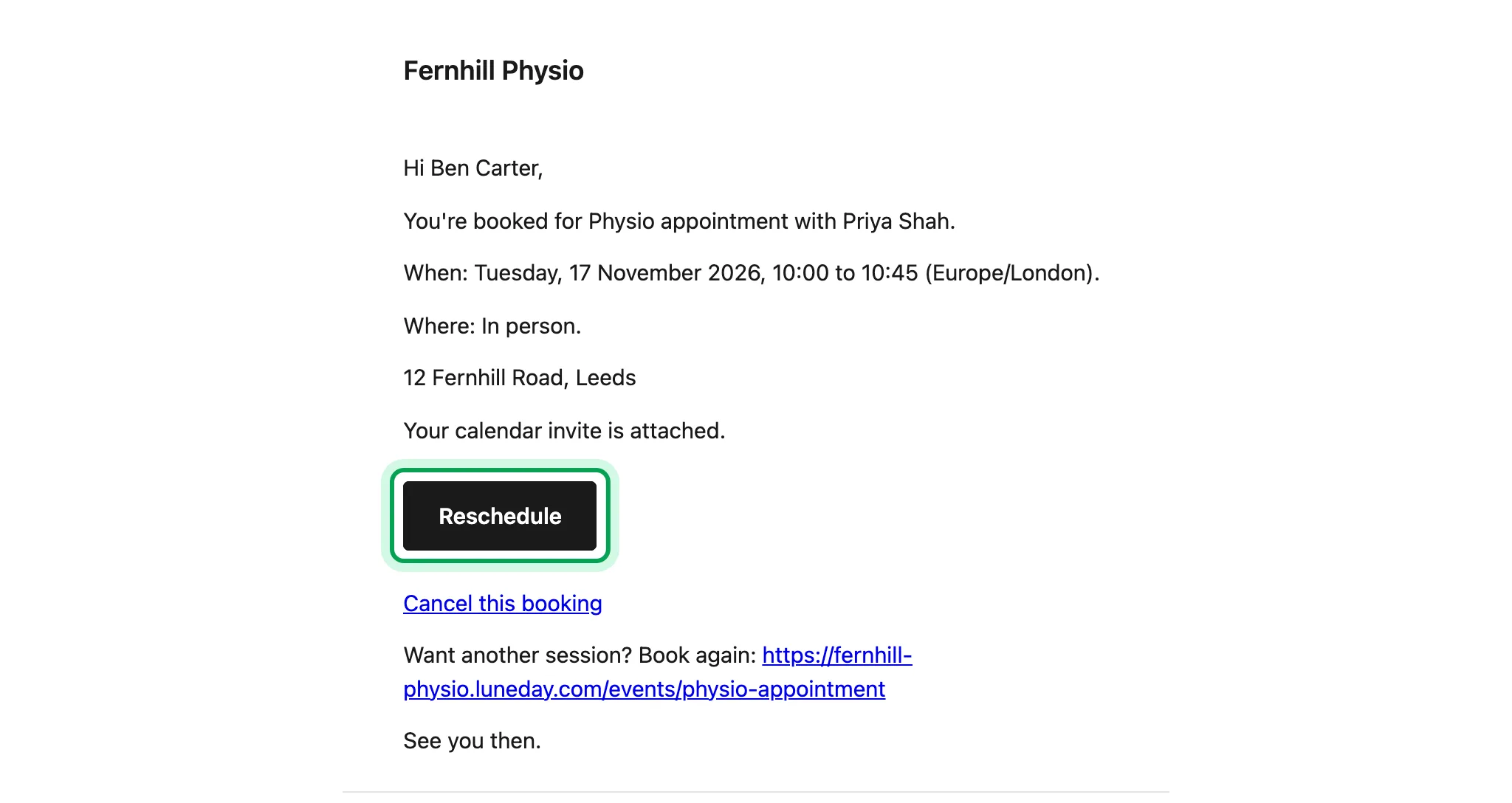
    The booking email, with the Reschedule button ringed.
  3. They see their current time, and your free times below it.
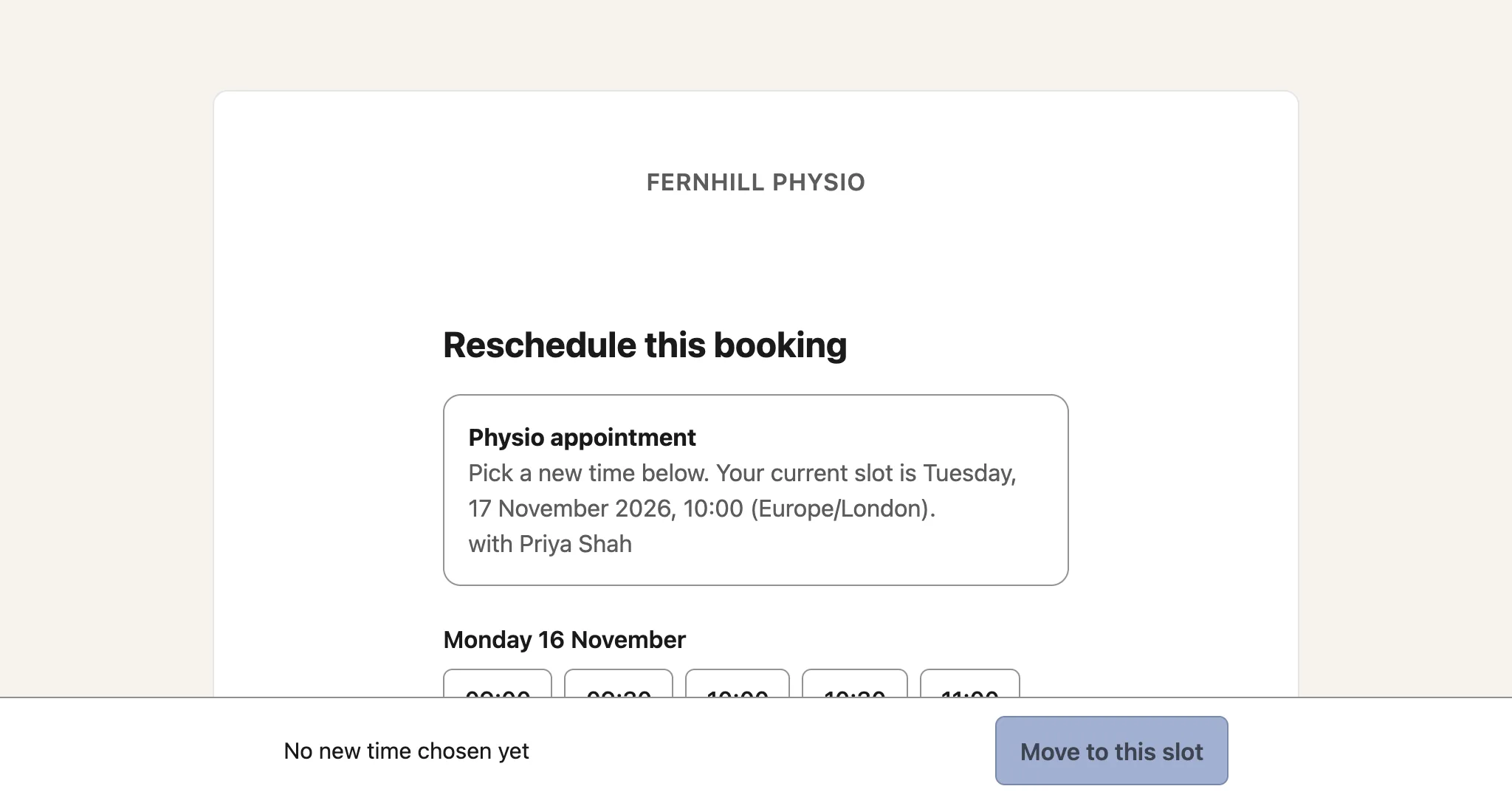
    The Reschedule this booking page, showing the current slot and the first day of free times.
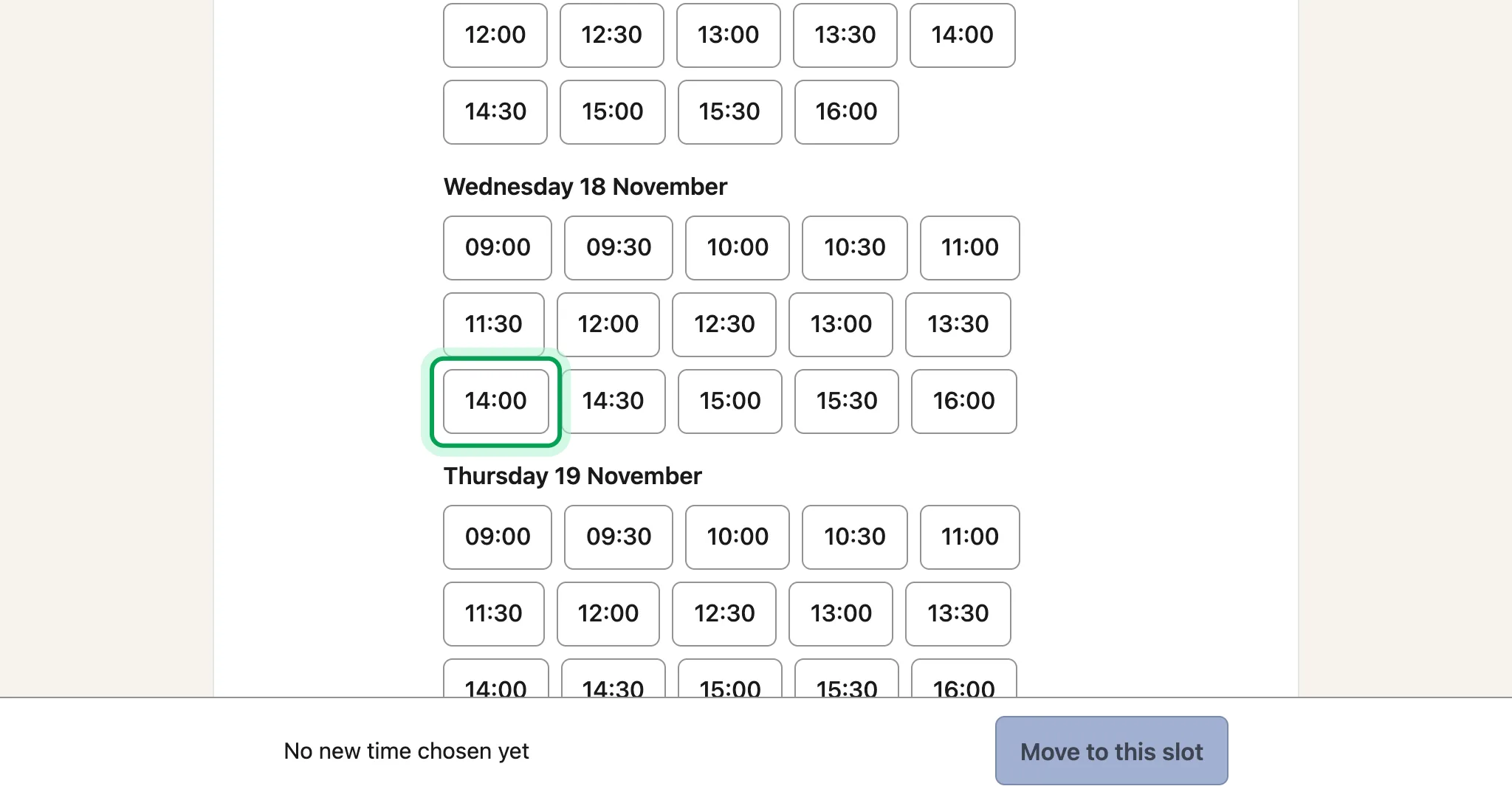
  4. They pick a new time.

    Free times listed by day, with 14:00 on Wednesday 18 November ringed.
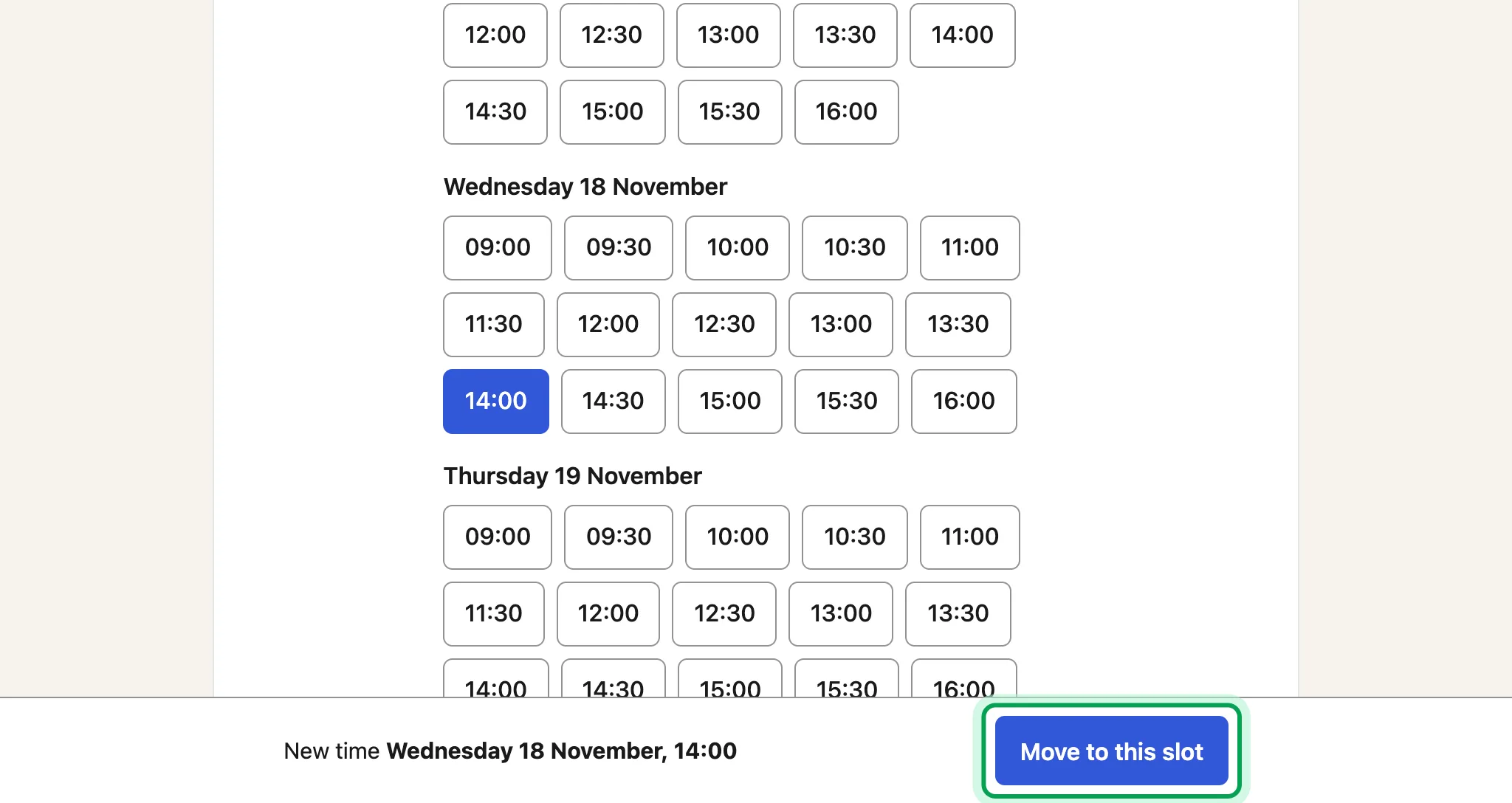
  5. Then they choose Move to this slot.

    The new time Wednesday 18 November, 14:00 chosen, with Move to this slot ringed at the foot of the page.
  6. The booking moves, and Luneday emails them a new calendar invite.
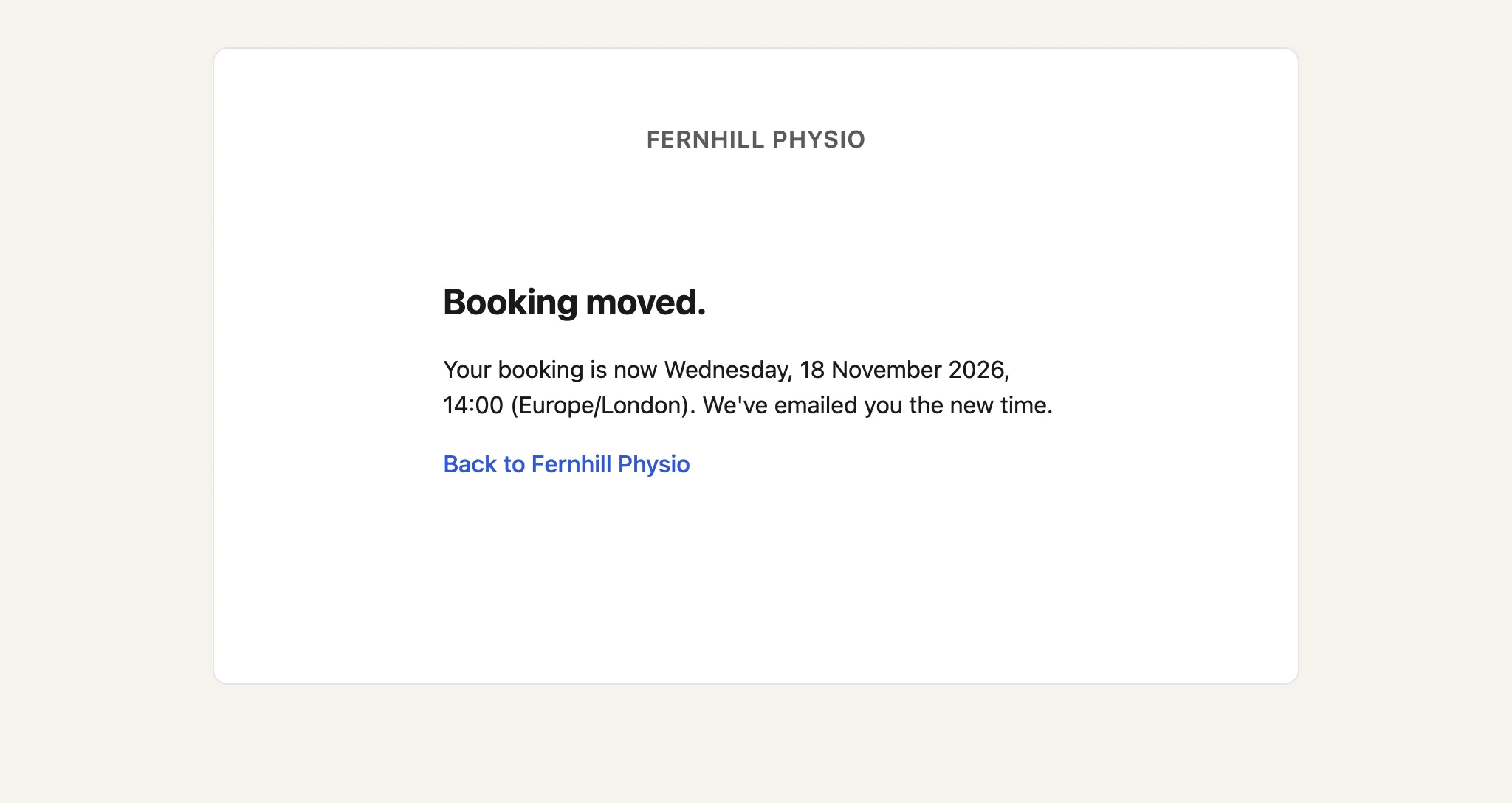
    The Booking moved page, giving the new date and time.
  7. The email gives the new time, with the Reschedule button and the Cancel this booking link again.
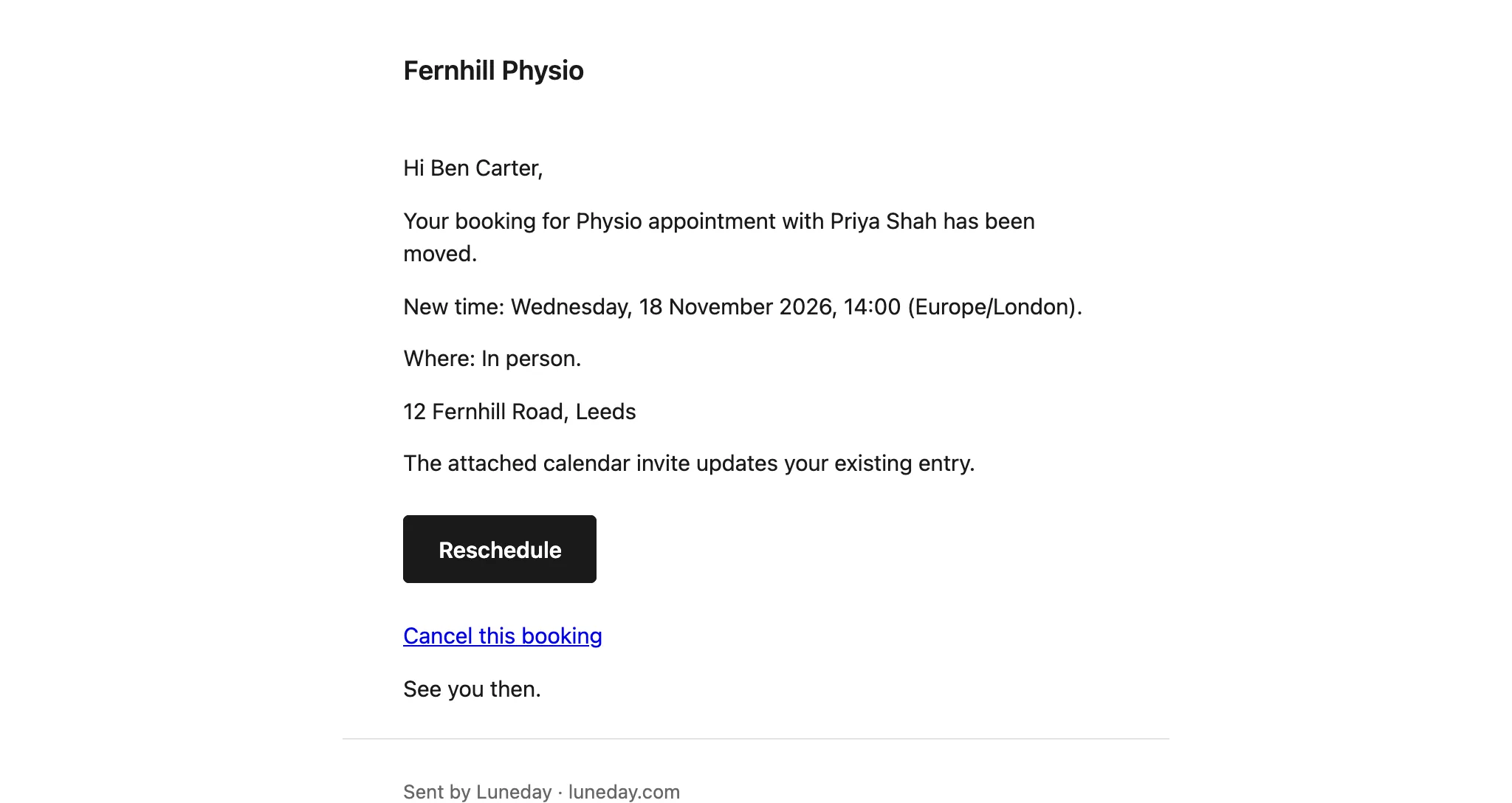
    The booking moved email, giving the new time, with a Reschedule button and a Cancel this booking link.
  8. To cancel, the client chooses Cancel this booking in an email.
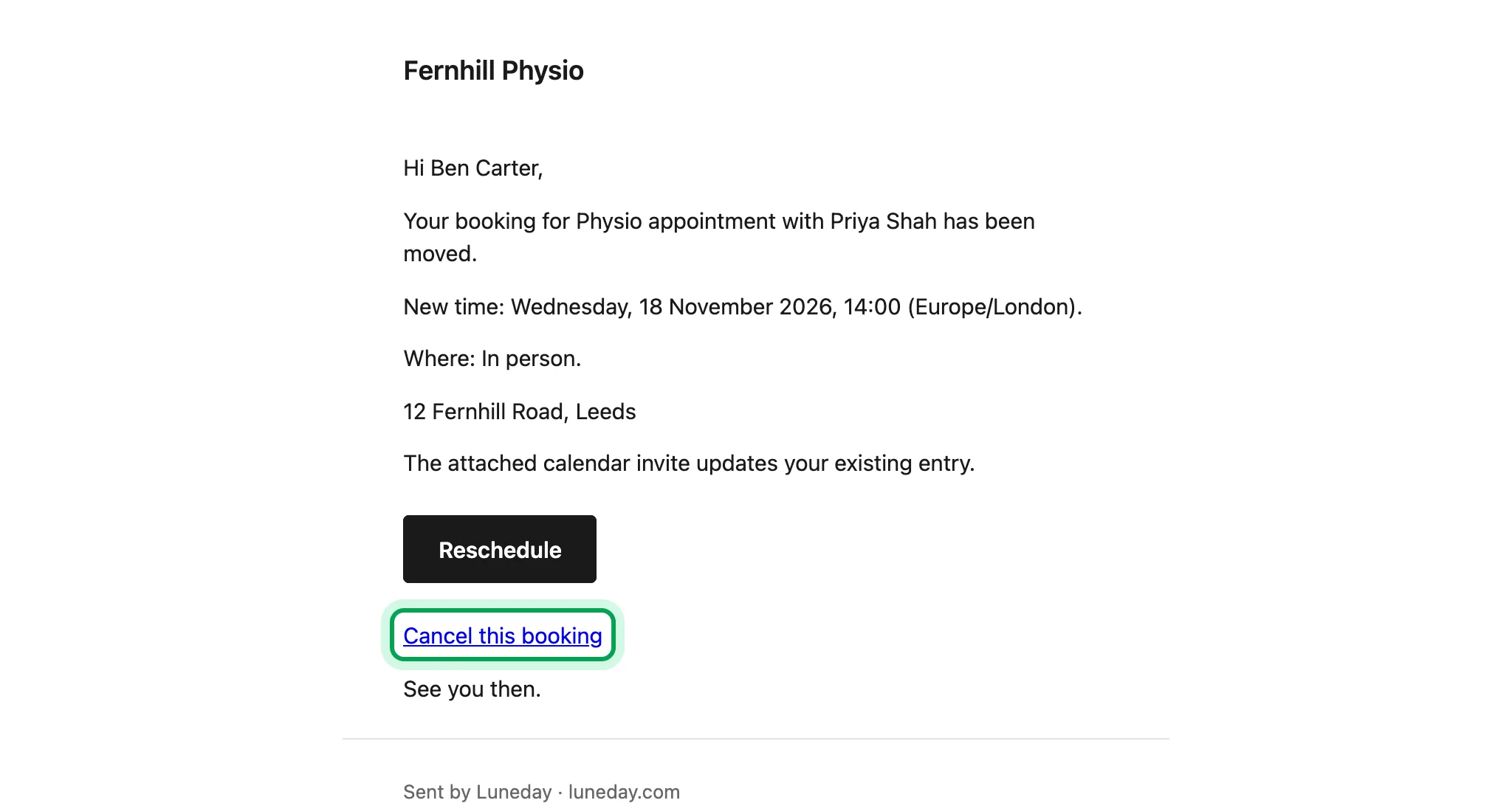
    The booking moved email, with the Cancel this booking link ringed.
  9. Luneday shows them the booking and asks them to confirm.
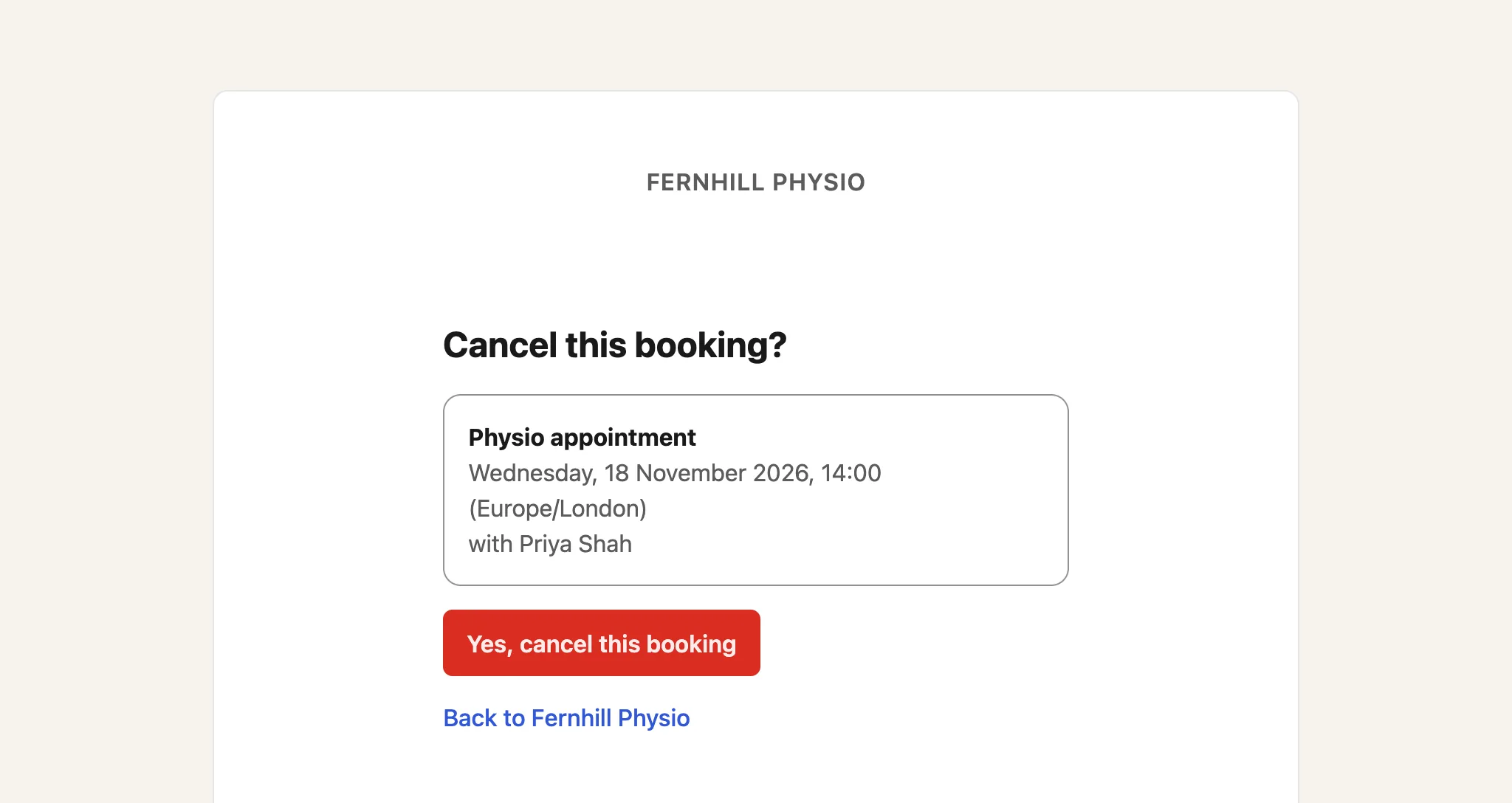
    The Cancel this booking page, showing the appointment, with a red Yes, cancel this booking button.
  10. They choose Yes, cancel this booking.
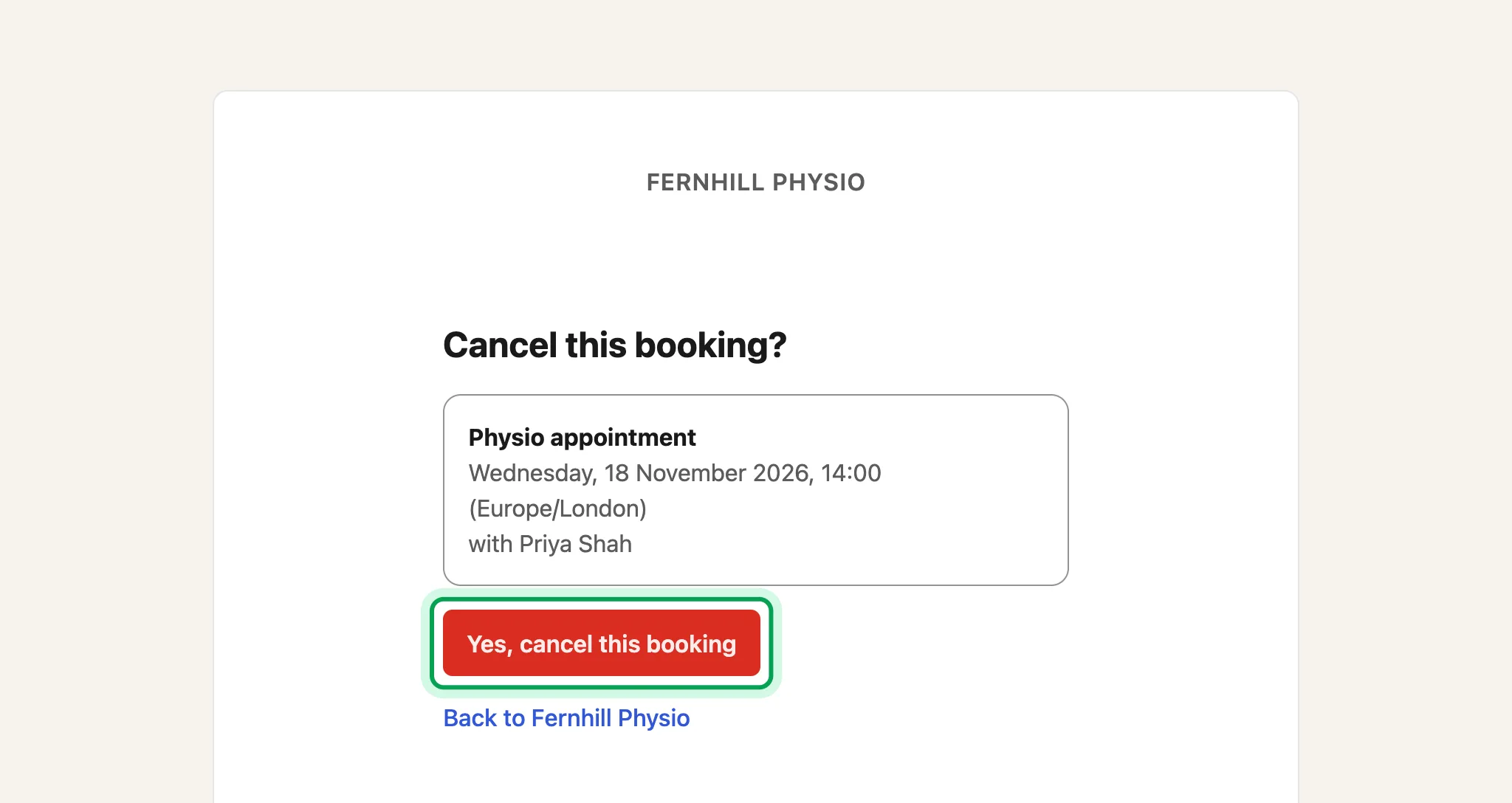
    The Cancel this booking page, with Yes, cancel this booking ringed.
  11. The booking is cancelled. Luneday tells you, and emails the client to confirm.
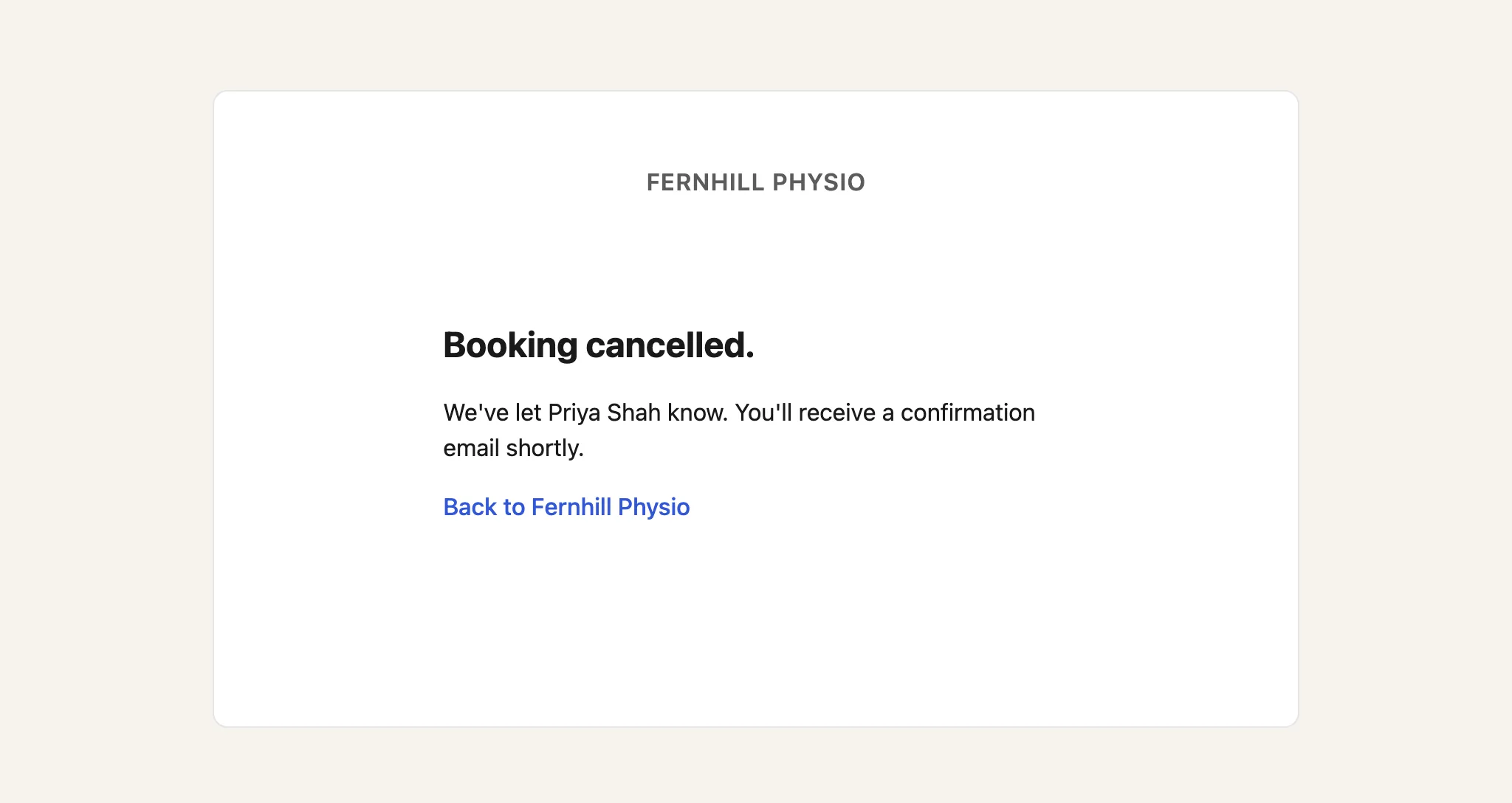
    The Booking cancelled page, saying the practitioner has been told and a confirmation email will follow.

Updated 15 November 2026.

Related: See your bookings and change one · Look after your clients

Still stuck? Email hello@luneday.com.