Invite-only beta Luneday is open to invited hosts while we finish building. Ask for an invite

← All help

Change your plan

Compare the plans, then upgrade.
Steps

  1. Luneday has three plans: Free, Solo and Teams.
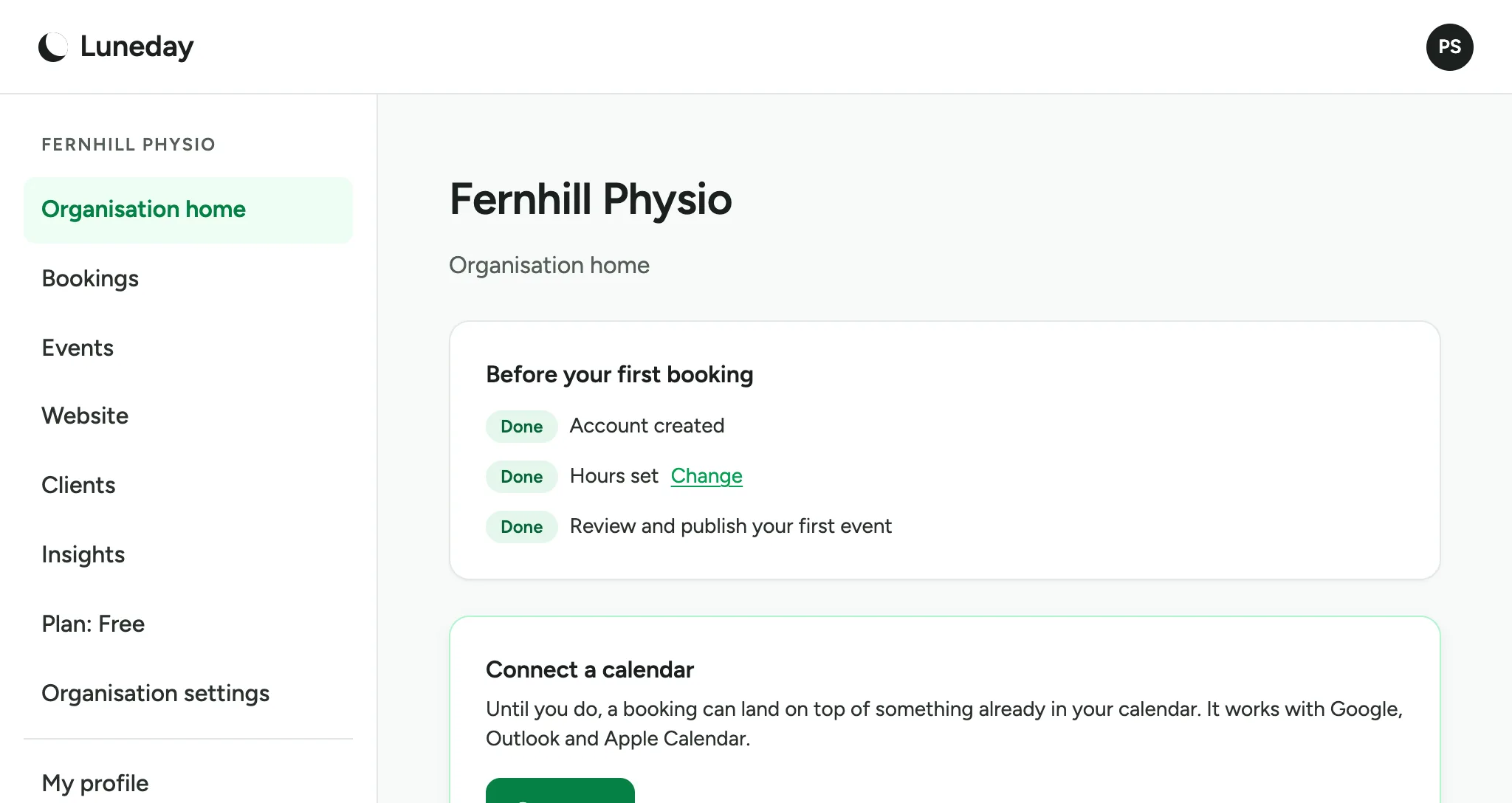
    The organisation home page, with Plan: Free in the menu.
  2. In the menu, choose Plan. It always shows your current plan, such as Plan: Free.
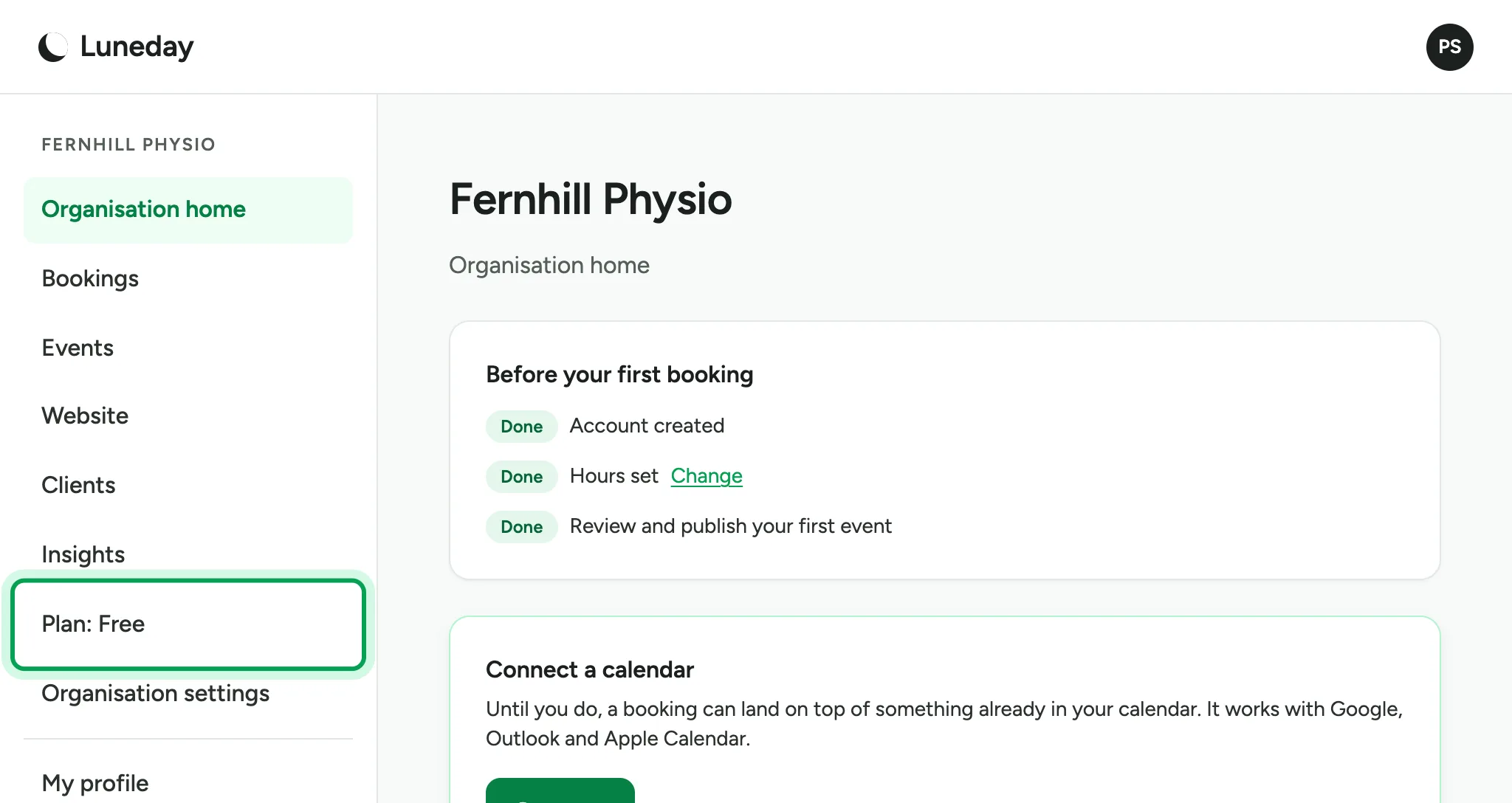
    The organisation home page, with Plan: Free ringed in the menu.
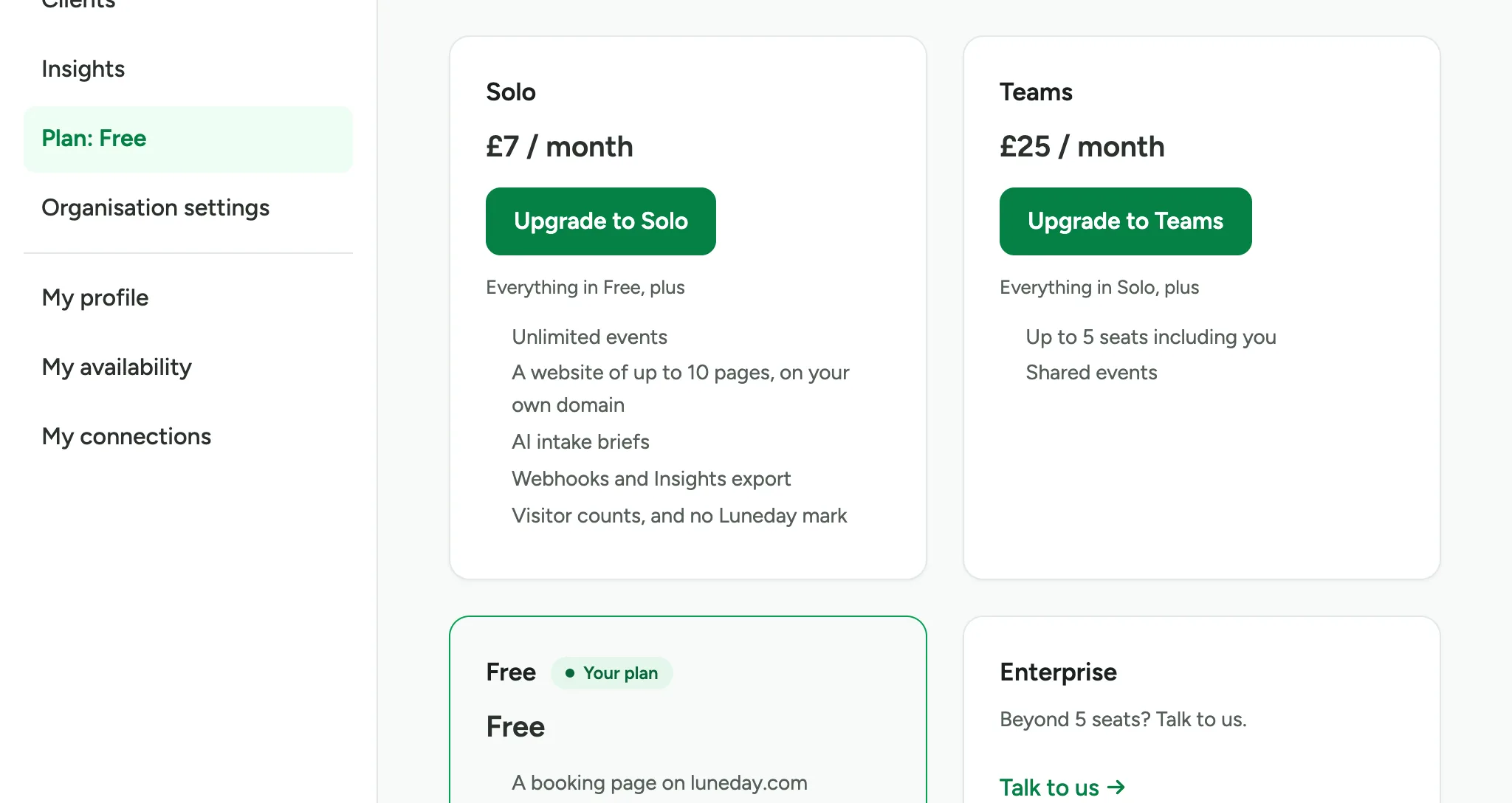
  3. The Plan page lists the plans and their prices.
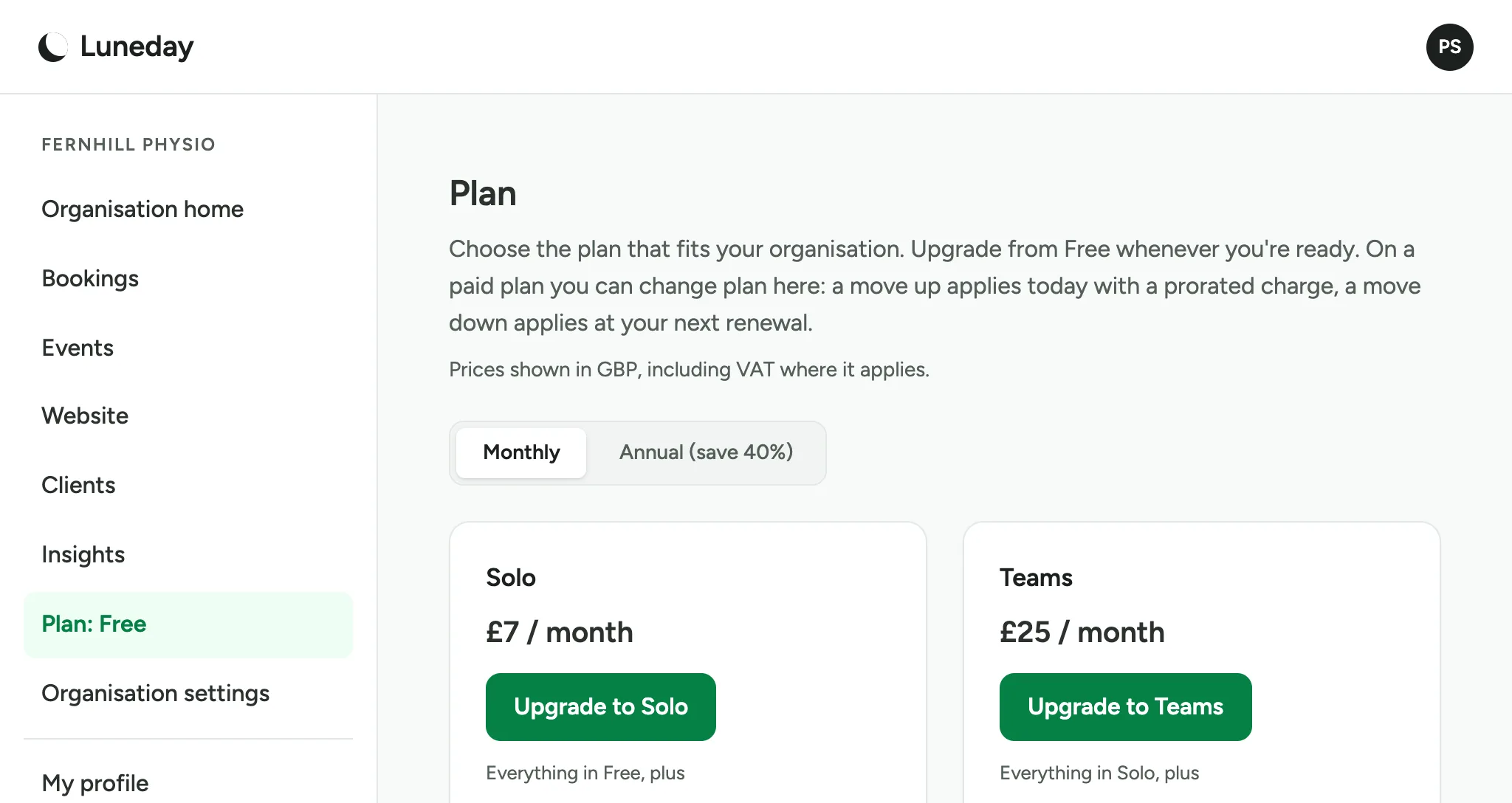
    The Plan page with Solo at £7 a month and Teams at £25 a month.
  4. Choose Annual to pay once a year and save 40%.
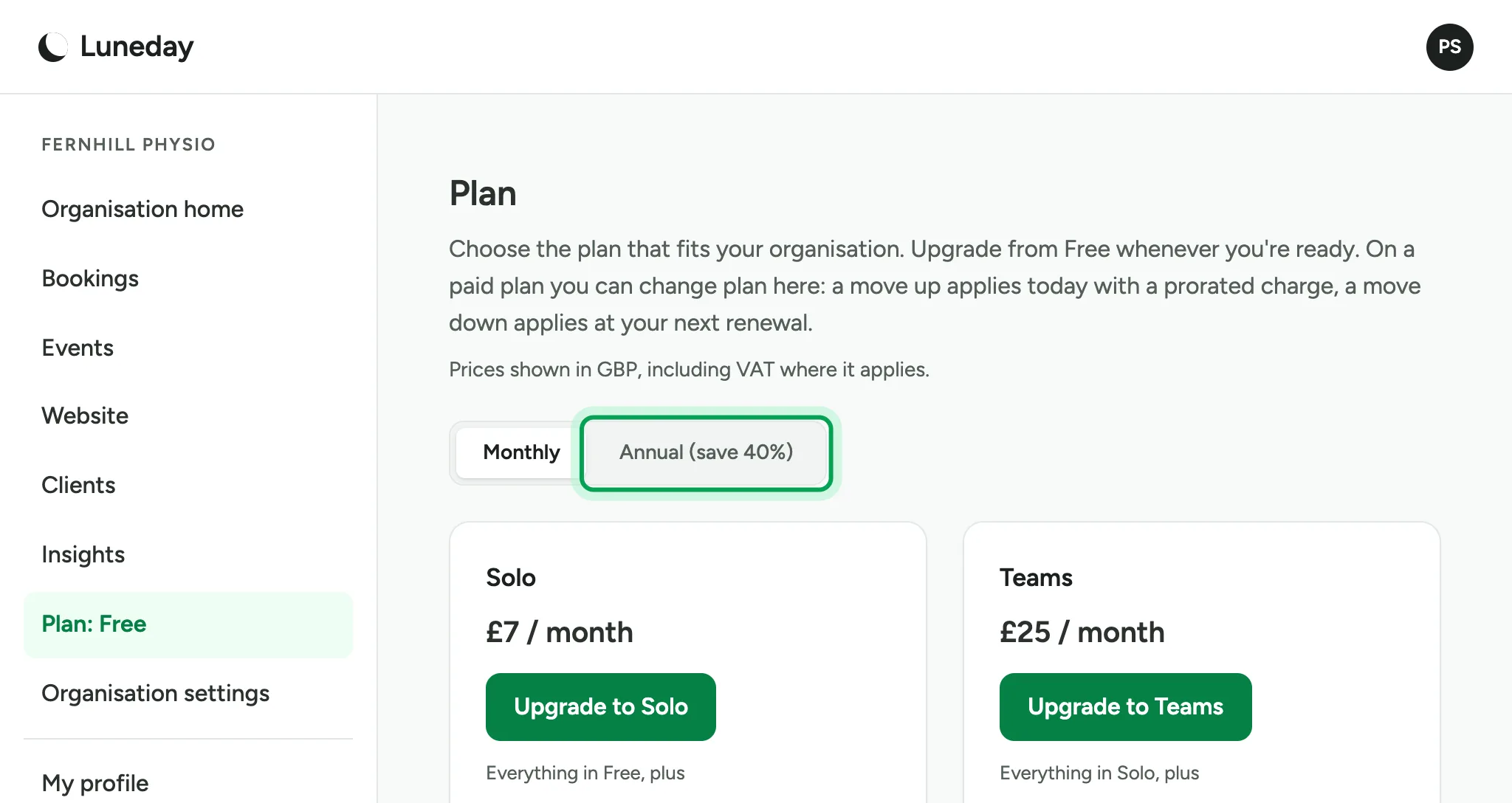
    The Monthly and Annual switch, with Annual (save 40%) ringed.
  5. Or choose Monthly to pay each month.
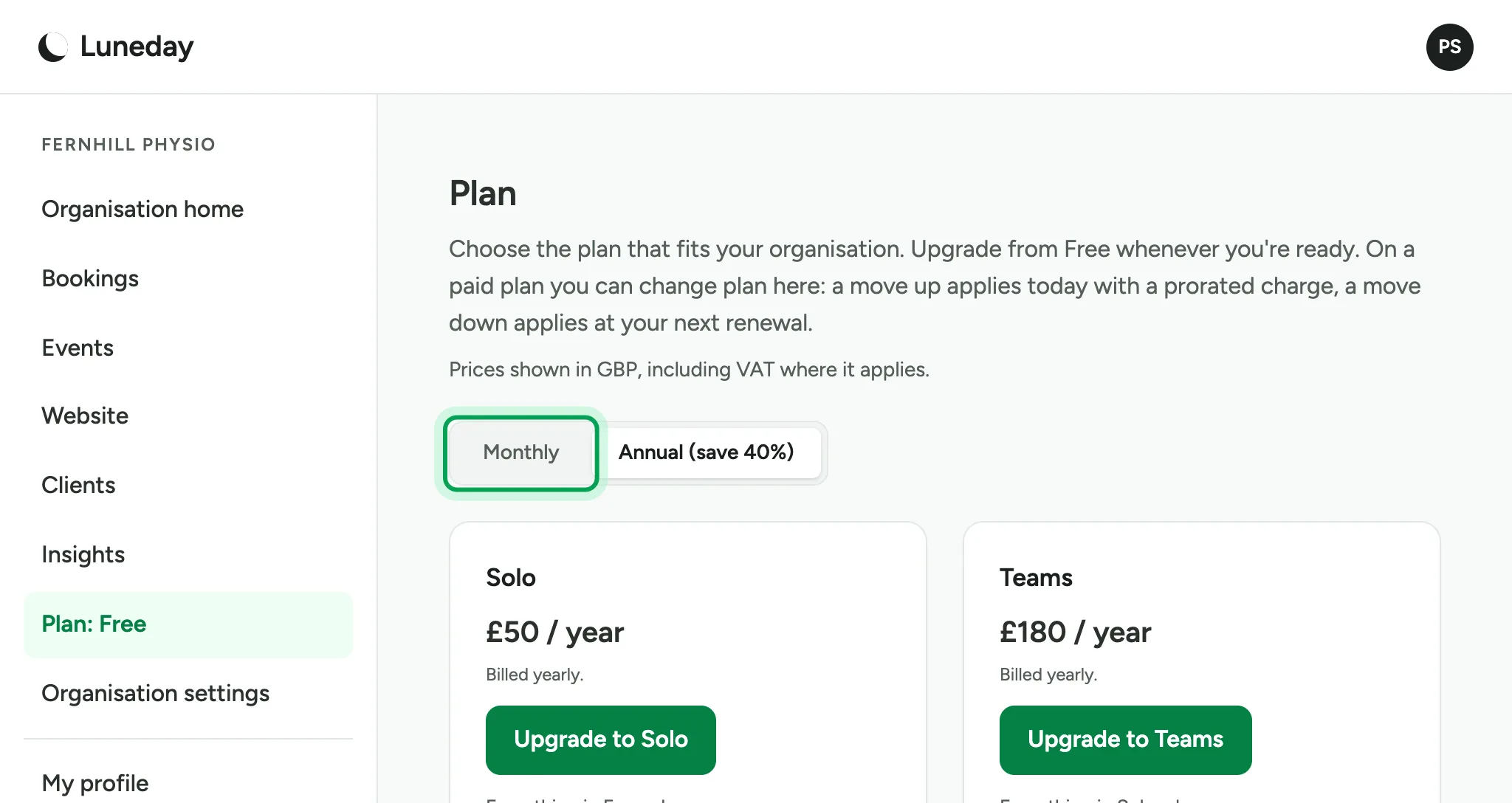
    Yearly prices of £50 for Solo and £180 for Teams, with Monthly ringed.
  6. Each plan lists what it adds.

    The Solo and Teams cards with their lists, and the Free card marked Your plan.
  7. Choose Upgrade on the plan you want, such as Upgrade to Teams.
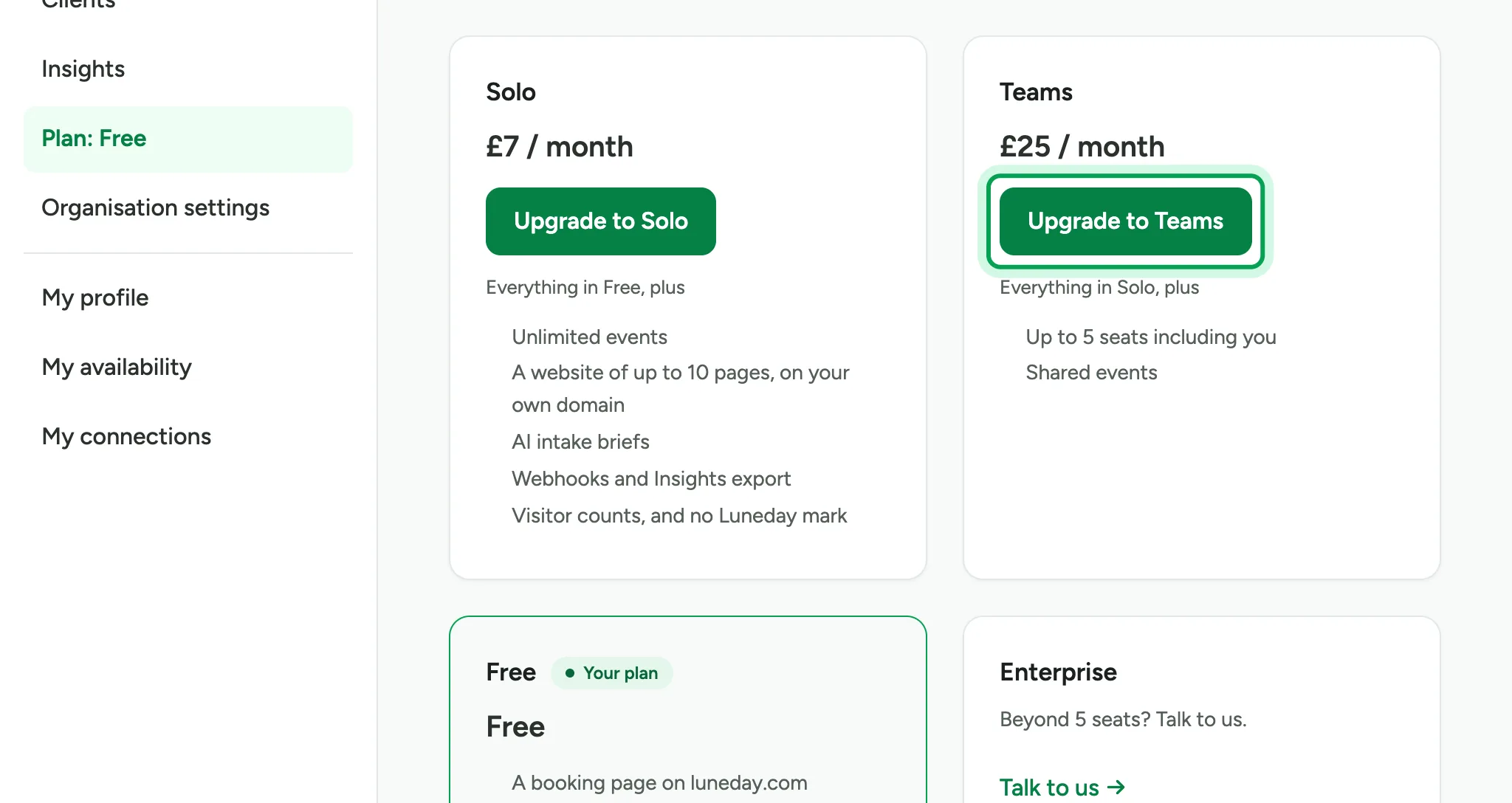
    The plan cards, with Upgrade to Teams ringed.
  8. Paddle's checkout opens. Enter your card details and pay.
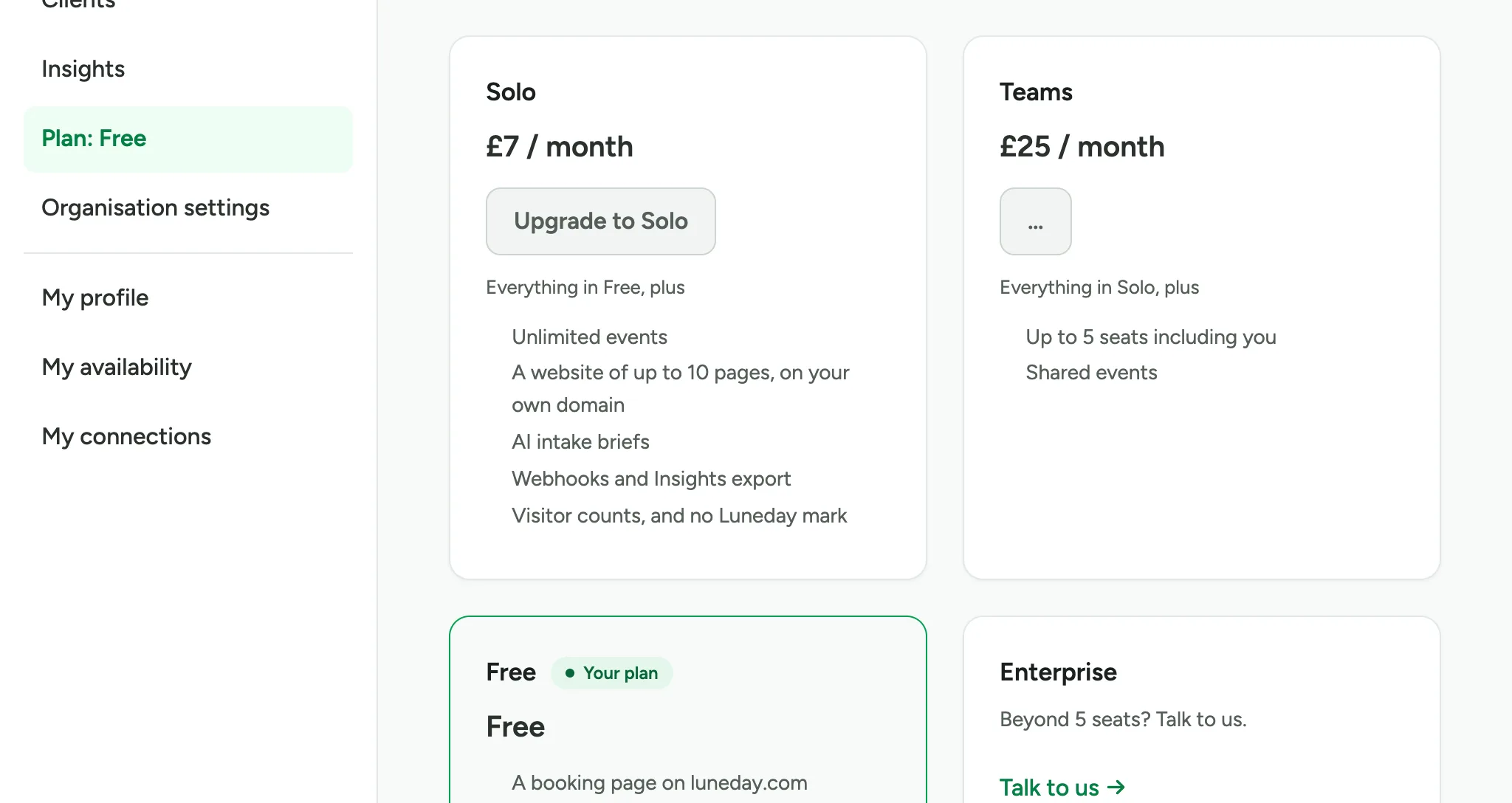
    The Teams button showing it is busy as checkout opens. Paddle's checkout is not shown.
  9. The menu now shows your new plan. On Teams, Team appears in the menu too.
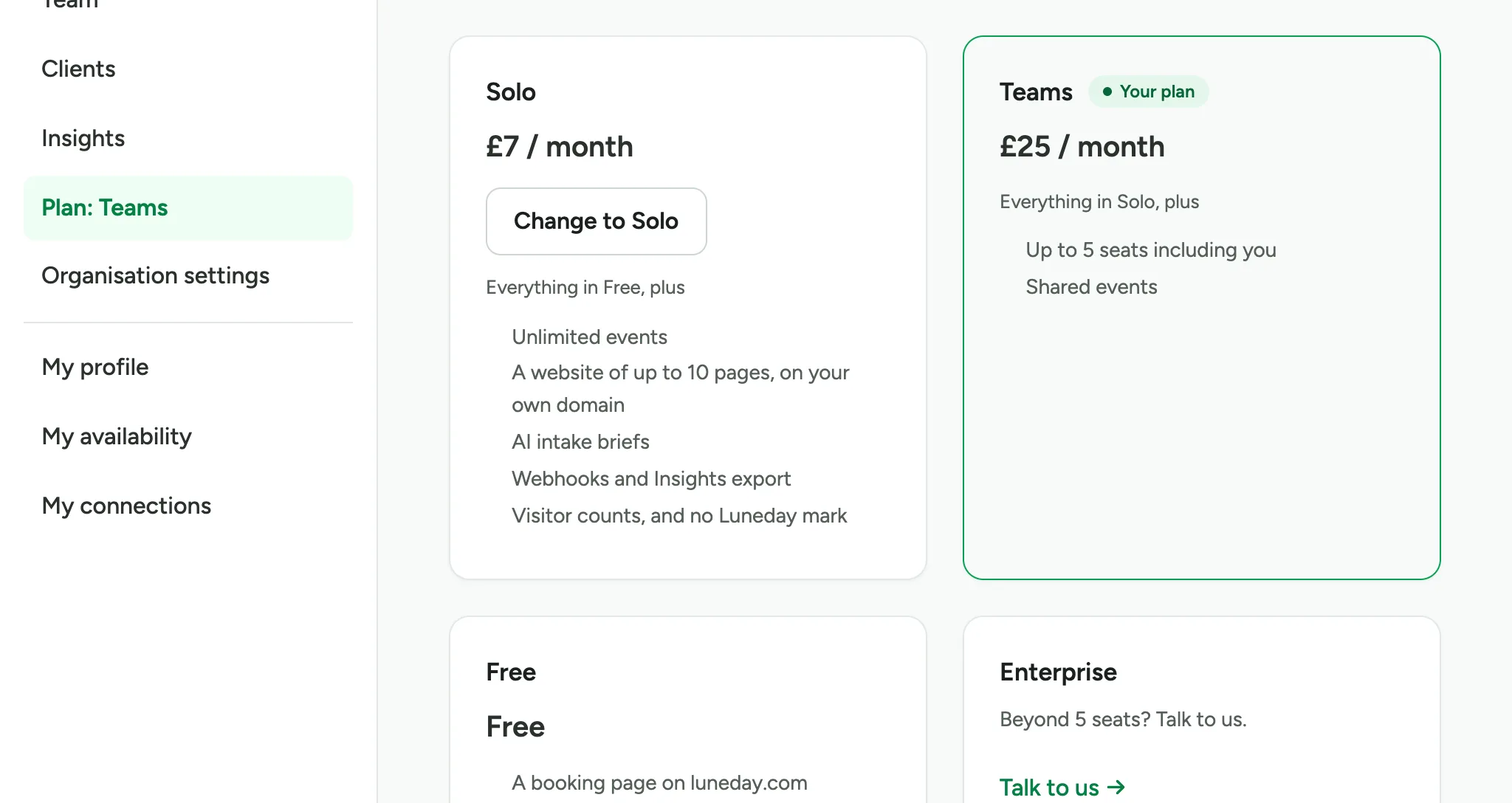
    Plan: Teams in the menu, and the Teams card marked Your plan.
  10. To change plan later, come back to the Plan page. Moving up applies today. Moving down waits until your next renewal.
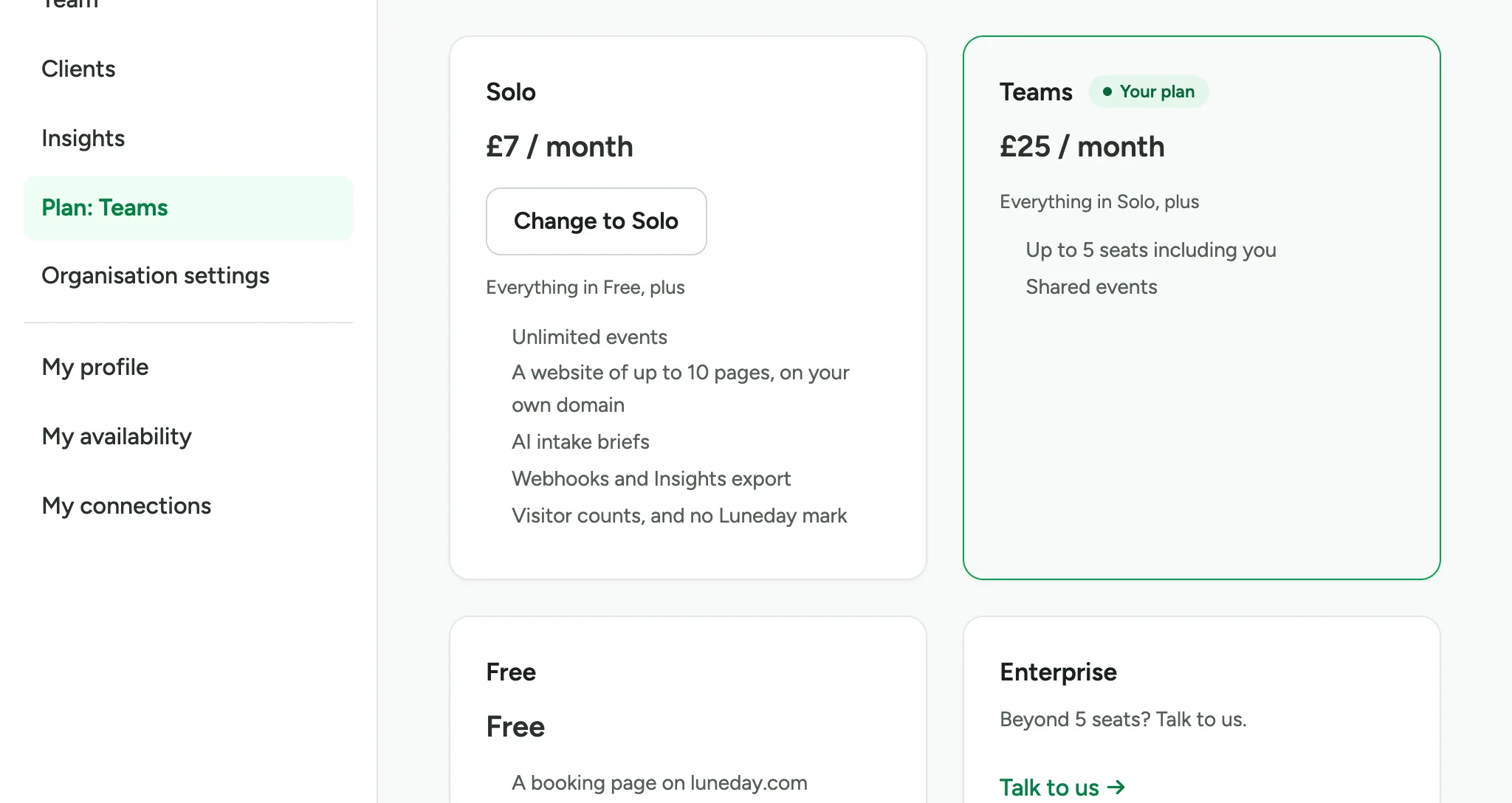
    The Solo card now offering Change to Solo beside the Teams card.
  11. To cancel, choose Manage billing & cancellation.
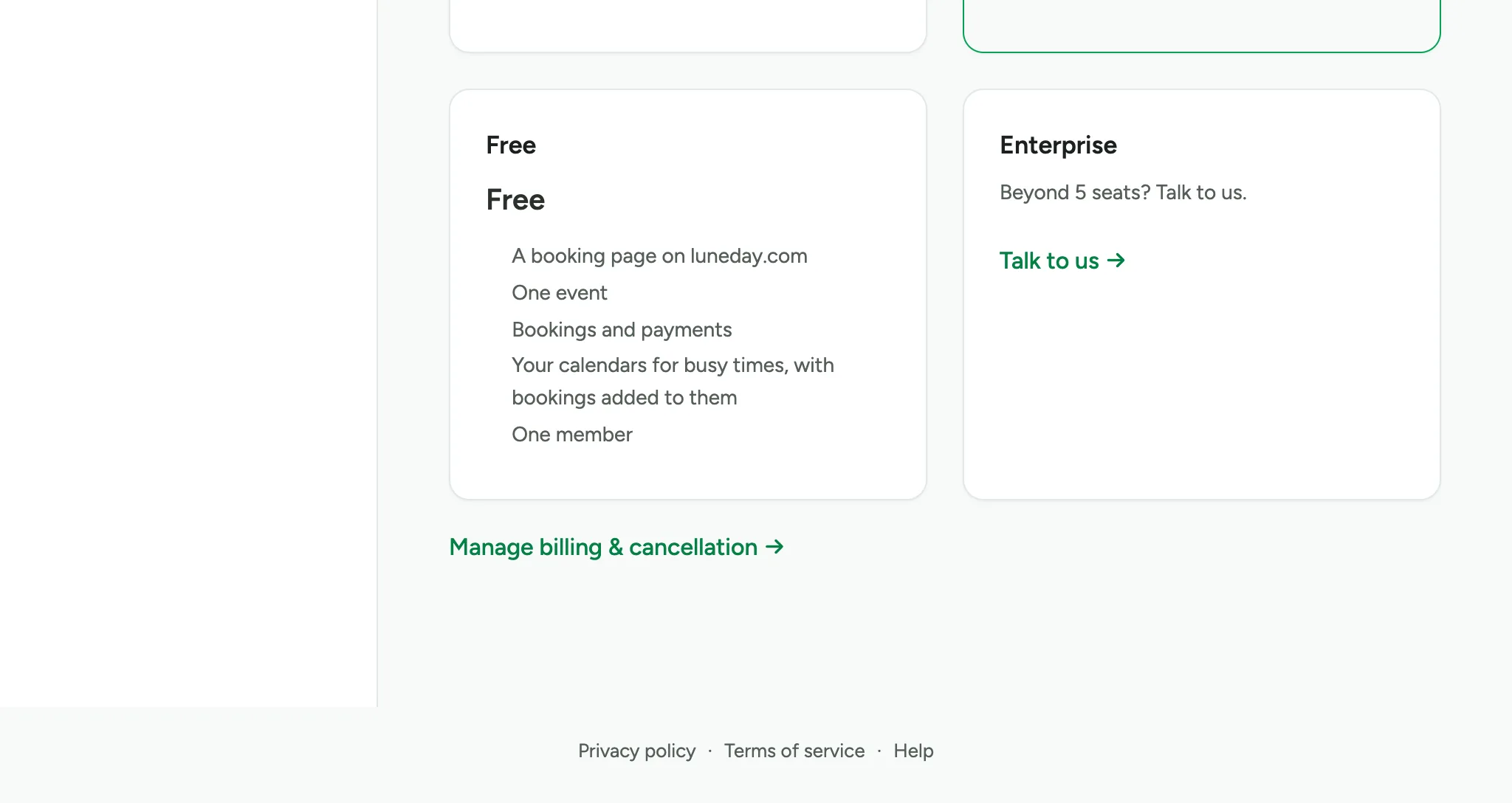
    The Free and Enterprise cards, with a Manage billing & cancellation link below them.

Updated 15 November 2026.

Related: Invite your team and set roles · Hand a booking to someone else

Still stuck? Email hello@luneday.com.