Invite-only beta Luneday is open to invited hosts while we finish building. Ask for an invite

← All help

Offer appointments people book when you are free

An event people book at any time inside your hours.
Steps

  1. An appointment is an event people book at any time you are free.
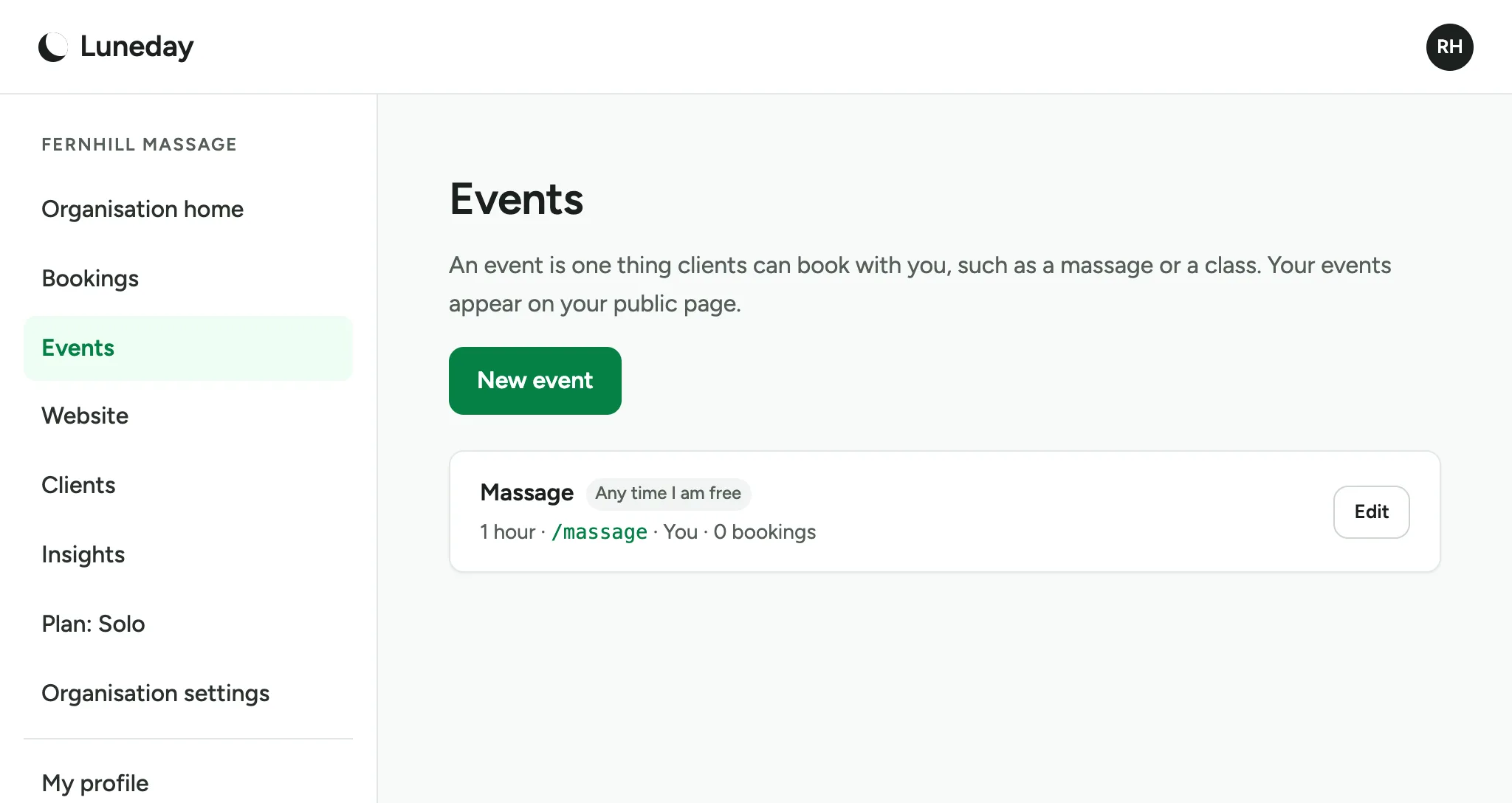
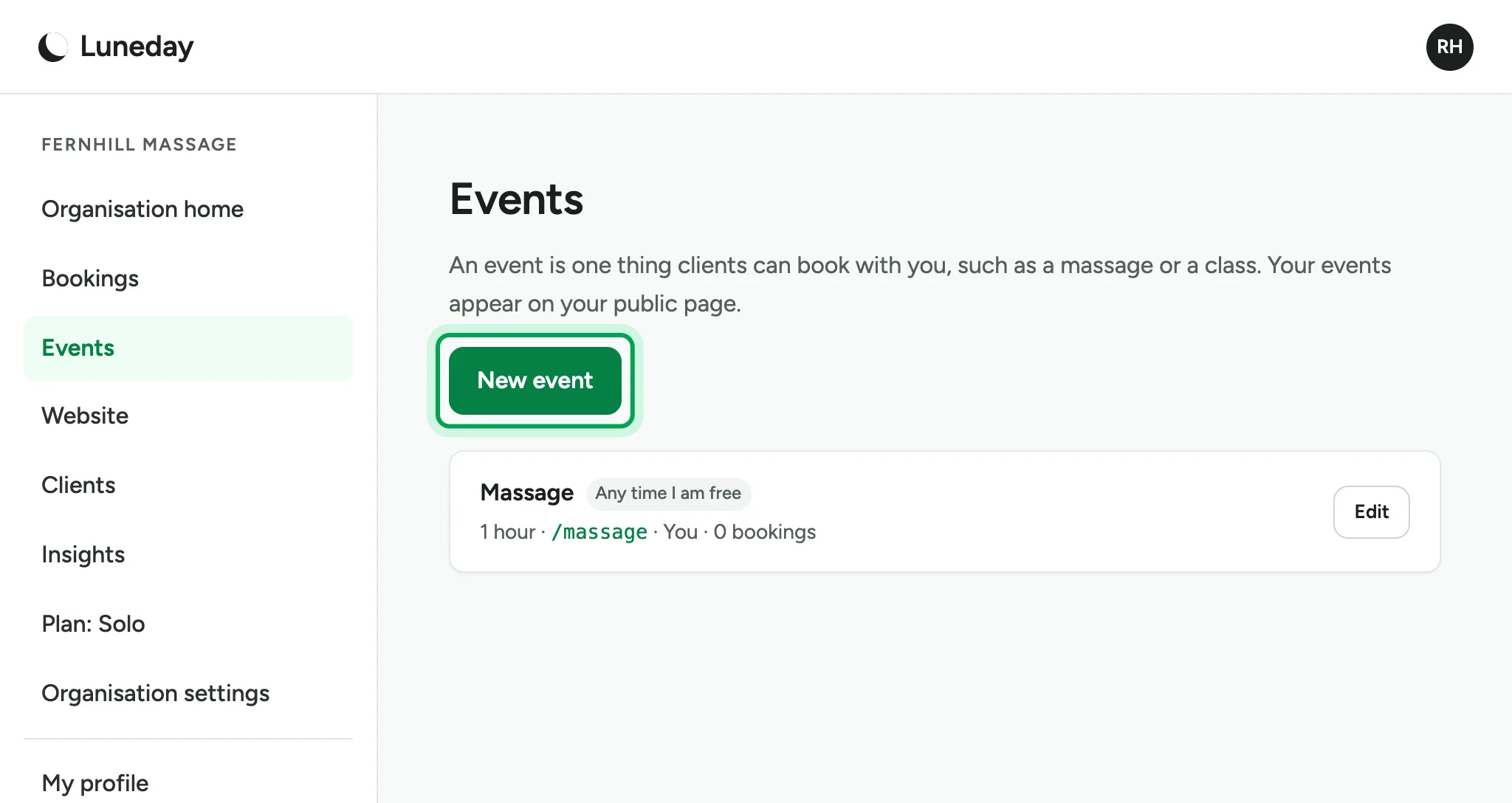
    The Events page, listing a Massage event marked Any time I am free.
  2. Go to Events and choose New event.

    The Events page, with New event ringed.
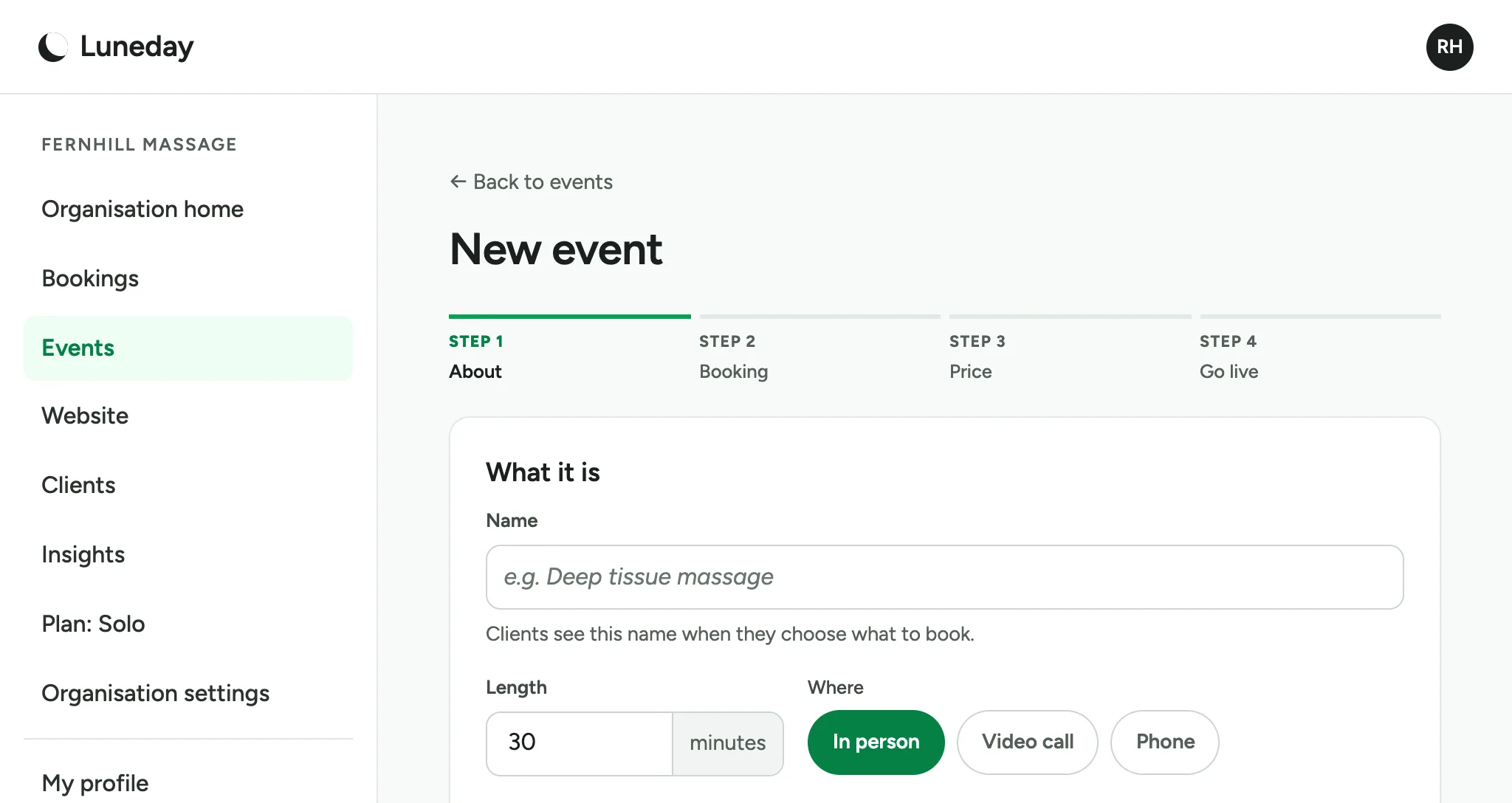
  3. Step 1 is About: what the event is.

    The New event page at Step 1 About, with the What it is card.
  4. Type a name. People see it when they book.
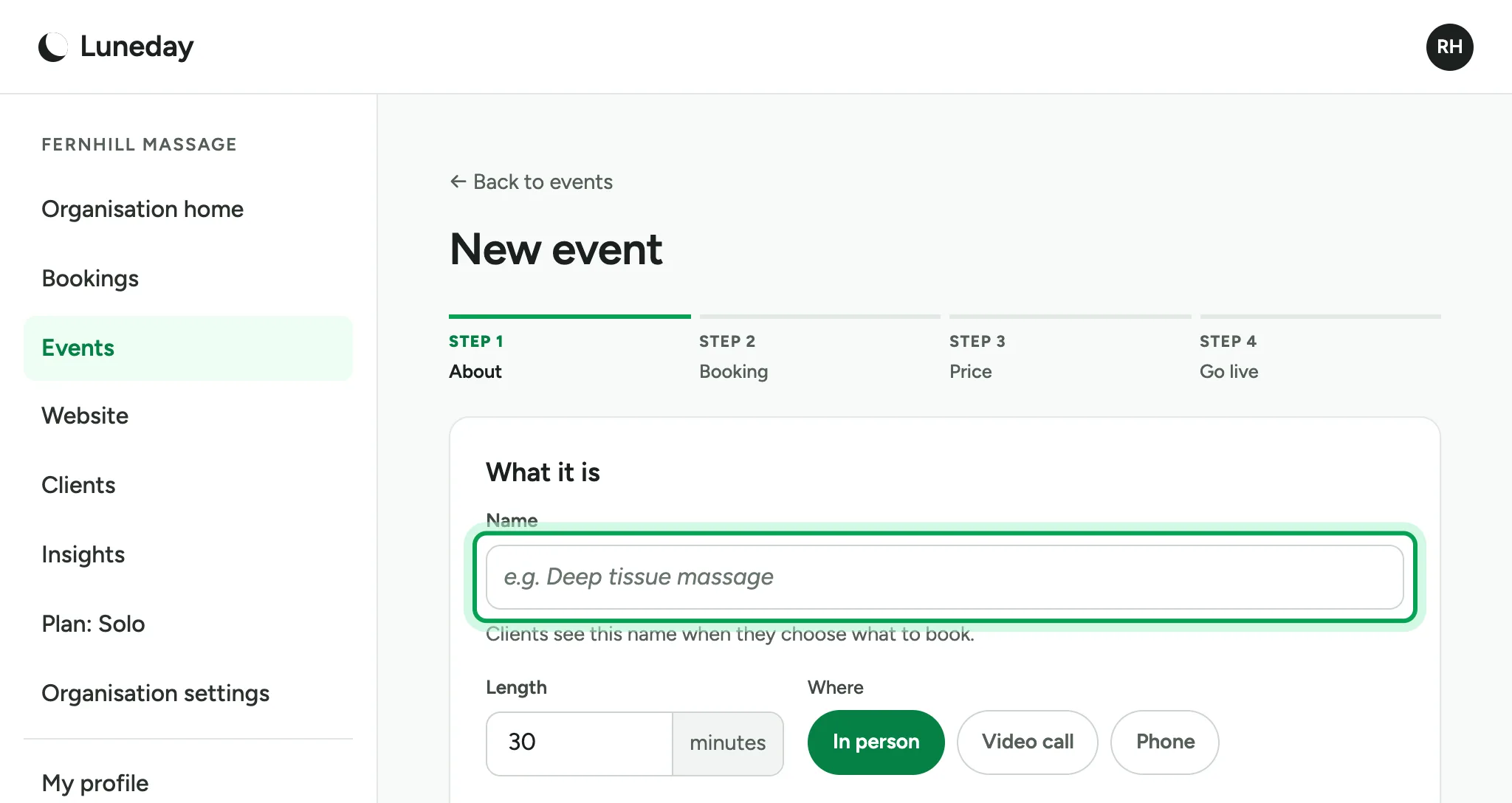
    The empty Name box, ringed.
  5. Set the length in minutes, such as 90.
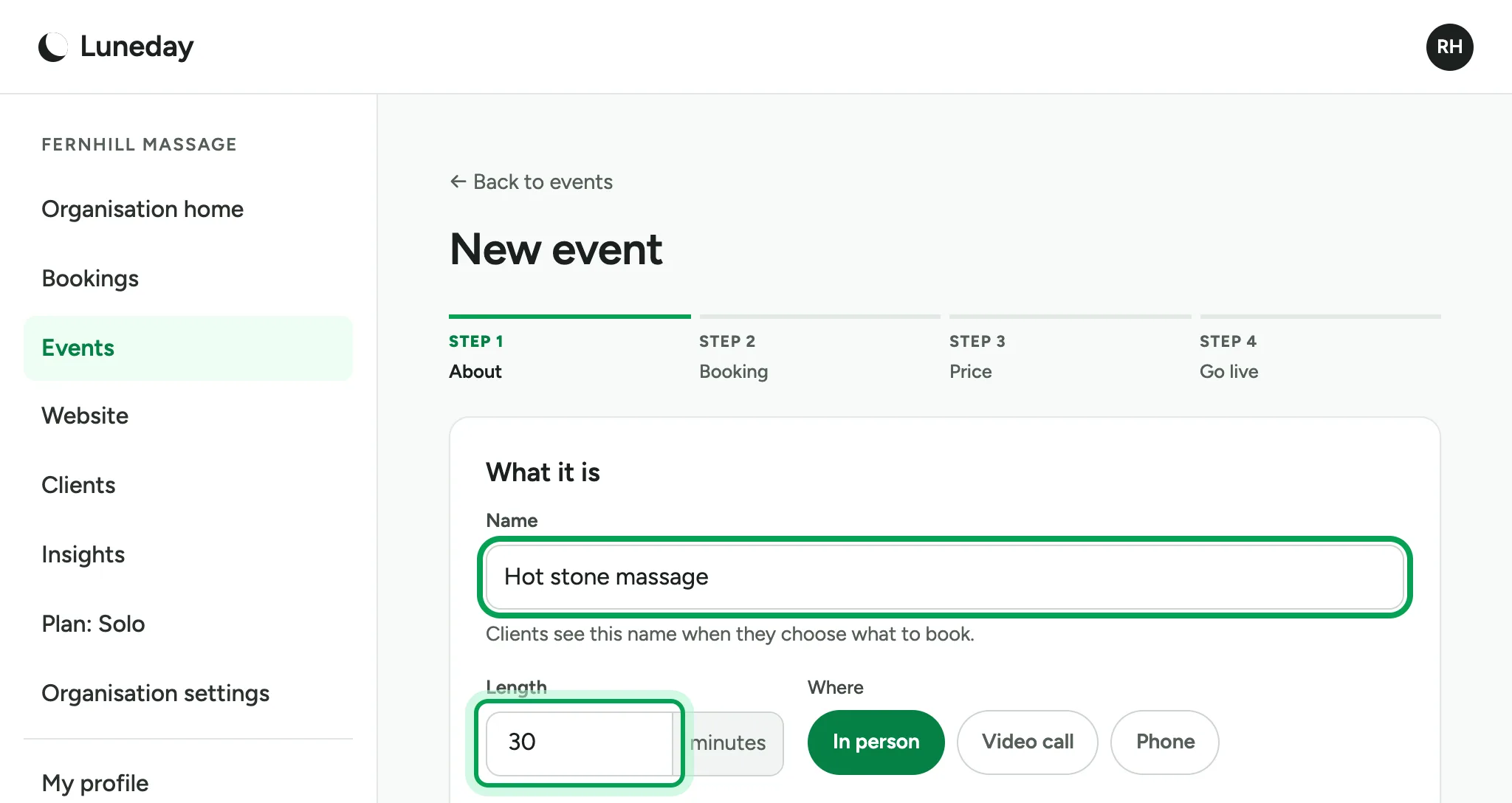
    The name Hot stone massage typed, with the Length box ringed.
  6. Choose where it happens: In person, Video call or Phone.
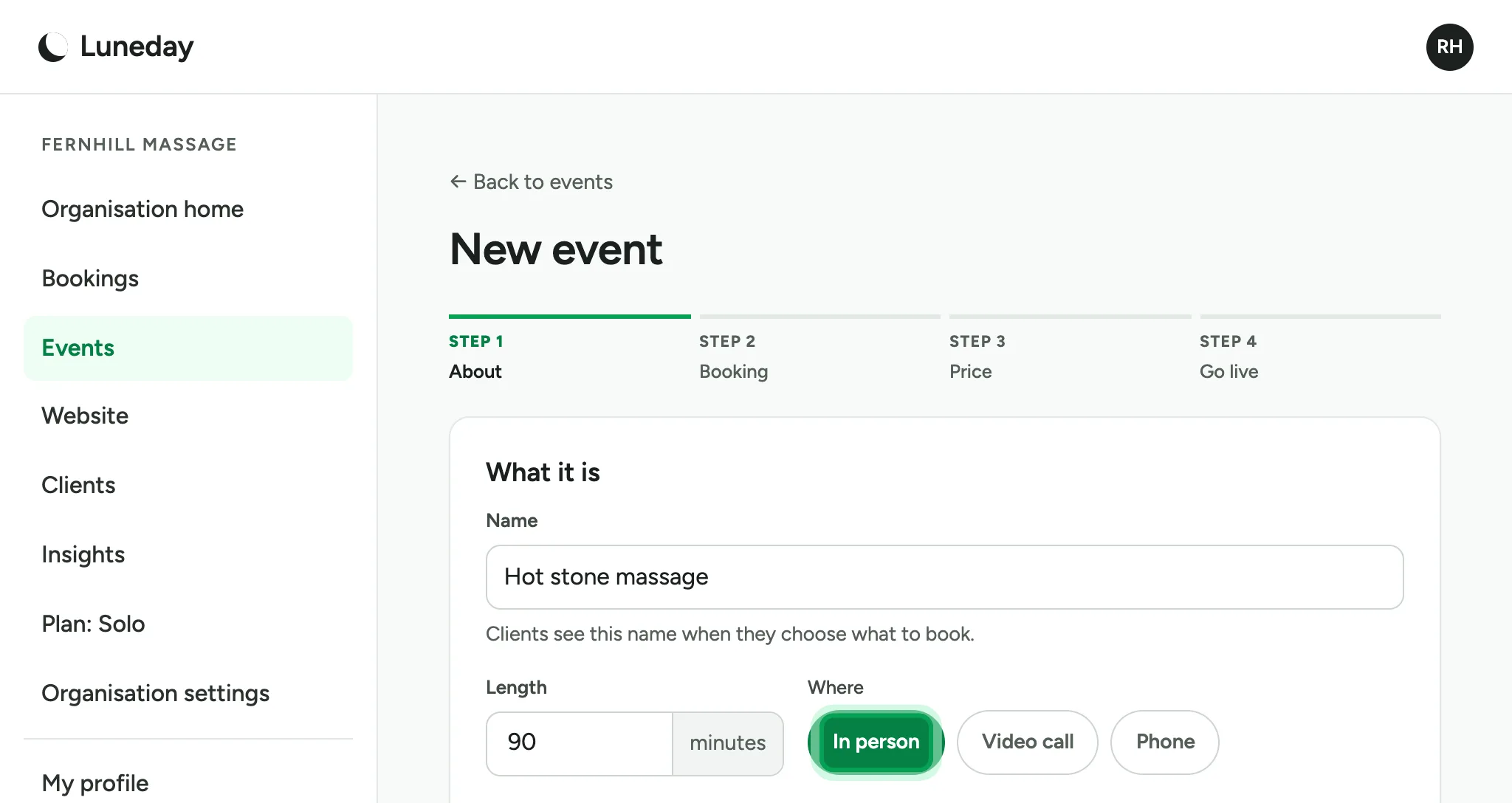
    The length set to 90 minutes, with In person ringed.
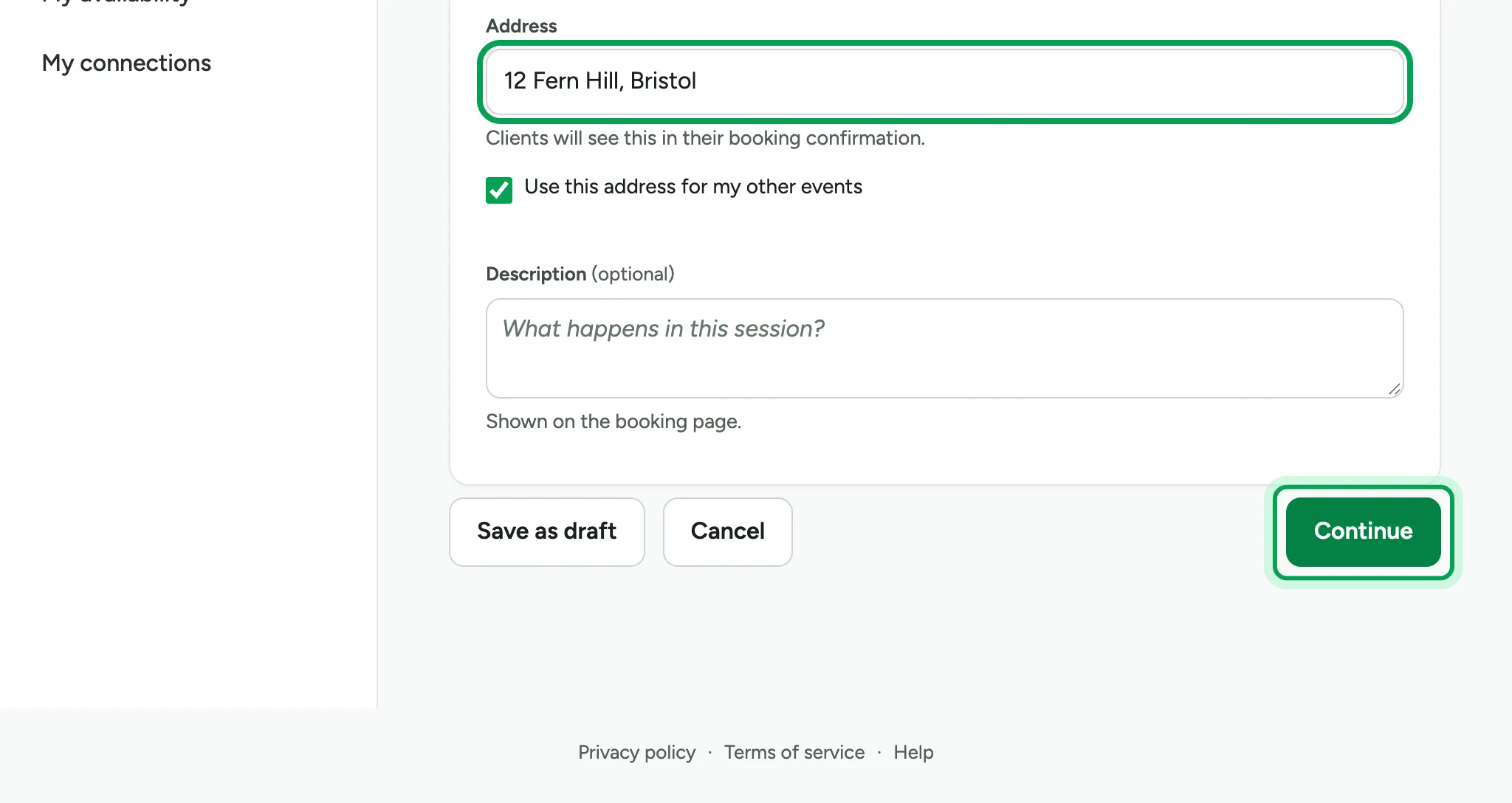
  7. For In person, add the address. People see it in their booking confirmation.
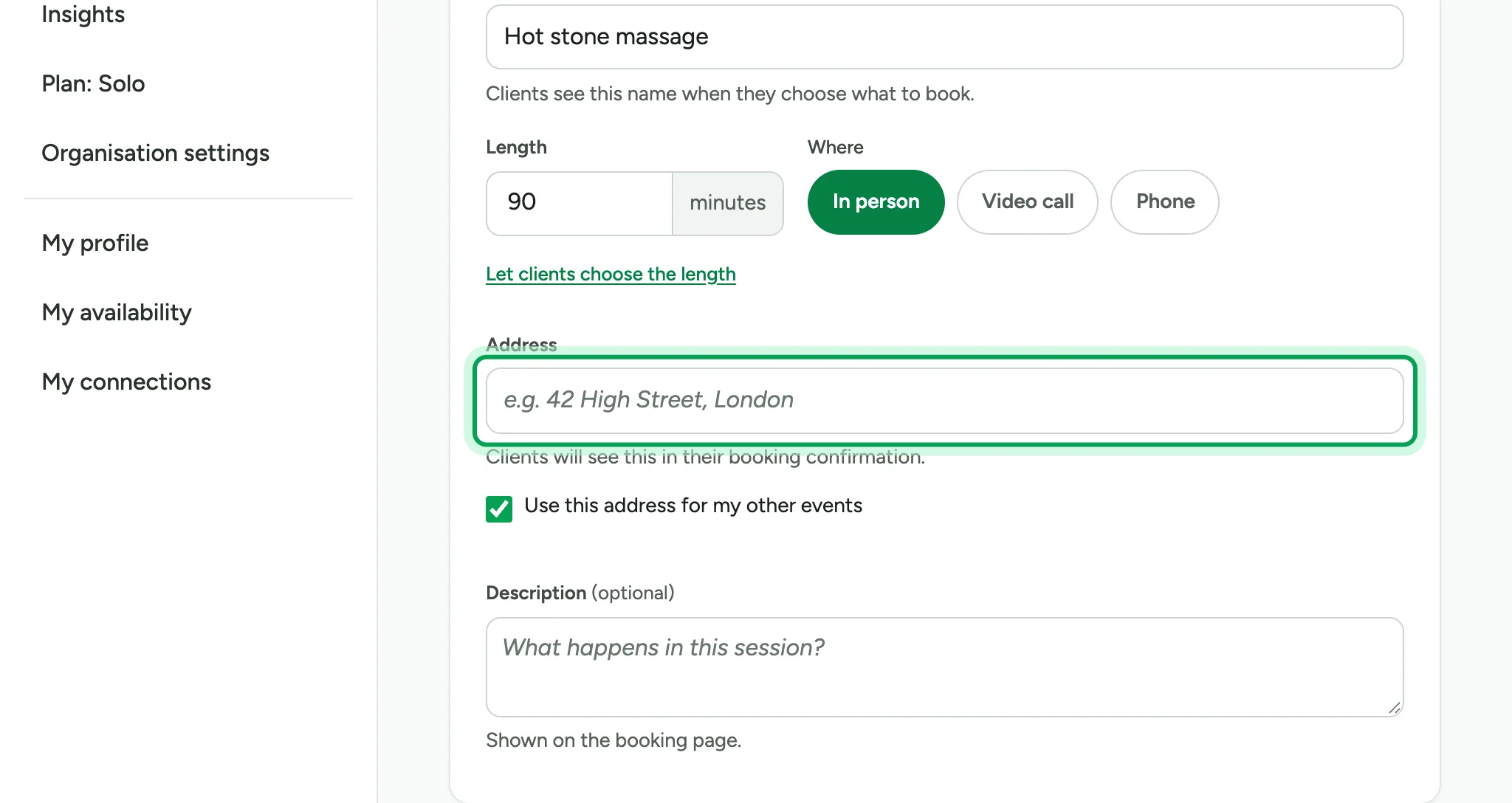
    The empty Address box ringed, with Use this address for my other events ticked below it.
  8. Choose Continue.

    The address 12 Fern Hill, Bristol filled in, with Continue ringed.
  9. Step 2 is Booking. Under How clients book, choose Any time I am free. People then pick a start time inside your hours.
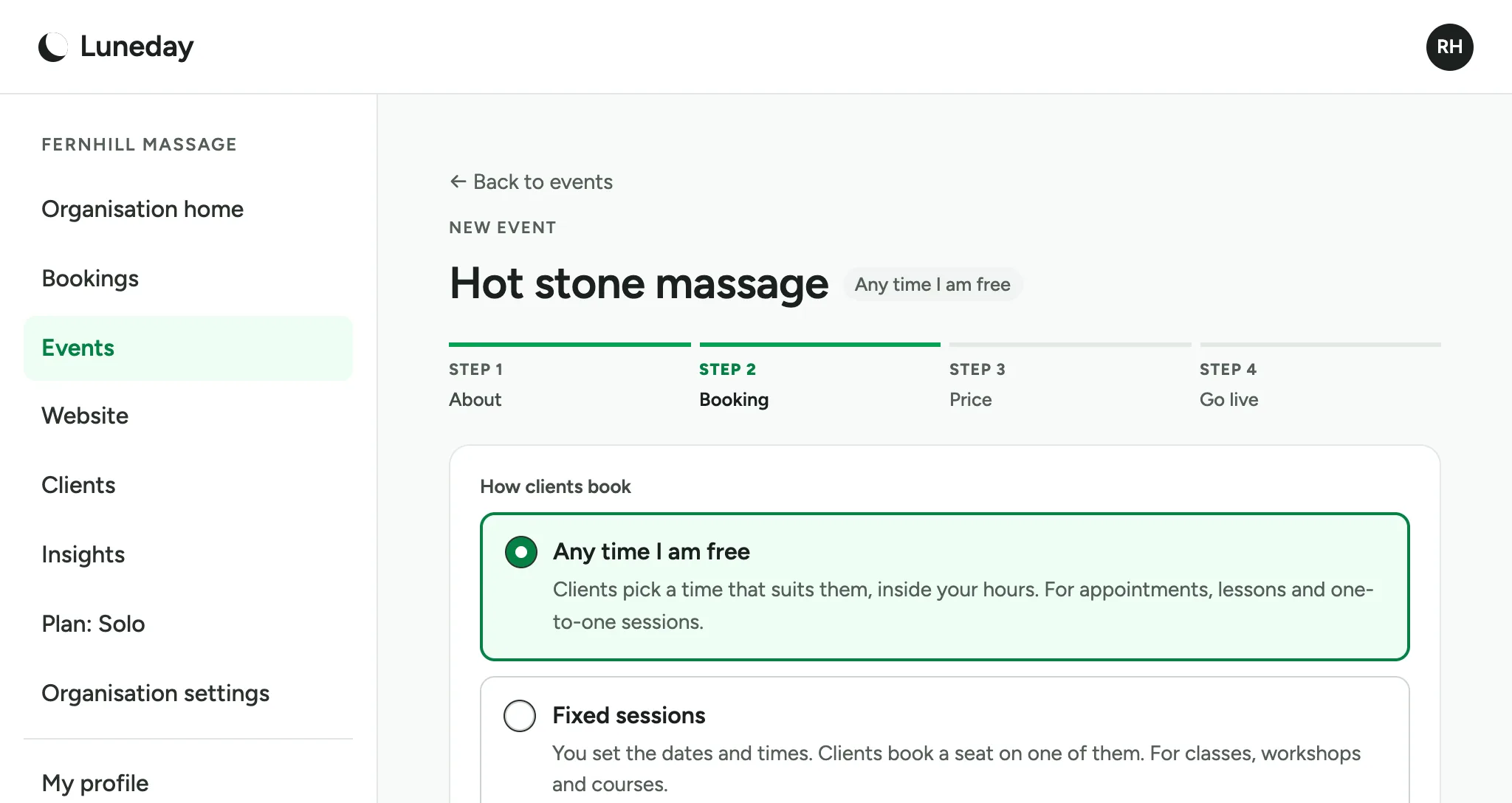
    Step 2 Booking, with Any time I am free chosen above Fixed sessions.
  10. The booking rules say how soon and how far ahead people can book. Choose Continue.
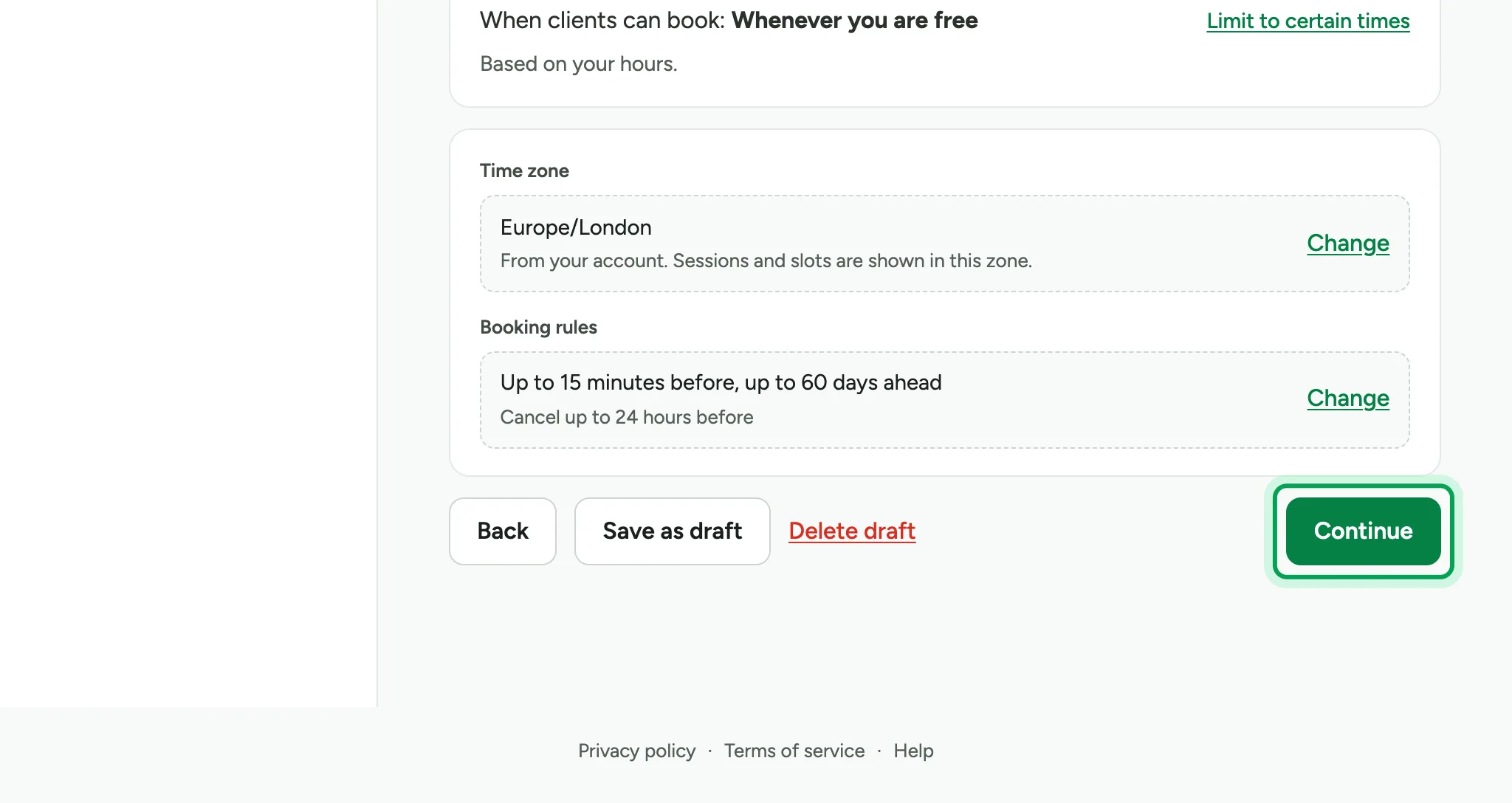
    The time zone and the booking rules, up to 15 minutes before and up to 60 days ahead, with Continue ringed.
  11. Step 3 is Price. Leave it Free, or choose Charge a price. Then choose Continue.
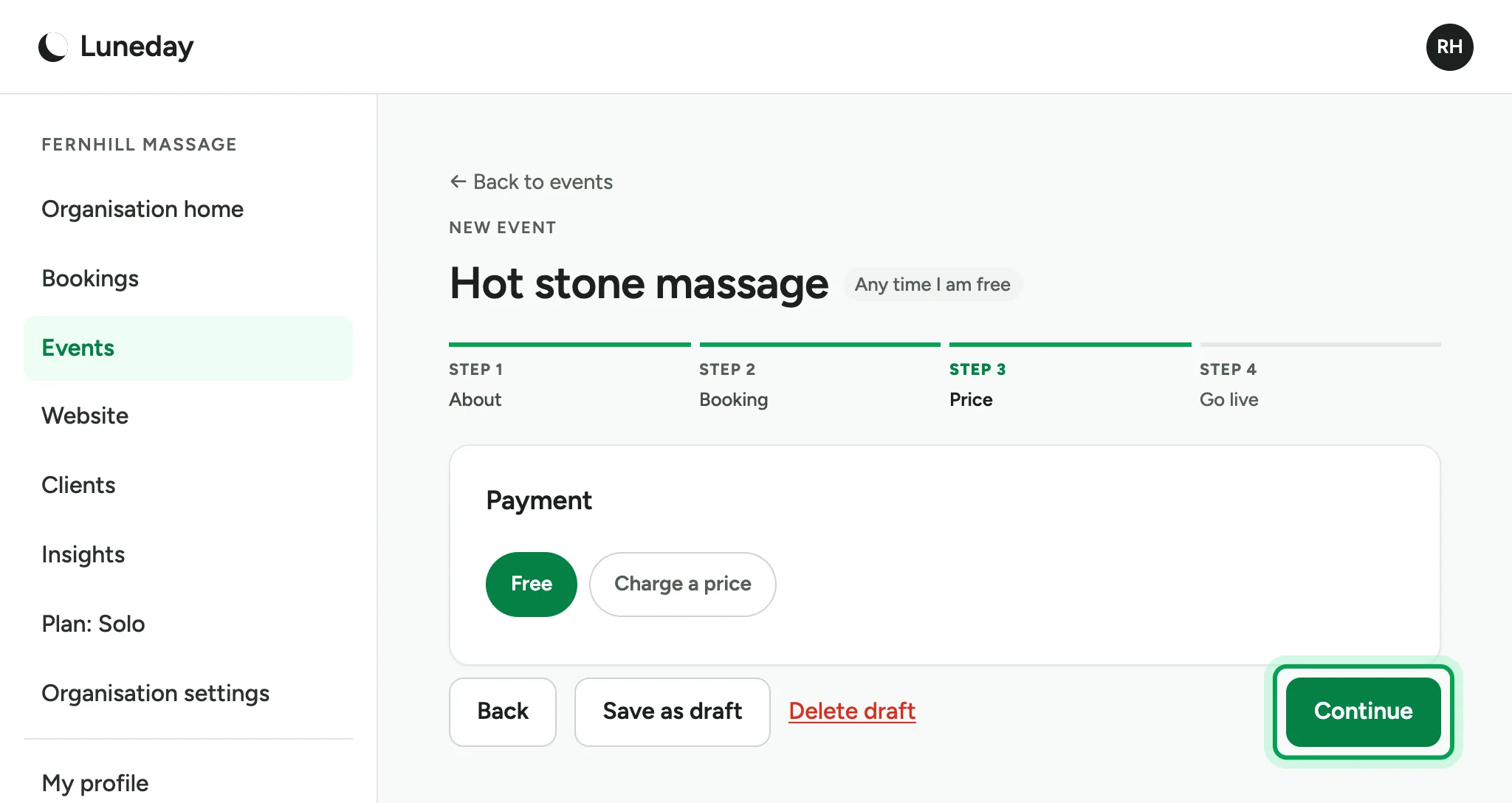
    Step 3 Price with Free chosen, and Continue ringed.
  12. Step 4 checks the details: how and when clients can book, the booking rules and the booking form.
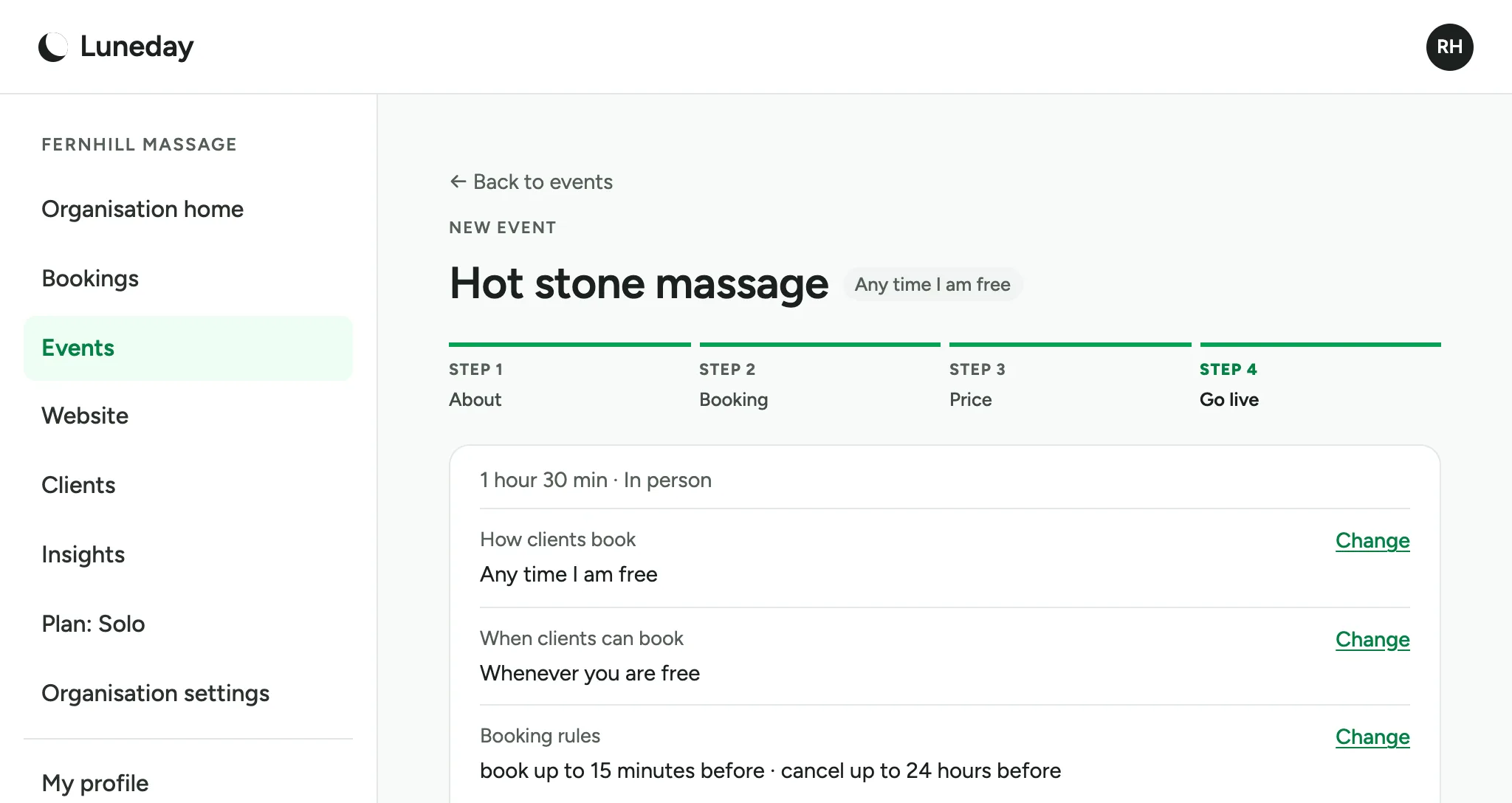
    Step 4 Go live, listing 1 hour 30 min in person, then How clients book, When clients can book and Booking rules, each with a Change link.
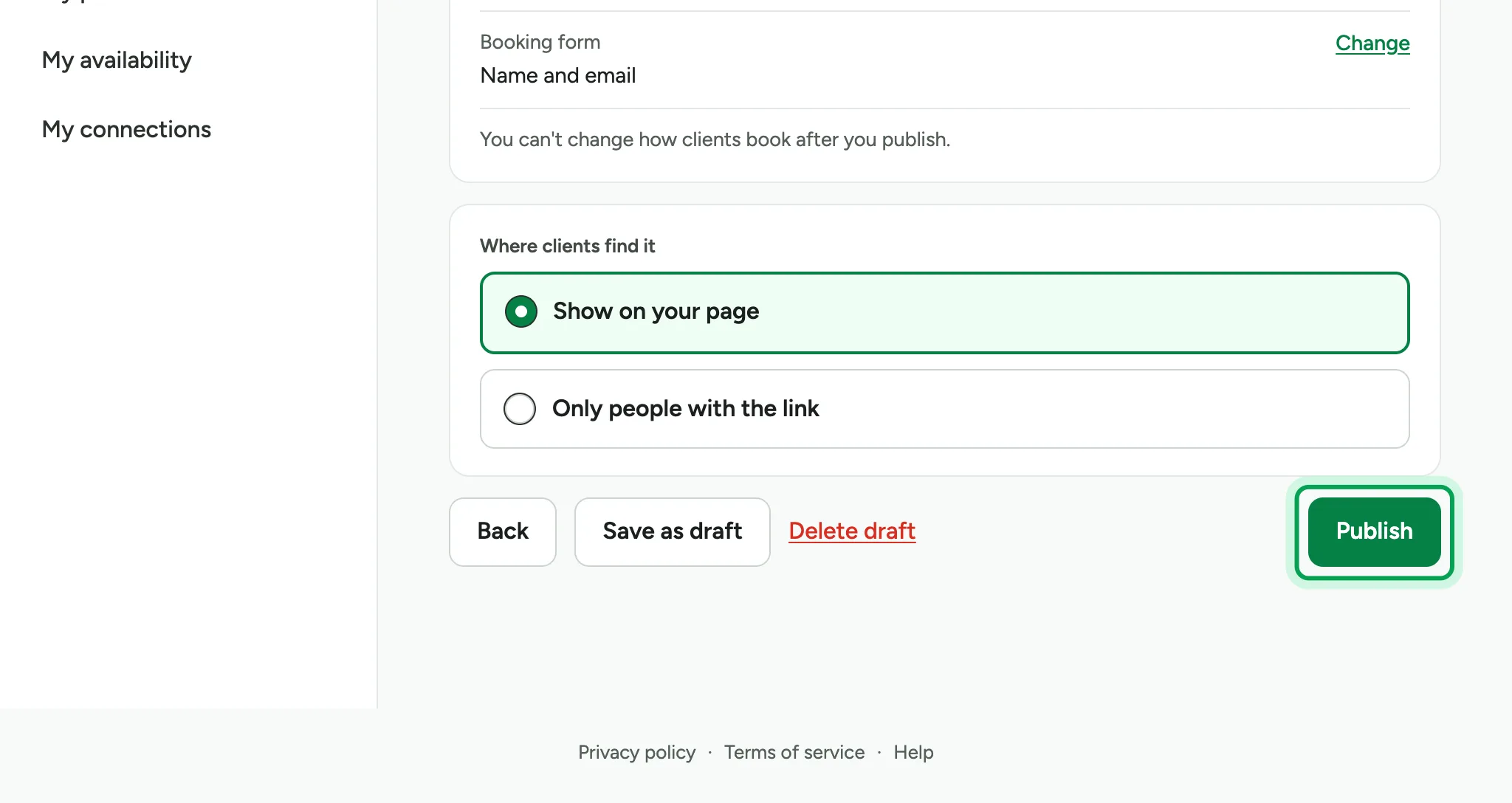
  13. Choose Publish.

    Where clients find it set to Show on your page, with Publish ringed.
  14. Your event is live, with its own link.
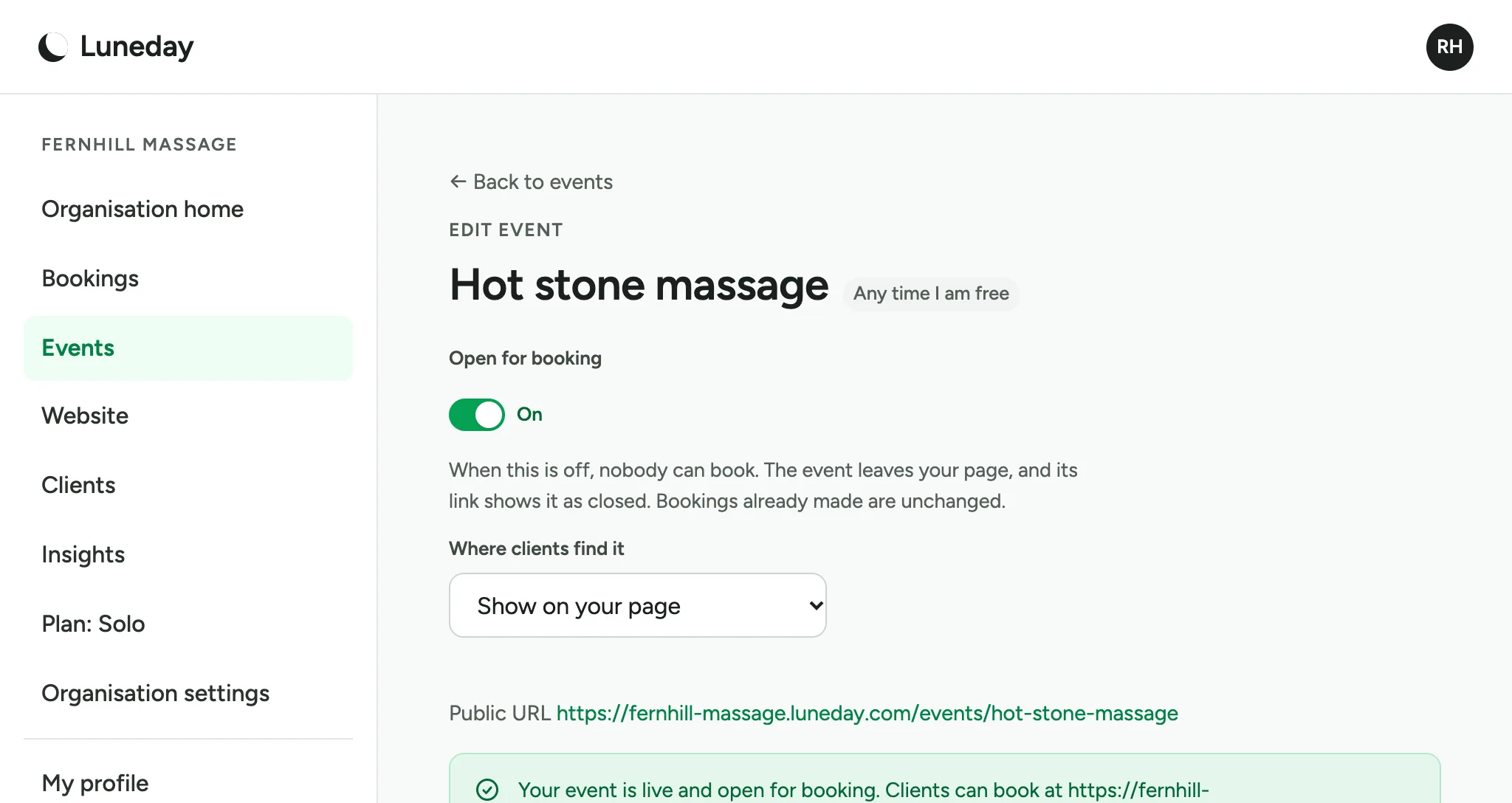
    The Edit event page, with Open for booking on and a message giving the event's public address.
  15. On its booking page, people see the times you are free and pick one.
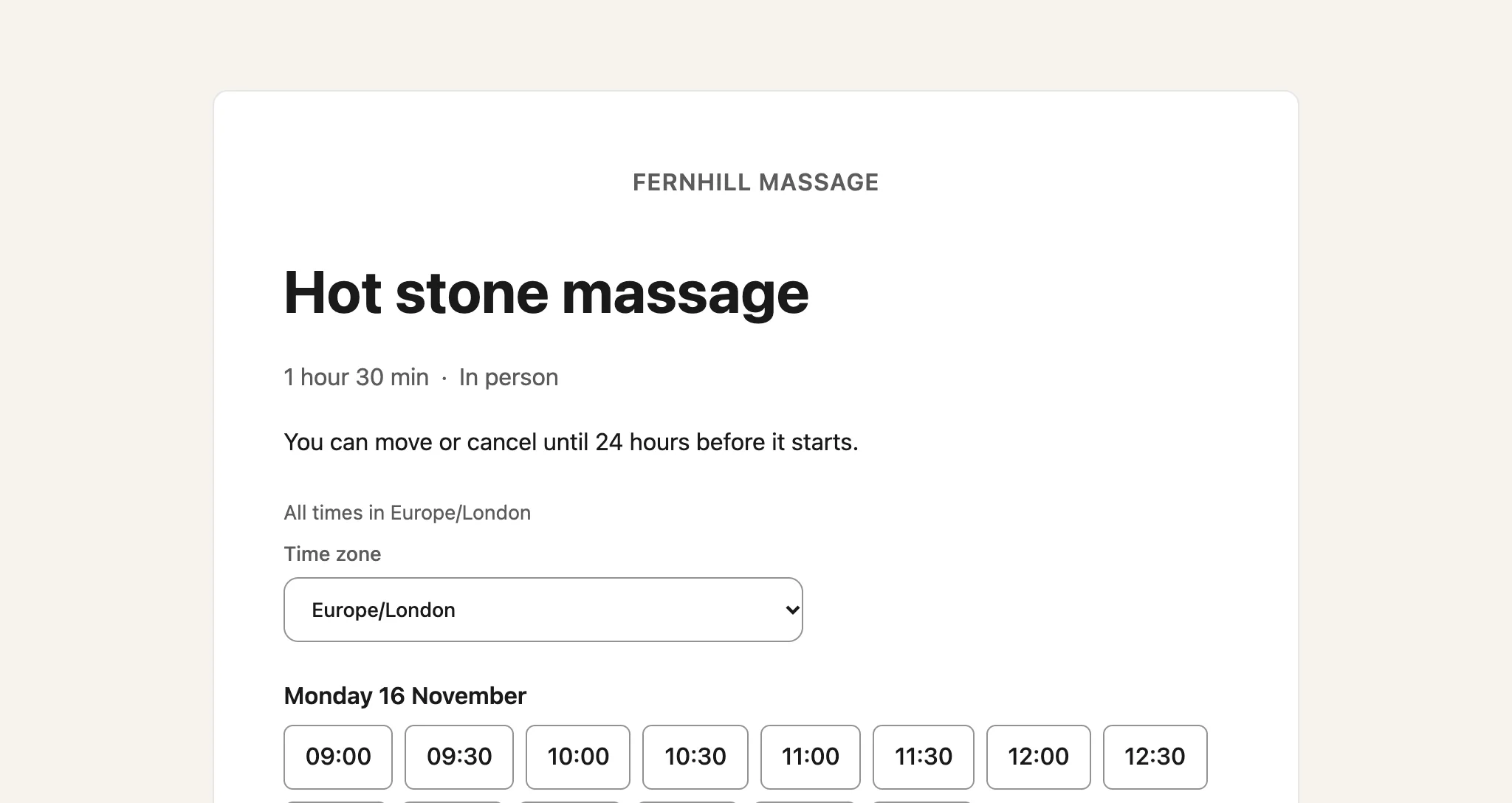
    The public booking page for Hot stone massage, with start times on Monday 16 November.

Updated 15 November 2026.

Related: Sign in to Luneday · Set your hours

Still stuck? Email hello@luneday.com.