Turn on two-factor sign-in
Ask for a code from an app each time you sign in.
Steps
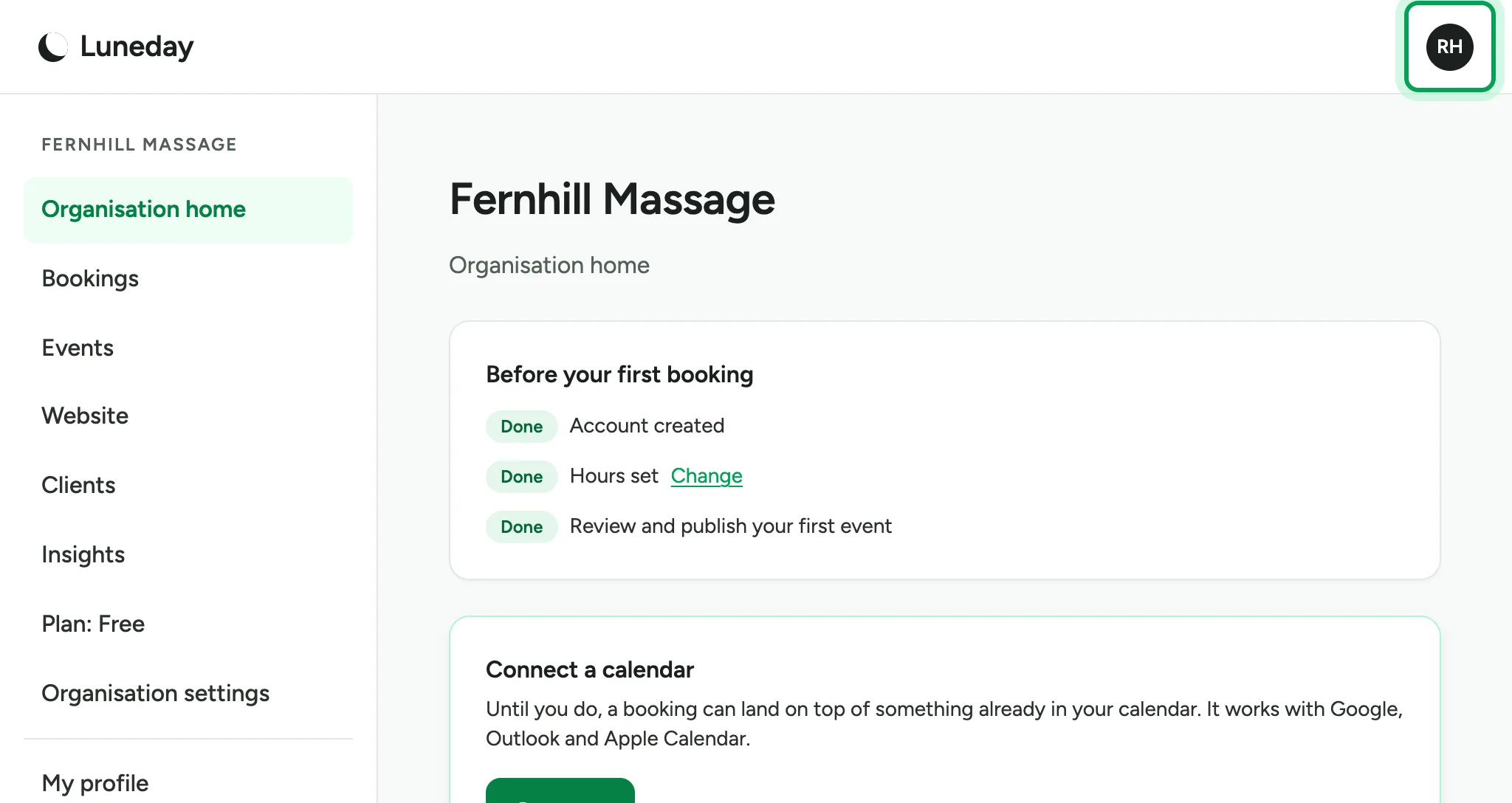
Choose your initials at the top right.
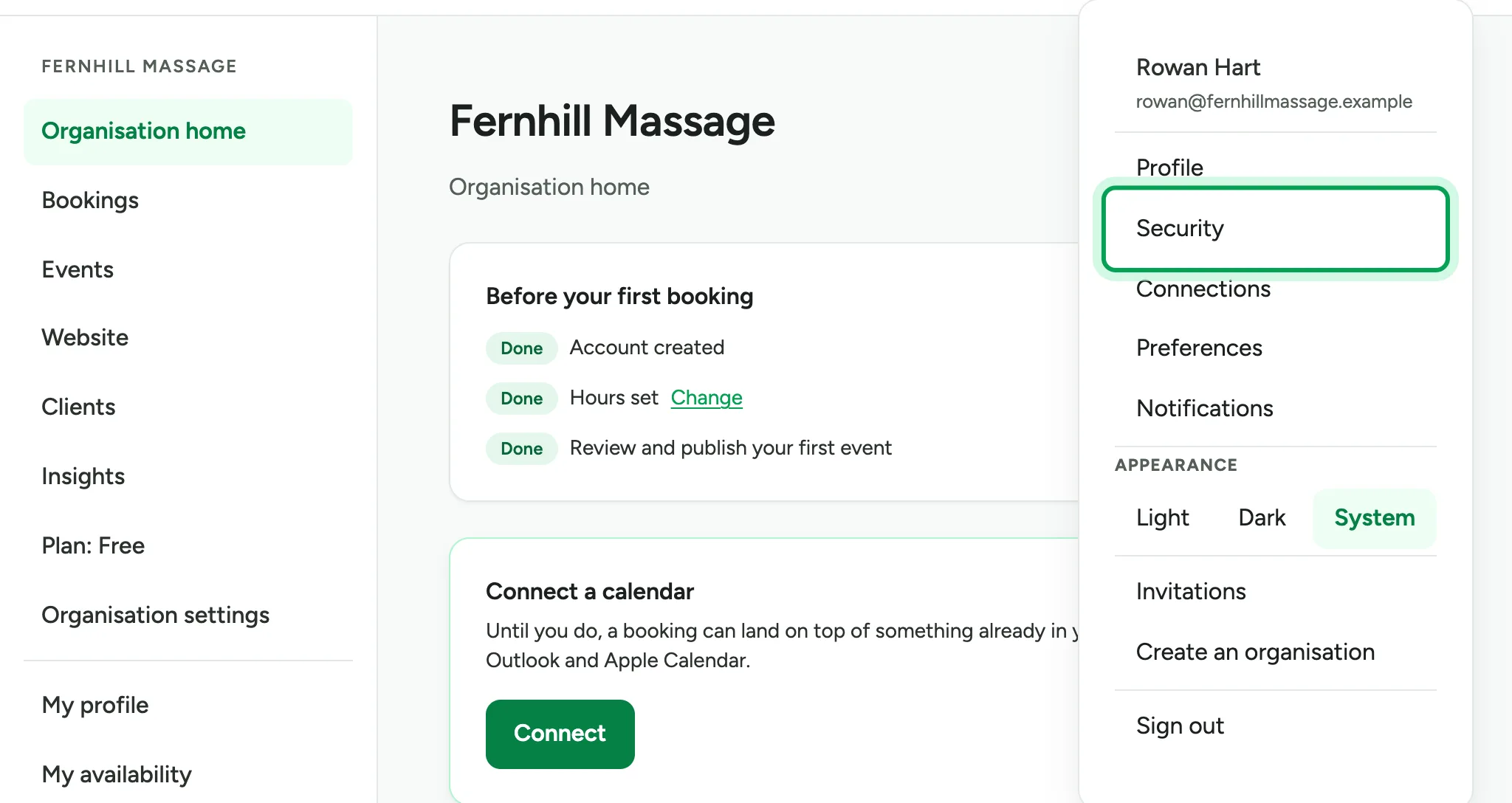
Choose Security.
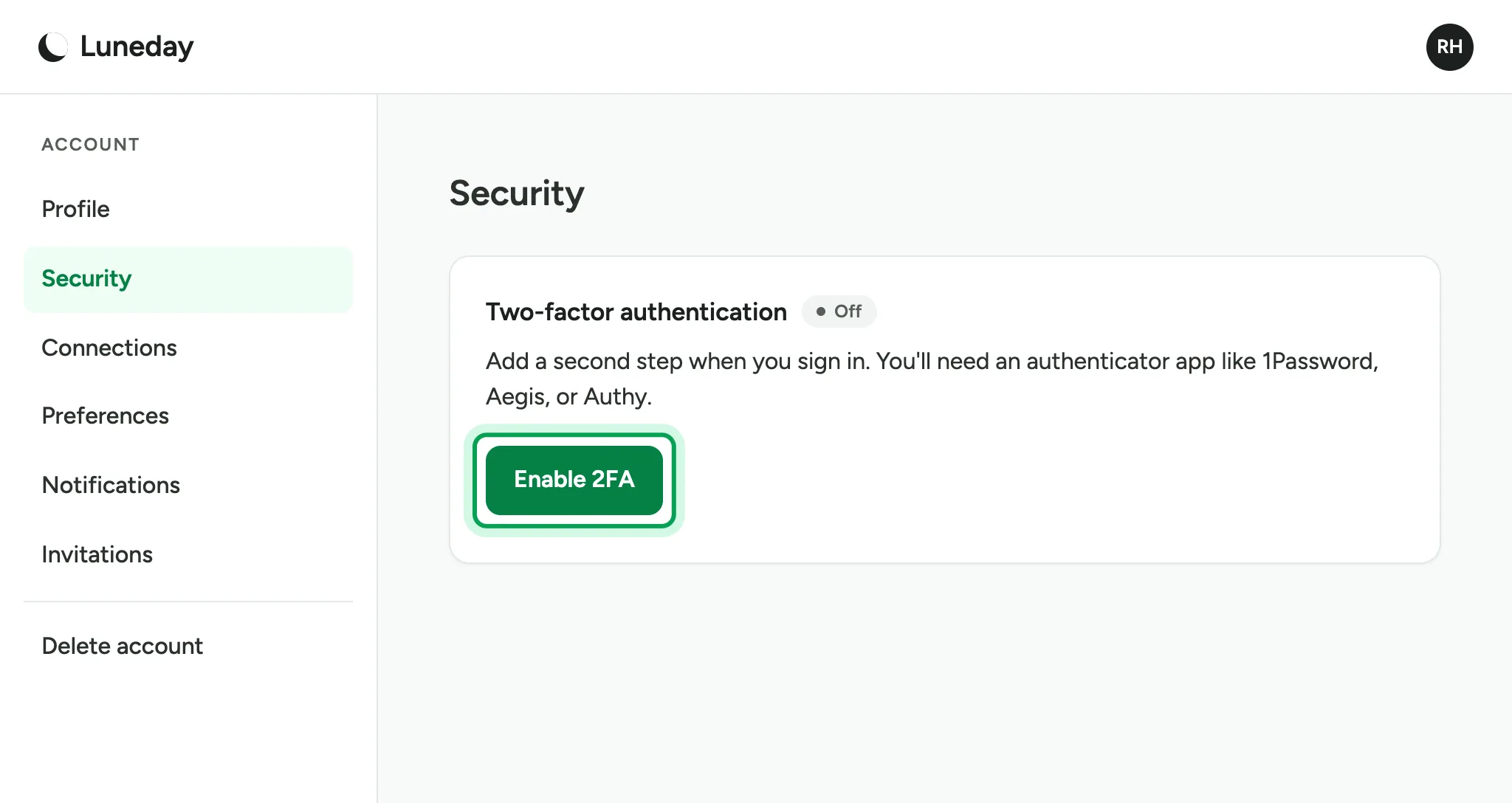
Under Two-factor authentication, choose Enable 2FA. You need an authenticator app, such as 1Password or Authy.
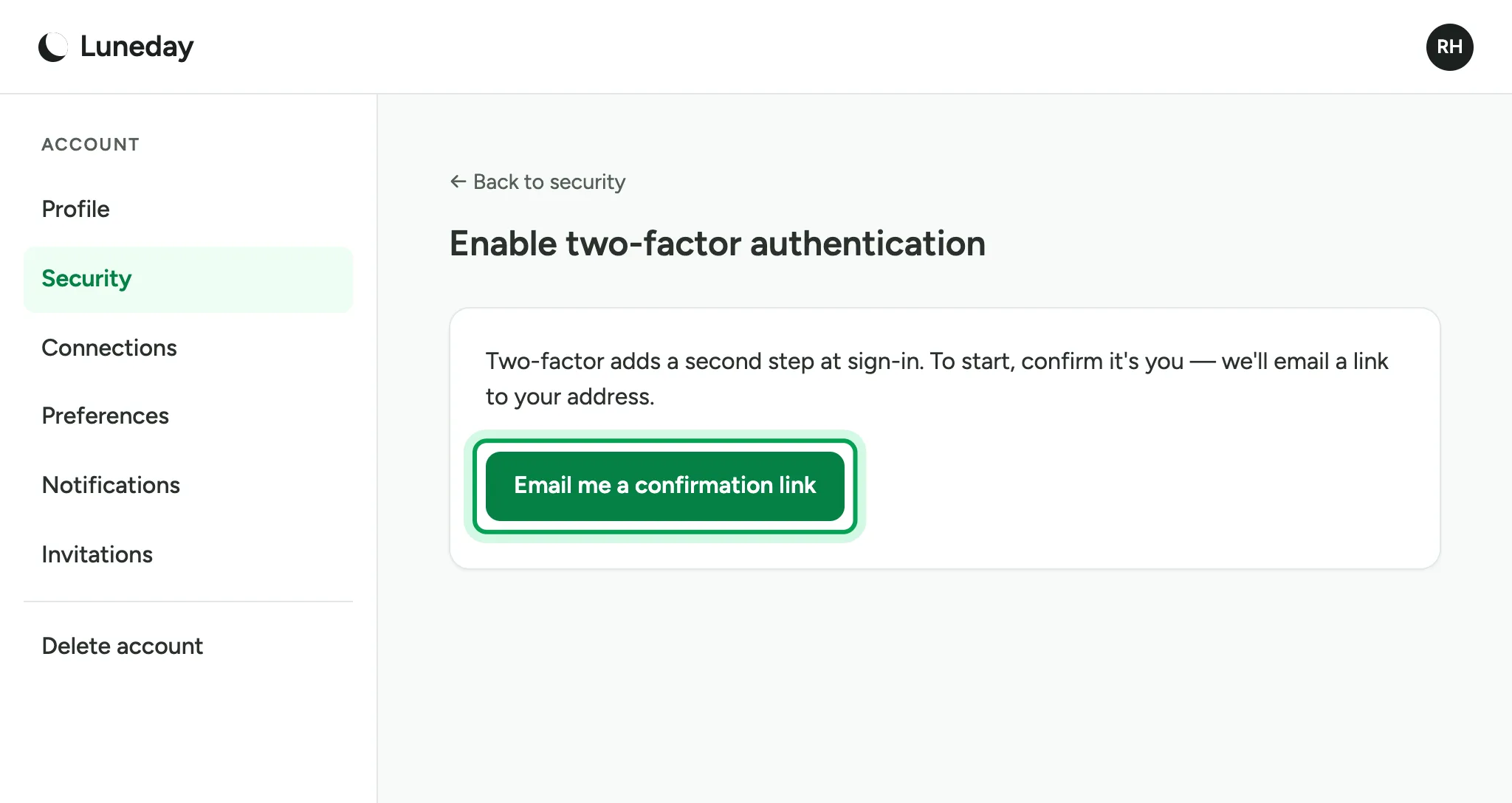
Choose Email me a confirmation link.
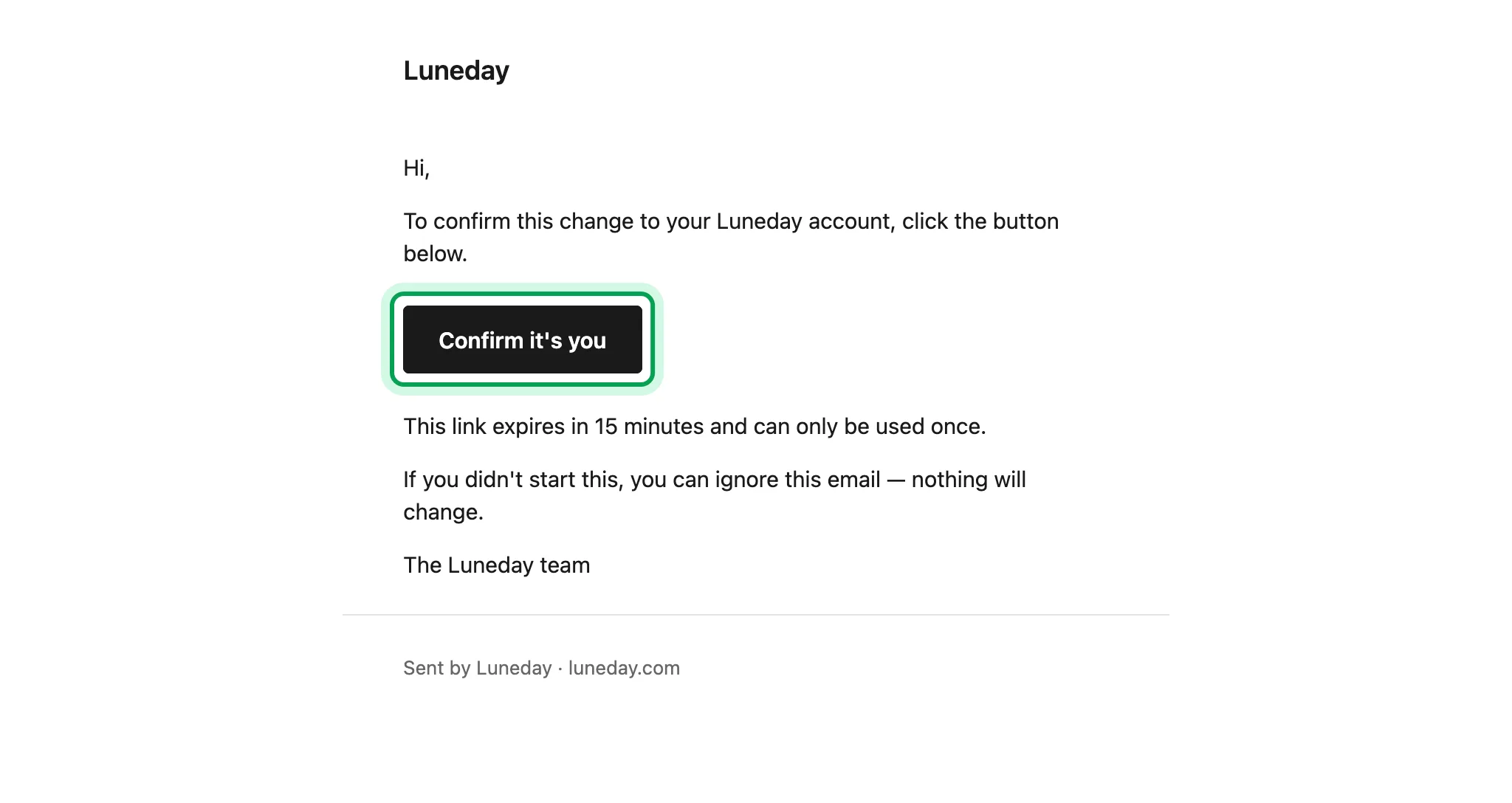
Open the email and choose Confirm it's you.
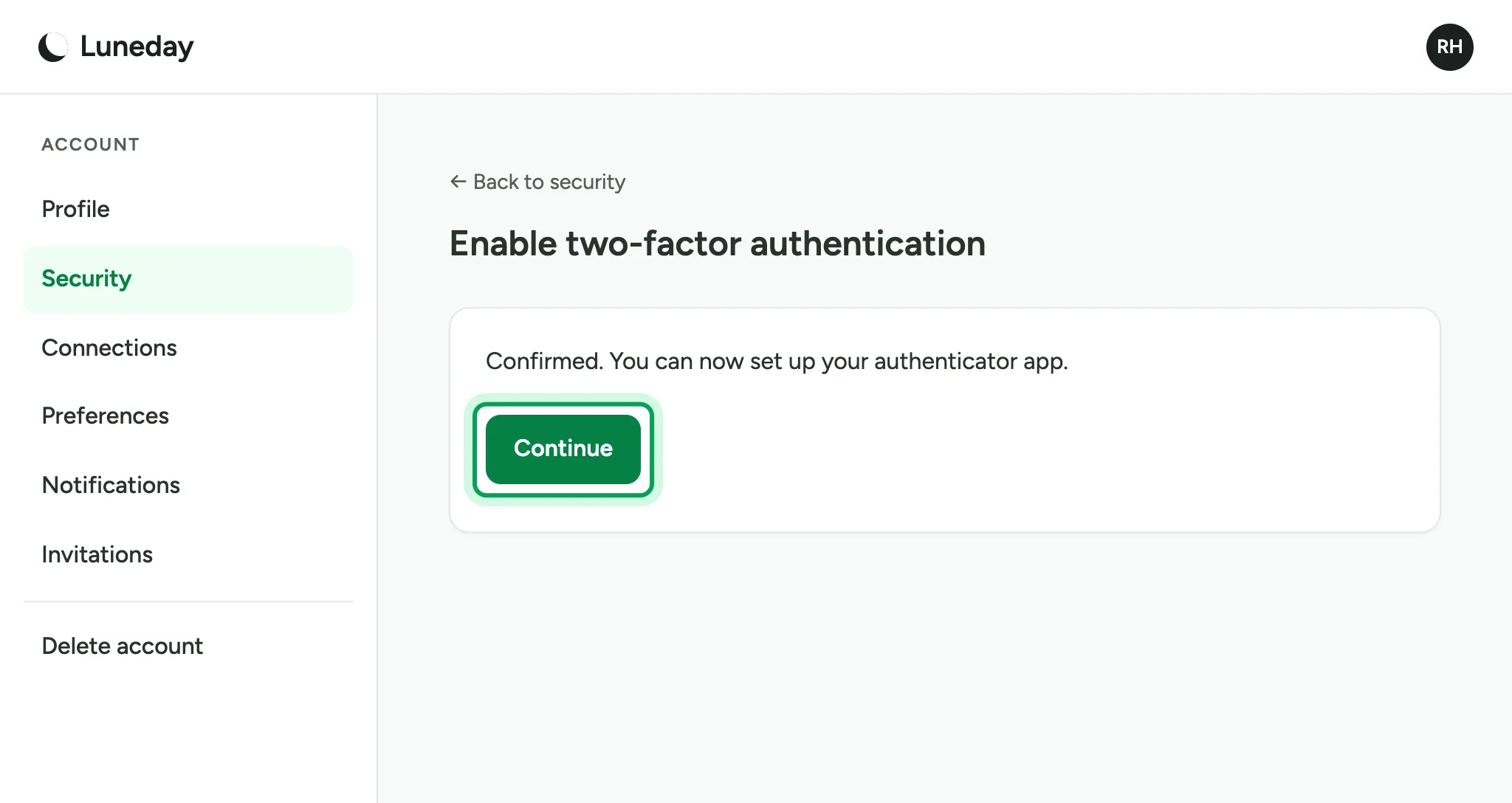
Back in Luneday, choose Continue.
Scan the QR code with your authenticator app. If you cannot scan it, enter the code below it in the app instead.
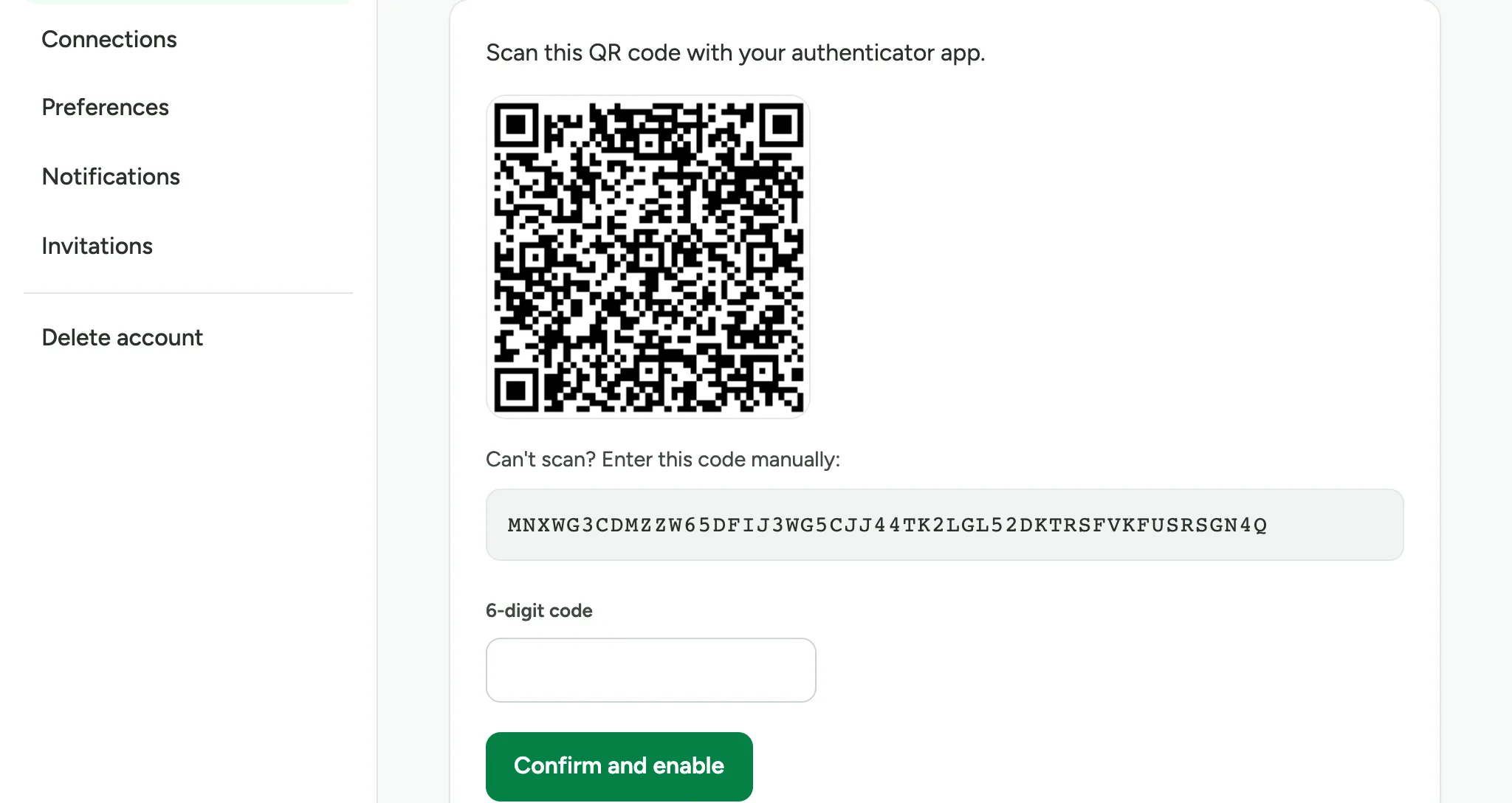
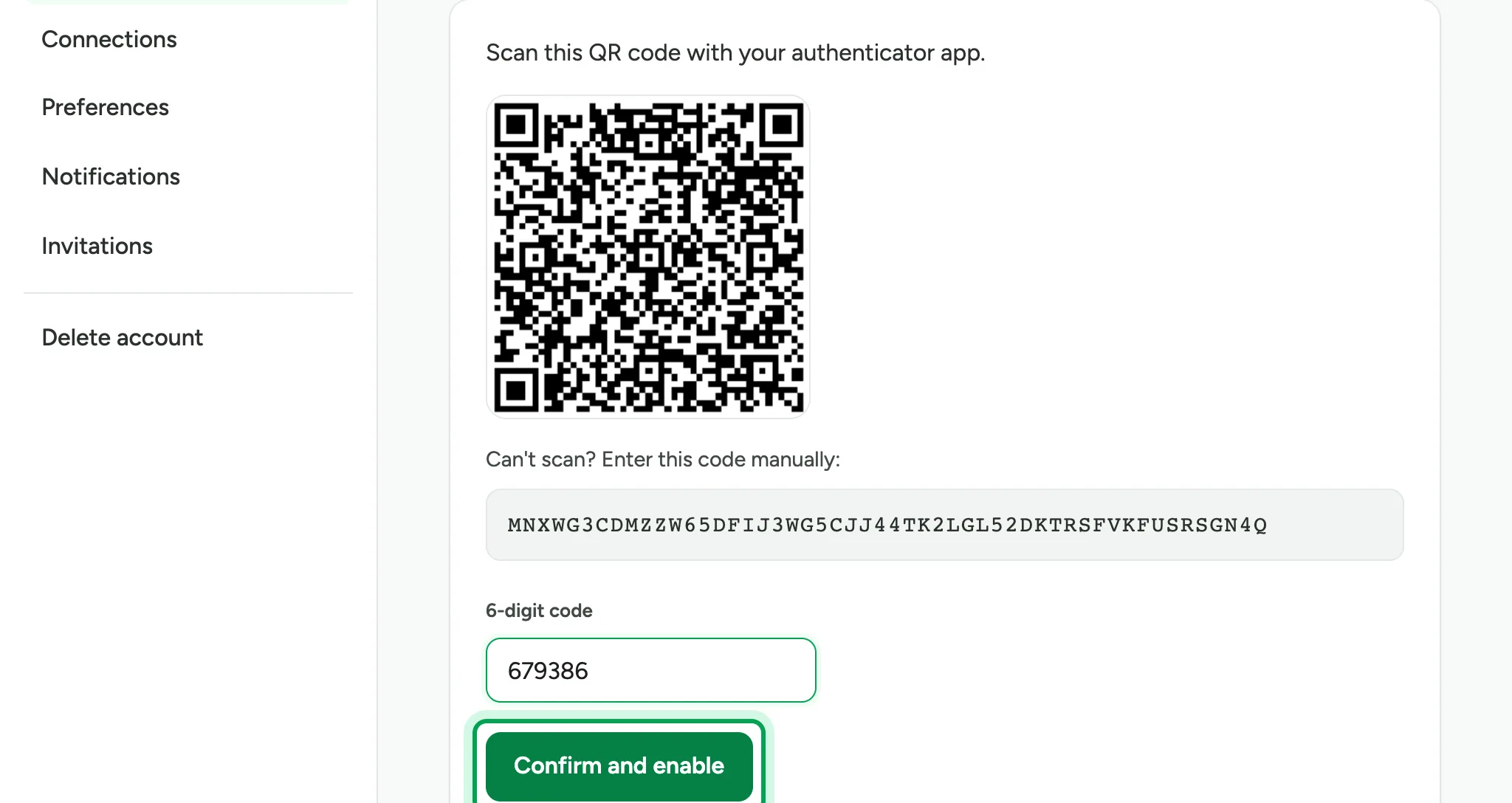
Type the 6-digit code your app shows.
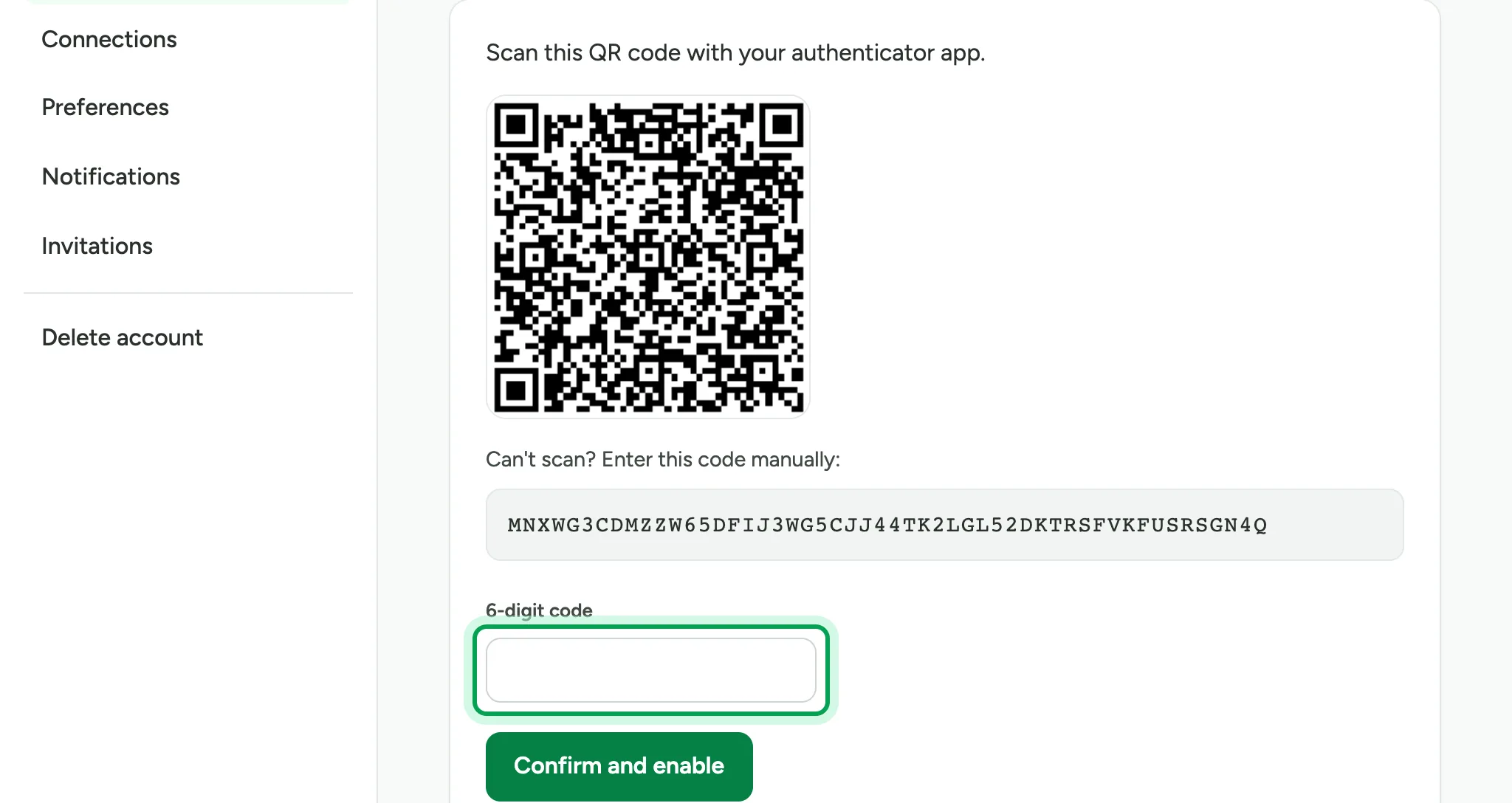
Choose Confirm and enable.
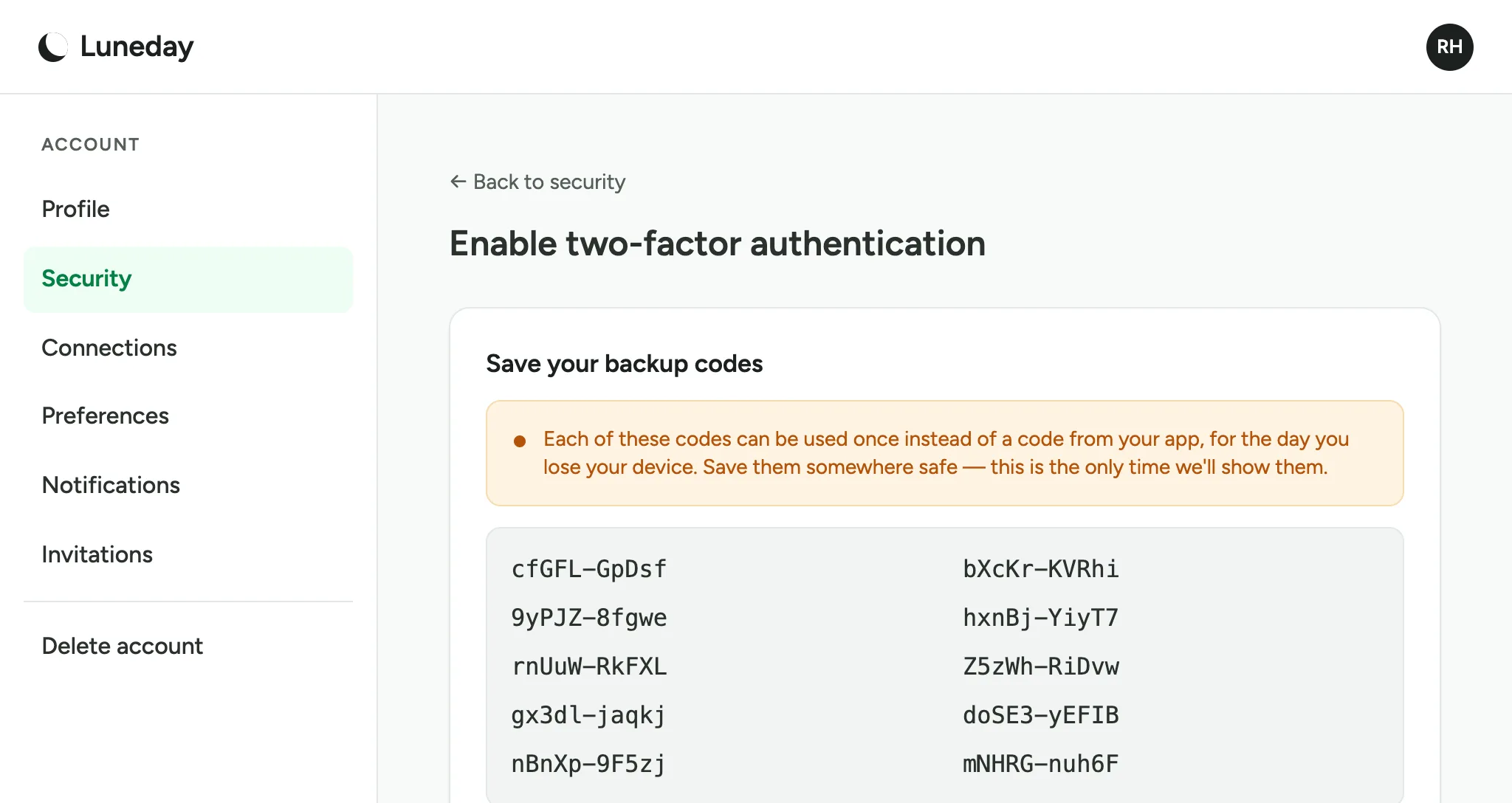
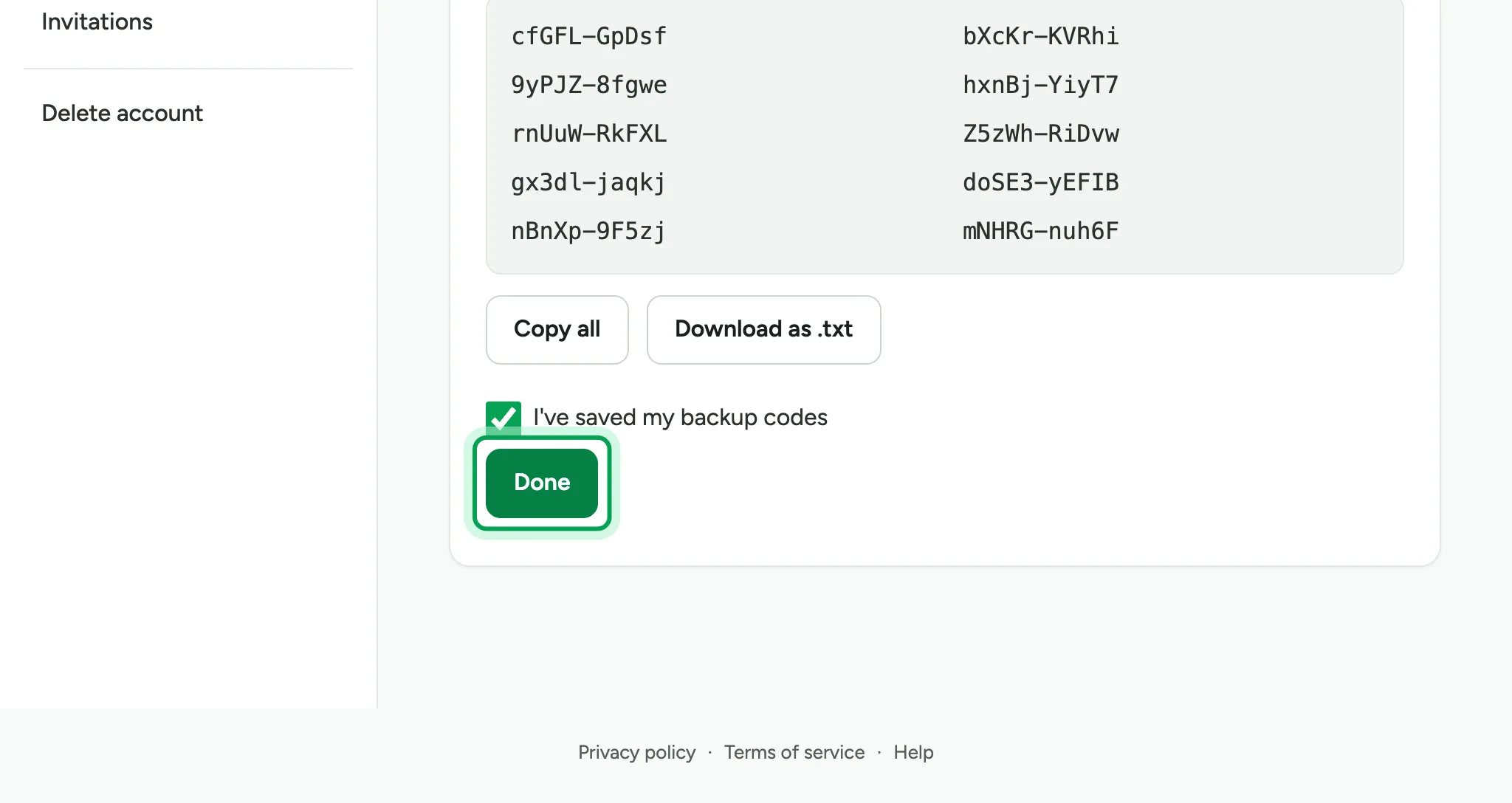
Save your backup codes. Each one lets you sign in once if you lose your phone. Luneday shows them only once.
Copy or download the codes, then tick I've saved my backup codes.
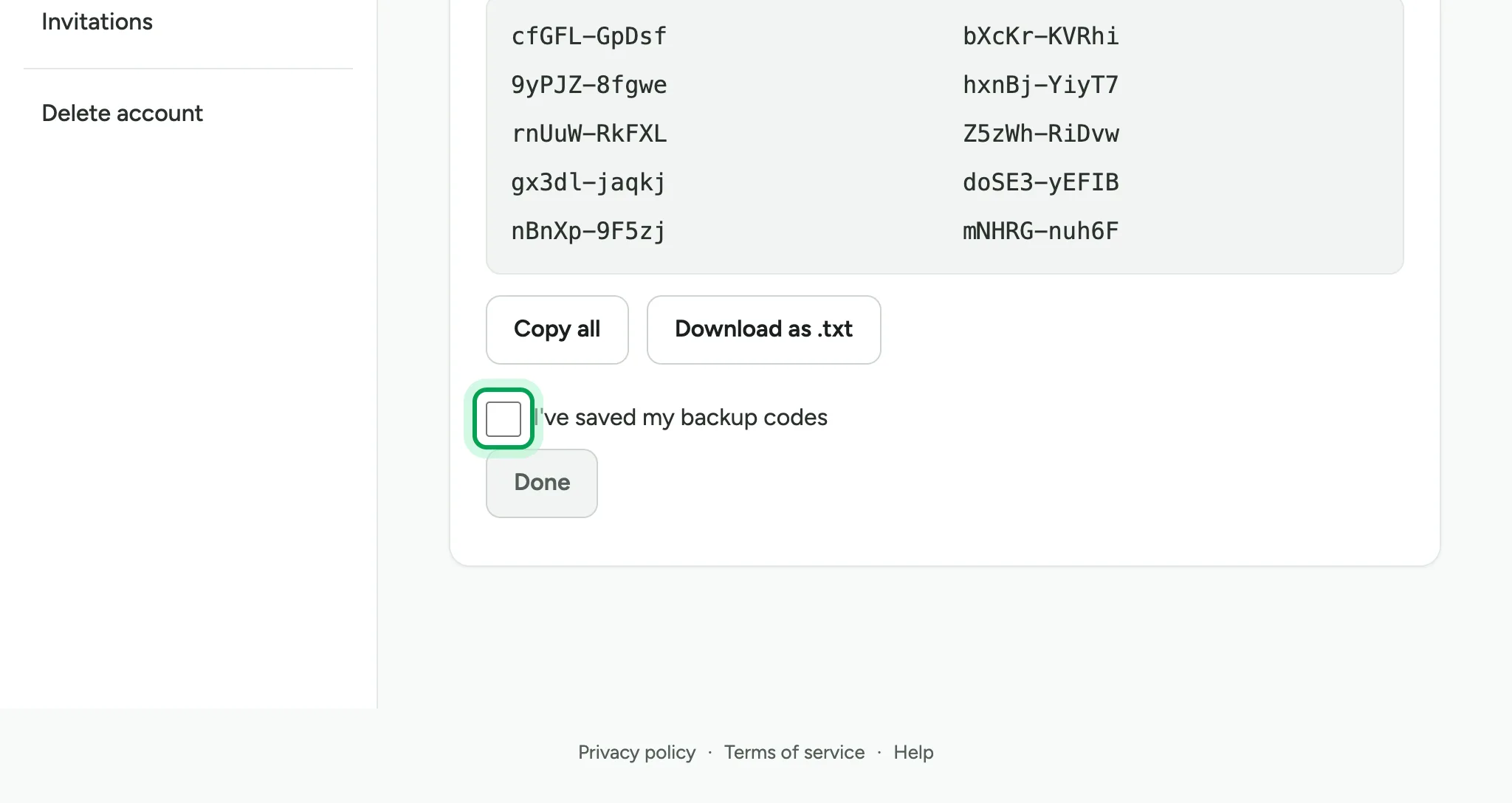
Choose Done. Two-factor sign-in is now on.
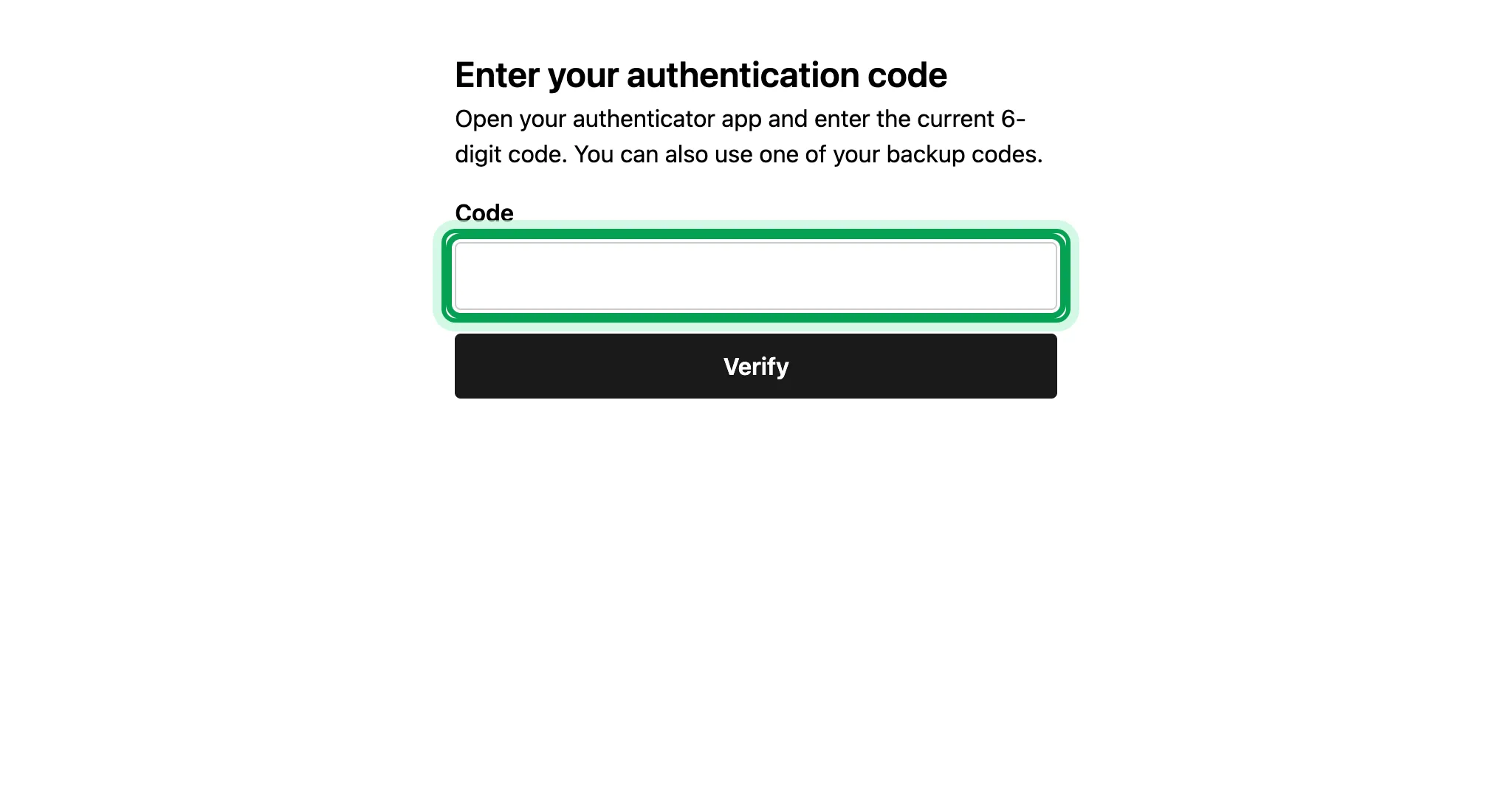
The next time you sign in, Luneday asks for a code after the email link. Type the code from your app.
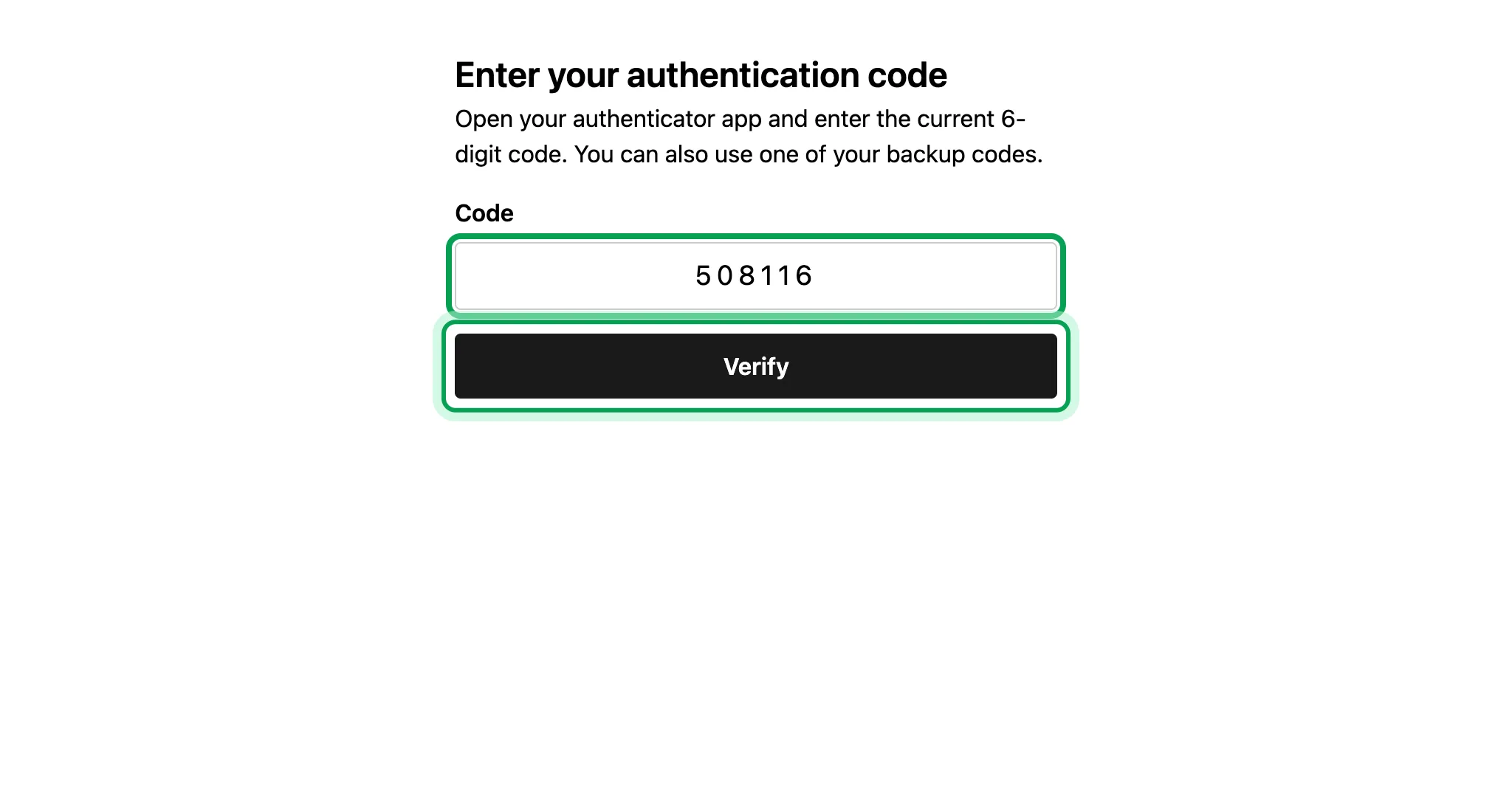
Choose Verify.
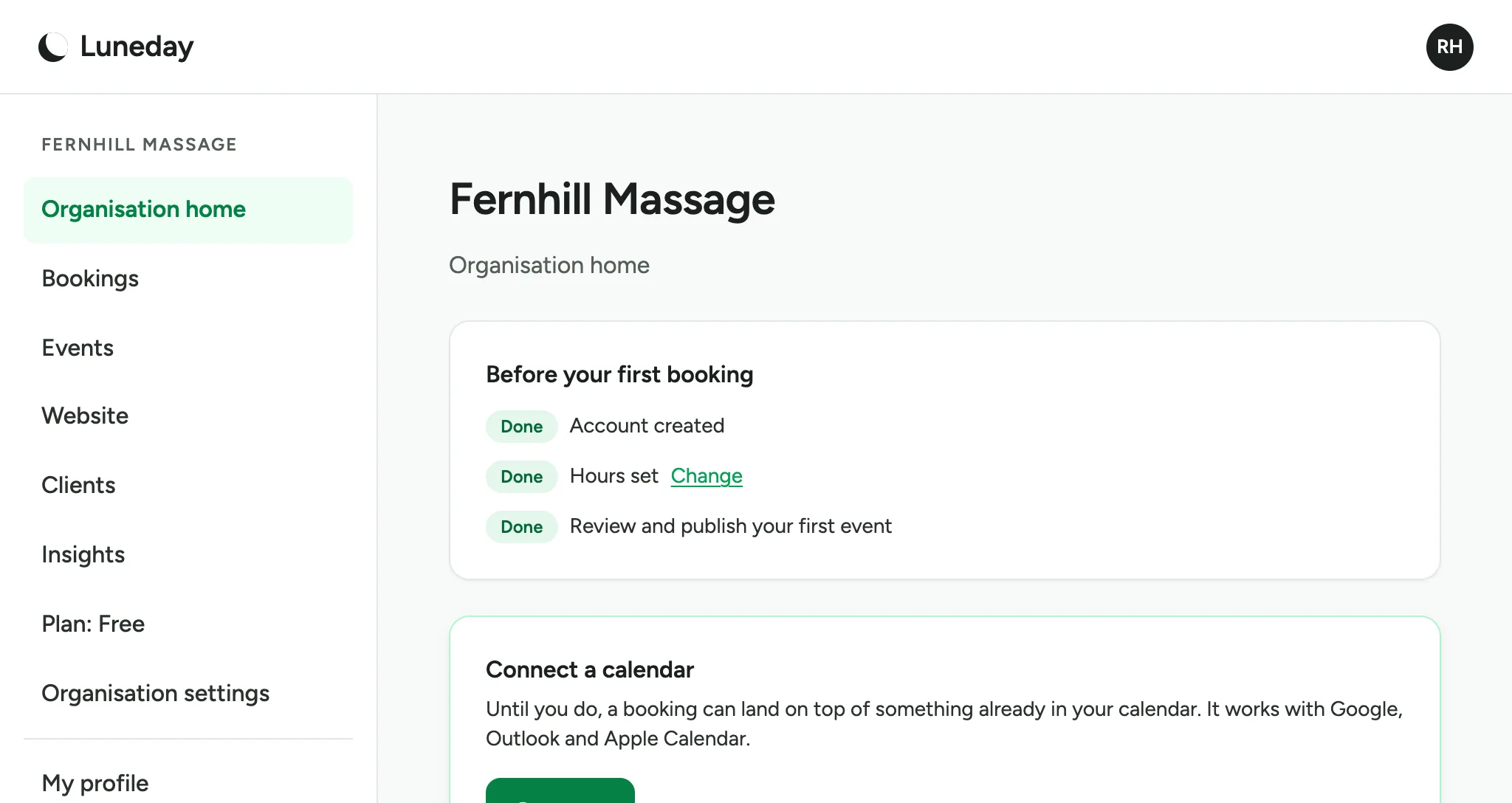
You are signed in.
Updated 15 November 2026.
Related: Choose which emails you get
Still stuck? Email hello@luneday.com.