Invite-only beta Luneday is open to invited hosts while we finish building. Ask for an invite

← All help

Use your own domain

Put your booking pages on an address of your own.
Steps

  1. A custom domain comes with the Solo and Teams plans.
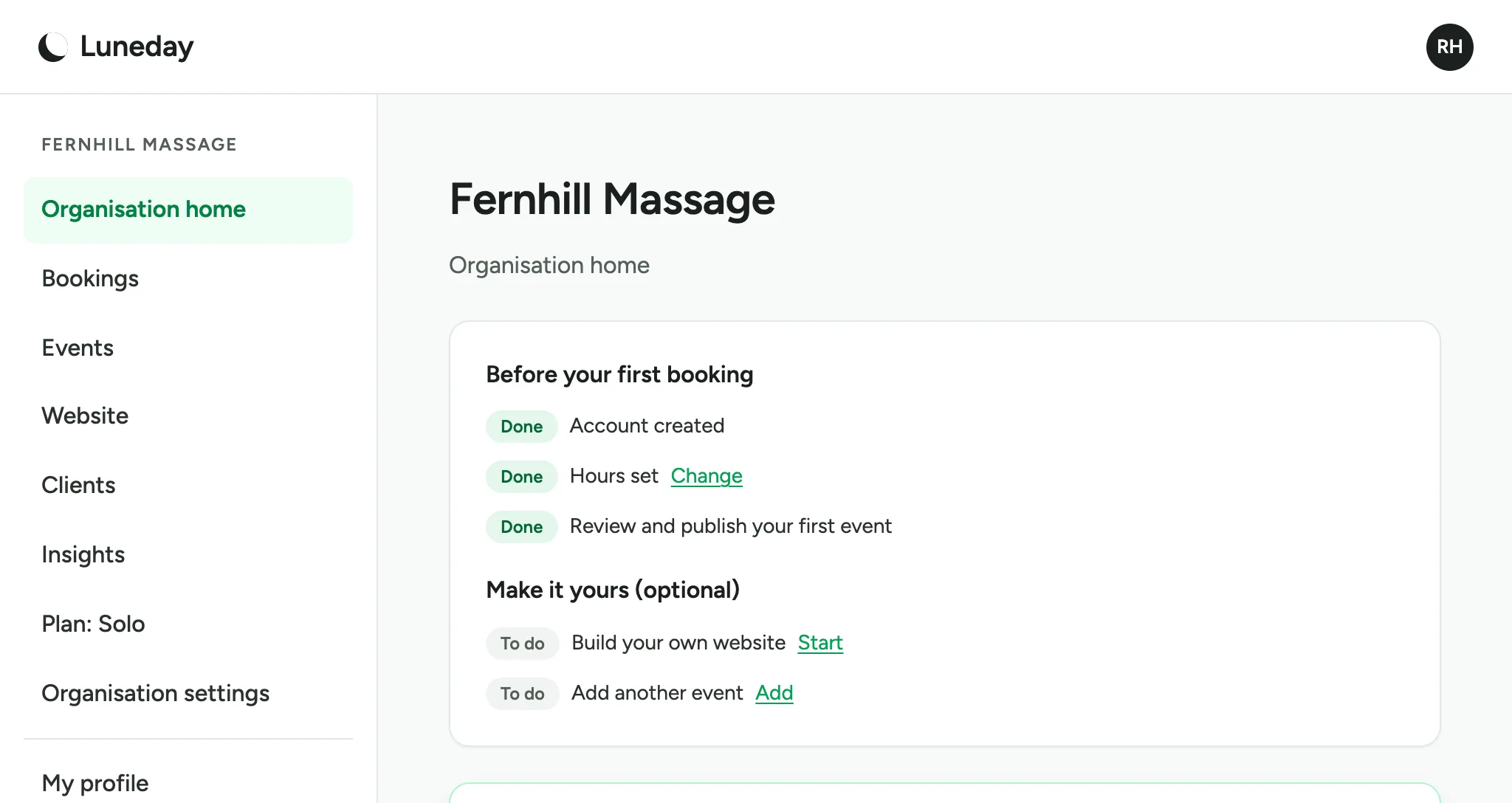
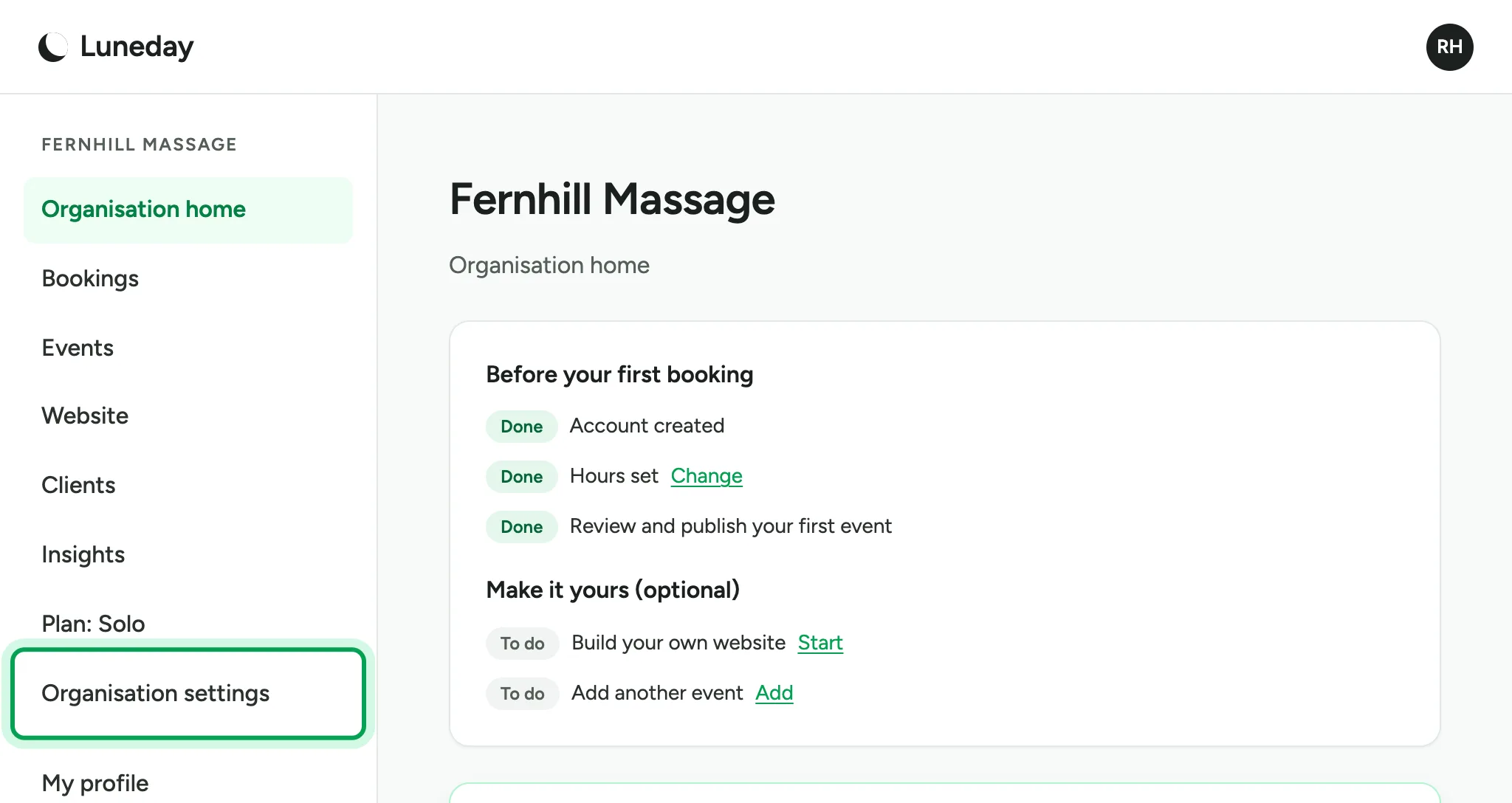
    The organisation home page, with Plan: Solo and Organisation settings in the menu.
  2. Choose Organisation settings.

    The organisation home page, with Organisation settings ringed in the menu.
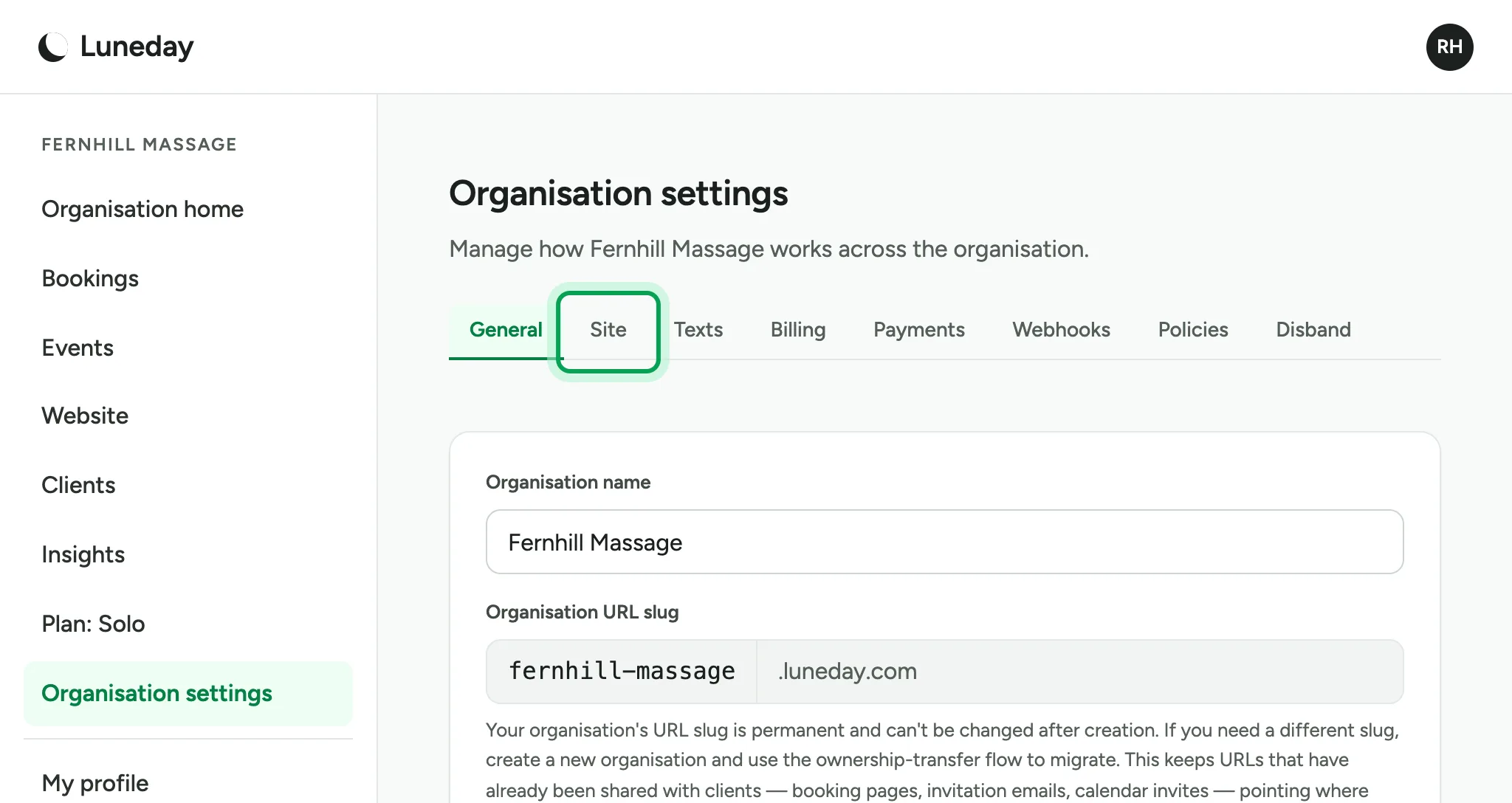
  3. Choose the Site tab.

    Organisation settings on the General tab, with the Site tab ringed.
  4. Under Domain, type the address you want, such as book.yourbusiness.com.
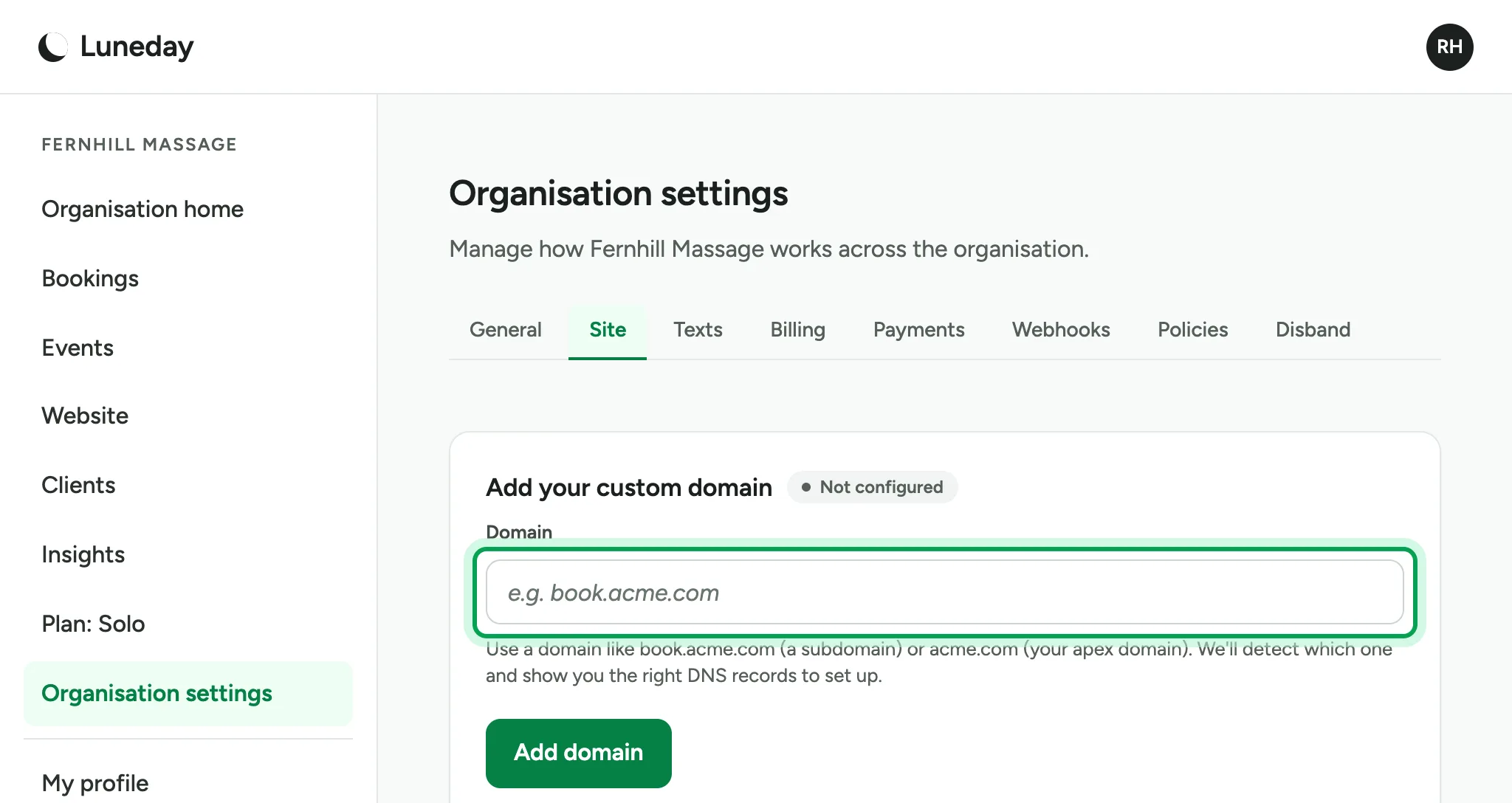
    The Add your custom domain card, marked Not configured, with the empty Domain box ringed.
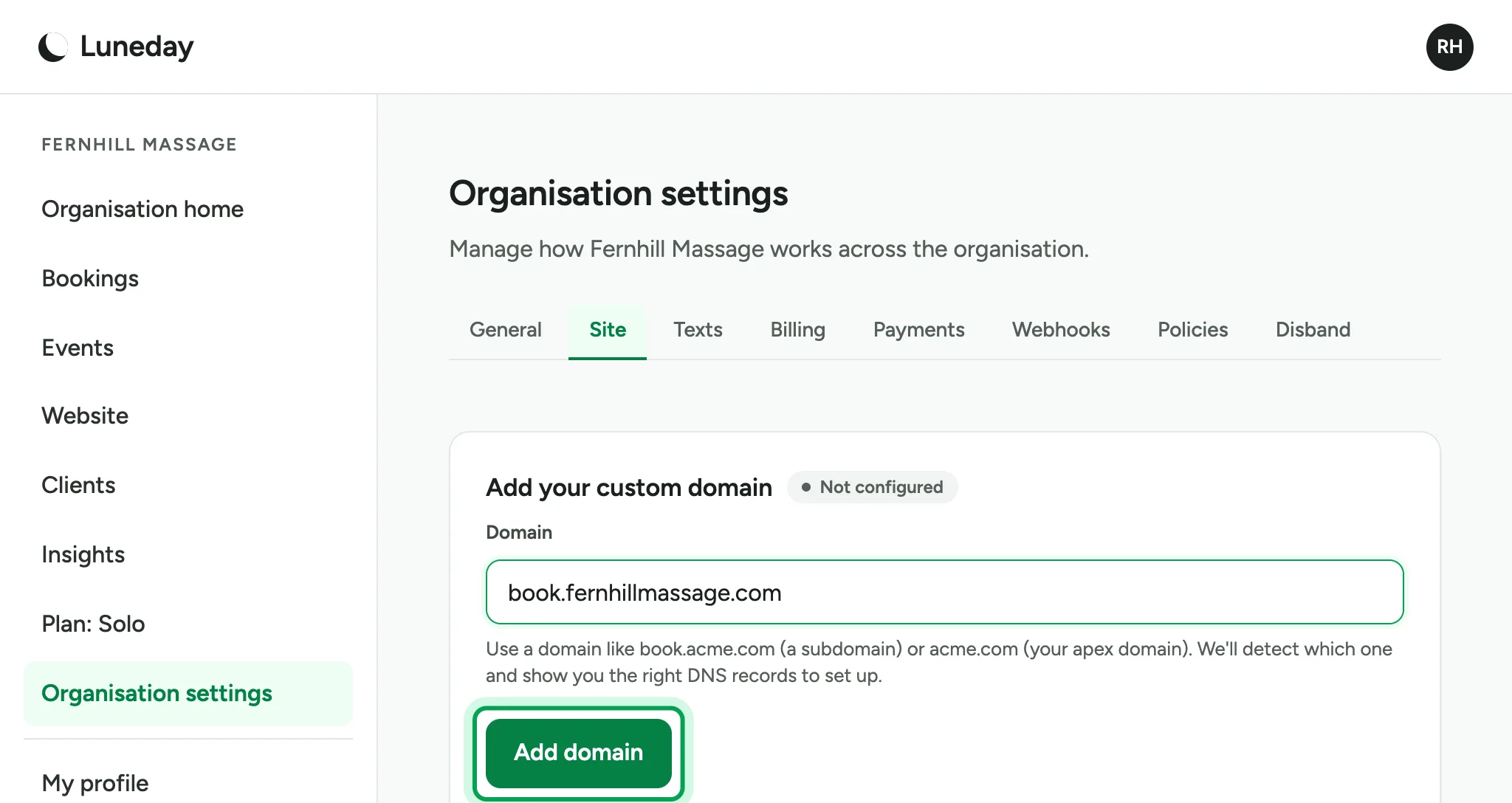
  5. Choose Add domain.

    The Domain box filled in as book.fernhillmassage.com, with Add domain ringed.
  6. Luneday shows one DNS record. Add it at your DNS provider, the company that holds your domain.
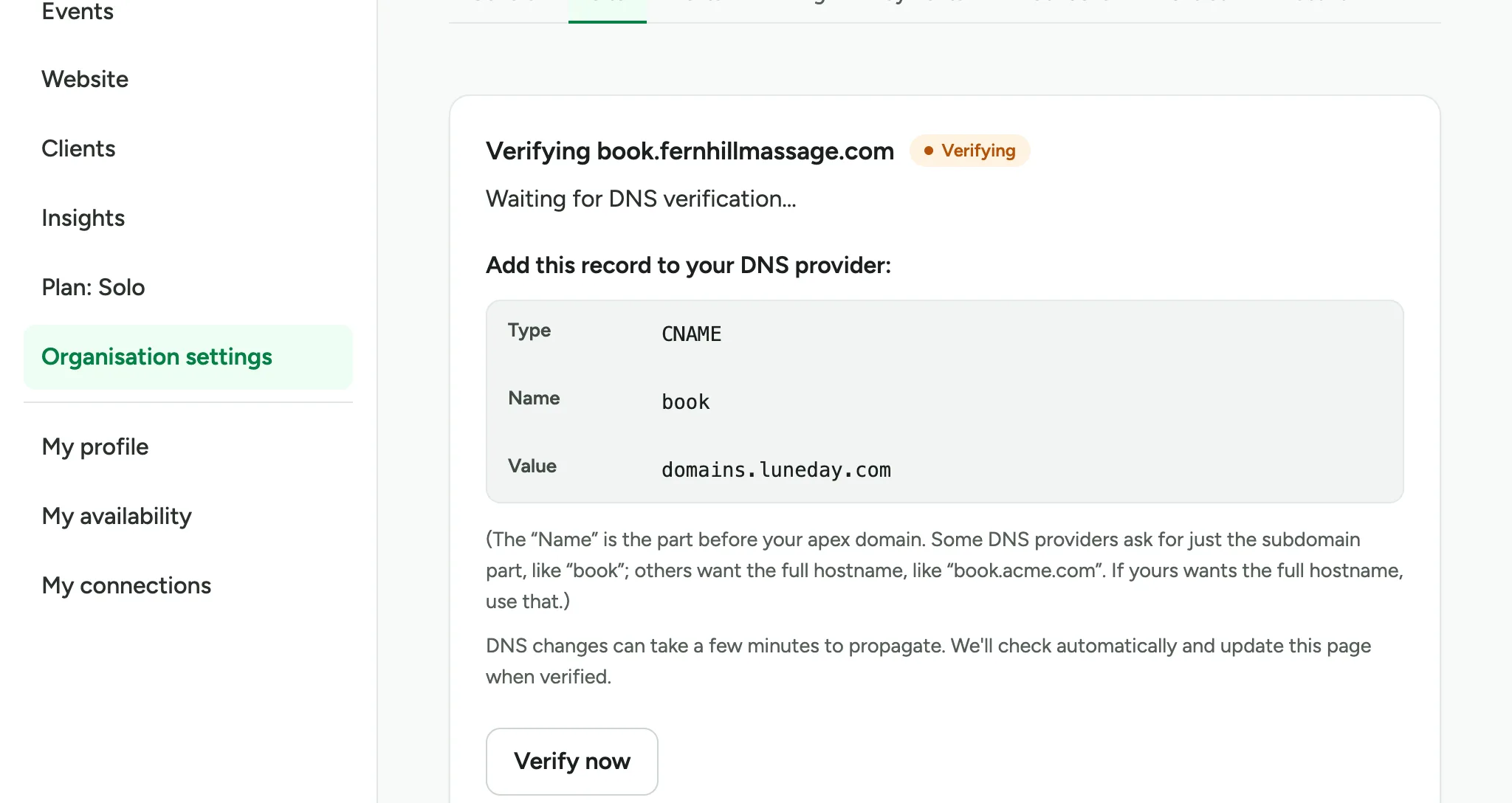
    A CNAME record named book with the value domains.luneday.com, marked Verifying. Your DNS provider's own site is not shown.
  7. Come back to the Site tab and choose Verify now. DNS changes can take a few minutes.
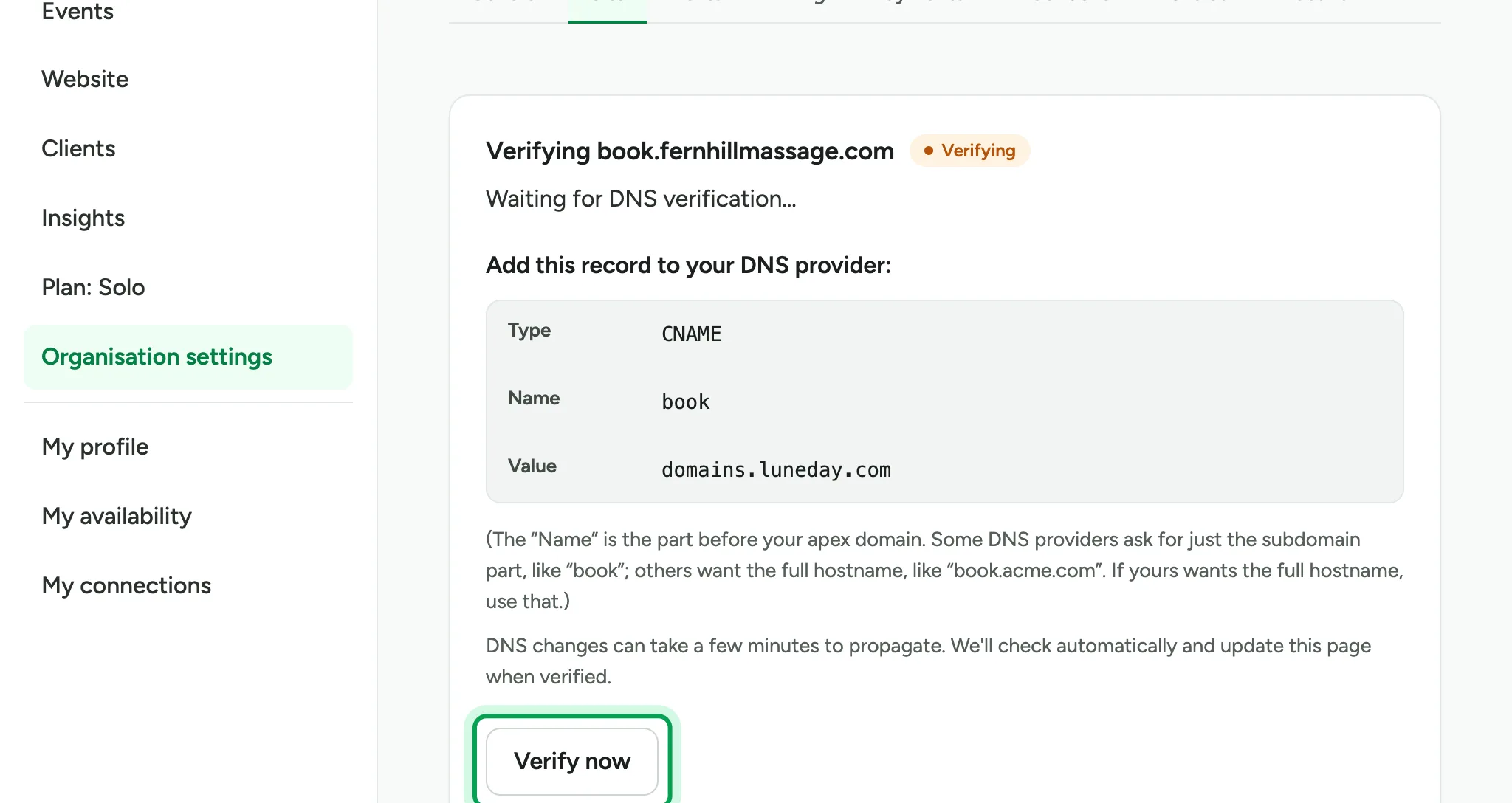
    The same DNS record card, with Verify now ringed below it.
  8. Luneday then gets a certificate for your domain. You have nothing more to do.
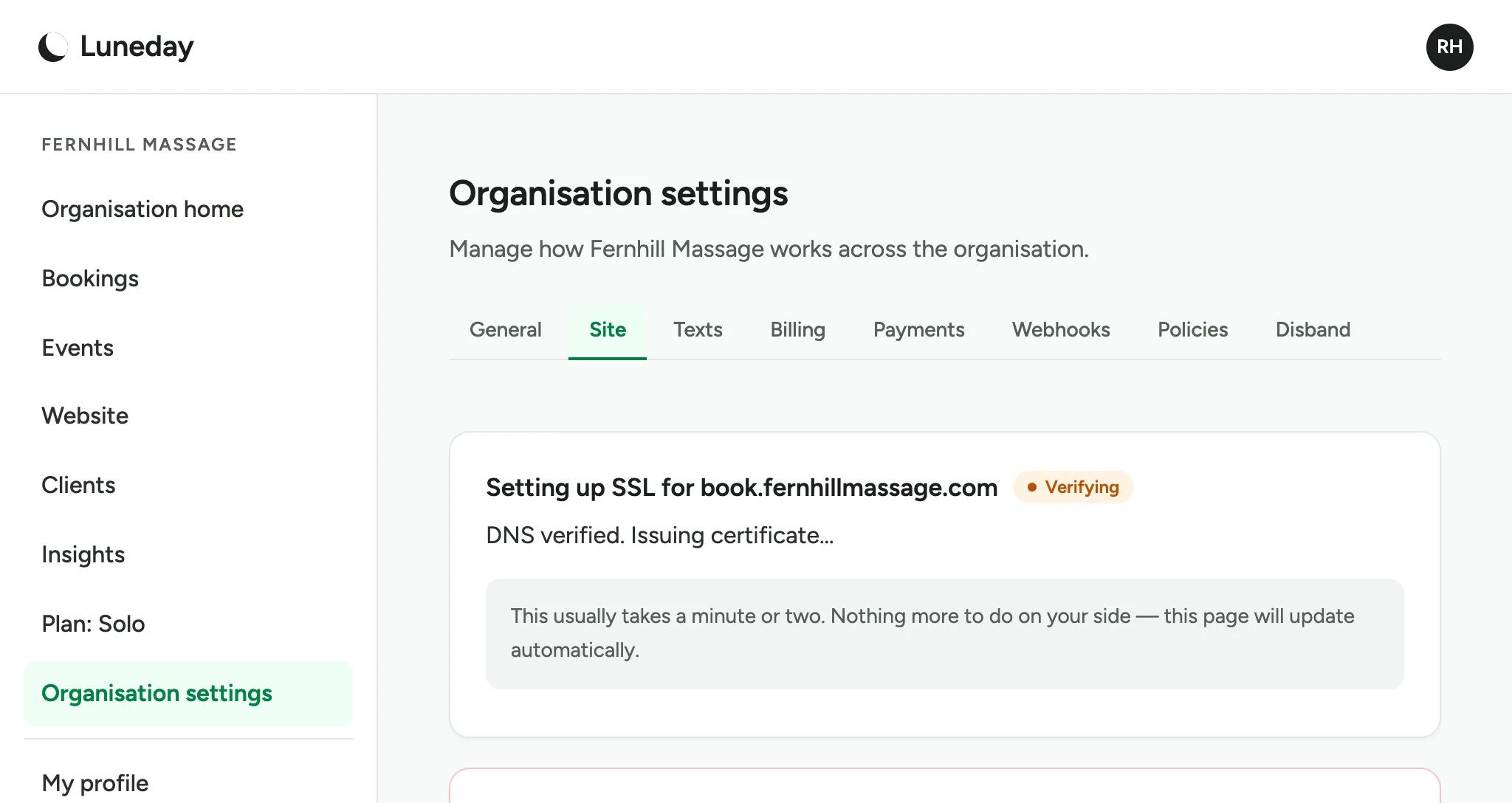
    A Setting up SSL card reading DNS verified, issuing certificate.
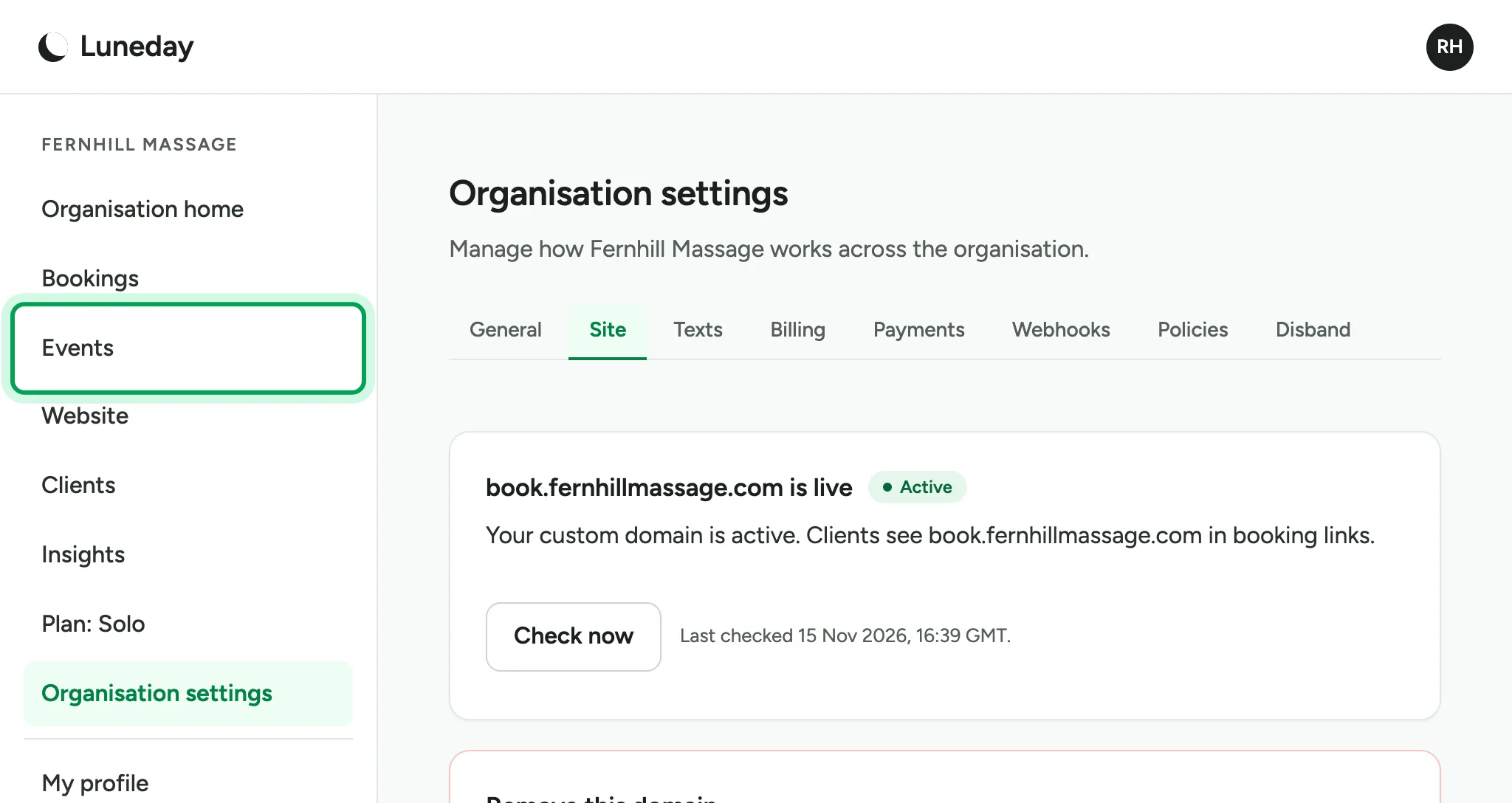
  9. When the certificate is ready, your domain shows Active.
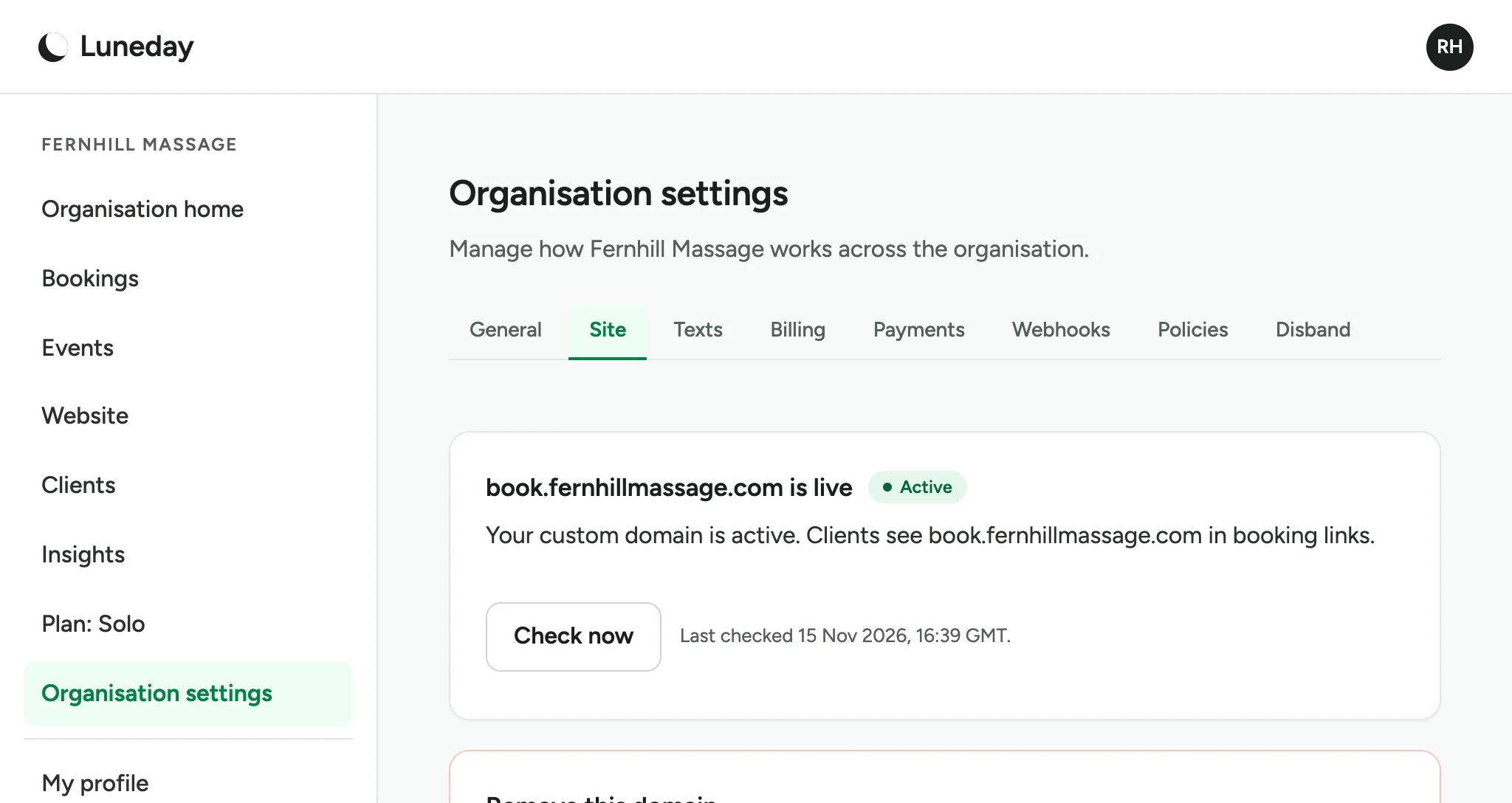
    book.fernhillmassage.com is live, marked Active, with a Check now button.
  10. Go to Events.

    The Active domain card, with Events ringed in the menu.
  11. Choose Edit beside an event.

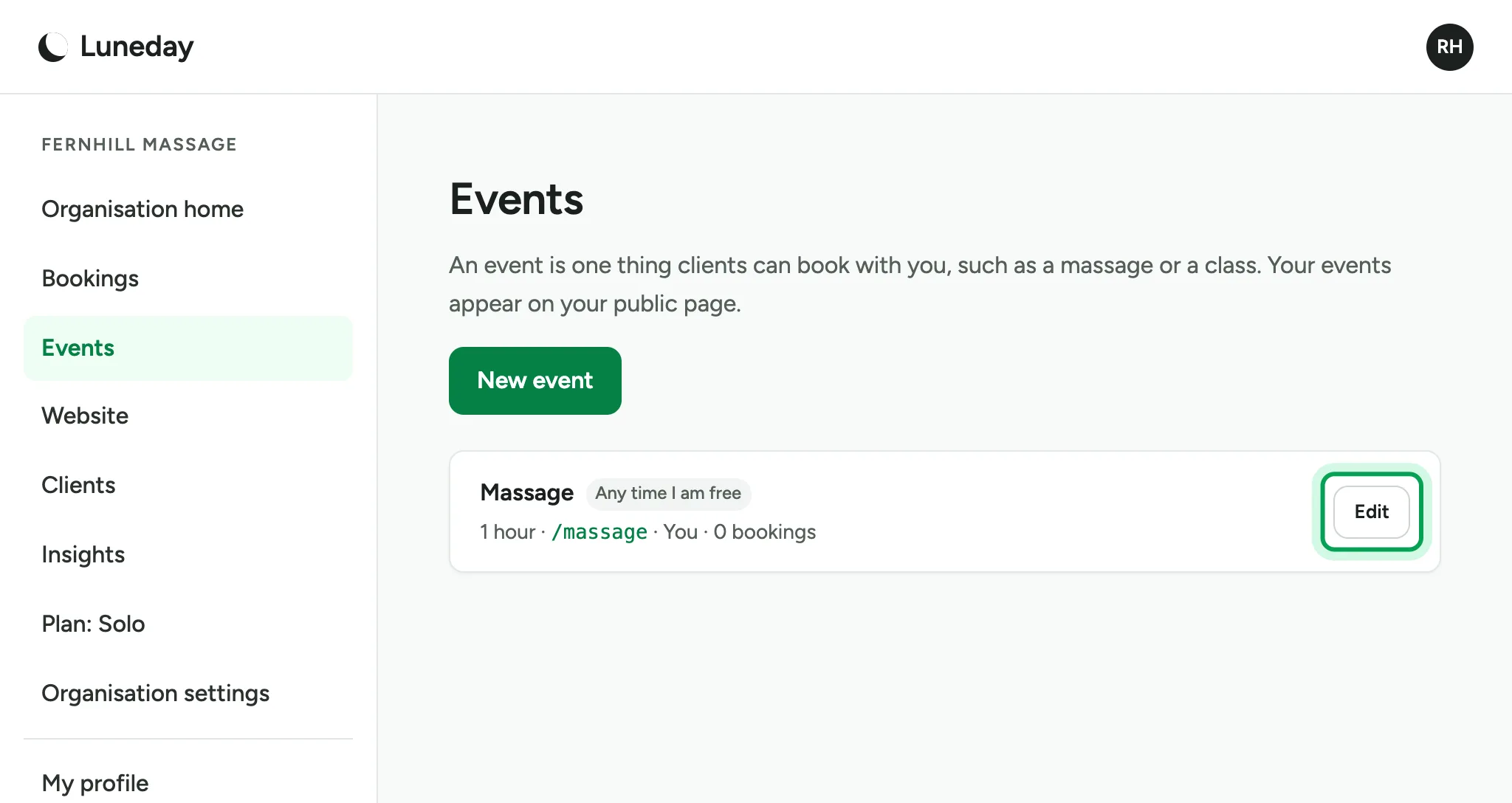
    The Events list with one event, Massage, and its Edit button ringed.
  12. Your booking links now use your own domain.
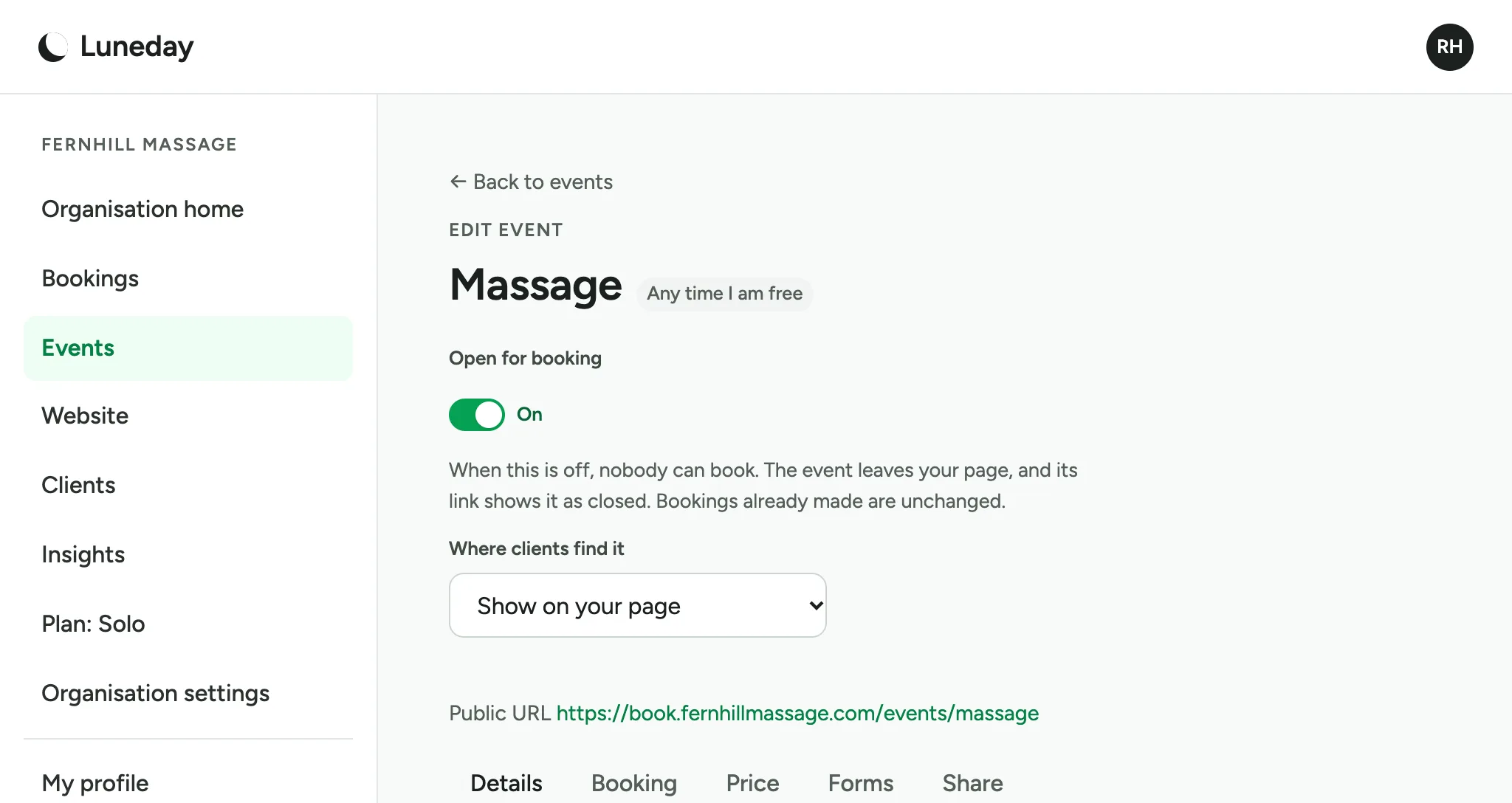
    The Massage event's edit page, with a Public URL on book.fernhillmassage.com.

Updated 15 November 2026.

Related: Build your website · Brand your booking pages

Still stuck? Email hello@luneday.com.