Send text reminders
Text your clients a reminder before each booking.
Steps
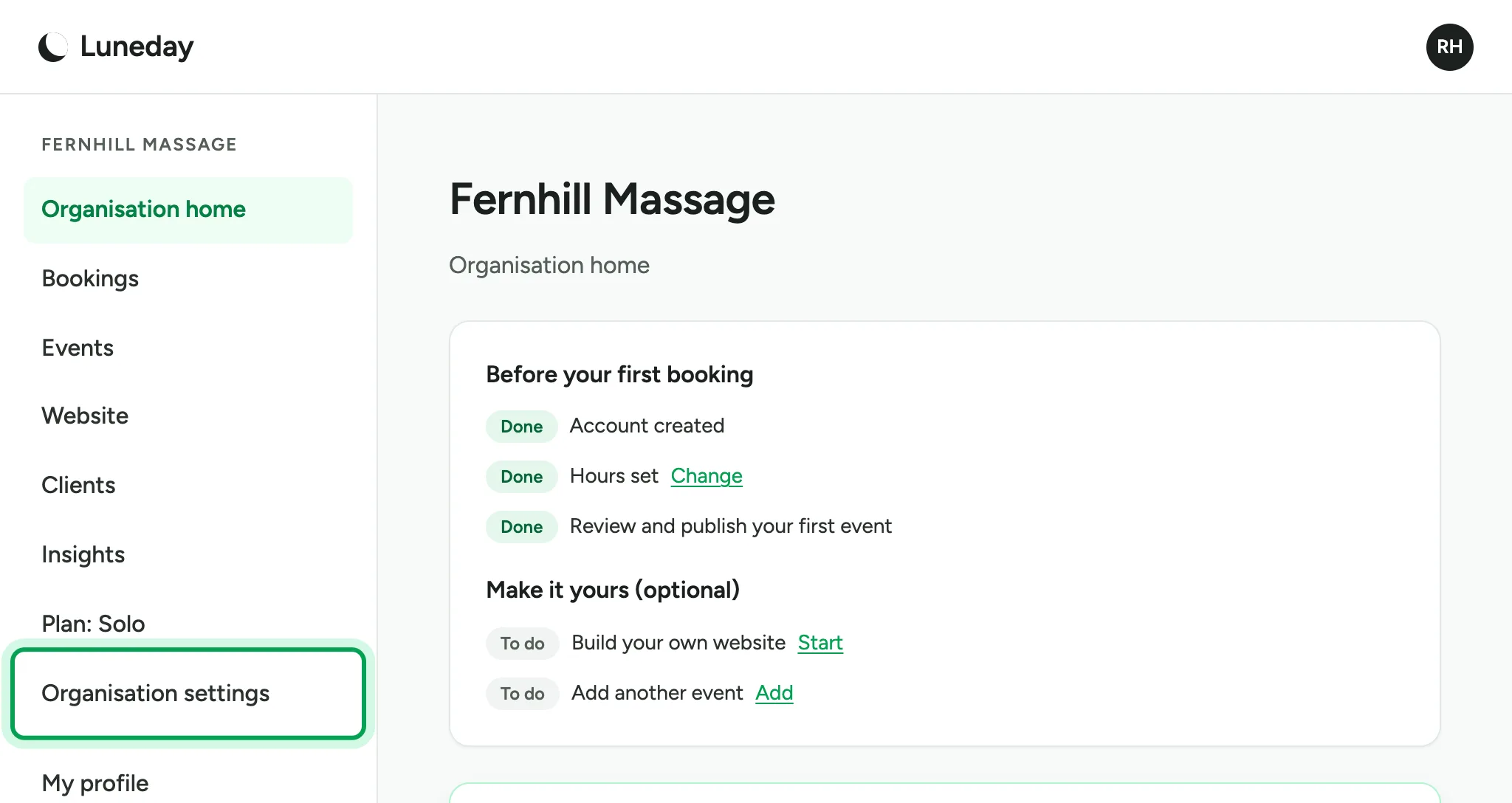
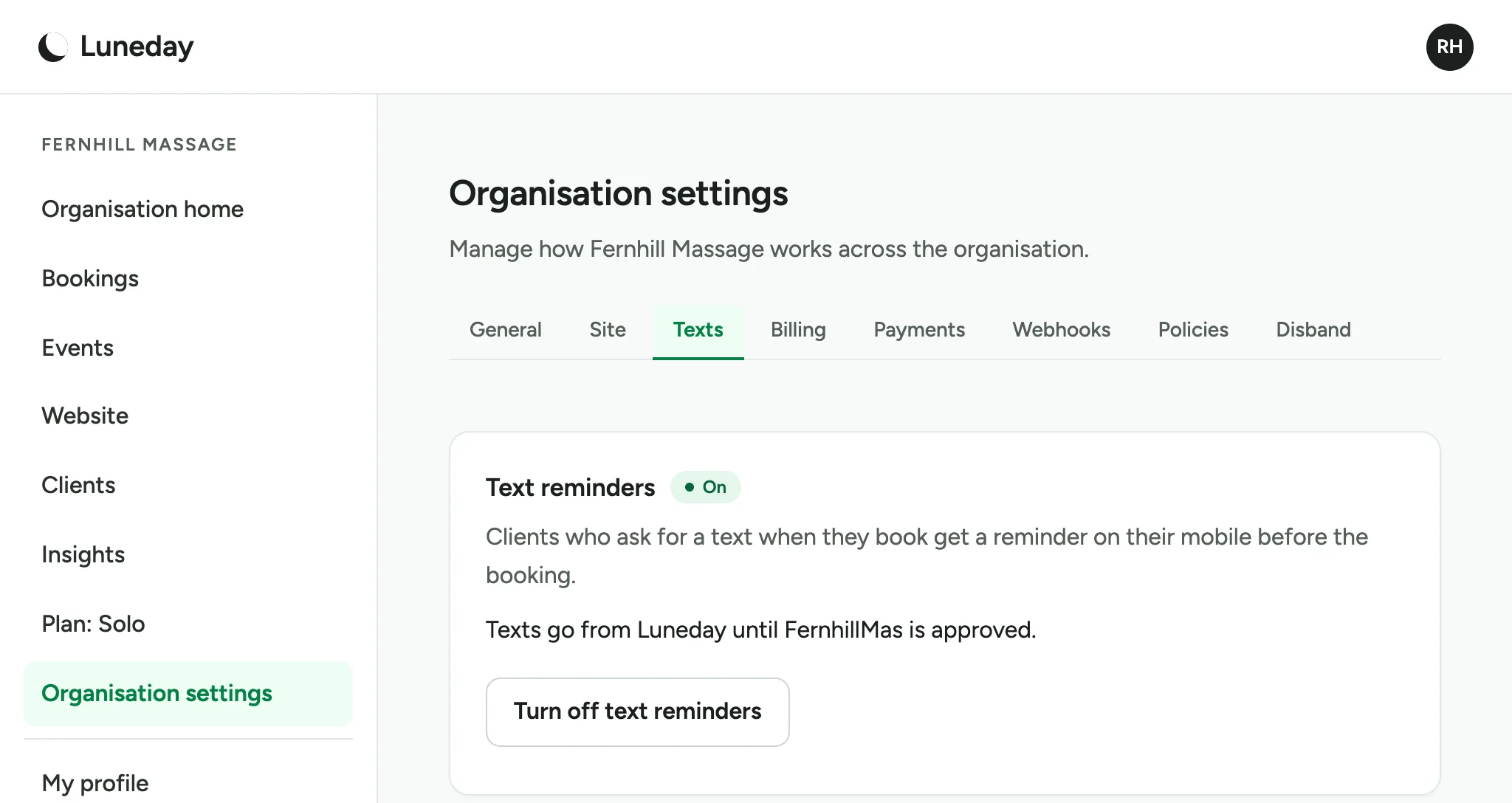
Text reminders come with Solo and Teams. Choose Organisation settings.
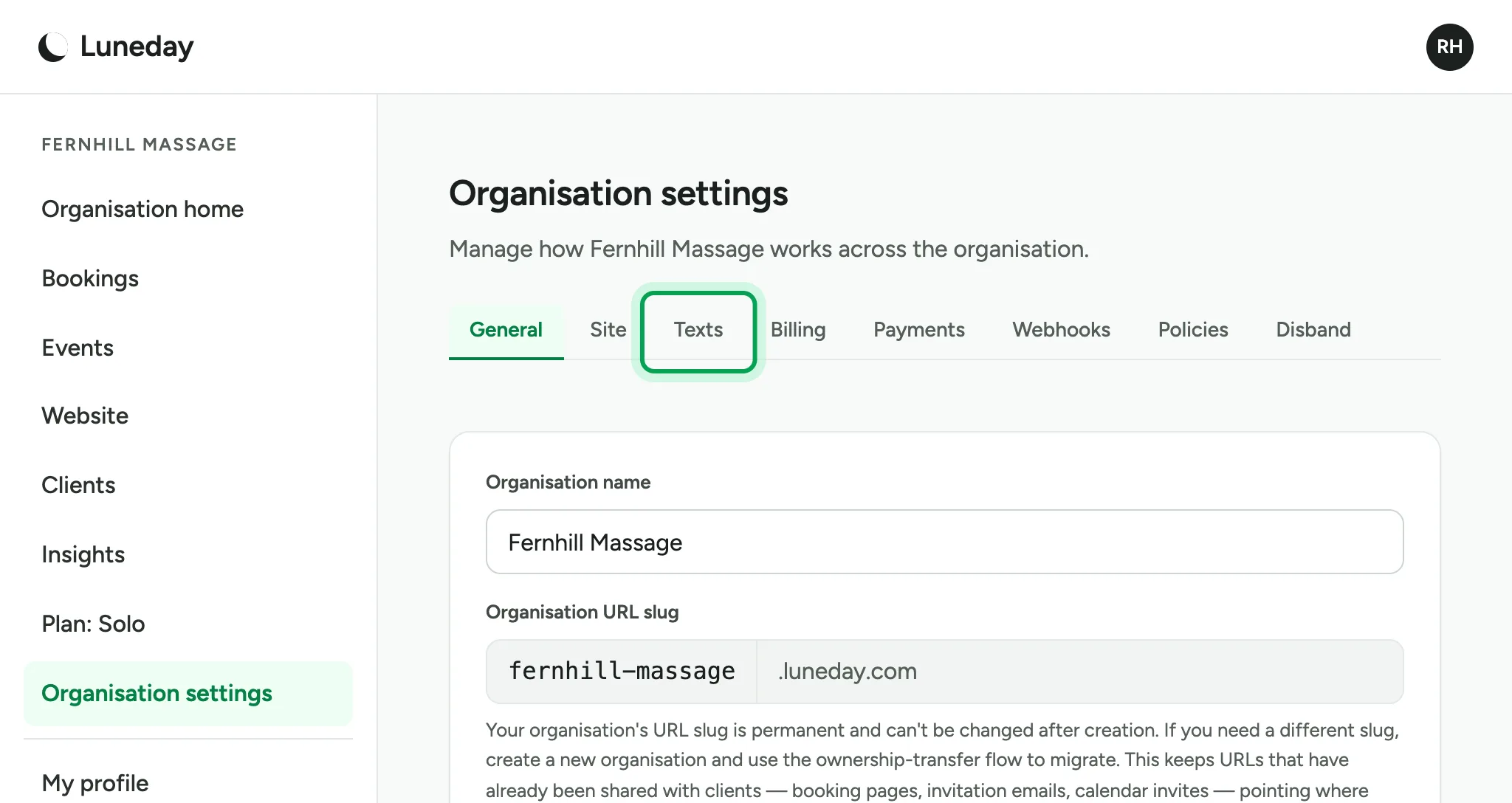
Choose the Texts tab.
Choose Turn on text reminders.
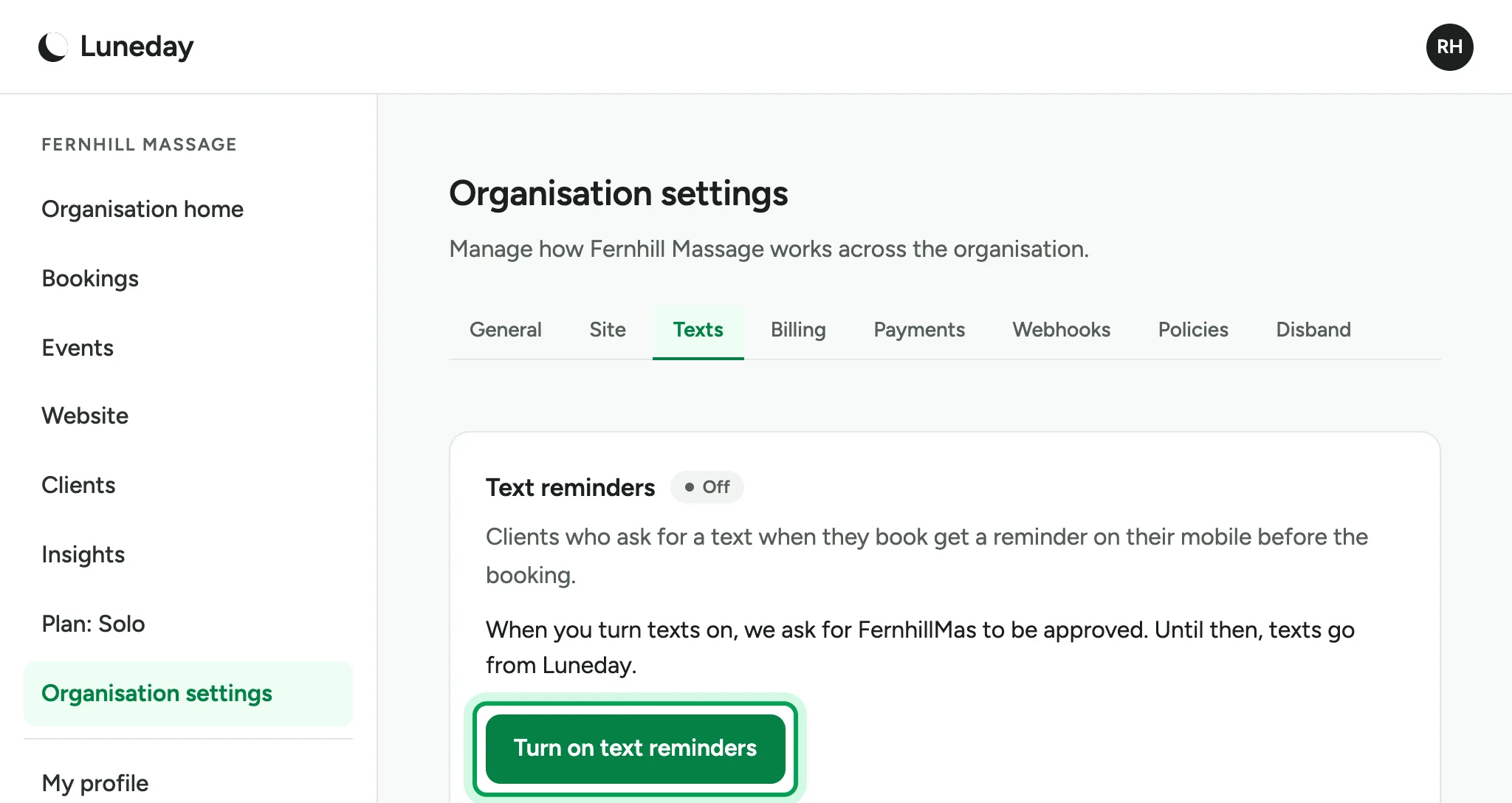
Texts go from Luneday until your organisation's name is approved, usually within two working days. After that, they go from your name.
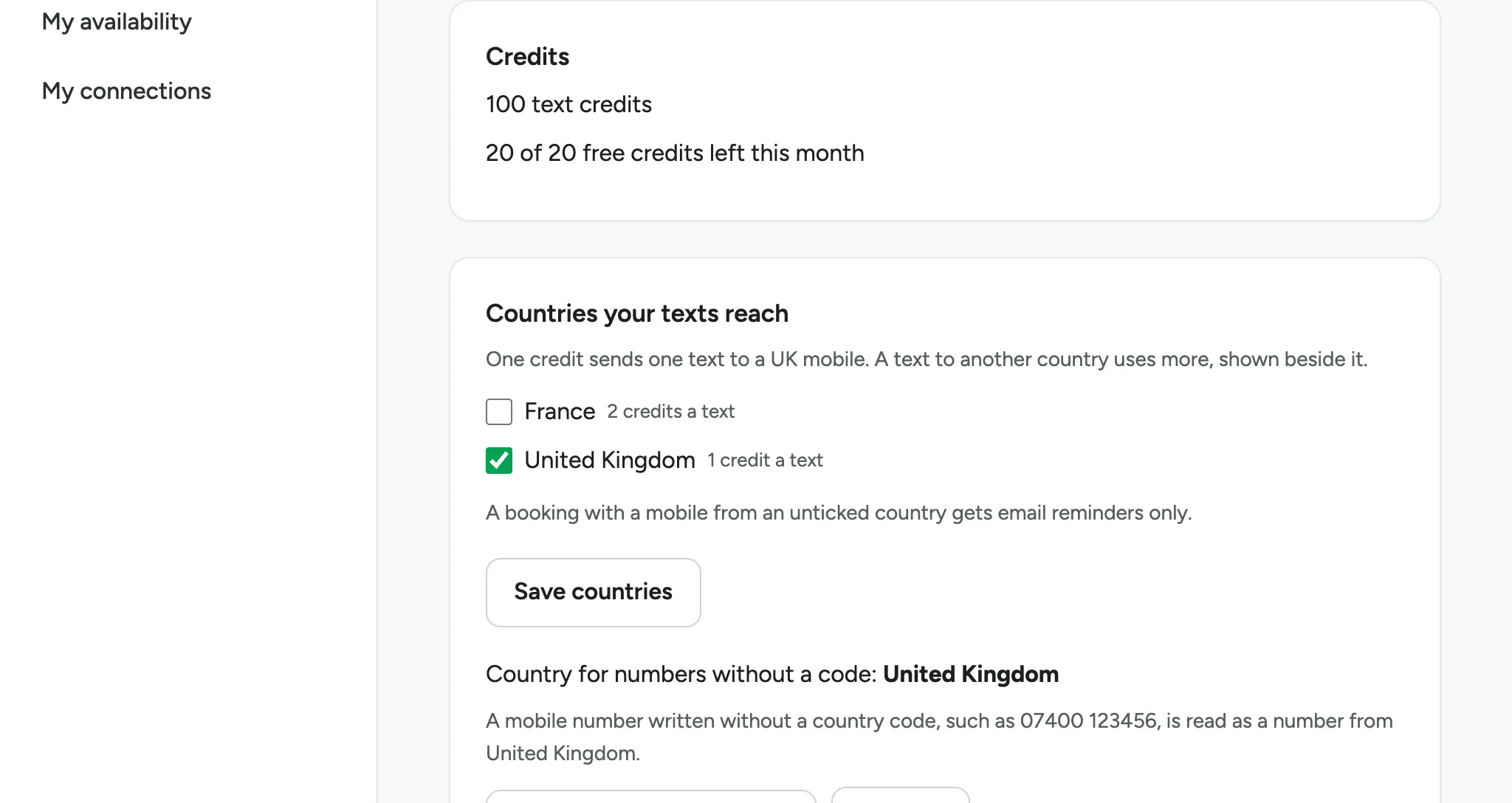
Solo includes 20 free credits a month, and Teams 50. Free credits do not carry over to the next month. One credit sends one text to a UK mobile.
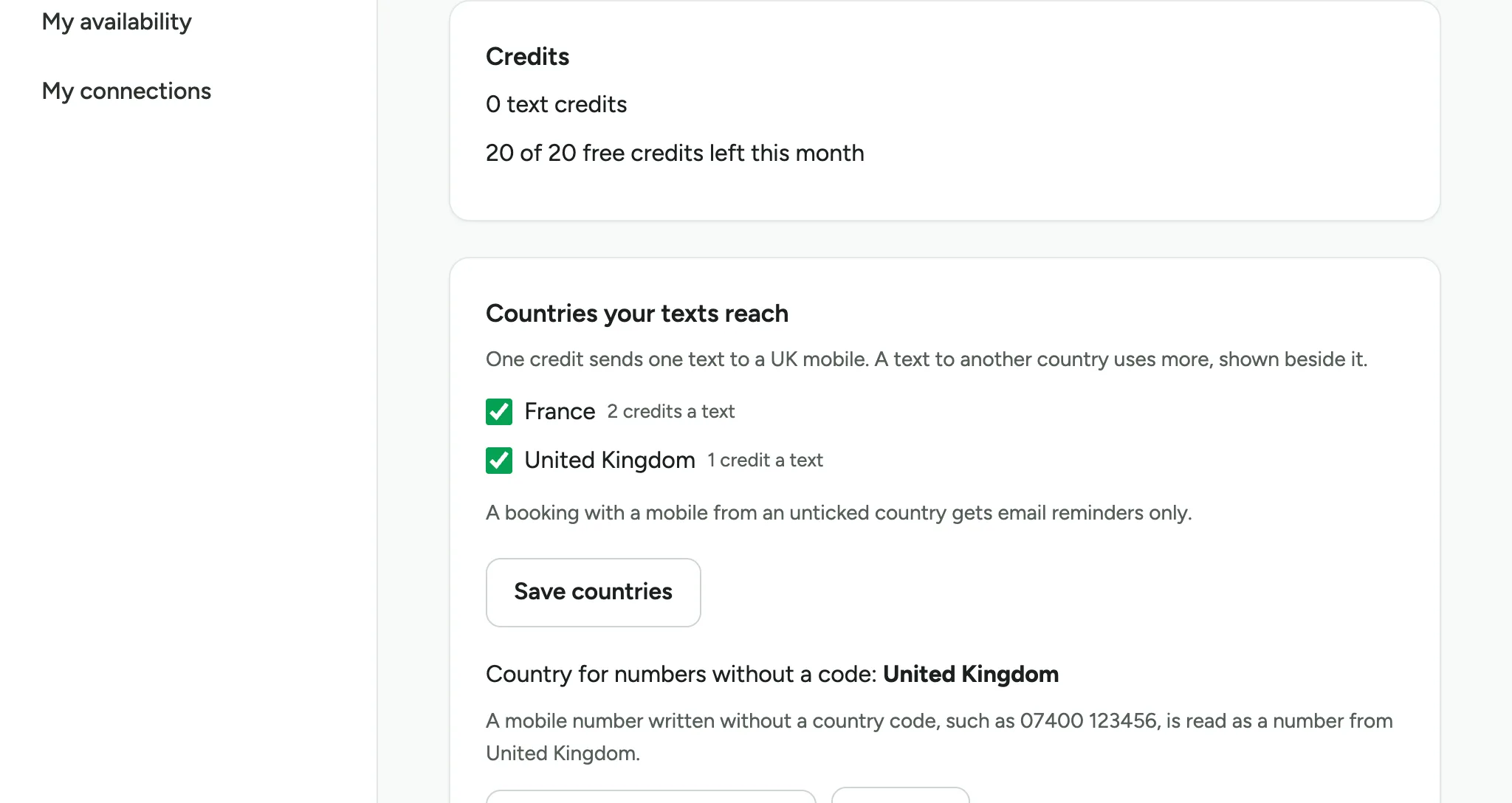
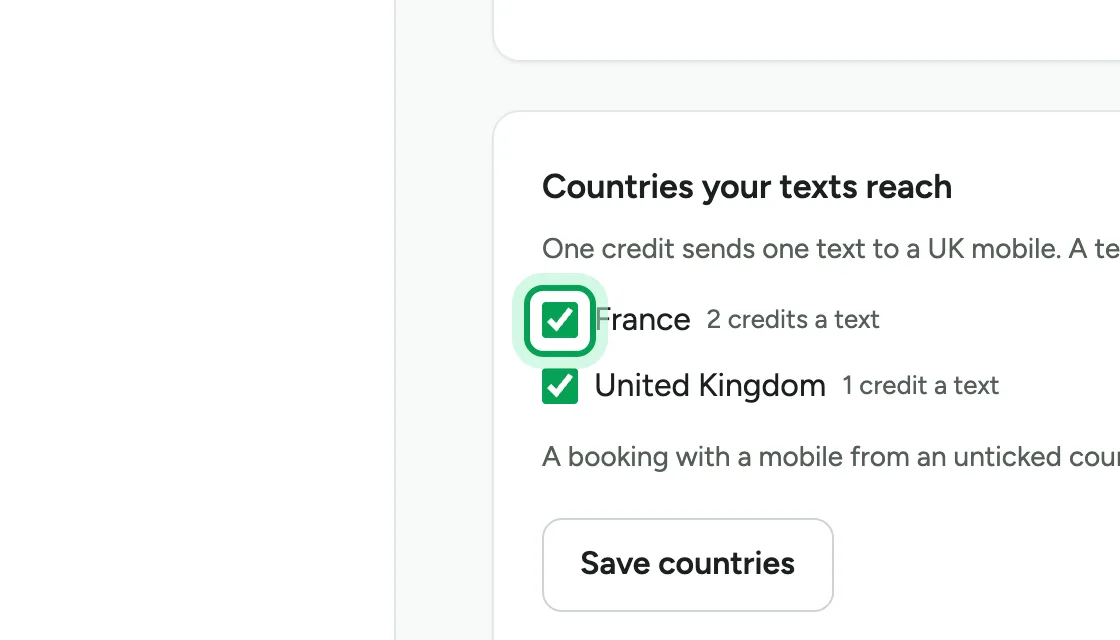
Under Countries your texts reach, every open country is ticked. A text to another country uses more credits, shown beside it. Untick any country you do not want.
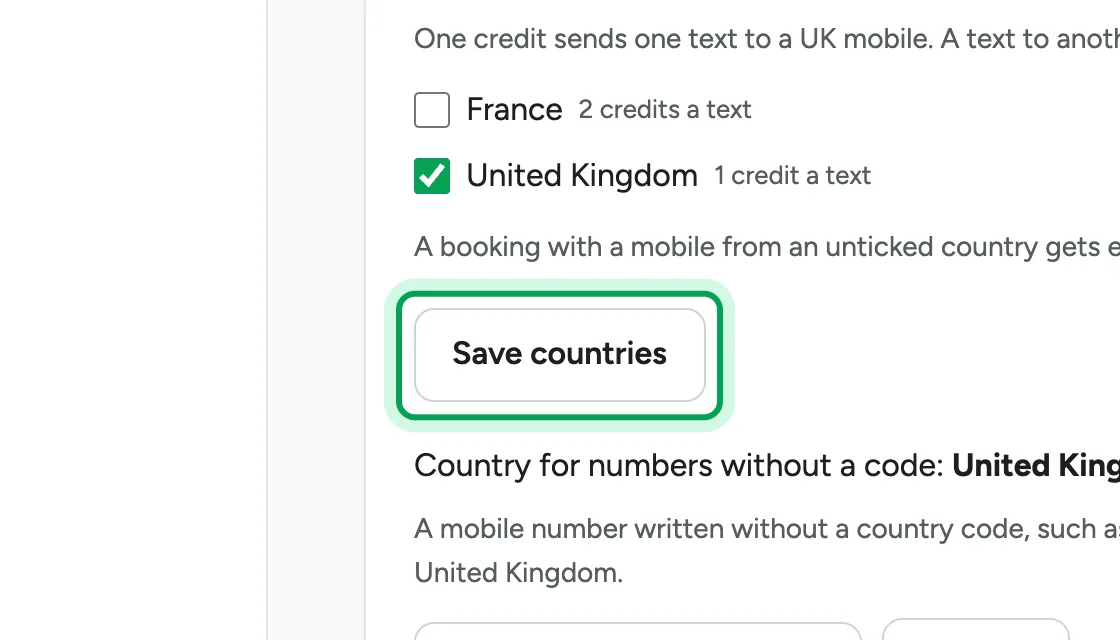
Choose Save countries. A booking with a mobile from an unticked country gets email reminders only.
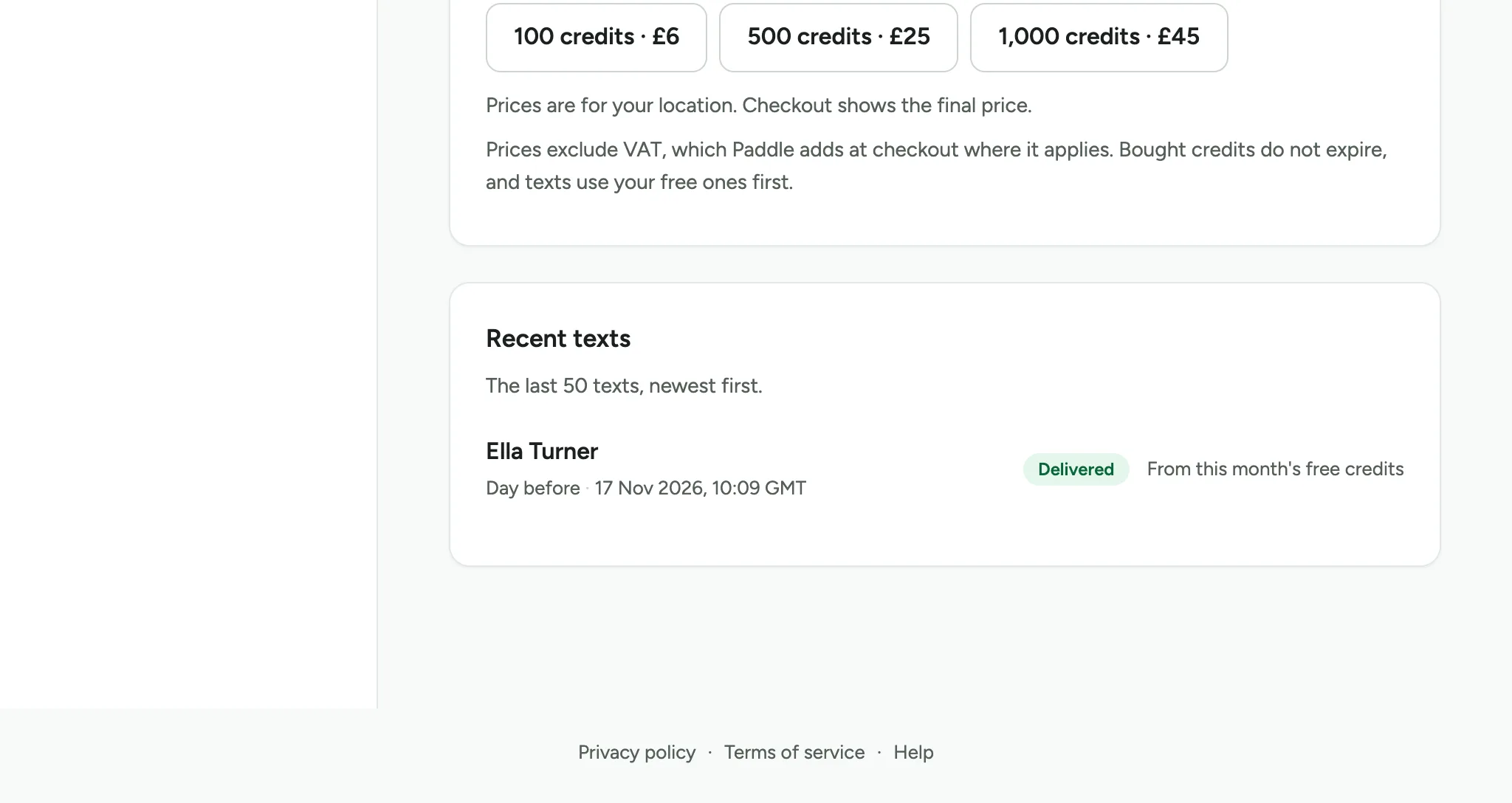
To buy more, choose a pack under Buy credits, then pay at Paddle's checkout.
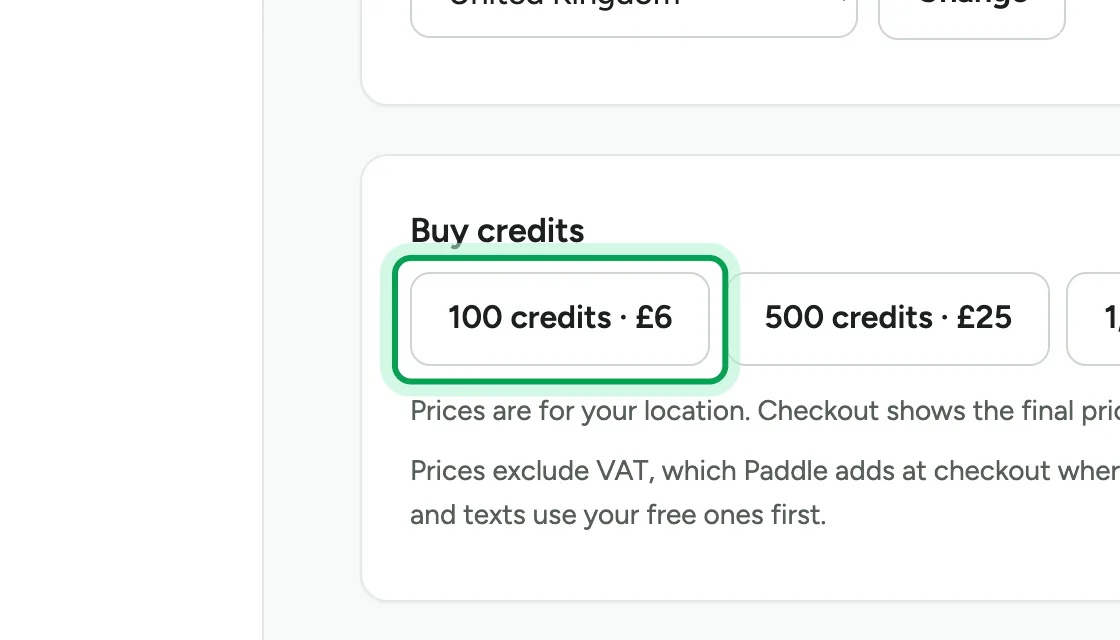
Your credits are added when the payment goes through. Bought credits never expire, and texts use your free credits first.
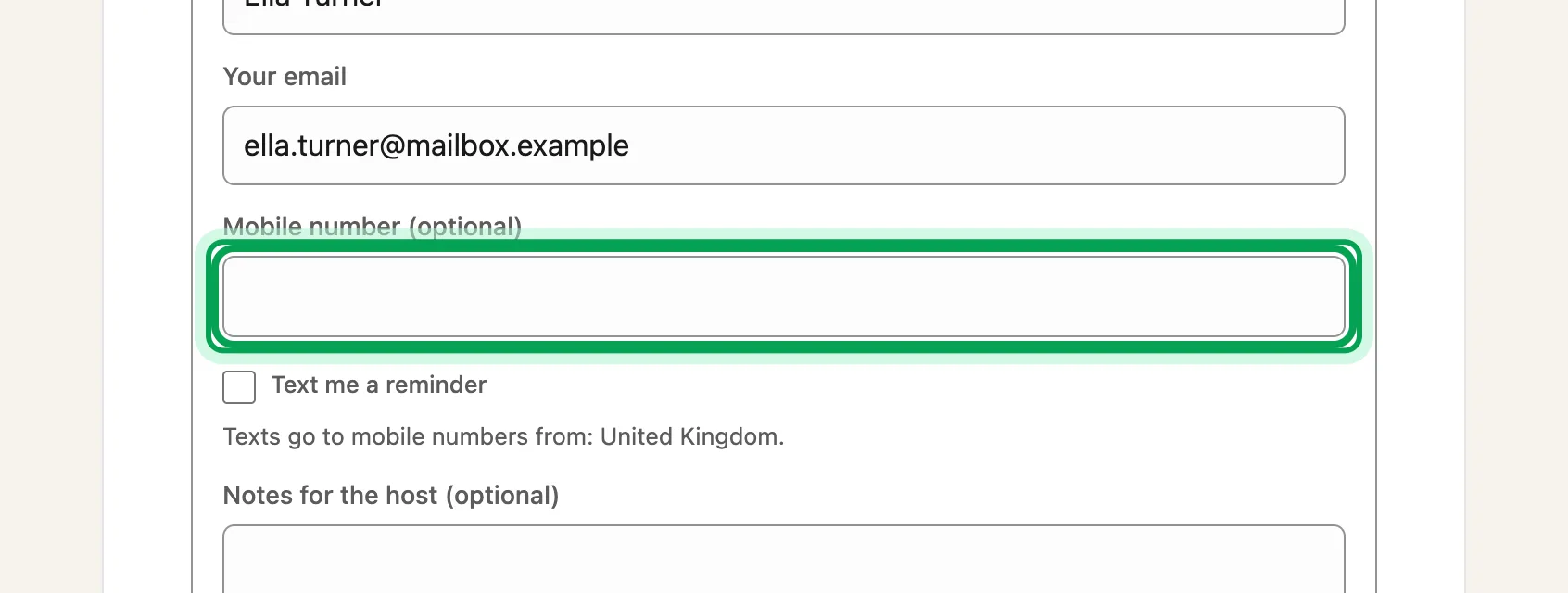
Clients now see a mobile number field when they book.
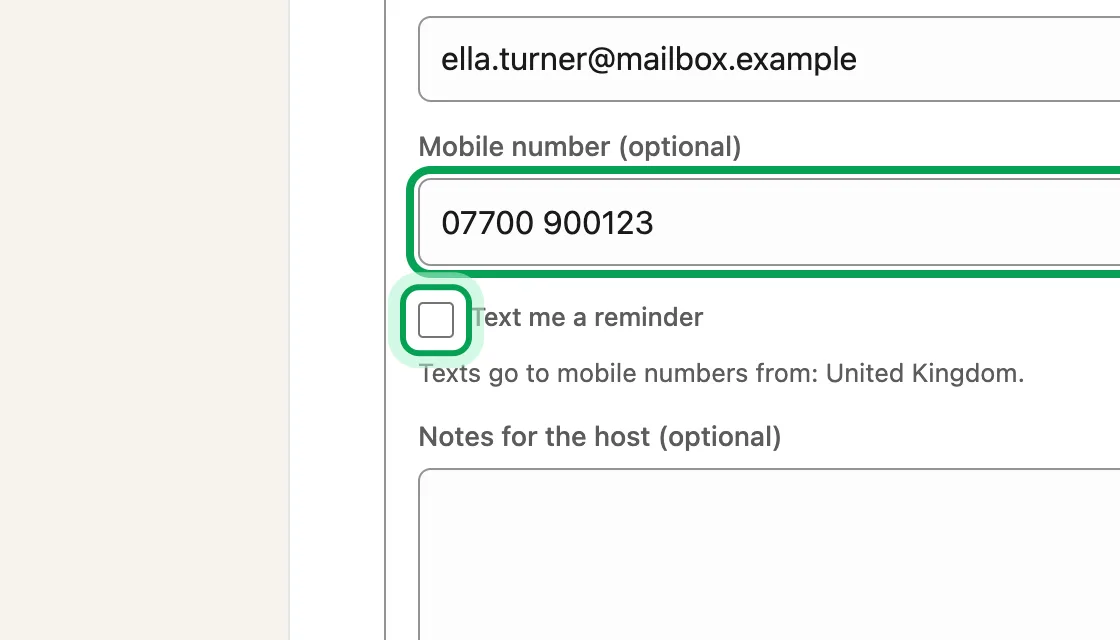
A client who wants a text ticks Text me a reminder.
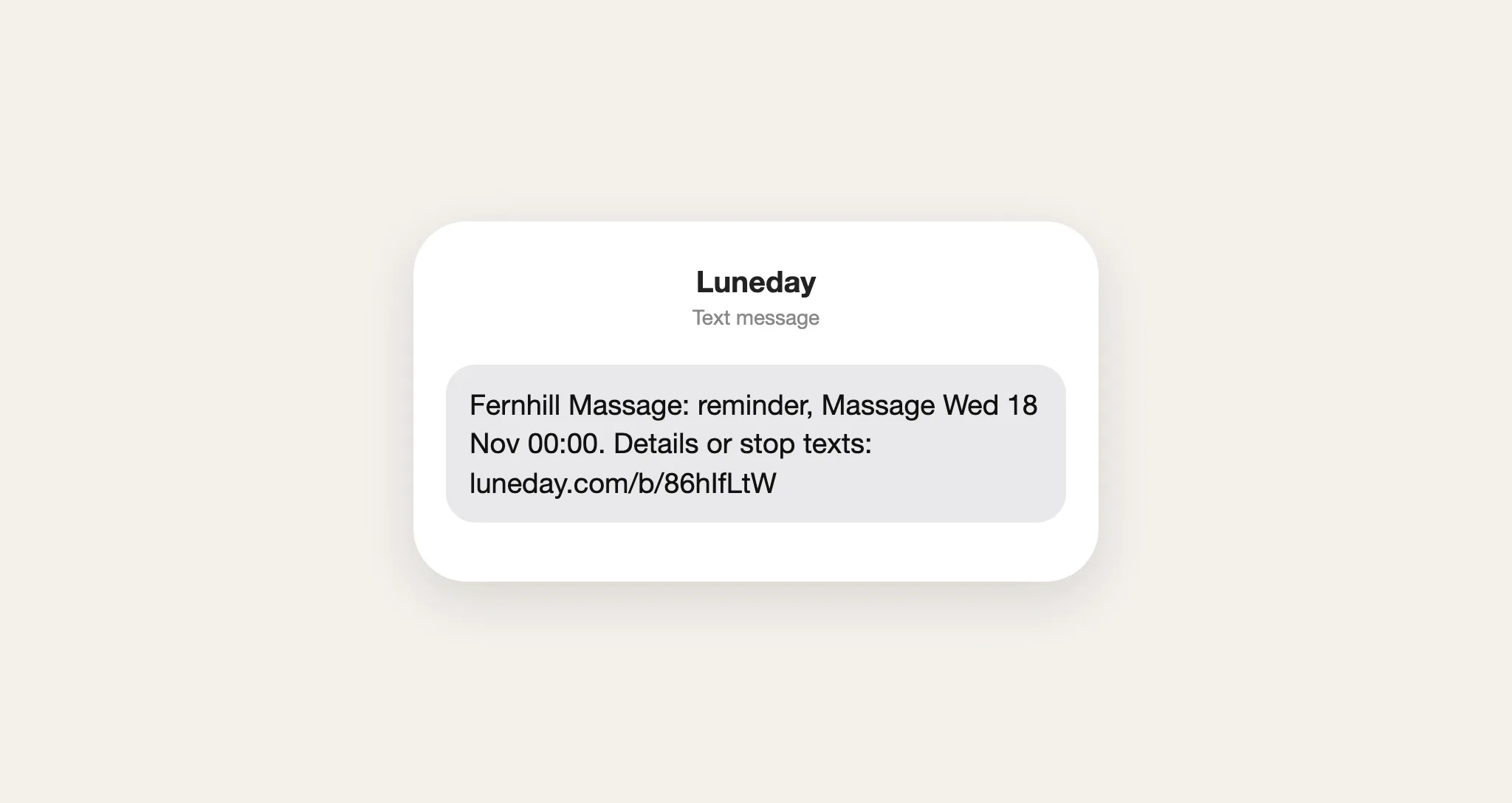
Before the booking, the client gets a text with a link to their booking. The link also lets them stop texts from you. Reminder emails still go as usual.
Recent texts on the Texts tab shows each text you sent, and whether it arrived. On Free, your credits are kept, but no texts go.
Updated 17 November 2026.
Still stuck? Email hello@luneday.com.